5
Plug the power adaptor / Insert the
battery. Turn on the Power Switch.
4
Choose the Control Mode with the
Mode Button.
6
3
The current control mode and lighting
Parameters are shown on the LCD
Window.
7
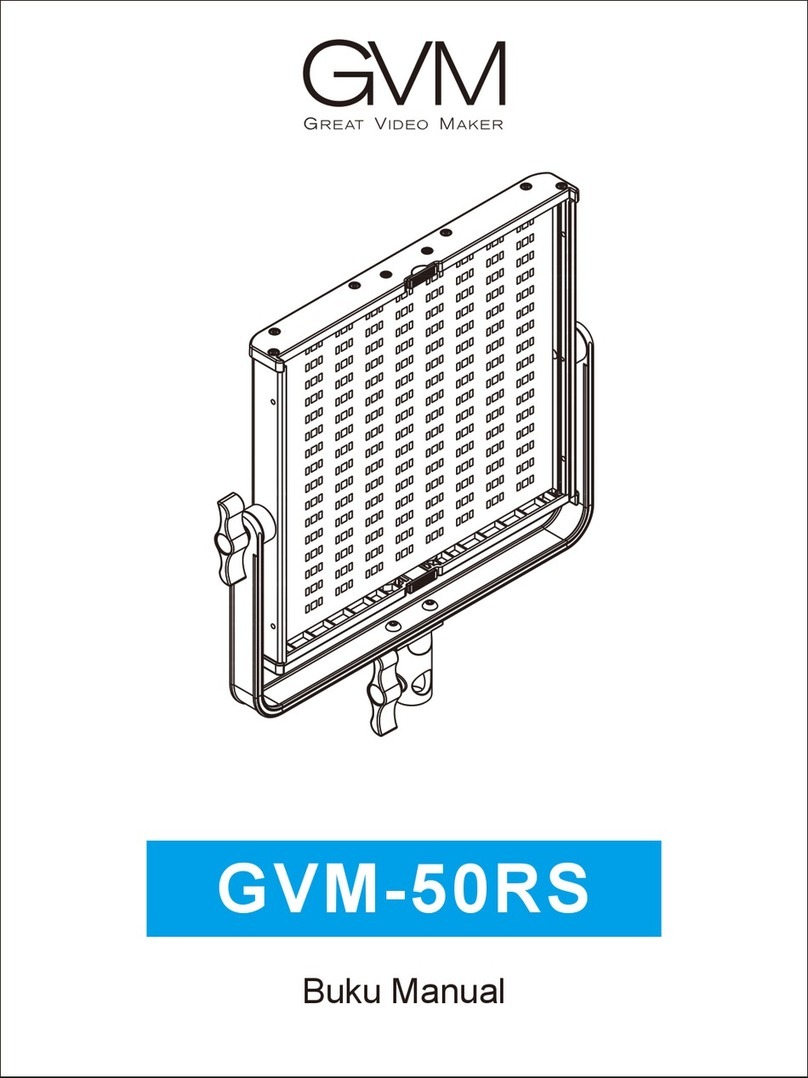
Loosen the U bracket adjusting knob,
adjust the angle of the panel which you
need,then tighten the U bracketadjusting
knob.
3Brightness: Rotate the left knob
from 1 to 100%.
Hue: Press the right knob to
switchto HUE mode, and rotate from
0 to 360°.
Saturation: Press the right knob to
switch to SAT mode, and rotate from
0 to 100%.
Color Temperature: Press the right
knob to switch to CCT mode, rotate
the knob from 3200K~5600K .
Rotate Mode: Adjust the knob to
control to light manually.
Master-Slave Mode: Press Mode
button to enter Mode: Master Press
Mode button to enter Mode: Slave
Press "▲/▼" to choose channel,The
Master light can control slave lights
on the same channel via Infrared
Radiation.
BRR:100 %
CCT:4400 K
MODE:Rotbte