manuals.online logo
Brands
  1. Home
  2. •
  3. Brands
  4. •
  5. GYROZEN
  6. •
  7. Laboratory Equipment
  8. •
  9. GYROZEN 1848R User manual

GYROZEN 1848R User manual

Other manuals for 1848R

1

Other GYROZEN Laboratory Equipment manuals
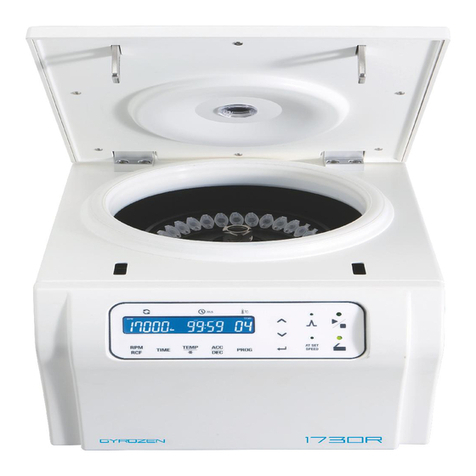
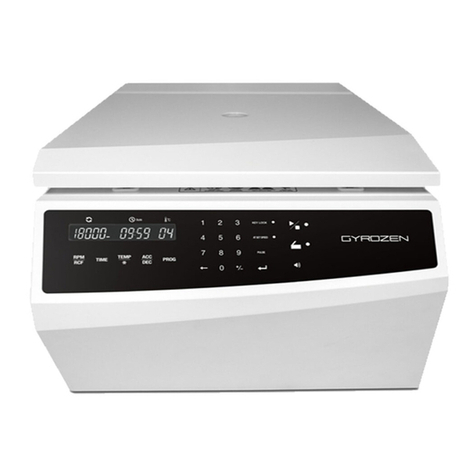
GYROZEN 1736R User manual

GYROZEN

GYROZEN 1736R User manual

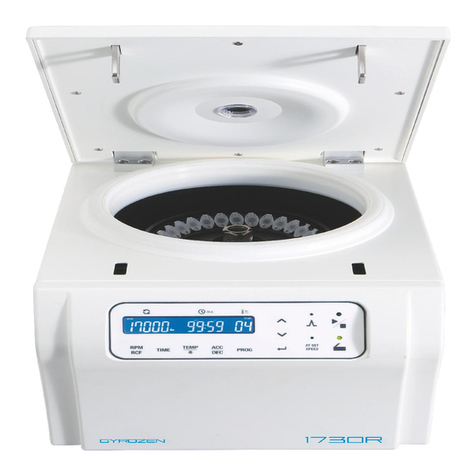
GYROZEN 1730R User manual

GYROZEN

GYROZEN 1730R User manual

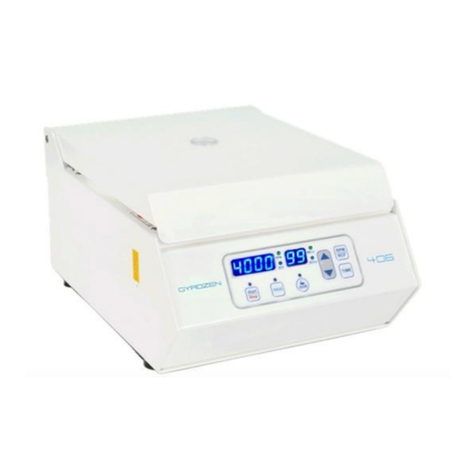
GYROZEN 406 User manual

GYROZEN

GYROZEN 406 User manual

GYROZEN MD406 User manual

GYROZEN

GYROZEN MD406 User manual

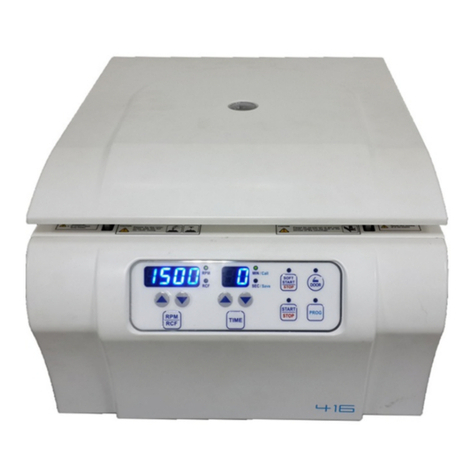
GYROZEN 416 User manual

GYROZEN

GYROZEN 416 User manual

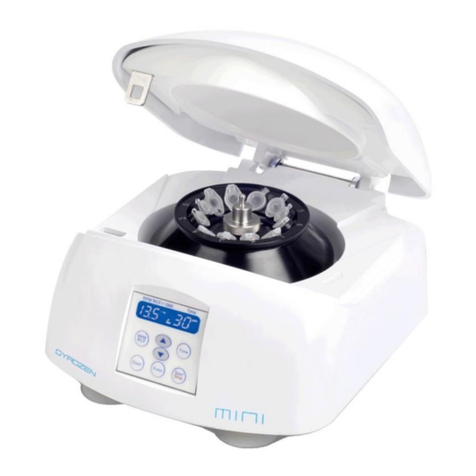
GYROZEN MicroCentrifuge mini User manual

GYROZEN

GYROZEN MicroCentrifuge mini User manual

GYROZEN 1580 User manual

GYROZEN

GYROZEN 1580 User manual

GYROZEN 1248R User manual

GYROZEN

GYROZEN 1248R User manual

GYROZEN 1248R User manual

GYROZEN

GYROZEN 1248R User manual

GYROZEN 1580 User manual

GYROZEN

GYROZEN 1580 User manual

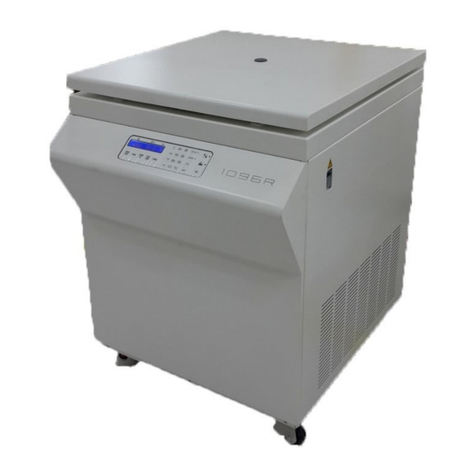
GYROZEN 1096R User manual

GYROZEN

GYROZEN 1096R User manual

GYROZEN 1580R User manual

GYROZEN

GYROZEN 1580R User manual

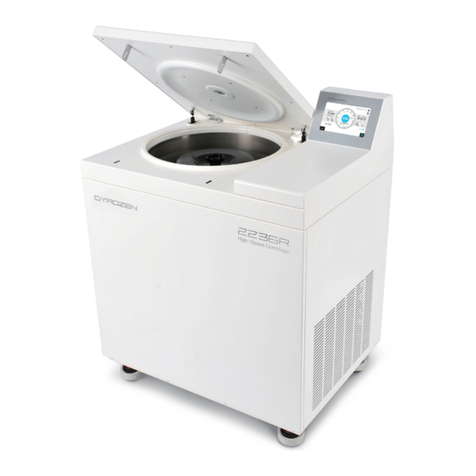
GYROZEN 2236R User manual

GYROZEN

GYROZEN 2236R User manual

GYROZEN 1848R User manual

GYROZEN

GYROZEN 1848R User manual

GYROZEN 1524 User manual

GYROZEN

GYROZEN 1524 User manual

GYROZEN 624R User manual

GYROZEN

GYROZEN 624R User manual

GYROZEN 2236R User manual

GYROZEN

GYROZEN 2236R User manual

GYROZEN 416 User manual

GYROZEN

GYROZEN 416 User manual

GYROZEN 1696R User manual

GYROZEN

GYROZEN 1696R User manual

GYROZEN 1730R User manual

GYROZEN

GYROZEN 1730R User manual

GYROZEN 416 User manual

GYROZEN

GYROZEN 416 User manual

GYROZEN 1236R User manual

GYROZEN

GYROZEN 1236R User manual

GYROZEN mini User manual

GYROZEN

GYROZEN mini User manual
GYROZEN 1096R User manual

GYROZEN

GYROZEN 1096R User manual
Popular Laboratory Equipment manuals by other brands

Radleys Carousel 6 Plus instructions

Radleys

Radleys Carousel 6 Plus instructions

Hemotherm 400MR Operation & technical manual

Hemotherm

Hemotherm 400MR Operation & technical manual

mrclab DVO Series Operation manual

mrclab

mrclab DVO Series Operation manual

CoolLED pE-800 quick start guide

CoolLED

CoolLED pE-800 quick start guide

Luminex Guava easyCyte Maintenance Guide

Luminex

Luminex Guava easyCyte Maintenance Guide

IKA A10 basic operating instructions

IKA

IKA A10 basic operating instructions

Belden HIRSCHMANN RPI-P1-4PoE installation manual

Belden

Belden HIRSCHMANN RPI-P1-4PoE installation manual

Koehler K1223 Series Operation and instruction manual

Koehler

Koehler K1223 Series Operation and instruction manual

Globe Scientific GCM-12 quick start guide

Globe Scientific

Globe Scientific GCM-12 quick start guide

Getinge 86 SERIES Technical manual

Getinge

Getinge 86 SERIES Technical manual

CORNING Everon 6000 user manual

CORNING

CORNING Everon 6000 user manual

Biocomp GRADIENT MASTER 108 operating manual

Biocomp

Biocomp GRADIENT MASTER 108 operating manual

Cole Parmer Stuart SB3/1 instruction manual

Cole Parmer

Cole Parmer Stuart SB3/1 instruction manual

BEVS 2501/2A user manual

BEVS

BEVS 2501/2A user manual

Qiagen DML 3000 user manual

Qiagen

Qiagen DML 3000 user manual

Queensgate NANOSCAN OP400 Quick start instructions

Queensgate

Queensgate NANOSCAN OP400 Quick start instructions

Parr Instrument 4560 Operating instructions manual

Parr Instrument

Parr Instrument 4560 Operating instructions manual

Integra DOSE IT operating instructions

Integra

Integra DOSE IT operating instructions

manuals.online logo
manuals.online logoBrands
  • About & Mission
  • Contact us
  • Privacy Policy
  • Terms and Conditions

Copyright 2025 Manuals.Online. All Rights Reserved.

1848R
Max. RPM/RCF Fixed-angle 18,000 rpm / 30,536 xg
Swing-out 13,000 rpm / 16,438 xg, 5,750 rpm / 3,050 xg
Max. Capacity Fixed-angle 8 x 50 mL conical, 48 x 1.5/2.0 mL
Wind shield 24 x 2.0 mL, 4 MTPs
Temp. range -10℃ ~ 40℃
Time control Pulse, timed <10 hr or continuous (00:00)
ACC/DEC 9 (Max 9) / 10 (Natural 0)
Quick Guide
Display & Control
End Alarm
Sound volume
(level : 0 ~ 10,
0 : silent)
TEMP
Program SAVE / CALL
Touch once : CALL / Touch twice : SAVE (up to 100)
Setting ACC / DEC
Setting Time
Display
Status of RPM, RCF,
Time, Temperature,
ACC, DEC, Running,
Lid open/close
Setting Speed
Touch once : RPM
Touch twice : RCF
Operation
Setting Run Parameters
[RPM / RCF / Time / Temp. / ACC / DEC / Program save, call]
- Touch a parameter to be changed.
- Set the desired values by touching the numeric keys. - Press the Enter.
Pulse
Set the desired run speed.
- Touch the Start/Stop key more than 3 sec.
Start /
Stop
Lid Open
Temp / Fast Cool
Touch for more than 2 seconds to reach rapid refrigeration up to setting temp.
Pulse
At Set Speed
On : Counts the time at set speed / Off : Counts the time from starting
Touch more than 2 sec. : Repeat time of end alarm (time : 0 ~ 99, 0 : silent)
Key Lock
/ UnLock
Wait for the rotor to stop before activating
emergengy. Remove the Emergency cap on the
right side of the device. Insert the wrench into
the hole and turn it counter clockwise.
4. Emergency lid open
Precautions for Use
Common Error Codes
6. Keep the chamber dry
5. Lubrication
1. Level the device
Check the instru-
ment level by using
the bubble leveler.
Clean the centrifuge chamber and rotor with a cloth dampened in
mild detergent then dry completely. Keep the chamber dry and the lid
open when not in use.
Whenever there is stiff sensation, use the provided
lubricant to lubricate the bucket grooves, swing-
bucket rotor pivots and the angle rotor thread
If you continue to get below error
messages, contact technical support
team. For other error codes, refer to
the operating manual supplied with
the device.
Error code
Possible Causes
Actions
Error8 Imbalance error Check weight-balances of samples.
Error9 Rotor ID or RPM sensor error Check the rotor is firmly tightened.
Error12 Temperature sensor error Wipe the temperature sensor with a soft cloth.
(Temperature sensor is on the bottom of the chamber.)
Error16 Compressor temperature sensor error Leave a safety clearance of 30 cm around the device during operation and check
compressor fan is working properly.
Empty the condensate
regularly by removing the
drain cap on the left side of
the device.
7. Empty the condensate
2. Balance the rotor Load tubes symmetrically with identical weight.
Correct arrangement for Swing-out rotor Correct arrangement for Angle rotor
3. Tighten the lid with
the rotor
Fixed angle rotors must
always be centrifuged
with the rotor lid.
Grease (Lubricant)
Download corresponding user manual from www.gyrozen.com Doc.No. : UM-1848R(E)(Rev.0)
Order & Inquiry : +82-2-3452-7736ㅣinf[email protected]
Technical Support : +82-2-3452-8966 ㅣ [email protected]ㅣwww.gyrozen.com