manuals.online logo
Brands
  1. Home
  2. •
  3. Brands
  4. •
  5. GYROZEN
  6. •
  7. Laboratory Equipment
  8. •
  9. GYROZEN 416 User manual

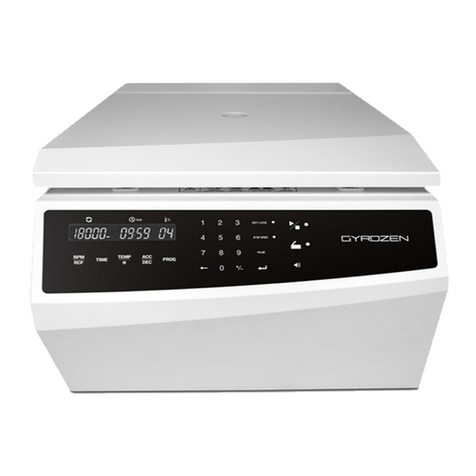
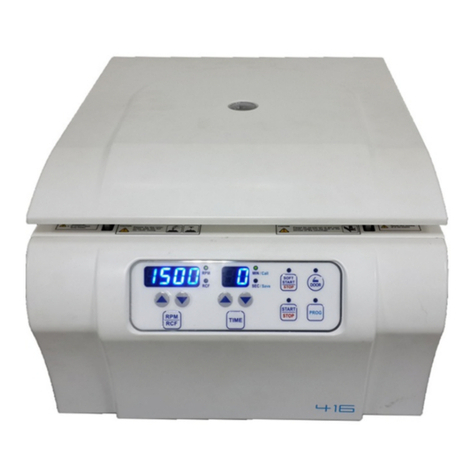
GYROZEN 416 User manual

Other manuals for 416

2

Other GYROZEN Laboratory Equipment manuals
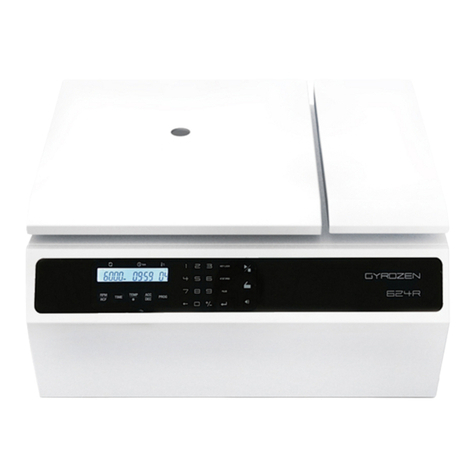
GYROZEN 624R User manual

GYROZEN

GYROZEN 624R User manual

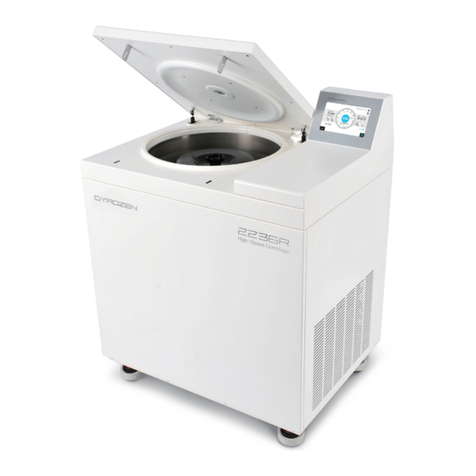
GYROZEN 2236R User manual

GYROZEN

GYROZEN 2236R User manual

GYROZEN 1248R User manual

GYROZEN

GYROZEN 1248R User manual

GYROZEN 416 User manual

GYROZEN

GYROZEN 416 User manual

GYROZEN 1848R User manual

GYROZEN

GYROZEN 1848R User manual

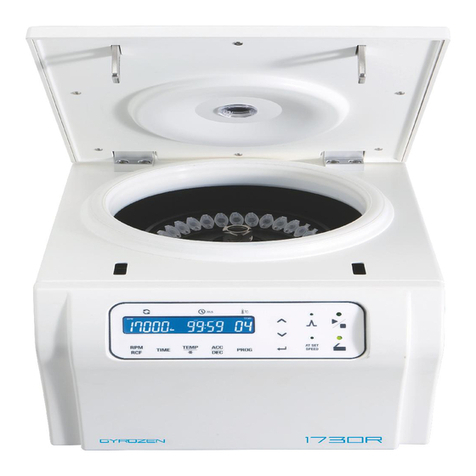
GYROZEN 1730R User manual

GYROZEN

GYROZEN 1730R User manual
GYROZEN 1736R User manual

GYROZEN

GYROZEN 1736R User manual
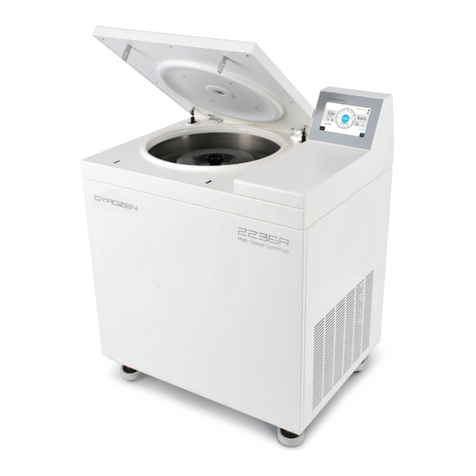
GYROZEN 406 User manual

GYROZEN

GYROZEN 406 User manual

GYROZEN 1524 User manual

GYROZEN

GYROZEN 1524 User manual

GYROZEN 1096R User manual

GYROZEN

GYROZEN 1096R User manual

GYROZEN 1580 User manual

GYROZEN

GYROZEN 1580 User manual

GYROZEN 1580 User manual

GYROZEN

GYROZEN 1580 User manual

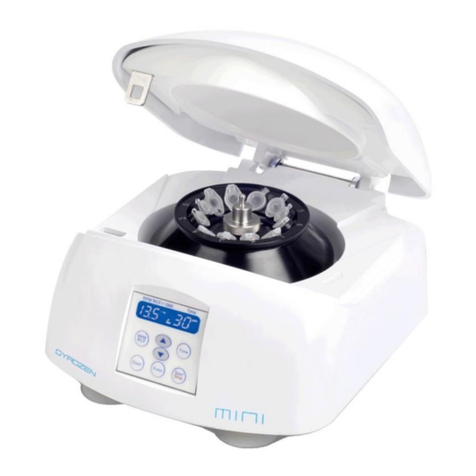
GYROZEN MicroCentrifuge mini User manual

GYROZEN

GYROZEN MicroCentrifuge mini User manual

GYROZEN 1236R User manual

GYROZEN

GYROZEN 1236R User manual

GYROZEN 2236R User manual

GYROZEN

GYROZEN 2236R User manual
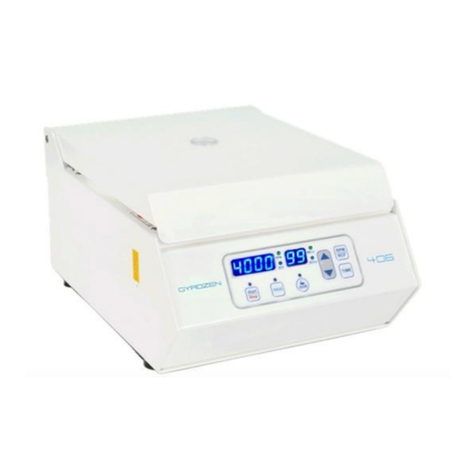
GYROZEN 1096R User manual

GYROZEN

GYROZEN 1096R User manual

GYROZEN 416 User manual

GYROZEN

GYROZEN 416 User manual

GYROZEN 1848R User manual

GYROZEN

GYROZEN 1848R User manual

GYROZEN mini User manual

GYROZEN

GYROZEN mini User manual

GYROZEN 1730R User manual

GYROZEN

GYROZEN 1730R User manual

GYROZEN 1580R User manual

GYROZEN

GYROZEN 1580R User manual

GYROZEN 1696R User manual

GYROZEN

GYROZEN 1696R User manual

GYROZEN MD406 User manual

GYROZEN

GYROZEN MD406 User manual

GYROZEN 1248R User manual

GYROZEN

GYROZEN 1248R User manual

Popular Laboratory Equipment manuals by other brands

Radleys Carousel 6 Plus instructions

Radleys

Radleys Carousel 6 Plus instructions

Hemotherm 400MR Operation & technical manual

Hemotherm

Hemotherm 400MR Operation & technical manual

mrclab DVO Series Operation manual

mrclab

mrclab DVO Series Operation manual

CoolLED pE-800 quick start guide

CoolLED

CoolLED pE-800 quick start guide

Luminex Guava easyCyte Maintenance Guide

Luminex

Luminex Guava easyCyte Maintenance Guide

IKA A10 basic operating instructions

IKA

IKA A10 basic operating instructions

Belden HIRSCHMANN RPI-P1-4PoE installation manual

Belden

Belden HIRSCHMANN RPI-P1-4PoE installation manual

Koehler K1223 Series Operation and instruction manual

Koehler

Koehler K1223 Series Operation and instruction manual

Globe Scientific GCM-12 quick start guide

Globe Scientific

Globe Scientific GCM-12 quick start guide

Getinge 86 SERIES Technical manual

Getinge

Getinge 86 SERIES Technical manual

CORNING Everon 6000 user manual

CORNING

CORNING Everon 6000 user manual

Biocomp GRADIENT MASTER 108 operating manual

Biocomp

Biocomp GRADIENT MASTER 108 operating manual

Cole Parmer Stuart SB3/1 instruction manual

Cole Parmer

Cole Parmer Stuart SB3/1 instruction manual

BEVS 2501/2A user manual

BEVS

BEVS 2501/2A user manual

Qiagen DML 3000 user manual

Qiagen

Qiagen DML 3000 user manual

Queensgate NANOSCAN OP400 Quick start instructions

Queensgate

Queensgate NANOSCAN OP400 Quick start instructions

Parr Instrument 4560 Operating instructions manual

Parr Instrument

Parr Instrument 4560 Operating instructions manual

Integra DOSE IT operating instructions

Integra

Integra DOSE IT operating instructions

manuals.online logo
manuals.online logoBrands
  • About & Mission
  • Contact us
  • Privacy Policy
  • Terms and Conditions

Copyright 2025 Manuals.Online. All Rights Reserved.

Quick Guide
SOFT Start / StopStart / StopFunction Selection
Press a parameter
(RPM / RCF or TIME) to be changed
PROG Save / Call
Press START / STOP
Press once : CALL / Press countinuous : SAVE
Display & Control Panel
Press up and down
buttons to change and
press PROG button again
to save or call
After setting the
parameters, press
SOFT START / STOP.
When it is started by
SOFT START/STOP
button, press this
button again to stop
the working.
Press up and down buttons to
change and press the buttons
(RPM / RCF or TIME) again to save
Press a parameter (RPM/
RCF or TIME) to be changed
Program SAVE / CALL
Press once : CALL
Press continuous : SAVE (up to 10)
Low-Speed, Clinical Centrifuge
Cat. No. GZ-0416
Door Open
Open : LED turns on
Display Window
Status of Speed
(RPM / RCF)
Setting Speed
Press once : RPM
Press twice : RCF
Start / Stop
LED ON : Start / Run
LED OFF : Stop
Setting Time
To 99 min. 59 sec.
or Continuous (00:00)
Display Window
Status of Time (MIN / SEC)
Program (Call / Save)
Soft Start / Stop (For Sensitive Samples)
LED ON : Soft Start / Run (gentle acceleration)
LED OFF : Soft Stop (gentle deceleration)
It is good for avoiding agitation of
sample during acceleration and
deceleration.
Operation
Low-Speed, Clinical Centrifuge
Quick Guide
Order & Inquiry : +82-2-3452-7736ㅣinfo@gyrozen.comㅣtechsupport@gyrozen.comㅣwww.gyrozen.com
Download corresponding user manual from www.gyrozen.com
Precautions and Maintenance Tips
EQG-1(Rev.1)
Interchangeable rotors
Clean rotor pivots and bucket grooves. Lubri-
cate them by coating the grease sometimes to
swing the buckets enough.
Lubricate the contact area
Remove a motor fixing cushion (polyethylene
(PE) foam) from the chamber of centrifuge be-
fore installation. The cushion is to prevent pos-
sible damages caused by motor shaking during
shipping or relocation.
Motor holding cushion
Clean the motor shaft. Remove the foreign
substances not to cause any vibration.
Motor shaft & rotor
Load the sample tubes
symmetrically.
Balance buckets and
samples
Check the rotor is installed correctly and is sit-
ting 󽗉rmly on the motor shaft.
Rotor checking
Secure a safety zone or 30 cm
around centrifuge
Position the centrifuge with enough
space (30 cm) on each side of centrifuge
to ensure proper air circulation. Neither
hazardous materials nor persons should
be permitted within the area during op-
eration.
After washing or autoclaving, a cushion rub-
ber at the bottom of rotor sleeve (GLB-15A-
FA) may fall out of the sleeve and it can cause
imbalance. Also, the rubber has a correct di-
rection. The upside-down rubber cause poorly
󽗉tted tube from the sleeve. Check the rubber
in the sleeve and the direction of the rubber.
Cushion rubber of rotor sleeve
GRS-S-100-4 for
GLB-b100-100 / GLB-b50-100 /
GLB-10-8-100 / GLB-bd15-100 /
GLB-bdc15-100
GRS-S-50-4 for GLB-50-50 /
GLB-c50-50 / GLB-15-50/
GLB-c15-50 / GLB-d15-50 /
GLB-dc15-50
GRS-S-15-6 for GLB-15-15
GRA-S-15-16A incl.
GLB-15A-FA
GRS-S-mw-2
30 cm
30 cm
30 cm
Upside-down
Normal
Turn the power switch o󽗈 after
using the centrifuge. Unplug
power cord before cleaning or
whenever the centrifuge is to
remain unused for a long period
of time.
Shut down power after
operation