manuals.online logo
Brands
  1. Home
  2. •
  3. Brands
  4. •
  5. Hasbro
  6. •
  7. Toy
  8. •
  9. Hasbro Bop It! Maker User manual

Hasbro Bop It! Maker User manual

Other Hasbro Toy manuals
Hasbro 18636 Anst. User manual

Hasbro

Hasbro 18636 Anst. User manual

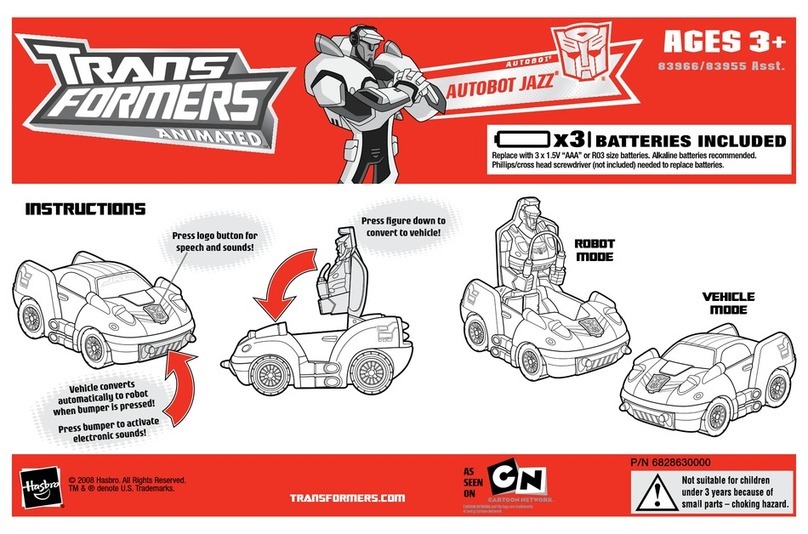
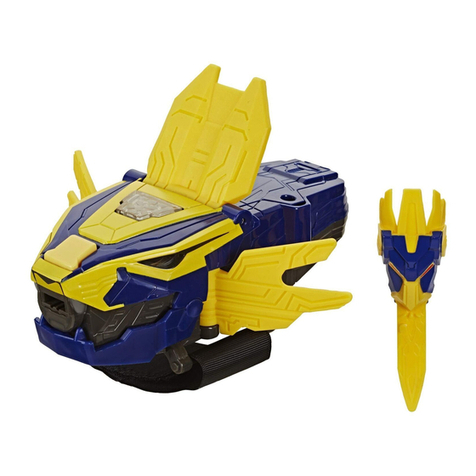
Hasbro Trans Formers 81060 Asst. User manual

Hasbro

Hasbro Trans Formers 81060 Asst. User manual

Hasbro Playskool Heroes Transformers Rescue Bots Academy Electronic Hot... User manual

Hasbro

Hasbro Playskool Heroes Transformers Rescue Bots Academy Electronic Hot... User manual

Hasbro Megabolt 25900 User manual

Hasbro

Hasbro Megabolt 25900 User manual

Hasbro Travel Lite Brite 07001 User manual

Hasbro

Hasbro Travel Lite Brite 07001 User manual

Hasbro My Little Pony Celebration Castle 60070 User manual

Hasbro

Hasbro My Little Pony Celebration Castle 60070 User manual

Hasbro Baby Alive Baby Wanna Walk User manual

Hasbro

Hasbro Baby Alive Baby Wanna Walk User manual

Hasbro KOOSH GALAXY Solar Recon User manual

Hasbro

Hasbro KOOSH GALAXY Solar Recon User manual

Hasbro Escape the Snake Playset 7469 User manual

Hasbro

Hasbro Escape the Snake Playset 7469 User manual

Hasbro In the Night Garden Makka Pakka User manual

Hasbro

Hasbro In the Night Garden Makka Pakka User manual

Hasbro Jungle Bonecrusher Decepticon 81057 User manual

Hasbro

Hasbro Jungle Bonecrusher Decepticon 81057 User manual

Hasbro Toybox Tools Playskool Chase 'n Go User manual

Hasbro

Hasbro Toybox Tools Playskool Chase 'n Go User manual

Hasbro My Little Pony So Soft Crawling Pinkie Pie... User manual

Hasbro

Hasbro My Little Pony So Soft Crawling Pinkie Pie... User manual

Hasbro Disney Princess Secret Styles User manual

Hasbro

Hasbro Disney Princess Secret Styles User manual

Hasbro G.I. Joe Desert Striker User manual

Hasbro

Hasbro G.I. Joe Desert Striker User manual

Hasbro G.I. Joe Headquarters User manual

Hasbro

Hasbro G.I. Joe Headquarters User manual

Hasbro Optimus Primal 80937 User manual

Hasbro

Hasbro Optimus Primal 80937 User manual

Hasbro Trans Formers 83808 User manual

Hasbro

Hasbro Trans Formers 83808 User manual

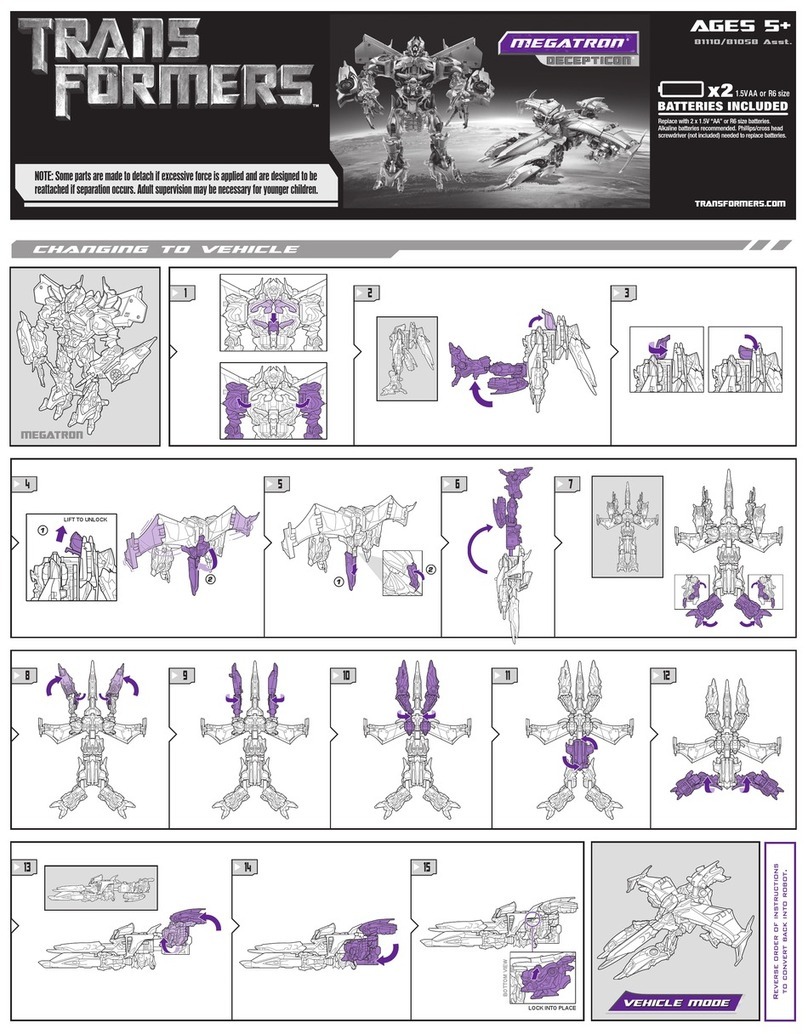
Hasbro Transformers 81058 User manual

Hasbro

Hasbro Transformers 81058 User manual

Hasbro Kenner Disney STAR WARS VINTAGE COLLECTION THE... User manual

Hasbro

Hasbro Kenner Disney STAR WARS VINTAGE COLLECTION THE... User manual

Hasbro Play-Doh Disney FROZEN Sister Snow Magic User manual

Hasbro

Hasbro Play-Doh Disney FROZEN Sister Snow Magic User manual

Hasbro Transformers Speed Stars Optimus Prime... User manual

Hasbro

Hasbro Transformers Speed Stars Optimus Prime... User manual

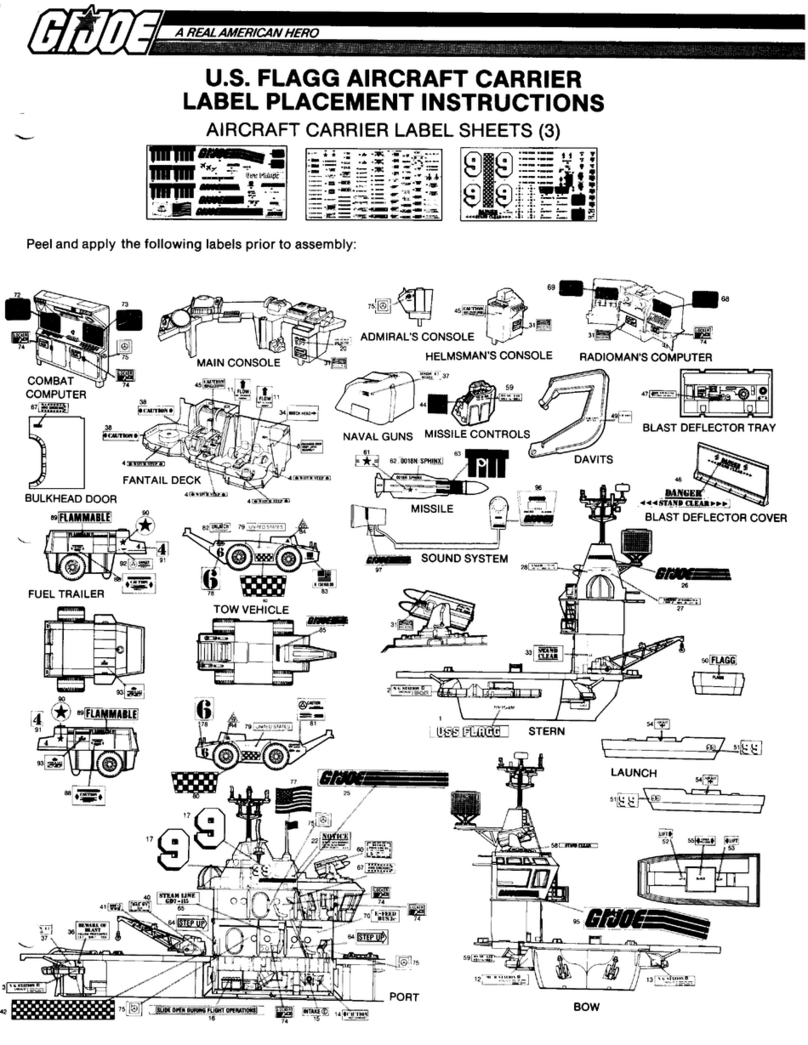
Hasbro G.I.Joe U.S. Flagg Aircraft Carrier User manual

Hasbro

Hasbro G.I.Joe U.S. Flagg Aircraft Carrier User manual

Hasbro Cybertron Defense Scattorshot 80287 User manual

Hasbro

Hasbro Cybertron Defense Scattorshot 80287 User manual

Popular Toy manuals by other brands

FUTABA GY470 instruction manual

FUTABA

FUTABA GY470 instruction manual

LEGO 41116 manual

LEGO

LEGO 41116 manual

Fisher-Price ColorMe Flowerz Bouquet Maker P9692 instruction sheet

Fisher-Price

Fisher-Price ColorMe Flowerz Bouquet Maker P9692 instruction sheet

Little Tikes LITTLE HANDIWORKER 0920 Assembly instructions

Little Tikes

Little Tikes LITTLE HANDIWORKER 0920 Assembly instructions

Eduard EF-2000 Two-seater exterior Assembly instructions

Eduard

Eduard EF-2000 Two-seater exterior Assembly instructions

USA Trains EXTENDED VISION CABOOSE instructions

USA Trains

USA Trains EXTENDED VISION CABOOSE instructions

Modellbau Laffont Z1601 Assembly instructions

Modellbau Laffont

Modellbau Laffont Z1601 Assembly instructions

NOCH 12905 instruction manual

NOCH

NOCH 12905 instruction manual

Eduard Ki-61-Id quick start guide

Eduard

Eduard Ki-61-Id quick start guide

Viessmann Vollmer 45616 Mounting instruction

Viessmann

Viessmann Vollmer 45616 Mounting instruction

Vollmer 42004 Mounting instruction

Vollmer

Vollmer 42004 Mounting instruction

Phoenix Model CLASSIC-EP instruction manual

Phoenix Model

Phoenix Model CLASSIC-EP instruction manual

H-KING Sopwith Camel British WW1 Fighter instruction manual

H-KING

H-KING Sopwith Camel British WW1 Fighter instruction manual

MODSTER Predator 4x4 Crawler user manual

MODSTER

MODSTER Predator 4x4 Crawler user manual

DHK Hobby 8136 User instruction manual

DHK Hobby

DHK Hobby 8136 User instruction manual

THUNDER TIGER Raptor 50 V2 kit manual

THUNDER TIGER

THUNDER TIGER Raptor 50 V2 kit manual

Timberkits Skateboarder instructions

Timberkits

Timberkits Skateboarder instructions

Hangar 9 Funtana 125 Assembly manual

Hangar 9

Hangar 9 Funtana 125 Assembly manual

manuals.online logo
manuals.online logoBrands
  • About & Mission
  • Contact us
  • Privacy Policy
  • Terms and Conditions

Copyright 2025 Manuals.Online. All Rights Reserved.

matey
INFORMATION
TO
REPLACE
BATTERIES
batteries
with
A
AAA
Replace
demo
rea
DAT
eA
TERIES
REQUIRED
alkaline
batteries.
Use
a
Phillips/cross
head
screwdriver
(not
included).
IMPORTANT:
BATTERY
INFORMATION
Z\
CAUTION:
1.
As
with
all
small
batteries,
the
batteries
used
with
this
Swallowed,
promptly
see
a
doctor
and
have
the
doctor
your
local
poison
control
center.
2.
TO
AVOID
BATTERY
LEAKAGE
a.
Always
follow
the
instructions
carefully.
Use
only
batteries
specified
and
be
sure
to
insert
them
correctly
by
matching
the
+
and
—
polarity
chlo
b.
Do
not
mix
old
batteries
and
new
b
i
atteries
or
standard
(carbon-zi
ine
batteries
.
Remove
exhausted
or
dead
batteries
from
the
product.
—
Cc
a
Remove
batteries
if
product
is
not
to
be
played
with
for
a
long
time.
f
small
children
who
still
put
things
in
their
mouths.
If
they
are
ame
sh
from
:
cast
bate
f
you
reside
outside
the
United
States,
have
the
doctor
call
phone
(202)
625-3333
collect.
|
.
Do
not
short-circuit
the
supply
terminals.
.
RECHARGEABLE
BATTERIES:
Do
not
mix
these
with
any
other
types
of
batteries.
Always
remove
from
the
product
before
recharging.
Recharge
batteries
under
adult
supervision.
DO
NOT
RECHARGE
OTHER
TYPES
OF
BATTERIES.
3.
Should
this
product
cause,
or
be
affected
by,
local
electrical
interference,
move
it
away
from
other
electrical
equipment.
Reset
(switching
off
and
back
On
again
or
removing
and
reinserting
batteries)
if
necessary.
FCC
Statement
This
device
complies
with
Part
15
of
the
FCC
Rules.
Operation
is
subject
to
the
following
two
conditions:
(1)
This
device
may
not
cause
harmful
interference,
and
(2)
this
device
must
accept
any
interference
received,
including
interference
that
may
cause
undesired
operation.
NOTE:
This
equipment
has
been
tested
and
found
to
comply
with
the
limits
for
a
Class
B
digital
device,
pursuant
to
Part
15
of
the
FCC
Rules.
These
limits
are
designed
to
provide
reasonable
protection
against
harmful
interference
in
a
residential
installation.
This
equipment
generates,
uses
and
can
radiate
radio
frequency
energy,
and,
if
not
installed
and
used
in
accordance
with
the
instructions,
may
cause
harmful
interference
to
radio
communications.
However,
there
is
no
guarantee
that
interference
will
not
occur
in
a
particular
installation.
If
this
equipment
does
cause
harmful
interference
to
radio
or
television
reception,
which
can
be
determined
by
turning
the
equipment
off
and
on,
the
user
is
encouraged
to
try
to
correct
the
interference
by
one
or
more
of
the
following
measures:
Reorient
or
relocate
the
receiving
antenna.
;
Increase
the
separation
between
the
equipment
and
receiver.
Consult
the
dealer
or
an
experienced
radio/TV
technician
for
help.
Caution:
Changes
or
modifications
to
this
unit
not
expressly
approved
by
the
party
responsible
for
compliance
could
void
the
user's
authority
to
operate
the
equipment.
CAN
ICES-3
(B)
/
NMB-3
(B)
U.S.
Pat
No.
60864
©
2016
Hasbro
Pawtuckst,
Ri
02861-1059.
USA
All
Rights
Reserved
TM
&
@
denote
U.S.
Trademarks.
78
Consumer
comtact
USA
and
Canada:
Hasbro
Games.
fe
Park,
NSW
2113,
Australia.
TEL.
1
200
Hast
Asta
Lm
Ei
7
Abany
Hiway,
Mand,
New
Zexiand
TEL
0508
628
20
HASBROGAMING'COM
A
EASY
STEPS
TO
GET
GOING
FAST!
@
Create
your
custom
move!
Turn
the
dial
settings
to
slot
1
and
follow
the
prompts.
Add
your
move
name,
motion,
and
sound
effect.
(For
full
instructions,
turn
the
page!)
Now
turn
the
dial
settings
to
SOLO
mode,
and
BOP
IT
to
start.
Follow
the
commands
as
quickly
and
accurately
as
you
can.
@
See
how
long
you
can
keep
up
to
reach
the
highest
score.
SHOUT
IT
directly
into
the
microphone
RED
LIGHT
lights
up
when
recording
STAR
SLOT/BASIC
GAME
BOP
{T
to
start
(tapping
firmly!),
after
selecting
SOLO
(a),
PARTY
(sa),
or
BASIC
(%*«)
game.
SQUEEZE
IT
and
hold
down
to
record
in
slots
1-10
ROLL
IT
to
adjust
volume
after
selecting
VOLUME
on
the
dial.
Cycle
through
QUIET,
LOUD,
or
BLASTING.
(The
volume
defaults
to
the
LOUD
Setting,
or
the
last
setting
played,
if
you
do
not
select
a
volume
level.)
CUSTOM
MOVE
STORAGE
)-®
Select
a
numbered
slot
to
RECORD
a
new
move,
TEST
a
recorded
move,
or
ERASE
a
recorded
move.
HOLDING
THE
GAME
UNIT
Hold
the
white
handle
of
the
game
unit
with
one
hand.
Use
your
other
hand
to
select
dial
settings,
BOP
IT,
or
ROLL
IT.
SHOUT
IT
directly
into
the
microphone.
Important!
Keep
your
finger
on
or
near
the
red
trigger
only
while
you
are
creating
a
new
move.
Once
your
move
is
completed
and
you
are
ready
to
begin
playing
a
game,
move
your
hand
down
on
the
handle,
away
from
the
trigger.
pLAYING
THE
GAMES!
sold
GAME
WITH
CUSTOM
MOVES
q
os
OLL
IT,
H
-
Features
the
commands
89
oP
a
SHOUT
IT,
and
all
custom
MY
+
set
the
dial
to
SOLO,
and
Bop
rr
to
stat
the
92”
9.
Respond
quickly
to
the
commands
you
respond
in
time,
or
you
respond
income’
ctl,
3.
You
will
hear
your
score.
The
next
time
YOU
a
try
your
last
score
PARTY
GAME
WITH
CUSTOM
MOVES
eo
)
The
fun
social
game
for
2+
players
~
Face
each
other
or
stand
in
a
circle.
Decide
whe
goes
first.
-
Set
the
dial
to
PARTY,
and
BOP
IT
to
start.
gible
_
You
will
hear
the
commands,
Respond
as
quickly
as
Ae
rari
with
the
correct
action.
When
you
hear
“Pass
It!”
quic
Hs
5
Gane.
the
game
unit
to
the
player
on
your
left,
who
continues
segil
If
you
fail
on
your
turn,
the
next
player
must
BOP
IT
tos
Last
player
left
in
the
game
wins!
5.
For
a
longer
game,
give
each
player
two
to
fail
before
eliminating
them.
SOLO
BASIC
GAME
WITHOUT
CUSTOM
MOVES
ok
my
Features
the
commands
BOP
IT,
ROLL
IT,
*
*
and
SHOUT
IT
1.
Set
the
dial
to
SOLO,
and
BOP
IT
to
start
the
game-
2.
Respond
quickly
to
the
commands
you
hear.
If
you
don't
}
respond
in
time,
or
you
respond
incorrectly,
the
game
is
over:
3.
You
will
hear
your
score.
The
next
time
you
play,
try
to
beat
your
last
score.
TESTING
OR
ERASING
DIRECTLY
FROM
A
NUMBERED
SLOT
After
you've
recorded
your
move,
you
can
test
it
or
erase
it
while
you
are
still
in
its
numbered
slot.
This
feature
is
useful
if
you're
having
difficulty
successtully
repeating
a
custom
move.
You
can
practice
or
even
erase
it
from
within
the
numbered
slot
where
it
is
stored.
=
BOP
TT
to
test
the
move.
The
game
will
let
you
know
how
you
did
by
giving
you
a
success
sound.
s
ROLL
IT
twice
to
erase
the
move.
ERASING
ALL
MOVES.
You
can
erase
all
custom
moves
stored
in
the
numbered
slots
by
using
the
star
slot.
Turn
the
dial
to
the
star
Saree
ae
ieee
or
three
chances
CUSTOM
moves
ap
(T
tWiee
This
will
erase
aj
reget
Te
Oa
te
iotS
ves,
a
Sl
a
CUSTOM
Move
exartiy
for
Bd
FTG.
mee
in
thelt
numbered
eiete
ve
©
ere
mcm
Under
One
second,
of
g
the
Noten,
hold
the
cord
game
UT
otion
can
be
read
une
WEED
INSPIRATION
FOR
YouR
cusTOM
—
=
tt
works
Anything
goes
as
long
aS
"Works
with
the
game,
is
fun
—
and
is
safe!
Here
are
some
moves
YOU
Can
try
“
Avoid
any
move
that
is
physically
challenging
or
could
cause
damage
to
the
location
in
which
you’re
playing.
Moves
should
be
short,
snappy,
and
super
Clear!
And
be
sure
to
test
them
i
‘be
sure
16
(ae
Oe
1
—
ane
Sina
Yo
“