manuals.online logo
Brands
  1. Home
  2. •
  3. Brands
  4. •
  5. HiB
  6. •
  7. Indoor Furnishing
  8. •
  9. HiB Connect Series User manual

HiB Connect Series User manual

This manual suits for next models

8

Other HiB Indoor Furnishing manuals

HiB novum User manual

HiB

HiB novum User manual

HiB Proton User manual

HiB

HiB Proton User manual

HiB novum NF02S3DRT30 Series User manual

HiB

HiB novum NF02S3DRT30 Series User manual

HiB Verve 50 Cabinet User manual

HiB

HiB Verve 50 Cabinet User manual

HiB Minnesota User manual

HiB

HiB Minnesota User manual

HiB Novum N19FSCLMBL User manual

HiB

HiB Novum N19FSCLMBL User manual

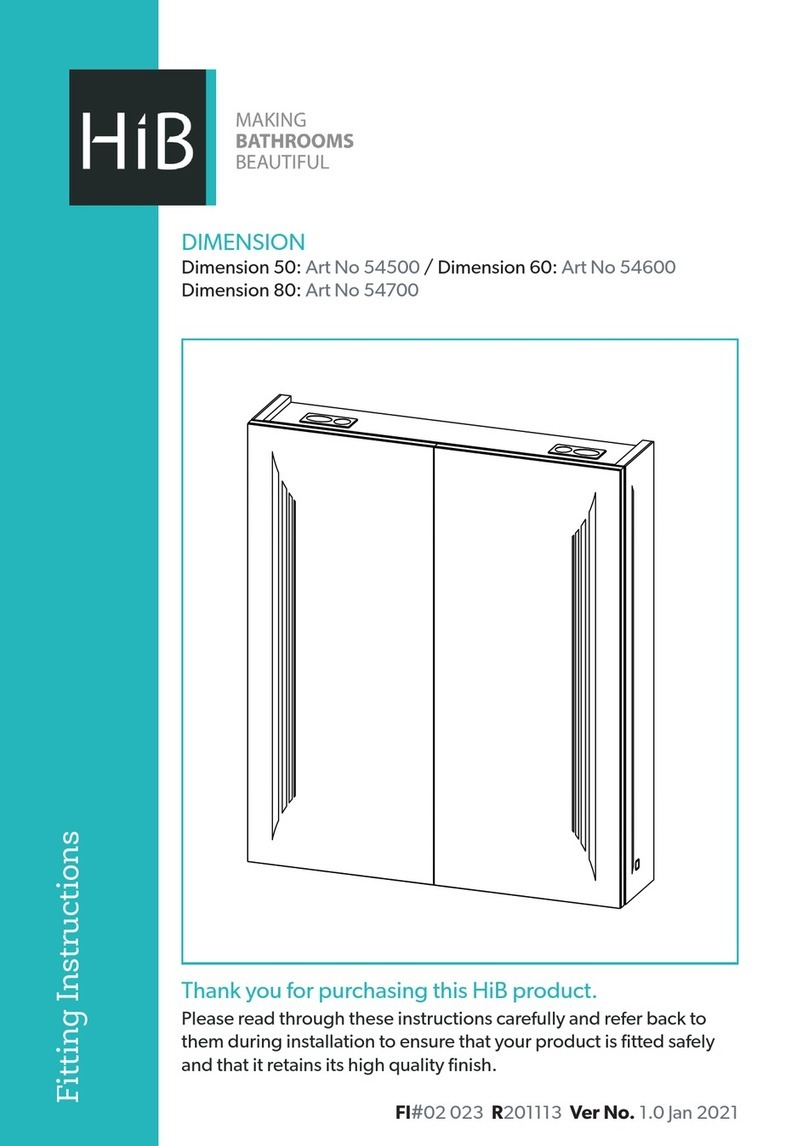
HiB 54500 User manual

HiB

HiB 54500 User manual

HiB NOVUM Camber User manual

HiB

HiB NOVUM Camber User manual

HiB Trim Curve 40 User manual

HiB

HiB Trim Curve 40 User manual

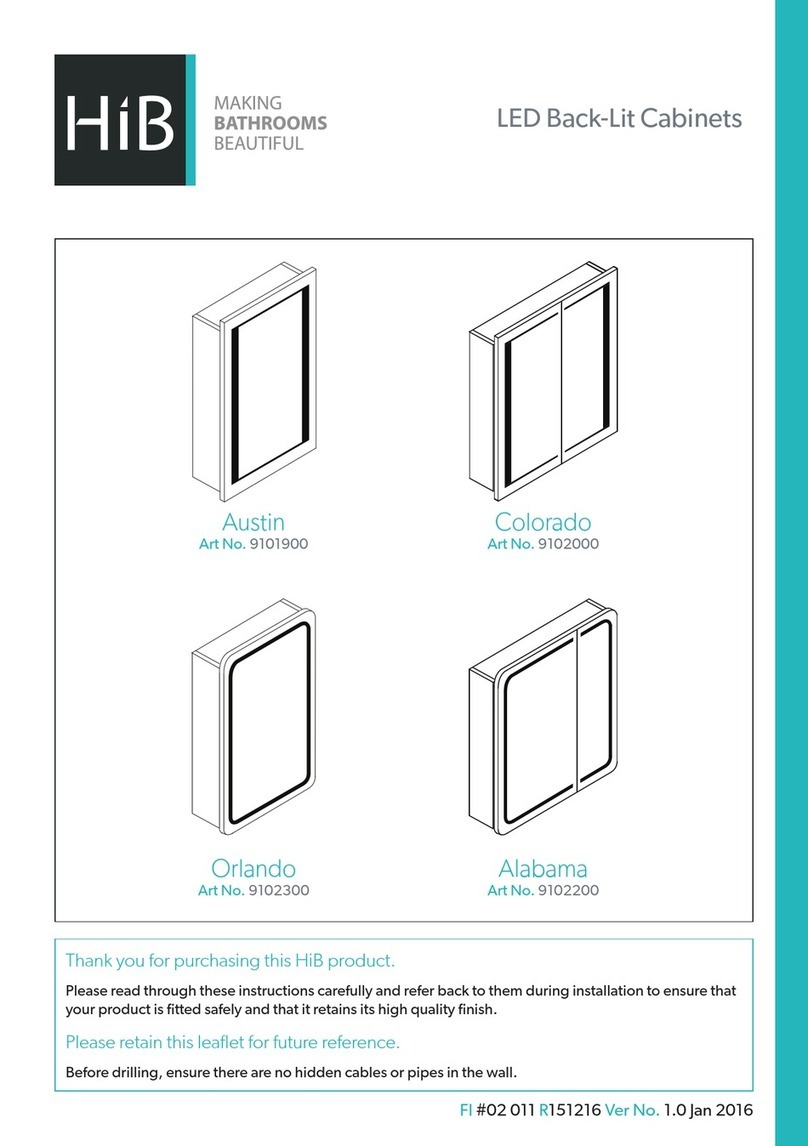
HiB Austin User manual

HiB

HiB Austin User manual

HiB Atrium 50 User manual

HiB

HiB Atrium 50 User manual

HiB Paragon 50 Operator's manual

HiB

HiB Paragon 50 Operator's manual

HiB Jupiter 43600 User manual

HiB

HiB Jupiter 43600 User manual

HiB NOVUM N18BS60MWH User manual

HiB

HiB NOVUM N18BS60MWH User manual

HiB austin 9101900 Manual

HiB

HiB austin 9101900 Manual

HiB Maxi 73106100 User manual

HiB

HiB Maxi 73106100 User manual

HiB Qubic 50 User manual

HiB

HiB Qubic 50 User manual

HiB Novum Kingsbury Series User manual

HiB

HiB Novum Kingsbury Series User manual

HiB Globe 45 User manual

HiB

HiB Globe 45 User manual

HiB Ether 50 User manual

HiB

HiB Ether 50 User manual

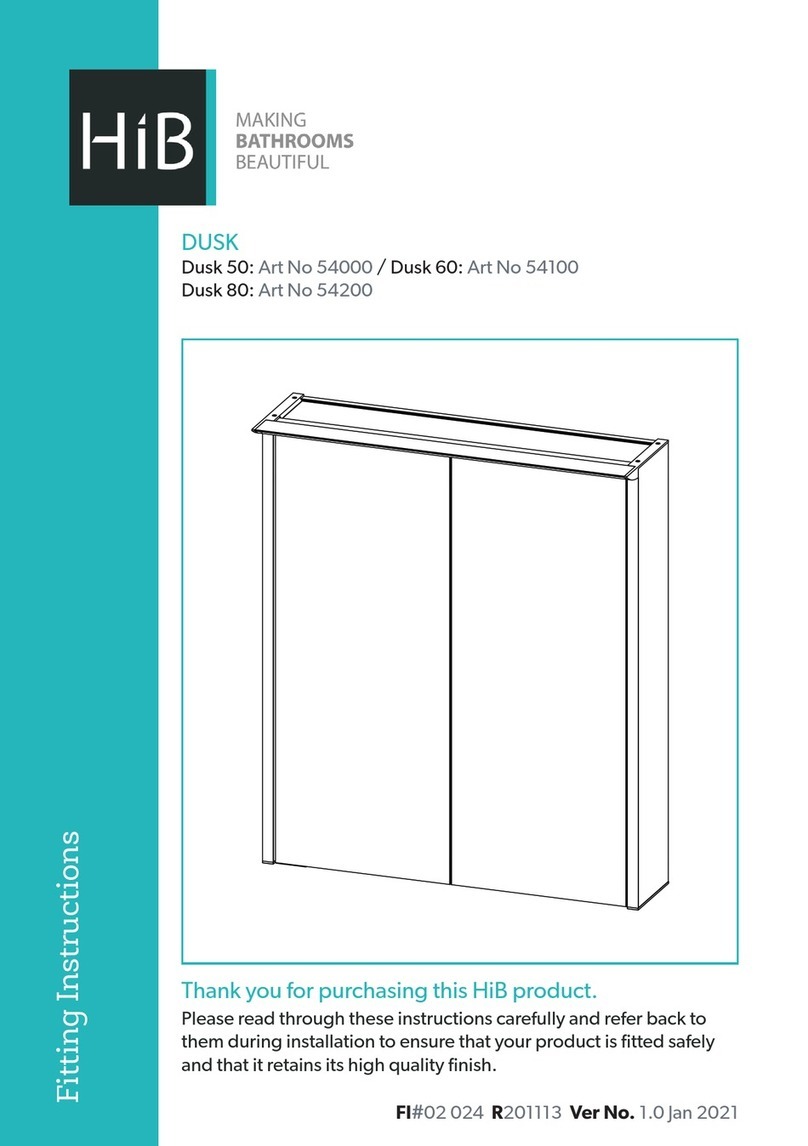
HiB Dusk 50 User manual

HiB

HiB Dusk 50 User manual

HiB Groove 50 User manual

HiB

HiB Groove 50 User manual

HiB Novum Duet User manual

HiB

HiB Novum Duet User manual

HiB Novum Aeon User manual

HiB

HiB Novum Aeon User manual

Popular Indoor Furnishing manuals by other brands

Homelegance California 1662PEK-1CK Assembly instruction

Homelegance

Homelegance California 1662PEK-1CK Assembly instruction

Osmond Ergonomics FLO instructions

Osmond Ergonomics

Osmond Ergonomics FLO instructions

OVE ELOISE 42 installation manual

OVE

OVE ELOISE 42 installation manual

overstock MF286255 Assembly instructions

overstock

overstock MF286255 Assembly instructions

Sonoma 160-801 Assembly instructions

Sonoma

Sonoma 160-801 Assembly instructions

BOLERO Wicker Side Chair CF158 Care Instructions

BOLERO

BOLERO Wicker Side Chair CF158 Care Instructions

Coaster 4799N Assembly instructions

Coaster

Coaster 4799N Assembly instructions

Stor-It-All WS39MP Assembly/installation instructions

Stor-It-All

Stor-It-All WS39MP Assembly/installation instructions

Lexicon 194840161868 Assembly instruction

Lexicon

Lexicon 194840161868 Assembly instruction

Next AMELIA NEW 462947 Assembly instructions

Next

Next AMELIA NEW 462947 Assembly instructions

impekk Manual II Assembly And Instructions

impekk

impekk Manual II Assembly And Instructions

Elements Ember Nightstand CEB700NSE Assembly instructions

Elements

Elements Ember Nightstand CEB700NSE Assembly instructions

JWA CARY 68429 Assembly instruction

JWA

JWA CARY 68429 Assembly instruction

VIPACK AMORI AMKB9014 Assembly instructions

VIPACK

VIPACK AMORI AMKB9014 Assembly instructions

Rowico SANNA Assembly instructions

Rowico

Rowico SANNA Assembly instructions

Southern Enterprises CK556000TX Assembly instructions

Southern Enterprises

Southern Enterprises CK556000TX Assembly instructions

hygena 314/5041 Assembly instructions

hygena

hygena 314/5041 Assembly instructions

VINNOVA Kinsley 536060S manual

VINNOVA

VINNOVA Kinsley 536060S manual

manuals.online logo
manuals.online logoBrands
  • About & Mission
  • Contact us
  • Privacy Policy
  • Terms and Conditions

Copyright 2025 Manuals.Online. All Rights Reserved.

T: +44 (0)20 8441 0352 F: +44 (0)20 8441 0219 E: sales@hib.co.uk hib.co.uk
Building 3, North London Business Park, Oakleigh Road South, New Southgate, London. N11 1GN
©HiB Copyright: No part of this document may be reprinted or duplicated without HiB consent. All sizes and measurements are approximate, but we do try and make sure they are as accurate as possible. In the
interest of continuous product development, HiB reserves the right to alter specifications as necessary. E & OE.
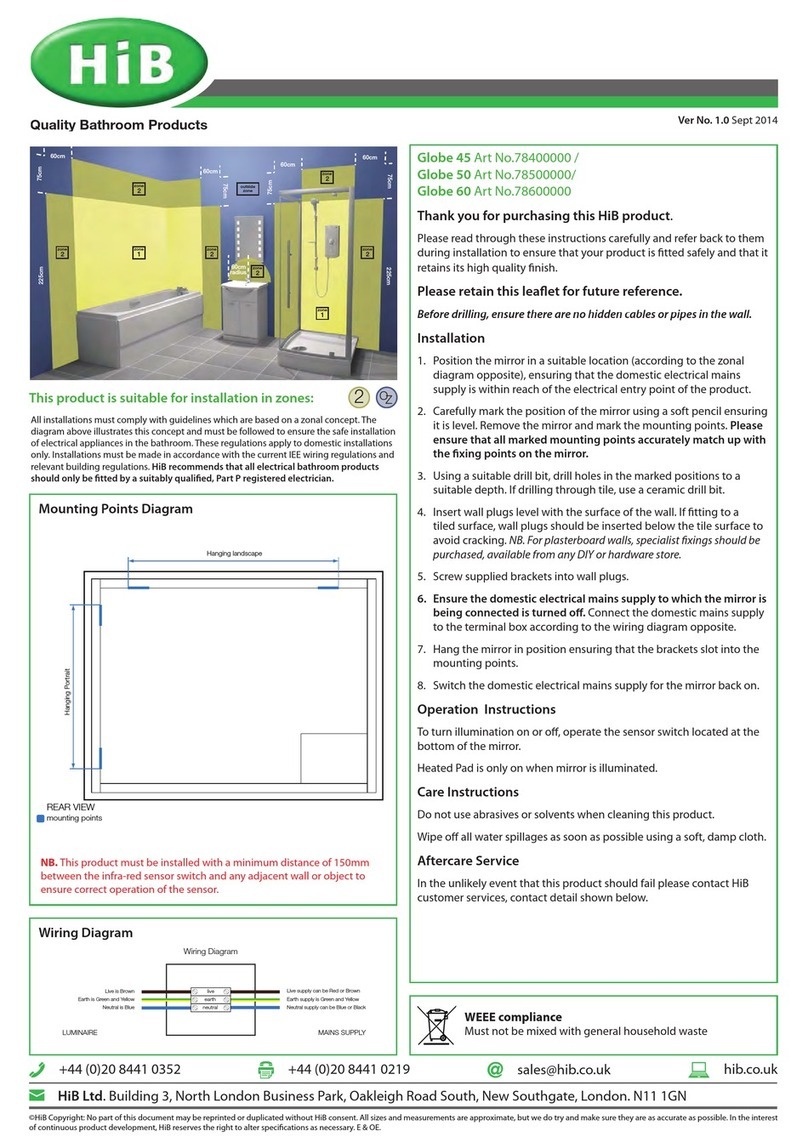
This product is suitable for installation in zones:
FI#02 023 R171124 Ver No. 1.0 Jan 2018
2 &Outside Zone
All installations must comply with guidelines which are based on a zonal
concept. The diagram above illustrates this concept and must be followed
to ensure the safe installation of electrical appliances in the bathroom.
These regulations apply to domestic installations only. Installations must be
made in accordance with the current IEE wiring regulations and relevant
building regulations. HiB recommends that all electrical bathroom
products should only be fitted by a suitably qualified, Part P registered
electrician.
Thank you for purchasing this HiB product.
Please read through these instructions carefully and refer back to them
during installation to ensure that your product is fitted safely and that it
retains its high quality finish.
Please retain this leaflet for future reference.
(Fig. 1)
Connect Mirror
Connect 50 Art No. 78763000
Connect 60 Art No. 78764000
Connect 80 Art No. 78765000
Connect 120 Art No. 78766000
Installation
Before installation, ensure the domestic electrical mains supply to
which the mirror is to be connected is turned off. Before drilling,
ensure that there are no hidden cables or pipes in the wall.
1. Position the mirror in a suitable location (according to the
zonal diagram - Fig. 1), ensuring that the domestic electrical
mains supply is within reach of the cable connection point of
the product.
2. Carefully mark the position of the mirror using a so pencil
ensuring it is level. Remove the mirror and mark the mounting
points (see Fig. A). Please ensure that all marked mounting
points accurately match up with the fixing points on the
mirror.
3. Using a suitable drill bit, drill holes in the marked positions to
a suitable depth. If drilling through tile, use a ceramic drill bit.
4. Insert wall plugs level with the surface of the wall. If fitting
to a tiled surface, wall plugs should be inserted below the
tile surface to avoid cracking. NB. For plasterboard walls,
specialist fixings should be purchased, available from any DIY
or hardware store.
5. Screw supplied fixings into wall plugs.
6. Ensure the domestic electrical mains supply to which
the mirror is being connected is turned off. Connect the
domestic mains supply to the terminal box according to the
wiring diagram opposite (Fig. B).
7. Hang the mirror in position. Secure the mirror to the mounting
point on the underside of the mirror with the screw provided.
8. Switch the domestic electrical mains supply for the mirror
back on.
Wiring Diagram (Fig. B)
Care Instructions
To preserve the high quality finish of your HiB product, please ensure you
regard the following care and cleaning recommendations:
Do not use abrasives or solvents when cleaning this product.
Wipe off all water spillages as soon as possible using a so cloth.
In the unlikely event that this product should fail please contact HiB
customer services, contact detail shown below.
Charging Socket
The charging socket is suitable for charging and powering electric razors,
trimmers and electric toothbrushes. NB. On first use of the charger socket,
inserting the plug may prove to be stiff. Reasonable force may be required
to fully insert the plug. Aer a few uses, stiffness will ease and the socket will
function as normal.
USB port(s)
USB port(s) are suitable for charging smart devices. Some mirrors may
contain multiple USB ports. Warning: the USB port(s) are designed to
charge small smart devices and should not be used to power or run large
devices such as hairdryers or other large bathroom appliances.
Mounting point diagram (Fig. A)
mounting points
REAR VIEW
Mounting points
live
earth
neutral
MAINS SUPPLYLUMINAIRE
Live supply can be Red or Brown
Earth supply is Green and Yellow
Neutral supply can be Blue or Black
Live supply is Brown
Earth supply is Green and Yellow
Neutral supply is Blue

T: +44 (0)20 8441 0352 F: +44 (0)20 8441 0219 E: sales@hib.co.uk hib.co.uk
Building 3, North London Business Park, Oakleigh Road South, New Southgate, London. N11 1GN
©HiB Copyright: No part of this document may be reprinted or duplicated without HiB consent. All sizes and measurements are approximate, but we do try and make sure they are as accurate as possible. In the
interest of continuous product development, HiB reserves the right to alter specifications as necessary. E & OE.
WEEE compliance
Must not be mixed with general
household waste
Trouble Shooting Guide
Symptoms
Possible
Problem Solution
Device not
paired
BluetoothTM not
activated
Check BluetoothTM is
activated on compatible
device & mirror turned on
Device not
connecting
Only one
device can be
connected to the
mirror at any one
time
Disconnect all devices and
reconnect only one device
No volume
Volume is
controlled from
device
Increase volume on device
No
connection Out of range
Range is within 8 metres,
move device closer to
mirror
Turn mirror on (Fig. C)
Activate BluetoothTM (Fig. E) Play content from device (Fig. F)
Pairing Device To the Mirror
• To activate the BluetoothTM, turn on mirror by the IR sensor located on the bottom right of the mirror (see Fig. C). The mirror will give out a tone to confirm it is ready for pairing.
• Activate the BluetoothTM on your device* (see Fig. E). Refer to the device’s instructions for details.
• Search for “HiB001”. If prompted for a connection code, use “0000”. The mirror will give out a tone to confirm successful connection.
• You can now play music or other media through the BluetoothTM mirror (see Fig. F).
• When the mirror is turned off the connection to the BluetoothTM will be lost. When the mirror is turned on again it will automatically reconnect to the last connected device if it
is still within range.
• Refer to your device manual for operating controls.
• Music will stop playing when a phone call comes into the BluetoothTM device, and will automatically reconnect when finished.
*Only compatible Smart Phones & BluetoothTM Devices.
Operating Instructions
The heated Pad is only on when the Mirror is illuminated.
This mirror is fitted with colour temperature changing technology.
To switch on/off
Slowly move your hand past the sensor. (Fig. C)
To change the colour temperature
1. To alter the colour temperature of the mirror, hold your hand underneath the sensor (Fig. D), the colour temperature will start to change.
2. Simply move your hand away from the sensor when the desired colour temperature has been reached and continue to operate the mirror as


normal - the chosen colour temperature will remain even aer power is switched off and on again.
To change colour temperature (Fig. D)