manuals.online logo
Brands
  1. Home
  2. •
  3. Brands
  4. •
  5. Home Styles
  6. •
  7. Indoor Furnishing
  8. •
  9. Home Styles Pedestal Desk User manual

Home Styles Pedestal Desk User manual

Other Home Styles Indoor Furnishing manuals
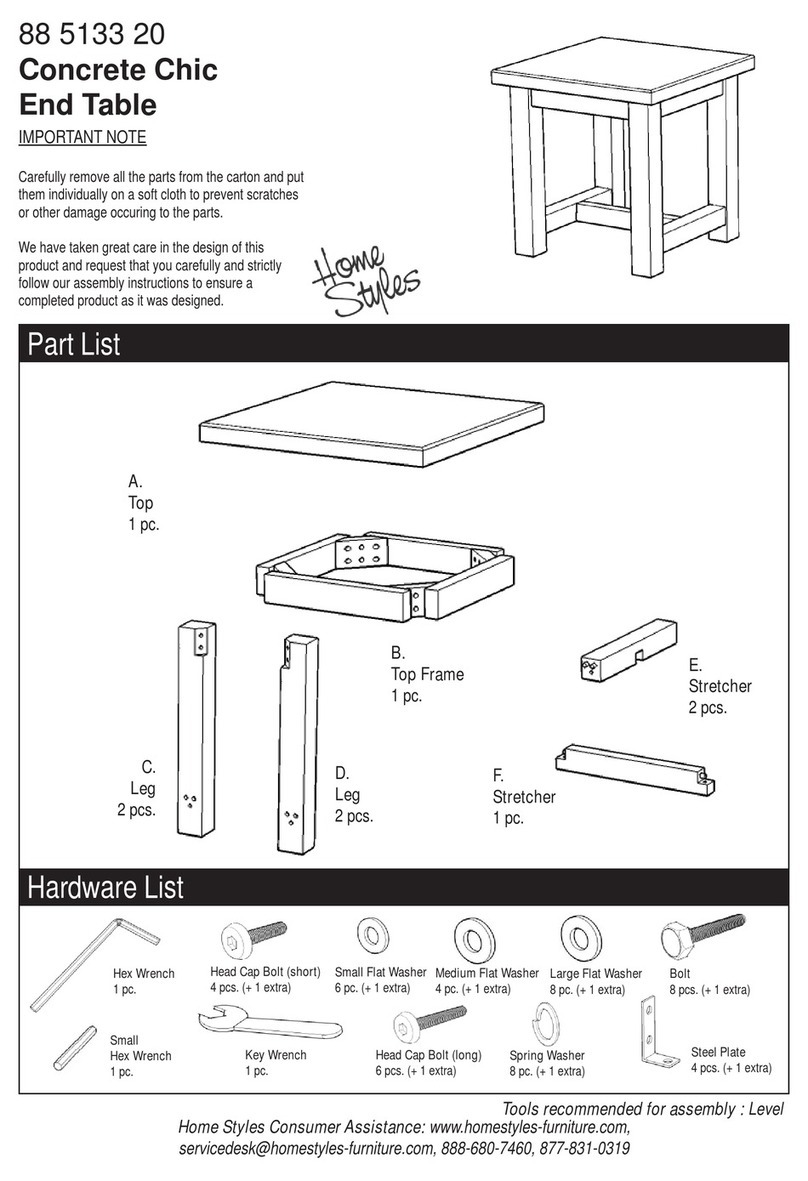
Home Styles 88 5133 20 User manual

Home Styles

Home Styles 88 5133 20 User manual
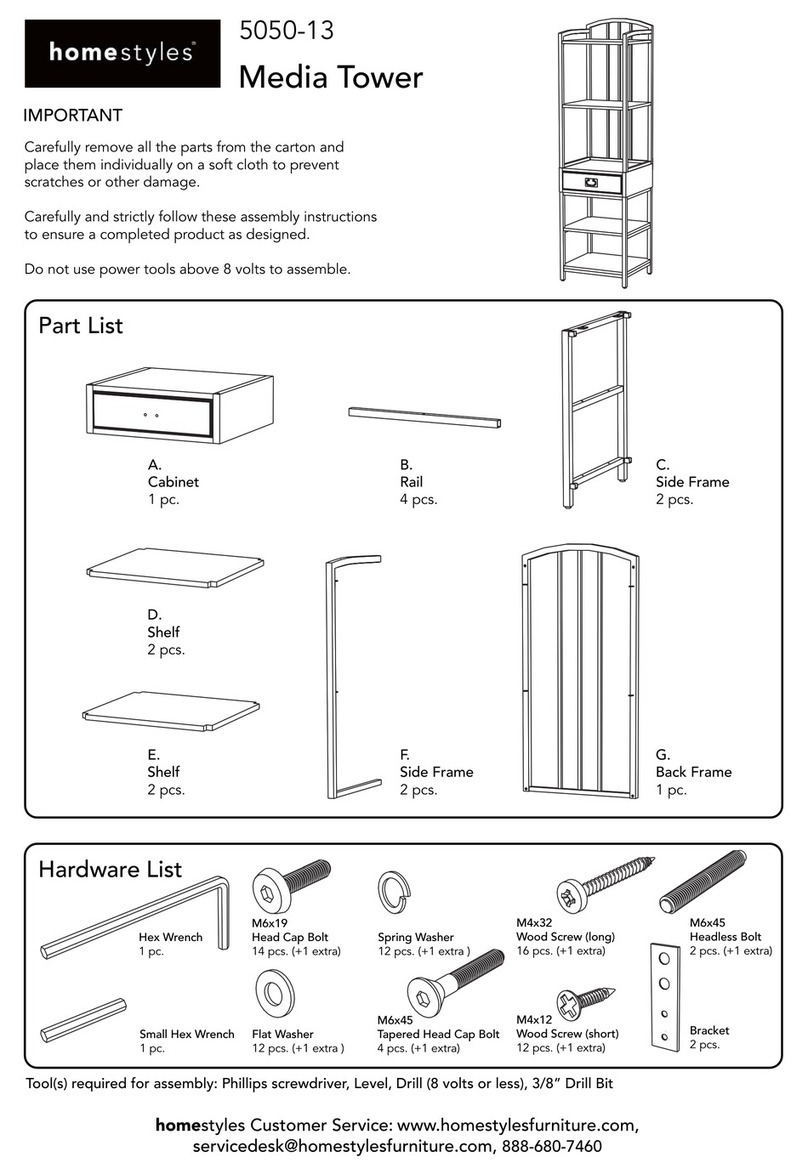
Home Styles 5050-13 User manual

Home Styles

Home Styles 5050-13 User manual
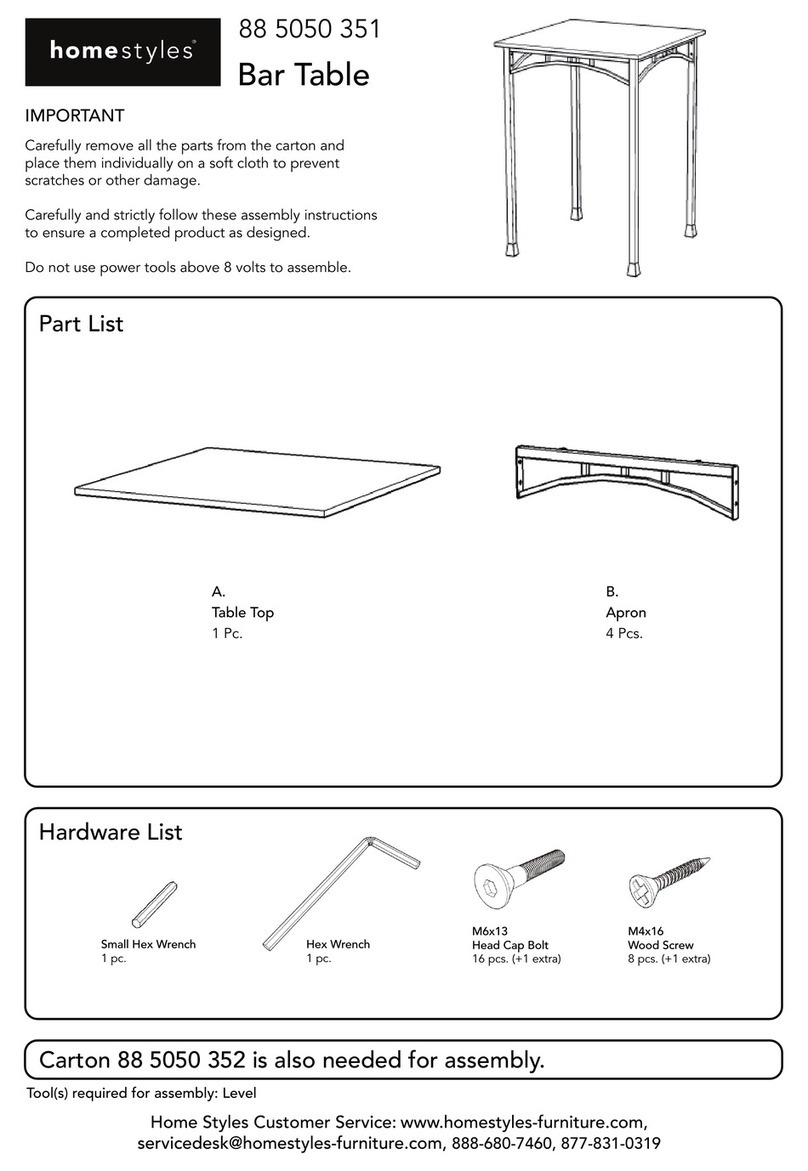
Home Styles 88 5050 351 User manual

Home Styles

Home Styles 88 5050 351 User manual

Home Styles 88 5029 88 User manual

Home Styles

Home Styles 88 5029 88 User manual

Home Styles 88 5531 751 User manual

Home Styles

Home Styles 88 5531 751 User manual

Home Styles OutdoorPatio 6660-80 User manual
Home Styles

Home Styles OutdoorPatio 6660-80 User manual

Home Styles Upholstered Bench 88 5182 26 User manual

Home Styles

Home Styles Upholstered Bench 88 5182 26 User manual

Home Styles 88 5662 89 User manual

Home Styles

Home Styles 88 5662 89 User manual
Home Styles Easy Pro User manual

Home Styles

Home Styles Easy Pro User manual
Home Styles 20 05700 0081 User manual

Home Styles

Home Styles 20 05700 0081 User manual
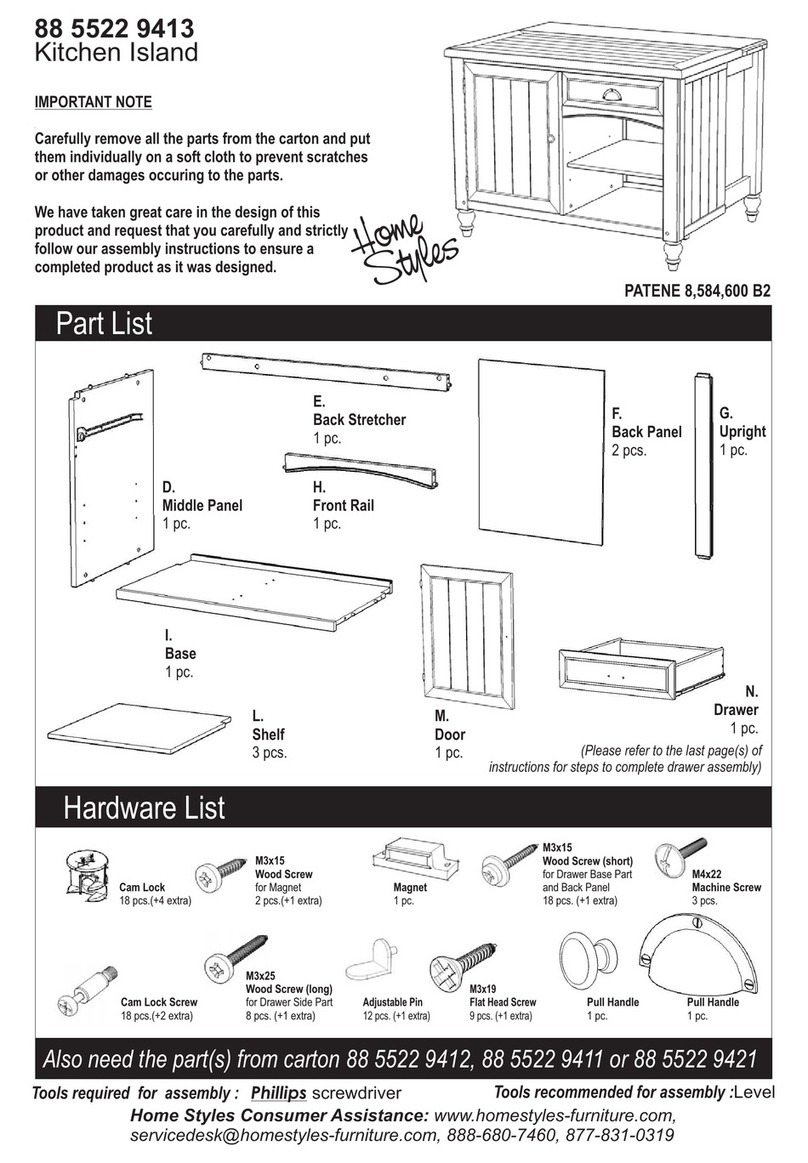
Home Styles 88 5522 9413 User manual

Home Styles

Home Styles 88 5522 9413 User manual
Home Styles Modern Craftsman Media Console 88 5050 06 User manual
Home Styles

Home Styles Modern Craftsman Media Console 88 5050 06 User manual

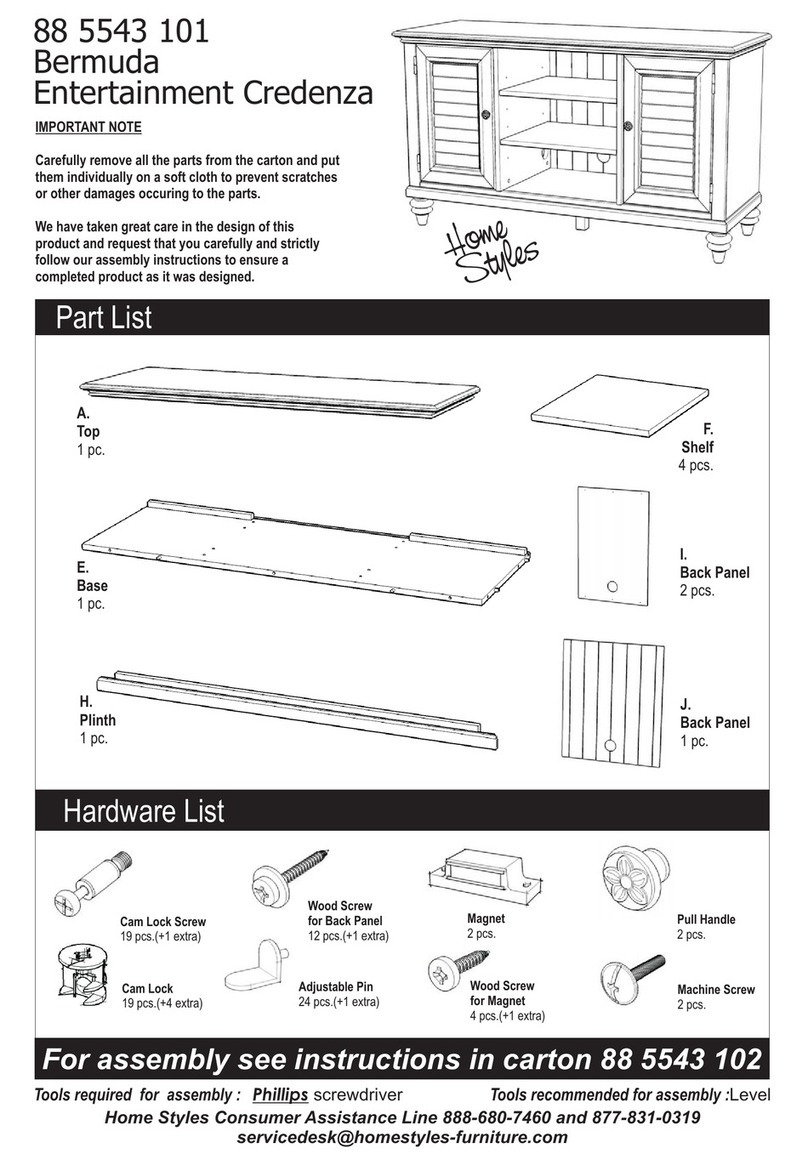
Home Styles 88 5543 101 User manual

Home Styles

Home Styles 88 5543 101 User manual
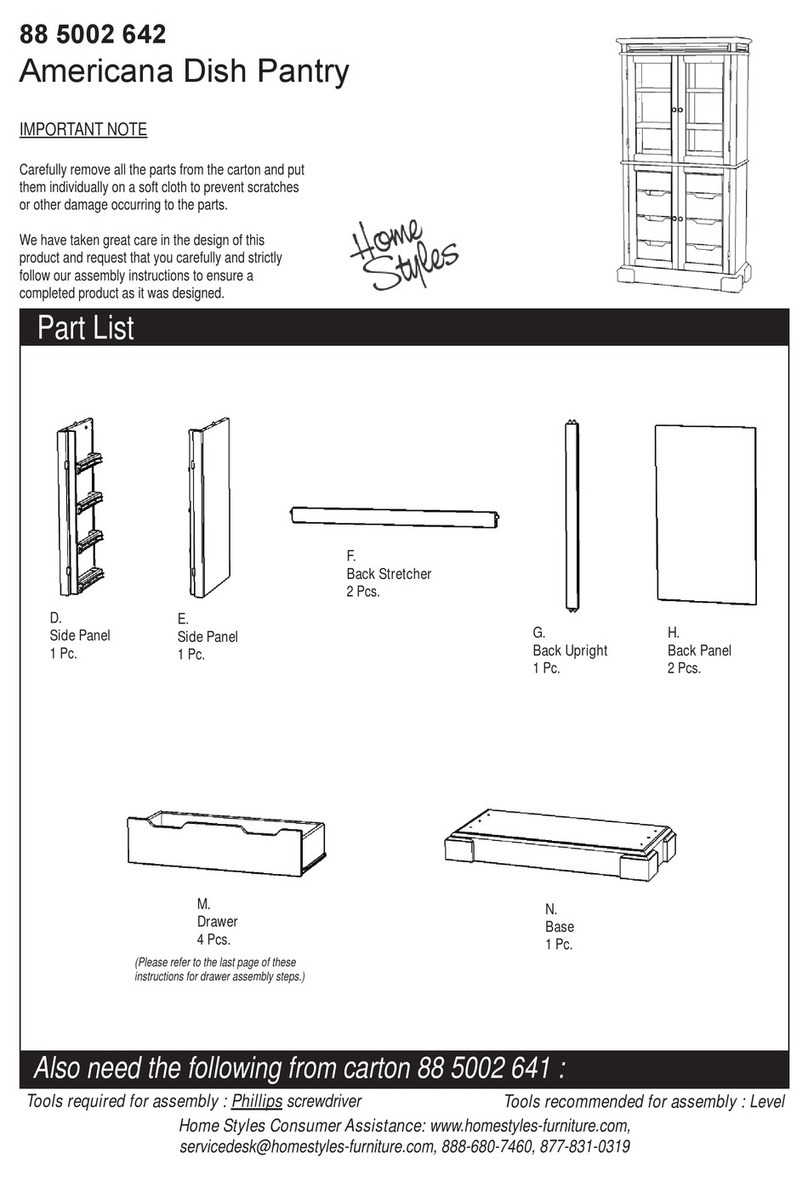
Home Styles 88 5002 642 User manual

Home Styles

Home Styles 88 5002 642 User manual
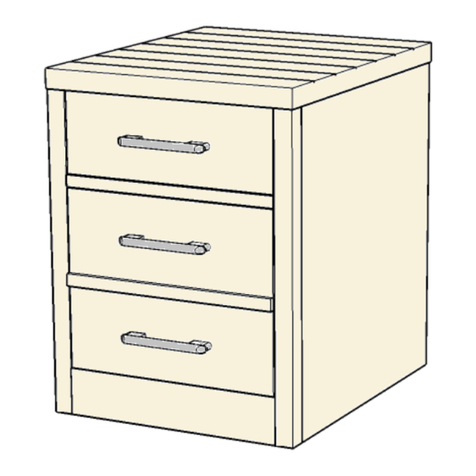
Home Styles Barnside 88 5516 01 User manual
Home Styles

Home Styles Barnside 88 5516 01 User manual

Home Styles 88 5180 692 User manual

Home Styles

Home Styles 88 5180 692 User manual
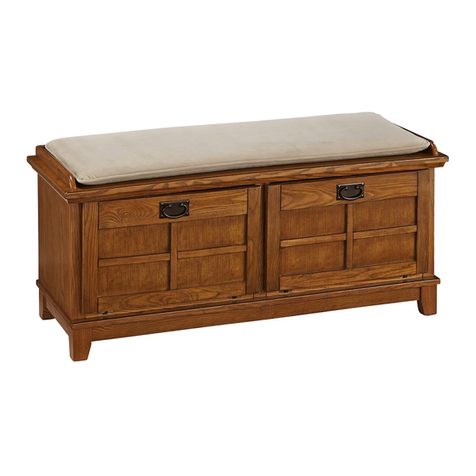
Home Styles 88 5180 26 User manual

Home Styles

Home Styles 88 5180 26 User manual
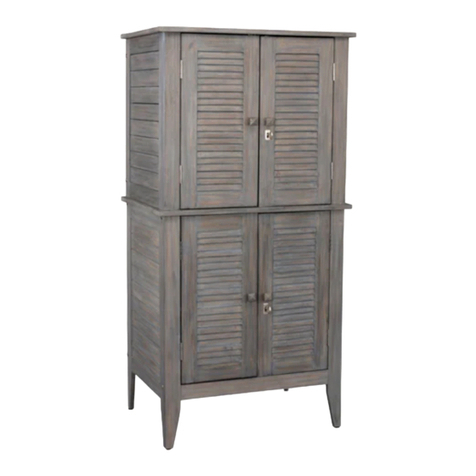
Home Styles 20 05664 0027 User manual

Home Styles

Home Styles 20 05664 0027 User manual
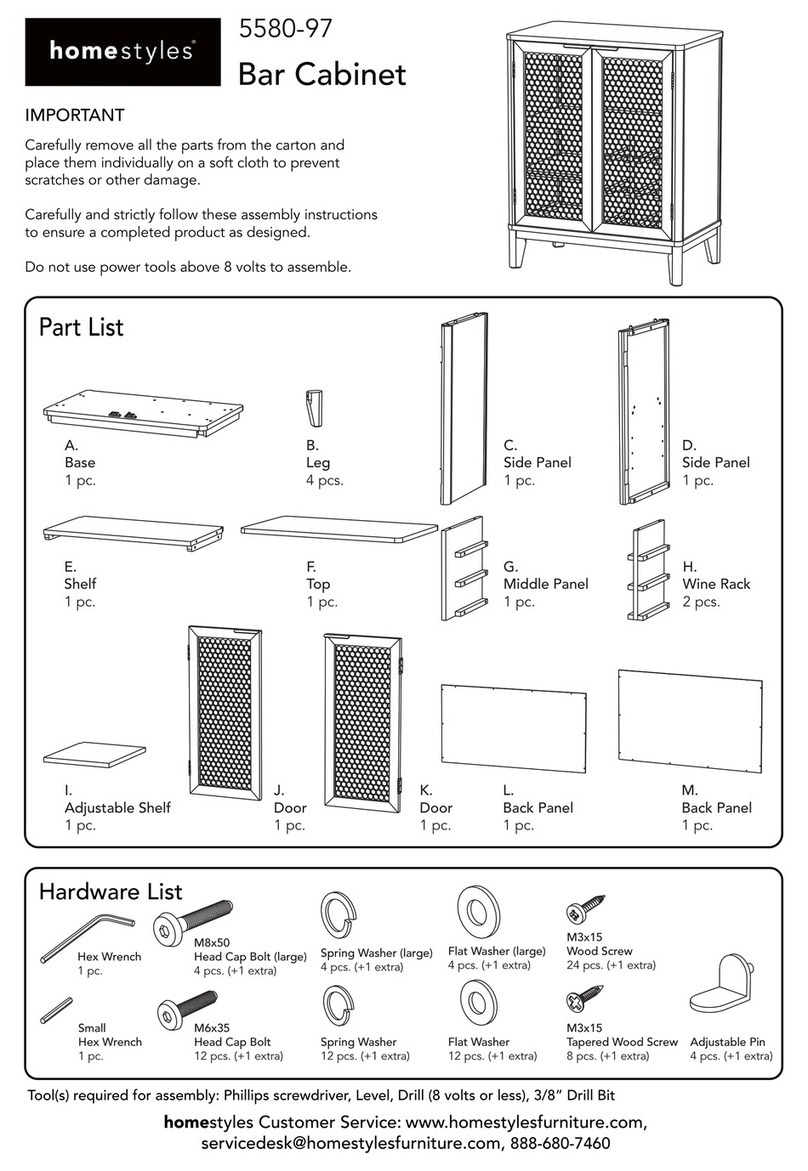
Home Styles 5580-97 User manual

Home Styles

Home Styles 5580-97 User manual

Home Styles 88 5053 102 User manual

Home Styles

Home Styles 88 5053 102 User manual

Home Styles Pantry 5022-69 User manual

Home Styles

Home Styles Pantry 5022-69 User manual

Home Styles 20 05530 0555 User manual

Home Styles

Home Styles 20 05530 0555 User manual

Home Styles 20 06654 0080 User manual

Home Styles

Home Styles 20 06654 0080 User manual

Home Styles 20 05618 0080 User manual

Home Styles

Home Styles 20 05618 0080 User manual

Popular Indoor Furnishing manuals by other brands

Regency LWMS3015 Assembly instructions

Regency

Regency LWMS3015 Assembly instructions

Furniture of America CM7751C Assembly instructions

Furniture of America

Furniture of America CM7751C Assembly instructions

Safavieh Furniture Estella CNS5731 manual

Safavieh Furniture

Safavieh Furniture Estella CNS5731 manual

PLACES OF STYLE Ovalfuss Assembly instruction

PLACES OF STYLE

PLACES OF STYLE Ovalfuss Assembly instruction

Trasman 1138 Bo1 Assembly manual

Trasman

Trasman 1138 Bo1 Assembly manual

Costway JV10856 manual

Costway

Costway JV10856 manual

moss DESIGN Caisson Credenza Assembly instructions

moss DESIGN

moss DESIGN Caisson Credenza Assembly instructions

Aquaglide FULL DECK 15.0 owner's manual

Aquaglide

Aquaglide FULL DECK 15.0 owner's manual

AREBOS AR-HE-SW30 user manual

AREBOS

AREBOS AR-HE-SW30 user manual

Till-Hilft Fulda 87005.330 Assembly instructions

Till-Hilft

Till-Hilft Fulda 87005.330 Assembly instructions

Twoey Outside 2010 quick start guide

Twoey Outside

Twoey Outside 2010 quick start guide

Hettich Easys 200 operating instructions

Hettich

Hettich Easys 200 operating instructions

The bedboss RELAX 404 Series owner's manual

The bedboss

The bedboss RELAX 404 Series owner's manual

Oeseder Möbelindustrie Bern 991 720 Assembly instructions

Oeseder Möbelindustrie

Oeseder Möbelindustrie Bern 991 720 Assembly instructions

Costway HW68469 user manual

Costway

Costway HW68469 user manual

Next ALIX A27743 Assembly instructions

Next

Next ALIX A27743 Assembly instructions

BROSA Hans Assembly guide

BROSA

BROSA Hans Assembly guide

Prodigg MINIKA PBA015T-FUR installation manual

Prodigg

Prodigg MINIKA PBA015T-FUR installation manual

manuals.online logo
manuals.online logoBrands
  • About & Mission
  • Contact us
  • Privacy Policy
  • Terms and Conditions

Copyright 2025 Manuals.Online. All Rights Reserved.

IMPORTANT NOTE
Carefully remove all the parts from the carton and put
them individually on a soft cloth to prevent scratches
or other damage occurring to the parts.
We have taken great care in the design of this
product and request that you carefully and strictly
follow our assembly instructions to ensure a
completed product as it was designed.
Part List
Home Styles ConsumerAssistance: www.homestyles-furniture.com,
[email protected], 888-680-7460, 877-831-0319
88 5549 182
Pedestal Desk
(Please refer to the last page of these
instructions for drawer assembly steps.)
Also need the following from carton 88 5549 181 :
Tools required for assembly : Phillips screwdriver Tools recommended for assembly : Level
G.
Drawer
1 Pc.
H.
Drawer
1 Pc.
I.
Drawer
1 Pc.
J.
Drawer
1 Pc.
L.
Keyboard Front
1 Pc.
K.
Keyboard
1 Pc.
M.
Base
1 Pc.
N.
Base
1 Pc.
O.
Door
1 Pc.
P.
Metal Strip
2 Pcs.
B.
Side Panel
1 Pc.
C.
Side Panel
1 Pc.
D.
Middle Panel
1 Pc.
E.
Middle Panel
1 Pc.
Assembly Instructions 3
IMPORTANT
* Please keep Hex Wrench in a safe place as you may need to tighten up the Head Cap Bolts in the future.
* Do not tighten up all the bolts until each part is properly assembled.
* Use a soft cloth between these parts and the floor.
*After assembly item must be level to work properly. Use the included adjustable levelers to level.
STEP 1
Insert Cam Lock Screws into pre-drilled holes
of Top (A), Side Panels (B) and (C) and
Back Panel (F).
(See Figure 1)
STEP 2
Attach Magnet to Middle Panel (D) with
Wood Screw for magnet.
(See Figure 2)
A
B
C
D
F
Figure 1
Figure 2
Cam Lock Screw
Wood Screw
for magnet
2/10
Assembly Instructions 4
STEP 3
Attach Middle Panel (D) to Base (M) and Middle
Panel (E) to Base (N) with Head Cap Bolts.
(See Figure 3)
STEP 4
Attach units to Back Panel (F) with Cam Locks.
(See Figure 4)
STEP 5
Attach Side Panels (B) and (C)
to unit with Cam Locks and
Head Cap Bolts.
D
M
F
C
B
N
E
Figure 3
Figure 4
Head Cap Bolt
Head Cap Bolt
Cam Lock
Cam Lock
3/10
Assembly Instructions 5
STEP 6
Turn the unit over to its’ upright position.
Attach Top (A) to the unit with Cam Locks.
STEP 7
Attach Keyboard Front (L) to Keyboard (K) with Wood Screws for Hinge.
Attach Pull Handle to Keyboard Front (L) with Machine Screws.
(See Figure 5)
A
L
L
K
Cam Lock
Wood Screw
for Hinge
Figure 5
4/10
Assembly Instructions 6
STEP 8
Insert Adjustable Pins into the side panel and middle panel at the
desired level.
Place Shelf (Q) into position.
Attach Pull Handle to Door (O) with Machine Screws.
(See Figure 6)
Attach Door (O) by sliding the door lift hinges into the side panel lift hinges. (See Figure 7)
Slide Drawers (G), (H), (I), (J) and keyboard into position.
If you want to remove the keyboard or fi le drawer in the future, push the plastic lever on its’ left
side up, push the plastic lever on its’ right side down and pull open slowly.
(See Figure 8)
To level the unit, adjust the adjustable levelers on the bottom of the base legs. (See Figure 9)
Note : Unit must be level to work properly.
Q
G
H
I
J
O
Adjustable Pin
Figure 6 Figure 7 Figure 9
5/10
Figure 8
Assembly Instructions 7
Part List
Drawer (G)
G1
G1
G5
G5
G2
G3
G3
G4
G4
G1.
Front Part
1 Pc.
G2.
Back Part
1 Pc.
G3.
Side Part
Pc.
G4.
Side Part
1 Pc.
G5.
Base Part
1 Pc.
MAKE SURE ROLLER
IS ON THE BACK
STEP 1
Attach G1, G2 and G3 using a Phillips
screwdriver and long Wood Screws (4X),
tighten halfway.
Attach G1, G2 and G4 using long Wood
Screws (4X), tighten halfway.
(See Figure 1)
STEP 2
Slide G5 into grooves in G3 and G4. Be sure
to push G5 all the way forward so it meet G1.
(See Figure 2)
Figure 1
Figure 2
Figure 3
Figure 4
STEP 3
Insert short Wood Screws (4X) into the
pre-drilled holes in G5, tighten screws.
(See Figure 3)
STEP 4
Attach Pull Handle with Machine Screws.
(See Figure 4)
Tighten all screws used in drawer assembly.
6/10
Assembly Instructions 8
Part List
Drawer (H)
H1.
Front Part
1 Pc.
H2.
Back Part
1 Pc.
H3.
Side Part
Pc.
H4.
Side Part
1 Pc.
H5.
Base Part
1 Pc.
MAKE SURE ROLLER
IS ON THE BACK
STEP 1
Attach H1, H2 and H3 using a Phillips
screwdriver and long Wood Screws (4X),
tighten halfway.
Attach H1, H2 and H4 using long Wood
Screws (4X), tighten halfway.
(See Figure 1)
STEP 2
Slide H5 into grooves in H3 and H4. Be sure
to push H5 all the way forward so it meet H1.
(See Figure 2)
Figure 1
Figure 2
Figure 3
Figure 4
STEP 3
Insert short Wood Screws (4X) into the
pre-drilled holes in H5, tighten screws.
(See Figure 3)
STEP 4
Attach Pull Handle with Machine Screws.
(See Figure 4)
Tighten all screws used in drawer assembly.
H1
H1
H2
H5
H5
H3
H3
H4
H4
7/10
Assembly Instructions 9
Part List
Drawer (I)
I1.
Front Part
1 Pc.
I2.
Back Part
1 Pc.
I3.
Side Part
1 Pc.
I4.
Side Part
1 Pc.
I5.
Base Part
1 Pc.
STEP 1
Attach I1, I2 and I3 using a Phillips
screwdriver and long Wood Screws (4X),
tighten halfway.
Attach I1, I2 and I4 using long Wood
Screws (4X), tighten halfway.
(See Figure 1)
STEP 2
Slide I5 into grooves in I3 and I4. Be sure
to push I5 all the way forward so it meet I1.
(See Figure 2)
MAKE SURE ROLLER
IS ON THE BACK
Figure 1
Figure 2
Figure 3
Figure 4
STEP 3
Insert short Wood Screws (4X) into the
pre-drilled holes in I5, tighten screws.
(See Figure 3)
STEP 4
Attach Pull Handle with Machine Screws.
(See Figure 4)
Tighten all screws used in drawer assembly.
8/10
I1
I1
I2
I3
I3
I4
I4
I5
I5
Assembly Instructions 10
Part List
Drawer (J)
J1.
Front Part
1 Pc.
J2.
Back Part
1 Pc.
J3.
Side Part
1 Pc.
J4.
Side Part
1 Pc.
J5.
Base Part
1 Pc.
STEP 1
Attach J1, J2 and J3 using a Phillips
screwdriver and long Wood Screws (6X),
tighten halfway.
Attach J1, J2 and J4 using long Wood
Screws (6X), tighten halfway.
(See Figure 1)
P
STEP 2
Slide J5 into grooves in J3 and J4. Be sure
to push J5 all the way forward so it meet J1.
(See Figure 2)
STEP 3
Insert short Wood
Screws (4X) into the
pre-drilled holes in J5,
tighten screws.
(See Figure 3)
Figure 1
Figure 2
Figure 3
Figure 4
Figure 5
STEP 4
Attach Pull Handle with
Machine Screws.
(See Figure 4)
STEP 5
Place Metal Strops (P) into position. (See Figure 5)
The Metal Strips can be adjusted for letter size or legal size fi les as
shown.
Tighten all screws used
in drawer assembly.
Legal Size
Legal Size
9/10
J1
J1
J2
J5
J5
J3
J3
J4
J4
Assembly Instructions 11
Part List
Keyboard (K)
K1.
Back Part
1 Pc.
K2.
Side Part
1 Pc.
K3.
Side Part
1 Pc.
K4.
Base Part
1 Pc.
STEP 1
Attach K1 to K4, using a Phillips
screwdriver and long Wood Screws (3X),
tighten halfway. (See Figure 1)
K4
K1
K2
K3
STEP 2
Attach K2 and K3 to unit, using a Phillips
screwdriver and long Wood Screws (8X),
tighten halfway. (See Figure 2)
Figure 1
Figure 2
Tighten all screws used in drawer assembly.
10/10