manuals.online logo
Brands
  1. Home
  2. •
  3. Brands
  4. •
  5. Honeywell
  6. •
  7. Controllers
  8. •
  9. Honeywell SUPER TRADELINE S8610U User manual

Honeywell SUPER TRADELINE S8610U User manual

Other manuals for SUPER TRADELINE S8610U

4

Other Honeywell Controllers manuals

Honeywell MS 10 Series User manual

Honeywell

Honeywell MS 10 Series User manual

Honeywell HON 5020 User manual

Honeywell

Honeywell HON 5020 User manual

Honeywell CENTRA LINE MERLIN NX Series User manual

Honeywell

Honeywell CENTRA LINE MERLIN NX Series User manual

Honeywell S05 Series User manual

Honeywell

Honeywell S05 Series User manual

Honeywell Pro-Watch 7000 User manual

Honeywell

Honeywell Pro-Watch 7000 User manual

Honeywell SW2 User manual

Honeywell

Honeywell SW2 User manual

Honeywell 301C User manual

Honeywell

Honeywell 301C User manual

Honeywell 190797-YAD User manual

Honeywell

Honeywell 190797-YAD User manual

Honeywell VR8215S User manual

Honeywell

Honeywell VR8215S User manual

Honeywell ACS-2plus User manual

Honeywell

Honeywell ACS-2plus User manual

Honeywell DeltaNet R7515A User manual

Honeywell

Honeywell DeltaNet R7515A User manual

Honeywell CD3200 User manual

Honeywell

Honeywell CD3200 User manual

Honeywell UDC 2300 User manual

Honeywell

Honeywell UDC 2300 User manual

Honeywell LYNX Touch Series User manual

Honeywell

Honeywell LYNX Touch Series User manual

Honeywell VR8104 User manual

Honeywell

Honeywell VR8104 User manual

Honeywell T7560B User manual

Honeywell

Honeywell T7560B User manual

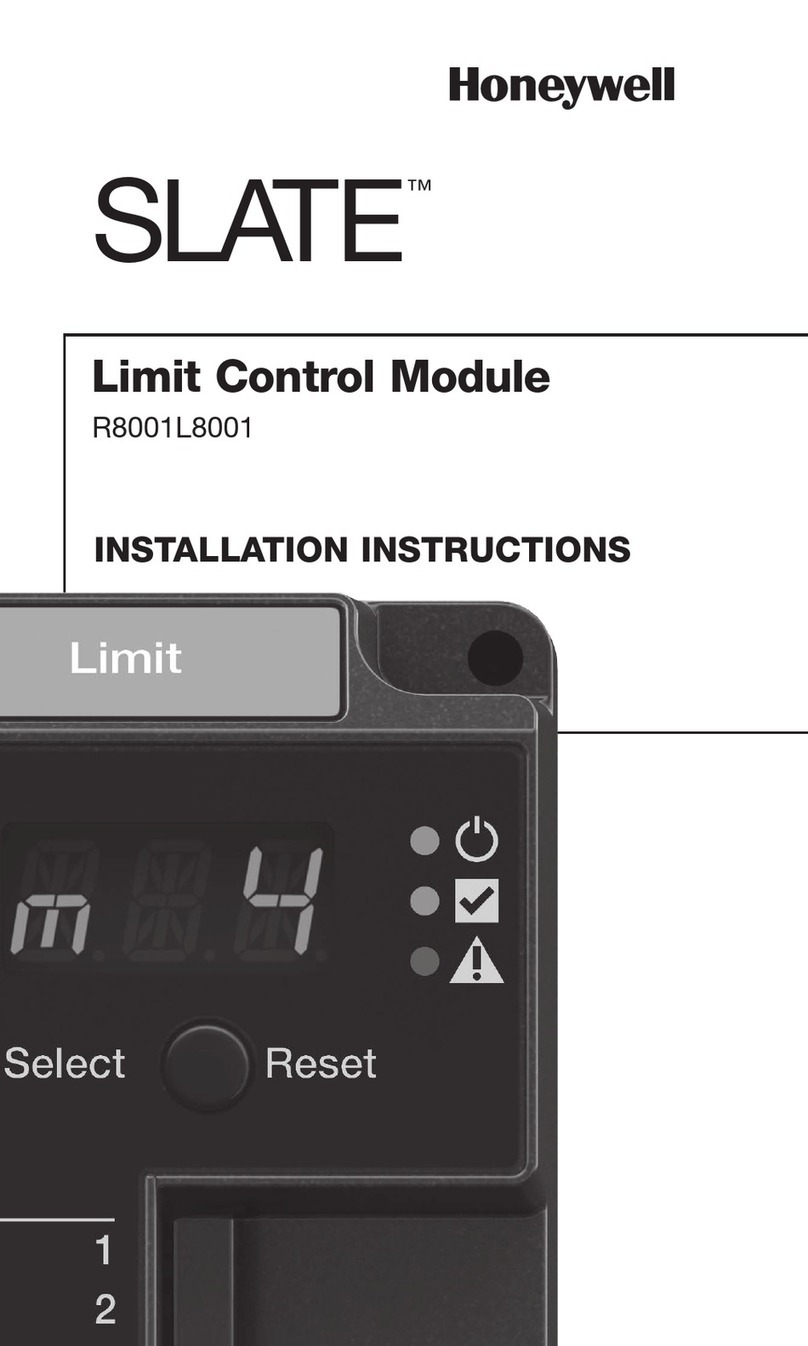
Honeywell SLATE Series User manual

Honeywell

Honeywell SLATE Series User manual

Honeywell INCOMM L510 User manual

Honeywell

Honeywell INCOMM L510 User manual

Honeywell UDC 1000 Micro-Pro User manual

Honeywell

Honeywell UDC 1000 Micro-Pro User manual

Honeywell L7124U User manual

Honeywell

Honeywell L7124U User manual

Honeywell Touchpoint Plus Release Note

Honeywell

Honeywell Touchpoint Plus Release Note

Honeywell ML7295E User manual

Honeywell

Honeywell ML7295E User manual

Honeywell HercuLine 10260A User manual

Honeywell

Honeywell HercuLine 10260A User manual

Honeywell CENTRALINE EAGLE User manual

Honeywell

Honeywell CENTRALINE EAGLE User manual

Popular Controllers manuals by other brands

Digiplex DGP-848 Programming guide

Digiplex

Digiplex DGP-848 Programming guide

YASKAWA SGM series user manual

YASKAWA

YASKAWA SGM series user manual

Sinope Calypso RM3500ZB installation guide

Sinope

Sinope Calypso RM3500ZB installation guide

Isimet DLA Series Style 2 Installation, Operations, Start-up and Maintenance Instructions

Isimet

Isimet DLA Series Style 2 Installation, Operations, Start-up and Maintenance Instructions

LSIS sv-ip5a user manual

LSIS

LSIS sv-ip5a user manual

Airflow Uno hab Installation and operating instructions

Airflow

Airflow Uno hab Installation and operating instructions

ABB ACS580-01 drives Hardware manual

ABB

ABB ACS580-01 drives Hardware manual

Panasonic GM1 Series Reference manual

Panasonic

Panasonic GM1 Series Reference manual

Emerson SW93 owner's manual

Emerson

Emerson SW93 owner's manual

AutoAqua Smart ATO micro SATO-120P manual

AutoAqua

AutoAqua Smart ATO micro SATO-120P manual

Panasonic FP? Positioning Unit RTEX Technical manual

Panasonic

Panasonic FP? Positioning Unit RTEX Technical manual

Alpha IP MIOB 21001 manual

Alpha IP

Alpha IP MIOB 21001 manual

Siemens OpenAir GMA 1 Series Mounting instructions

Siemens

Siemens OpenAir GMA 1 Series Mounting instructions

Surecom SR-629 user manual

Surecom

Surecom SR-629 user manual

Regulus SRS1 T Installation and operation manual

Regulus

Regulus SRS1 T Installation and operation manual

3M MicroTouch EX113 reference guide

3M

3M MicroTouch EX113 reference guide

KUHN TKS user manual

KUHN

KUHN TKS user manual

S&C PMH Instructions for operation

S&C

S&C PMH Instructions for operation

manuals.online logo
manuals.online logoBrands
  • About & Mission
  • Contact us
  • Privacy Policy
  • Terms and Conditions

Copyright 2025 Manuals.Online. All Rights Reserved.

69-2042—01 2 69-2042—01 3 69-2042—01 4 69-2042—01 5
TECHNICIAN’S QUICK REFERENCE GUIDE
69-2042-01
S8610U Universal
Intermittent Pilot Gas
Ignition Control
The following service procedure provides a quick overview for
the S8610U series control. For more information, refer to form
69-1955.
Fig. 1. Typical wiring connections.
SETTINGS AND ADJUSTMENTS
DIP Switch (S1) Settings
When replacing an existing ignition control with the S8610U,
refer to 69-1955 for the correct DIP switch settings.
IMPORTANT
Do not power the ignition control prior to setting
the DIP switches.
The following timing parameters may be set with this 2-position
DIP switch.
Prepurge
To select Prepurge, set SW1 according to Table 2.
Trial for Ignition (TFI)
To select the Trial for Ignition timing, set SW2 according to
Table 2.
Fig. 2. DIP Switch (S1) Location.
Fig. 3. DIP Switch (S1) - shown with factory default
settings (OFF) for SW1 and SW2.
LED STATUS AND
TROUBLESHOOTING
The ignition control module has one LED used for flame
sensing and system status.
Fig. 4. Location of LED.
SPARK
MV
24V GND
MV/PV PV
BRN/GND
REMOTE
SENSE
TH-W (OPT.)
24V (OPT.)
M29890
SENSE
JUMPER
WIRE
P1 VENT DAMPER
CONNECTOR
Table 1. Typical Wiring Connections.
Connector
Label
Size or
Type Description
MV 1/4 inch Main Valve connection
MV/PV 1/4 inch Common terminal for gas valves
PV 1/4 inch Pilot Valve connection
BRN GND 1/4 inch Burner Ground
24V GND 1/4 inch Return path to transformer
24V 1/4 inch Optional—
24 Vac power connection for Vent
Damper
TH-W 1/4 inch Connector for “Call for Heat” signal
from thermostat
P1 6-pin
keyed plug Connector for Vent Damper
connection (used to control a
connected damper in atmospheric
appliances)
METER (μA) Ammeter
probes Connection for ammeter probes for
measuring flame current in μAmp DC.
SENSE
JUMPER
WIRE
Wire with
3/16 inch
quick
connect
Connects to the REMOTE SENSE
connectorforinstallationswithasingle
spark rod (local flame sensing)
NOTE: For installations with remote
flame sensing (separate spark and
sensor rods), this jumper wire is
clippedasclose tothecircuitboardas
possible and the wire is discarded.
REMOTE
SENSE 3/16 inch Flame Sensor connector
For single rod installations, connect
the SENSE JUMPER WIRE to this
terminal connector.
For dual rod installations, connect the
flame sense wire from the burner/
igniter to this terminal connector.
SPARK 1/4 inch High voltage sparking electrode
Table 2. DIP Switch (S1) Settings.
Prepurge Trial For Ignition SW1 SW2
None 90 seconds OFF OFF
30 seconds 90 seconds ON OFF
None 15 seconds OFF ON
30 seconds 15 seconds ON ON
M29894
S1 DIP SWITCH
ON
12
S1
M23587
M29896
STATUS LED
69-2042—01 6 69-2042—01 7 69-2042—01 8 69-2042—01 9
Automation and Control Solutions
Honeywell International Inc.
1985 Douglas Drive North
Golden Valley, MN 55422
Honeywell Limited-Honeywell Limitée
35 Dynamic Drive
Toronto, Ontario M1V 4Z9
customer.honeywell.com
® U.S. Registered Trademark
© 2010 Honeywell International Inc.
69-2042—01 M.S. Rev. 09-10
Printed in U.S.A.
a Flash Code Descriptions:
- Flash Fast: rapid blinking.
- Heartbeat: Constant ½-second bright, ½-second dim cycles.
- 4-second solid on pulse followed by “x” 1-second flashes indicates
flame current to the nearest mA. This is only available in run mode.
- A single flash code number signifies that the LED flashes X times at 2
Hz, remains off for two seconds, and then repeats the sequence.
Table 3. Green LED Status Codes.
Green LED
Flash CodeaIndicates Next System Action Recommended Service Action
OFF No “Call for Heat” Not applicable None
Flash Fast Power up - internal check Not applicable None
Heartbeat Normal startup - ignition
sequence started(including
prepurge)
Not applicable None
4 Seconds ON
then “x” flashes Device in run mode. "x" =
flame current to the nearest
μA.
Not applicable None
2 5 minute Retry Delay
– Pilot flame not detected
during trial for ignition
Initiate new trial for ignition after retry delay
completed. If system fails to light on next trial for ignition check gas supply,
pilot burner, spark and flame sense wiring, flame rod
contaminated or out of position, burner ground connection.
3Recycle
– Flame failed during run Initiate new trial for ignition. Flash code will
remain through the ignition trial until flame is
proved.
Ifsystem failstolightonnexttrialforignition,checkgassupply,
pilot burner, flame sense wiring, contamination of flame rod,
burner ground connection.
4 Flame sensed out of
sequence If situation self corrects within 10 seconds,
control module returns to normal sequence. If
flame out of sequence remains longer than 10
seconds, control will resume normal operation 1
hour after error is corrected.
Checkforpilot flame.Replacegasvalveifpilotflamepresent.If
no pilot flame, cycle “Call for Heat.” If error repeats, replace
control.
5 Damper Error:
– Damper required but not
present
– Damper failed to open
within 60 seconds
– Damper failed to close
within 60 seconds
If damper error corrects, ignition control
resumes normal operation. Checkdamper connection,damperwiring,and24Vconnection

on control.
Replace damper if necessary.
6 Control Internal Error Controlmodule remainsin waitmode. Whenthe
fault corrects,control module resumes normal
operation.

Cycle “Call for Heat.” If error repeats, replace control.
7 Flame rod shorted to ground Control moduleremains inwait mode.When the
fault corrects,control module resumes normal
operation.

Check flame sense lead wire for damage or shorting. Check
thatflamerodisinproperposition.Checkflamerodceramicfor
cracks, damage or tracking.
8 Low secondary voltage
supply Controlmodule remainsin waitmode. Whenthe
fault corrects,control module resumes normal
operation.
Check transformer and AC line for proper input voltage to the
control. Check with full system load on the transformer.

Fig. 5. Measuring flame current with micro-ammeter.
+
–
FLAME
PURGE
PRE
90 SEC
15 SEC
TRIAL
IGNITION
FOR
J1
P1
CURRENT 0 SEC
STATUS
30 SEC
+
–
FLAME
PURGE
PRE
90 SEC
15 SEC
TRIAL
IGNITION
FOR
J1
P1
CURRENT 0 SEC
STATUS
30 SEC
M31283
002.3
DC
µA
FLAME CURRENT MEASUREMENT
Flame current of the device can be meaured using a standard
micro-ammeter by simply inserting the meter probes into the
holes labeled FLAME CURRENT, as shown in Fig. 5.
• Flame current must be measured with pilot valve lit but no
main gas flowing.
• Disconnect MV leadwire from the control before measuring
flame current.
• Set meter to DC μAmp scale.
• Ensure meter leads are positioned correctly [+/-].
NOTE: Trying to measure the pilot flame current in series with
the wiring will not be accurate.
Recommended Minimum Pilot Only Flame Current:
• Must read steady 1 μAmp DC minimum.
• Flame current should be 2 μAmp or greater for reliable
appliance operation.