manuals.online logo
Brands
  1. Home
  2. •
  3. Brands
  4. •
  5. HP
  6. •
  7. Test Equipment
  8. •
  9. HP 70908A User manual

HP 70908A User manual

Other HP Test Equipment manuals

HP 85052c User manual

HP

HP 85052c User manual

HP 181A Service manual

HP

HP 181A Service manual

HP 16532A User manual

HP

HP 16532A User manual

HP 54520 Series User manual

HP

HP 54520 Series User manual

HP 81130A User manual

HP

HP 81130A User manual

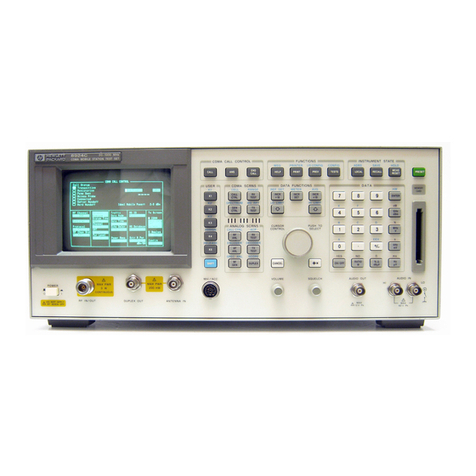
HP 8920A User guide

HP

HP 8920A User guide

HP 85097A User manual

HP

HP 85097A User manual

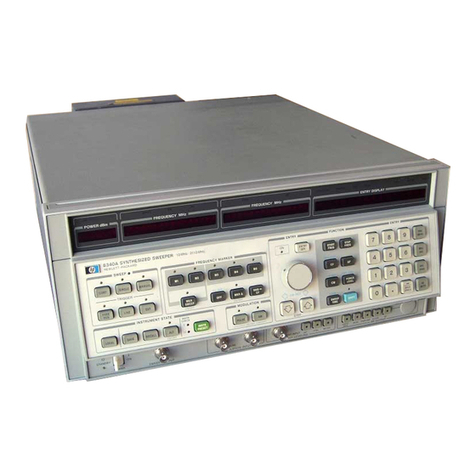
HP 8340A User manual

HP

HP 8340A User manual

HP 1740A Service manual

HP

HP 1740A Service manual

HP HP 41952A Quick start guide

HP

HP HP 41952A Quick start guide

HP 54111d User manual

HP

HP 54111d User manual

HP 86037B User manual

HP

HP 86037B User manual

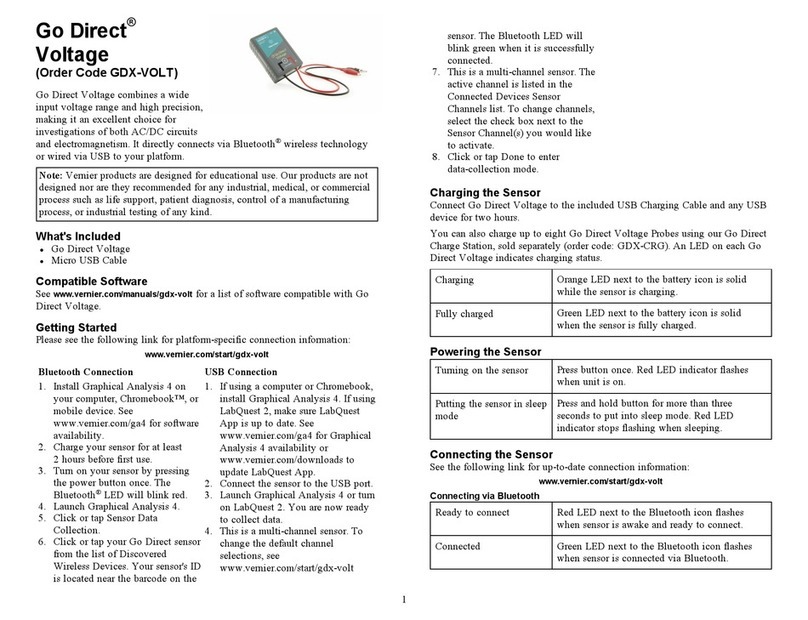
HP 85021 A User manual
HP

HP 85021 A User manual

HP 85058D User manual

HP

HP 85058D User manual

HP 8920A User manual

HP

HP 8920A User manual

HP 16533A Manual

HP

HP 16533A Manual

HP HP 8924C User manual

HP

HP HP 8924C User manual

HP 54501A User manual

HP

HP 54501A User manual

HP 41951A Quick start guide

HP

HP 41951A Quick start guide

HP 85033D Service manual

HP

HP 85033D Service manual

HP 8924E Reference manual

HP

HP 8924E Reference manual

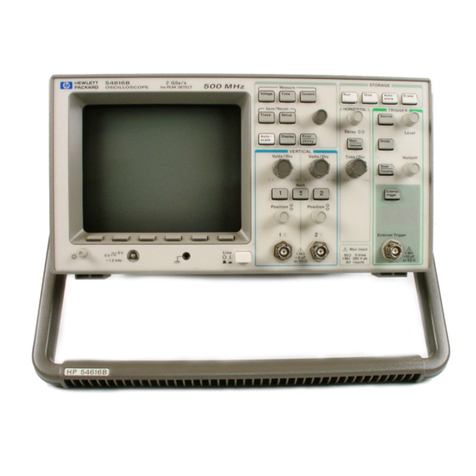
HP 54616B Troubleshooting guide

HP

HP 54616B Troubleshooting guide

HP 16442A User manual

HP

HP 16442A User manual

HP 37717C Use and care manual

HP

HP 37717C Use and care manual

Popular Test Equipment manuals by other brands

Ambit P.F. Series instruction manual

Ambit

Ambit P.F. Series instruction manual

Megger BMM500 Series user guide

Megger

Megger BMM500 Series user guide

RJG Lynx Sensor Tester operating instructions

RJG

RJG Lynx Sensor Tester operating instructions

Mark-10 TT02 Series user guide

Mark-10

Mark-10 TT02 Series user guide

Martel 3001 Operator's manual

Martel

Martel 3001 Operator's manual

ElproSys DiagProg4 instruction manual

ElproSys

ElproSys DiagProg4 instruction manual

Redtech TRAILERteck T05 user manual

Redtech

Redtech TRAILERteck T05 user manual

Venmar AVS Constructo 1.0 HRV user guide

Venmar

Venmar AVS Constructo 1.0 HRV user guide

Test Instrument Solutions SafetyPAT operating manual

Test Instrument Solutions

Test Instrument Solutions SafetyPAT operating manual

Hanna Instruments HI 38078 instruction manual

Hanna Instruments

Hanna Instruments HI 38078 instruction manual

Kistler 5495C Series instruction manual

Kistler

Kistler 5495C Series instruction manual

Waygate Technologies DM5E Basic quick start guide

Waygate Technologies

Waygate Technologies DM5E Basic quick start guide

StoneL DeviceNet CK464002A manual

StoneL

StoneL DeviceNet CK464002A manual

Seica RAPID 220 Site preparation guide

Seica

Seica RAPID 220 Site preparation guide

Kingfisher KI7400 Series Training manual

Kingfisher

Kingfisher KI7400 Series Training manual

Kurth Electronic CCTS-03 operating manual

Kurth Electronic

Kurth Electronic CCTS-03 operating manual

SMART KANAAD SBT XTREME 3G Series user manual

SMART

SMART KANAAD SBT XTREME 3G Series user manual

Agilent Technologies BERT Serial Getting started

Agilent Technologies

Agilent Technologies BERT Serial Getting started

manuals.online logo
manuals.online logoBrands
  • About & Mission
  • Contact us
  • Privacy Policy
  • Terms and Conditions

Copyright 2025 Manuals.Online. All Rights Reserved.

Errata
Title & Document Type: HP 70908A RF Section Service Guide
Manual Part Number: 70908-90193
Revision Date: April 1997
HP References in this Manual
This manual may contain references to HP or Hewlett-Packard. Please note that
Hewlett-Packard's former test and measurement, semiconductor products and chemical
analysis businesses are now part of Agilent Technologies. We have made no changes to
this manual copy. The HP 70908A referred to in this document is now the Agilent
70908A.
About this Manual
We’ve added this manual to the Agilent website in an effort to help you support your
product. This manual provides the best information we could find. It may be incomplete
or contain dated information, and the scan quality may not be ideal. If we find a better
copy in the future, we will add it to the Agilent website.
Support for Your Product
Agilent no longer sells or supports this product. You will find any other available product
information on the Agilent Test & Measurement website:
www.tm.agilent.com
Search for the model number of this product, and the resulting product page will guide
you to any available information. Our service centers may be able to perform calibration
if no repair parts are needed, but no other support from Agilent is available
Service Guide
HP 70908A
RF Section
ABCDE
HP Part No. 70908-90193
Printed in USA April 1997
Edition A.0.0
Notice
The information contained in this document is subject to change without notice.
Hewlett-Packard makes no warranty of any kind with regard to this material, including,
but not limited to, the implied warranties of merchantability and tness for a particular
purpose. Hewlett-Packard shall not be liable for errors contained herein or for incidental or
consequential damages in connection with the furnishing, performance, or use of this material.
Restricted Rights Legend.
Use, duplication, or disclosure by the U.S. Government is subject to restrictions as set forth
in subparagraph (c) (1) (ii) of the Rights in Technical Data and Computer Software clause at
DFARS 252.227-7013 for DOD agencies, and subparagraphs (c) (1) and (c) (2) of the Commercial
Computer Software Restricted Rights clause at FAR 52.227-19 for other agencies.
c

Copyright Hewlett-Packard Company 1988, 1997
All Rights Reserved. Reproduction, adaptation, or translation without prior written permission
is prohibited, except as allowed under the copyright laws
.
1400 Fountaingrove Parkway, Santa Rosa, CA 95403-1799, USA
Certication
Hewlett-Packard Company certies that this product met its published specications at the
time of shipment from the factory. Hewlett-Packard further certies that its calibration
measurements are traceable to the United States National Institute of Standards and
Technology, to the extent allowed by the Institute's calibration facility, and to the calibration
facilities of other International Standards Organization members.
Warranty
This Hewlett-Packard instrument product is warranted against defects in material and
workmanship for a period of one year from date of shipment. During the warranty period,
Hewlett-Packard Company will, at its option, either repair or replace products which prove to
be defective.
For warranty service or repair, this product must be returned to a service facility designated by
Hewlett-Packard. Buyer shall prepay shipping charges to Hewlett-Packard and Hewlett-Packard
shall pay shipping charges to return the product to Buyer. However, Buyer shall pay all
shipping charges, duties, and taxes for products returned to Hewlett-Packard from another
country.
Hewlett-Packard warrants that its software and rmware designated by Hewlett-P
ackard for
use with an instrument will execute its programming instructions when properly installed on
that instrument. Hewlett-Packard does not warrant that the operation of the instrument, or
software, or rmware will be uninterrupted or error-free.
Limitation of Warranty
The foregoing warranty shall not apply to defects resulting from improper or inadequate
maintenance by Buyer, Buyer-supplied software or interfacing, unauthorized modication or
misuse, operation outside of the environmental specications for the product, or improper
site preparation or maintenance.
NO OTHER WARRANTY IS EXPRESSED OR IMPLIED. HEWLETT-PACKARD SPECIFICALLY
DISCLAIMS THE IMPLIED WARRANTIES OF MERCHANTABILITY AND FITNESS FOR A
PARTICULAR PURPOSE.
Exclusive Remedies
THE REMEDIES PROVIDED HEREIN ARE BUYER'S SOLE AND EXCLUSIVE REMEDIES.
HEWLETT-PACKARD SHALL NOT BE LIABLE FOR ANY DIRECT, INDIRECT, SPECIAL,
INCIDENTAL, OR CONSEQUENTIAL DAMAGES, WHETHER BASED ON CONTRACT, TORT,
OR ANY OTHER LEGAL THEORY.
Assistance
Product maintenance agreements and other customer assistance agreements are available for
Hewlett-Packard products.
For any assistance, contact your nearest Hewlett-Packard Sales and Service Oce.
iii
Safety Symbols
The following safety symbols are used throughout this manual. Familiarize yourself with each
of the symbols and its meaning before operating this instrument.
CAUTION
The
CAUTION
sign denotes a hazard. It calls attention to a procedure which, if
not correctly performed or adhered to, could result in damage to or destruction
of the product or the user's work. Do not proceed beyond a
CAUTION
sign
until the indicated conditions are fully understood and met.
WARNING
The
WARNING
sign denotes a hazard. It calls attention to a procedure
which, if not correctly performed or adhered to, could result in injury
to the user. Do not proceed beyond a
WARNING
sign until the indicated
conditions are fully understood and met.
DANGER
The
DANGER
sign denotes an imminent hazard to people. It warns the
reader of a procedure which, if not correctly performed or adhered to,
could result in injury or loss of life. Do not proceed beyond a
DANGER
sign until the indicated conditions are fully understood and met.
iv
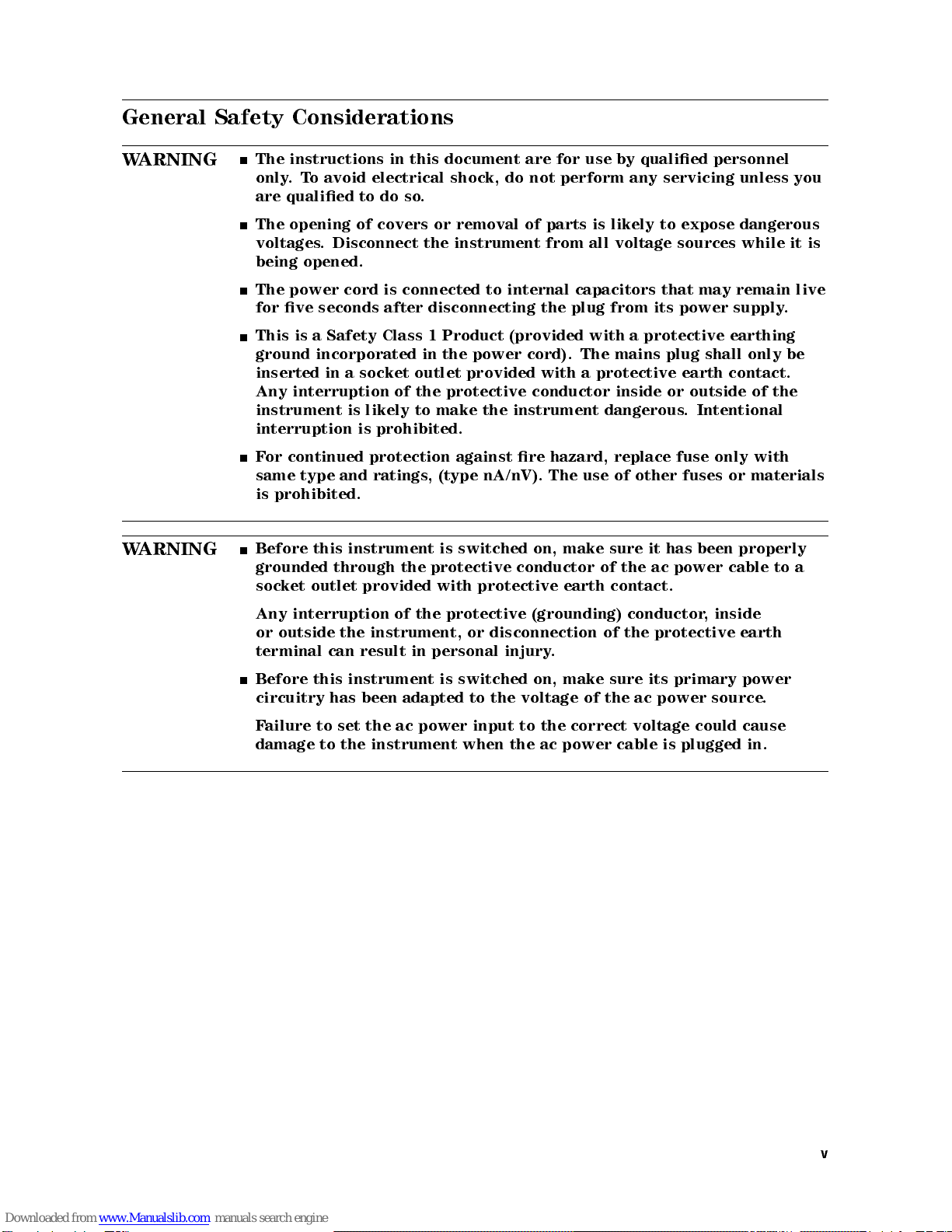
General Safety Considerations
WARNING
The instructions in this document are for use by qualied personnel
only.To avoid electrical shock, do not perform any servicing unless you
are qualied to do so.
The opening of covers or removal of parts is likely to expose dangerous
voltages. Disconnect the instrument from all voltage sources while it is
being opened.
The power cord is connected to internal capacitors that may remain live
for ve seconds after disconnecting the plug from its power supply.
This is a Safety Class 1 Product (provided with a protective earthing
ground incorporated in the power cord). The mains plug shall only be
inserted in a socket outlet provided with a protective earth contact.
Any interruption of the protective conductor inside or outside of the
instrument is likely to make the instrument dangerous. Intentional
interruption is prohibited.
For continued protection against re hazard, replace fuse only with
same type and ratings, (type nA/nV). The use of other fuses or materials
is prohibited.
WARNING
Before this instrument is switched on, make sure it has been properly
grounded through the protective conductor of the ac power cable to a
socket outlet provided with protective earth contact.
Any interruption of the protective (grounding) conductor, inside
or outside the instrument, or disconnection of the protective earth
terminal can result in personal injury.
Before this instrument is switched on, make sure its primary power
circuitry has been adapted to the voltage of the ac power source
.
Failure to set the ac power input to the correct voltage could cause
damage to the instrument when the ac power cable is plugged in.
v
Servicing at a Glance
vi
The RF section is a module that is used in HP 70000 Series modular measurement systems.
A standard modular spectrum analyzer system includes a mainframe with an RF section ,
IF section, local oscillator, an optional display, and an optional precision frequency reference.
Software and documentation supplied
This service guide is part of an Option OB3 package which includes:
HP 70908A Service Guide
HP 70908A Component Level Information Packages
Module verication software disks.
Tools needed
Before servicing, refer to Chapter 5 for a list of the tools and accessories that may be needed
during servicing.
Antistatic precautions
Electrical components are easily damaged by small amounts of static electricity. If possible,
work at a static-safe work station. For further information, refer to \Preparing a Static-Safe
Work Station" in Chapter 4.
vii
In This Book
This book describes all of the service procedures necessary to test, adjust, troubleshoot, and
repair your RF section.
Each MMS module has its own service guide.For further information related to the servicing of
additional and alternate modules that can be used in this system, refer to that module's service
guide.
This service guide is part of an Option OB3 package which consists of two manuals.
Manual 1
Chapter 1 provides information to help get you started so that your RF section is serviced
properly.
Chapter 2 contains information needed to use module verication software while servicing
your RF section.
Chapter 3 contains information to help identify and resolve some common problems that may
occur with your RF section before extensive servicing.
Chapter 4 contains information about troubleshooting your RF section. It presents
information on preparing a static-safe work station and includes a set of troubleshooting
procedures that can be used to optimize repair time
.
Chapter 5 contains tables with a complete listing of all equipment that may be required for
servicing.
Chapter 6 contains the setups for all equipment calibration procedures that must be
performed in order to optimize module performance when assemblies are changed, repaired,
or adjusted.
Chapter 7 contains the setups for all adjustment procedures that are used to optimize module
performance when assemblies are changed, repaired, or adjusted.
Chapter 8 contains the setups for all module verication tests that are used to optimize
module performance when assemblies are changed, repaired, or adjusted.
Chapter 9 contains procedures for removal and replacement of major assemblies in your
RF section. It also contains information needed to order mechanical parts for your
RF section.
Chapter 10 contains information on all overall parts identication drawings that should be
used when performing the troubleshooting procedures descibed in this service guide.
An index is added at the end of this service guide to aid the user in nding key items of
interest.
Manual 2
Manual 2 is a separate volume that contains packets of component-level repair information
for each RF section board assembly that has eld-replaceable parts. Each packet includes the
parts list, component-location drawing, and schematics for a specic board-assembly part
number. Manual 2 also contains a table that can be used to cross reference dierent board
assemblies that have dierent serial prex breaks.
Before you begin servicing
, you must become familiar with module verication software.For
information on how to use this module verication software, refer to Chapter 2.
viii
Contents
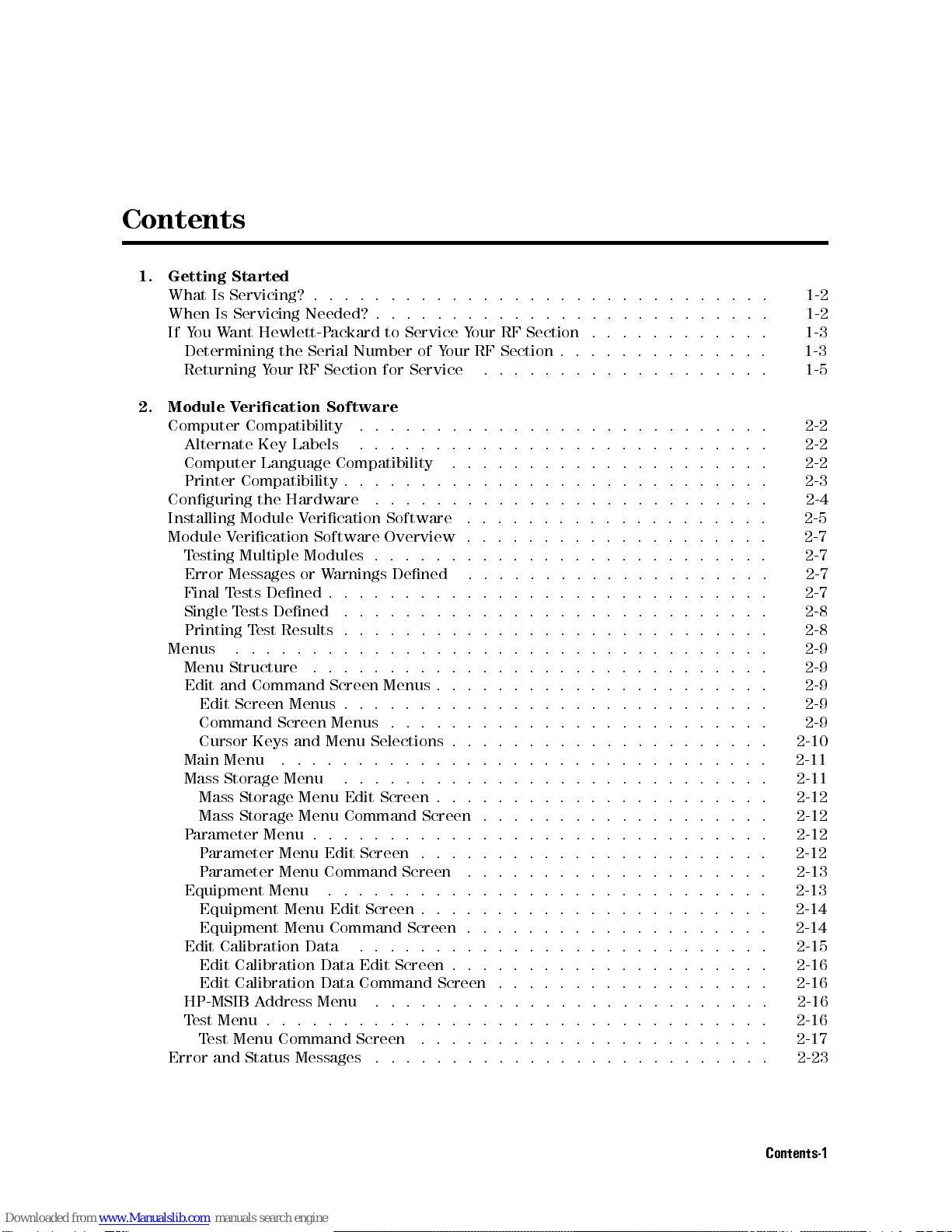
1. Getting Started
What Is Servicing? . . . . . . . . . . . . . . . . . . . . . . . . . . . . . . 1-2
When Is Servicing Needed? . . . . . . . . . . . . . . . . . . . . . . . . . . 1-2
If You Want Hewlett-Packard to Service Your RF Section . . . . . . . . . . . . 1-3
Determining the Serial Number of Your RF Section . . . . . . . . . . . . . . 1-3
Returning Your RF Section for Service ................... 1-5
2. Module Verication Software
Computer Compatibility ........................... 2-2
Alternate Key Labels .. .. .. .. .. .. .. .. .. .. .. .. .. . 2-2
Computer Language Compatibility ..................... 2-2
Printer Compatibility . . . . . . . . . . . . . . . . . . . . . . . . . . . . 2-3
Conguring the Hardware .. .. .. .. .. .. .. .. .. .. .. .. .. 2-4
Installing Module Verication Software .................... 2-5
Module Verication Software Overview . . . . . . . . . . . . . . . . . . . . 2-7
Testing Multiple Modules . . . . . . . . . . . . . . . . . . . . . . . . . . 2-7
Error Messages or Warnings Dened .... .. .. .. .. .. . .. .. . 2-7
Final Tests Dened . . . . . . . . . . . . . . . . . . . . . . . . . . . . . 2-7
Single Tests Dened .... .. .. .. .. .. .. .. . .. .. .. .. . 2-8
Printing Test Results . . . . . . . . . . . . . . . . . . . . . . . . . . . . 2-8
Menus ................................... 2-9
Menu Structure .............................. 2-9
Edit and Command Screen Menus . . . . . . . . . . . . . . . . . . . . . . 2-9
Edit Screen Menus . . . . . . . . . . . . . . . . . . . . . . . . . . . . 2-9
Command Screen Menus . . . . . . . . . . . . . . . . . . . . . . . . . 2-9
Cursor Keys and Menu Selections . . . . . . . . . . . . . . . . . . . . . 2-10
Main Menu ................................ 2-11
Mass Storage Menu .... .. .. .. .. .. .. .. .. .. . .. .. . 2-11
Mass Storage Menu Edit Screen . . . . . . . . . . . . . . . . . . . . . . 2-12
Mass Storage Menu Command Screen . . . . . . . . . . . . . . . . . . . 2-12
Parameter Menu . . . . . . . . . . . . . . . . . . . . . . . . . . . . . . 2-12
Parameter Menu Edit Screen . . . . . . . . . . . . . . . . . . . . . . . 2-12
Parameter Menu Command Screen .... .. .. .. .. .. .. .. .. 2-13
Equipment Menu ............................. 2-13
Equipment Menu Edit Screen . . . . . . . . . . . . . . . . . . . . . . . 2-14
Equipment Menu Command Screen . . . . . . . . . . . . . . . . . . . . 2-14
Edit Calibration Data .... .. .. .. .. .. .. .. . .. .. .. .. 2-15
Edit Calibration Data Edit Screen . . . . . . . . . . . . . . . . . . . . . 2-16
Edit Calibration Data Command Screen . . . . . . . . . . . . . . . . . . 2-16
HP-MSIB Address Menu .......................... 2-16
Test Menu . . . . . . . . . . . . . . . . . . . . . . . . . . . . . . . . . 2-16
Test Menu Command Screen .... .. .. .. .. .. .. .. .. .. . 2-17
Error and Status Messages .......................... 2-23
Contents-1