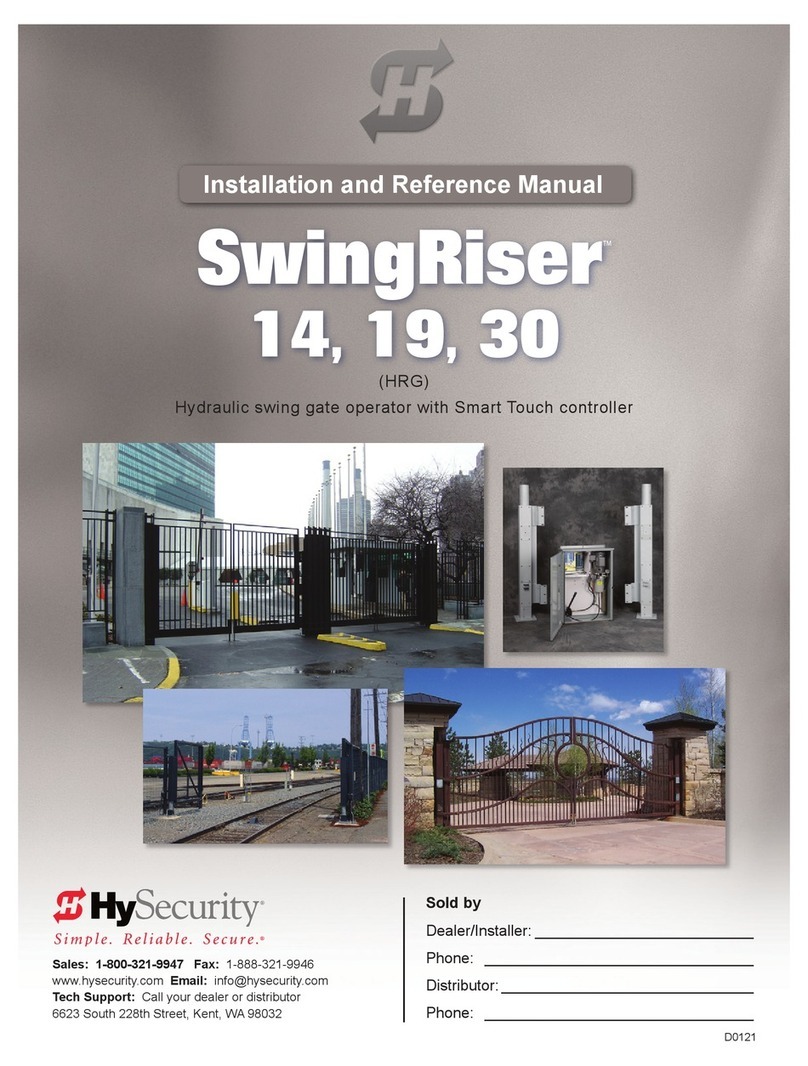
SELECTIONS
0 – No Usage Class set.
1 – Single Family residential up to four units.
2 – Multi-family, hotel, etc.
3 – Industrial use, not for general public.
4 – Guarded and monitored facility not for
general public.
Connect the red battery wire to its spade terminal. Turn ON DC power.
The USAGE CLASS menu display appears the rst time power is
applied. Five sequential displays present information which must be
congured before SlideSmart will function.
To edit
the MENU
To navigate through
SELECTIONS
To choose what is
on the display
To navigate
between menus
Press SELECT.
Two top
characters blink.
Press NEXT.
Continue pressing NEXT
to view all selections.
Press SELECT.
Blinking characters
become static.
Press NEXT or PREV.
Advance – press NEXT
Previous – press PREV
SELECTIONS
0 – No handing set. Gate will not move until
handing is set.
Looking at the gate from the secure, operator
side, choose:
R – If the operator is on your right.
L – If the operator is on your left.
SELECTIONS
0 – Not set.
SlideSmart DC 15 SlideSmart DC 10F
1 – Gate weight: 0 to 400lbs (0 to 181kg)
2 – Gate weight: 401 to 800lbs (182 to 363kg)
3 – Gate weight: 801 to 1100lbs (363 to 499kg)
4 – Gate weight: 1101 to 1500lbs (499 to 60kg)
1 – Gate weight: 0 to 400lbs (0 to 181kg)
2 – Gate weight: 401 to 800lbs (182 to 363kg)
3 – Gate weight: 801 to 1100lbs (363 to 499kg)
4 – Gate weight: 1101 to1500lbs (499 to 60kg)
Hold the OPEN button until the gate
slides to full open. Release the OPEN
button. Note that if you go too far, you
can press CLOSE to reverse direction.
Press STOP twice to preserve the open
stop location in memory.
OPEN CLOSE STOP MENU RESET
PREV NEXT SELECT
WT 0
GATE WEIGHT (LB)
UC 0
USAGE CLASS
OPEN CLOSE STOP MENU RESET
PREV NEXT SELECT
OPEN CLOSE STOP MENU RESET
PREV NEXT SELECT
SH 0
GATE HANDING
Hold the CLOSE button until the gate
slides to full close. Release the CLOSE
button and press STOP twice. The full
close stop is retained in memory.
NOTE: GATE CLOSED appears
on the display and ALERT 15 ashes
until the target magnet is installed
and its location stored in memory.
See page 6, Install the Target Magnet.
learn limitS
OPEN CLOSE STOP MENU RESET
PREV NEXT SELECT
HYSECURITY
GATE CLOSED
LEARN CLOSE
INCHES: - XXX.X
OPEN CLOSE STOP MENU RESET
PREV NEXT SELECT
LEARN OPEN
INCHES: +XXX.X
OPEN CLOSE STOP MENU RESET
PREV NEXT SELECT
www.hysecurity.com SlideSmart DC Quick Start Steps D0349 Rev D Page 5
initial SetuP menu
cOnnect the battery
Connect the red battery wire.
OPEN
NEXT SELECT
CLOSE STOP MENU RESET
ON
DC
POW
OF
Emergency
Stop Button turn On
dc POWer