910
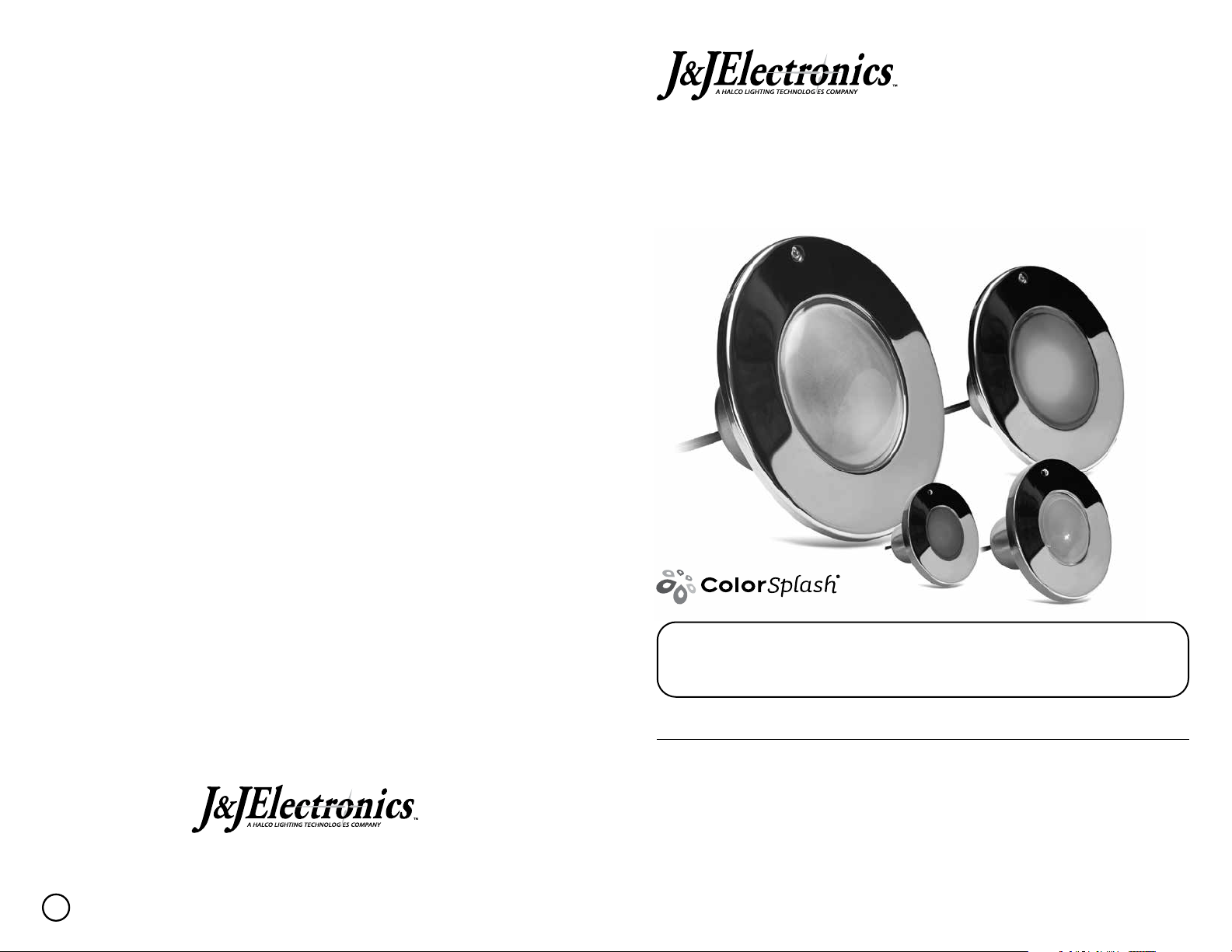
ColorSplash XG Series LED Pool and Spa light xtures are operated through the light’s
switch. No special controller or interface is required*. Use a junction box to connect and
operate multiple lights with a single switch.
ColorSplash XG Series LED light xtures are pre-programmed and synchronous with each
other while oering a wide array of lighting eects and options. They oer seven dierent
light shows (1-7) and ve solid colors (8-12) to choose from; as well as a Color Lock (13)
and Return (14) feature which allows you to “lock” the light on a color shown during an
active light show and can return to the last locked color eect. XG LED Light Fixture
features are selectable by turning the existing pool light power switch o and on, known as
power cycling.
LIGHT SHOWS
Your ColorSplash XG Series LED Light xture has seven light shows from which you can
choose. (See full description of light shows on page 10)
SOLID COLORS
Your XG Series LED light xture has ve colors available for you to experience. Available
colors are:
COLOR LOCK AND RETURN
Your XG LED light xture can stop a light show and “color lock” on a color shown during
an active light show and can also return to the last locked color eect.
OPERATION FOR 120VAC AND 12VAC COLORSPLASH XG
SERIES LED POOL AND SPA LIGHT FIXTURES
1. Peruvian Paradise 2. Super Nova 3. Northern Lights 4. Tidal Wave
5. Patriot Dream 6. Desert Skies 7. Nova
8. Parisian Blue 9. New Zealand Green 10. Brazilian Red
11. Arctic White 12. Miami Pink
13. Color Lock 14. Return
XG SERIES: LIGHT SHOWS, SOLID COLORS AND FUNCTIONS
WARNING
Certain Pentair®and Jandy®automation systems have a mode setting for controlling “Pentair
IntelliBrite®5g LED Color” light xtures. This setting can also be used to operate Color
Splash XG Series LED light xtures. When the Pentair and Jandy automation system is set
to “IntelliBrite” mode, users will NOT see XG series proprietary colors and show names
displayed on the control screen. (See J&J’s cross reference guide to assist users with selecting
XG Series light shows and colors on automation systems set to “IntelliBrite” mode.)
NOTE: J&J’s Color Splash XG Series LED Pool and Spa light xtures will not
synchronize with any other manufacturer’s pool or spa light xtures.
COLORSPLASH XG SERIES LED ENHANCED FUNCTIONALITY WITH CERTAIN
PENTAIR®AND JANDY®AUTOMATION SYSTEMS.
ColorSplash XG Series LED lighting is NOT compatible with the Pentair®IntelliBrite®
Controller (Part Number: 600054). Installation of J&J’s XG series LED light xture with
an IntelliBrite controller will permanently damage the J&J light xture and VOID J&J’s
warranty.
WARNING
During o/on power cycling, prior to the selected show/color displaying, no illumination
will occur. This is normal during the cycling process. During this period the pool/spa will
be dark and precautions should be taken to avoid any unforeseen accidents. Failure to
observe this warning may result in serious injury or death to pool/spa users.
WARNING
CHANGE LIGHT SHOW
Changing XG light shows: Power cycle pool light switch o/on as many times needed to match the
desired light show’s specied number. Example: If you are on (10) Brazilian Red and want to display
(3) Northern Lights light show, power cycle three (3) times to select and activate Northern Lights.
XG SERIES LIGHTING OPERATION: HOW TO CHANGE
LIGHT SHOW, SELECT SOLID COLORS AND FUNCTIONS
SELECT SOLID COLORS
COLOR LOCK FEATURE
RETURN FEATURE
Similar to selecting an XG light show, power cycle pool light switch o/on as many times
needed to match the desired solid color’s specied number. Example: If you are on (6)
Desert Skies and want to display (11) Arctic White, power cycle eleven
(11) times to select and display Arctic White.
You can select a non-standard solid color at anytime by activating the “color lock” feature.
The color lock feature allows you to stop a XG Light show and “lock” on any color shown
during an active light show. To “lock” onto a solid color, power cycle the pool light switch
o/on thirteen (13) times when the desired color is displayed during the active light show.
You can return to the last color locked color eect while in a light show mode or xed solid
colors by activating the “return” feature. To return to the last color locked color eect, power
cycle fourteen (14) times, and after ve seconds the last saved color lock eect will be displayed.
NOTE: During power cycle process, before the selected light show or color is displayed,
temporarily there will be no illumination. This is normal during the switching process.