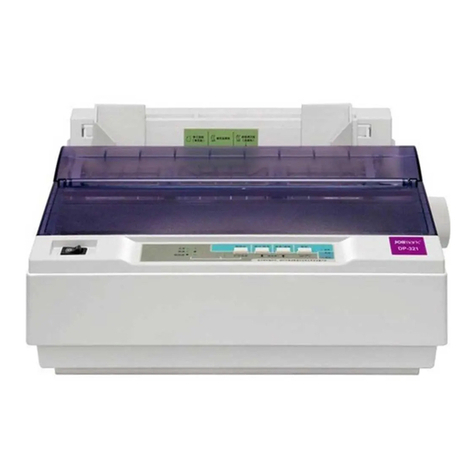
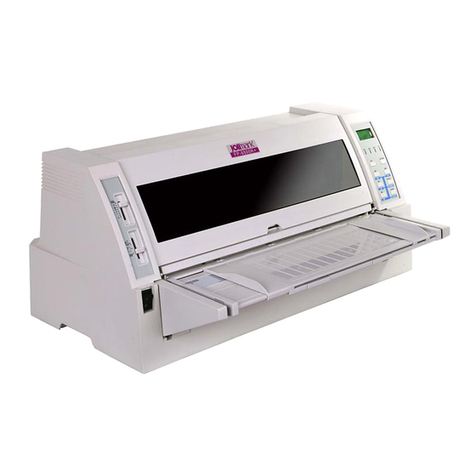
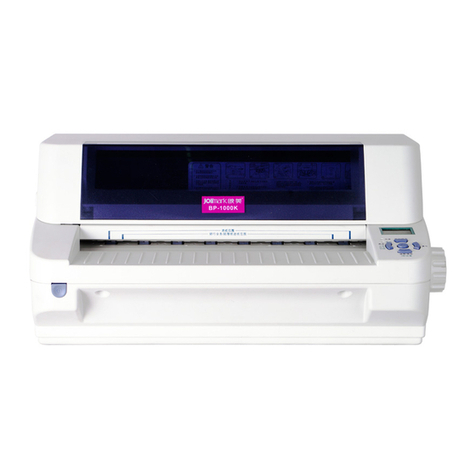
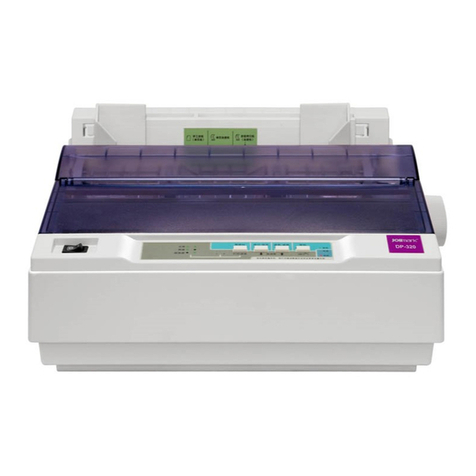
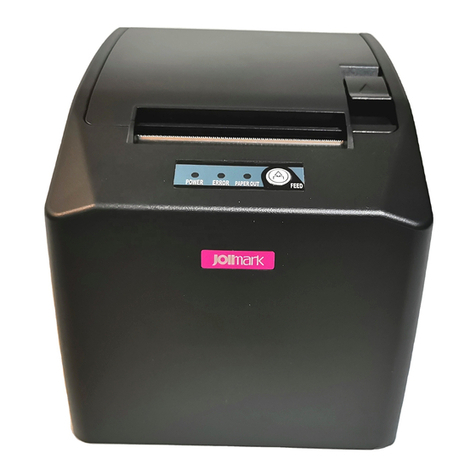
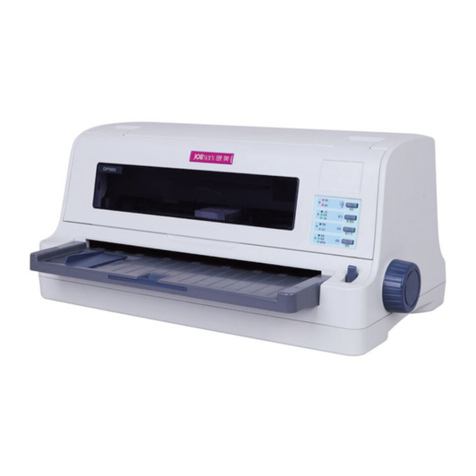
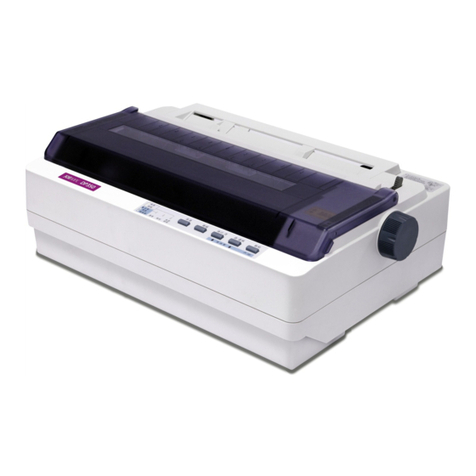
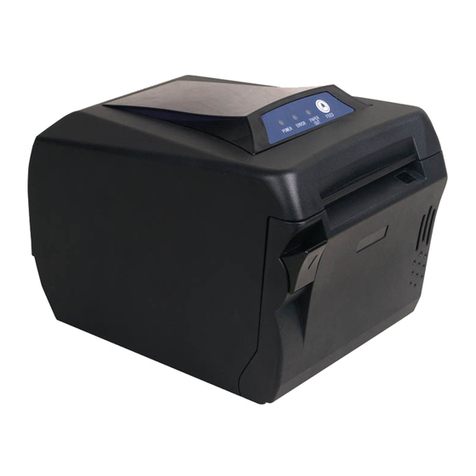
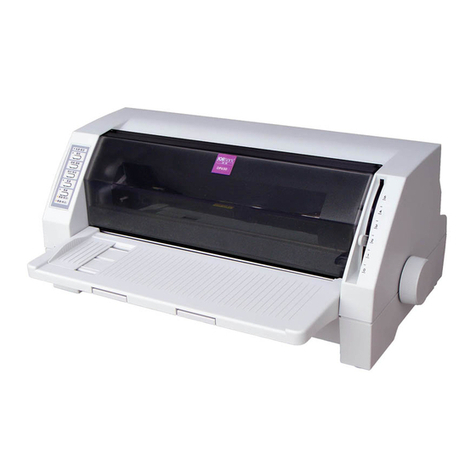
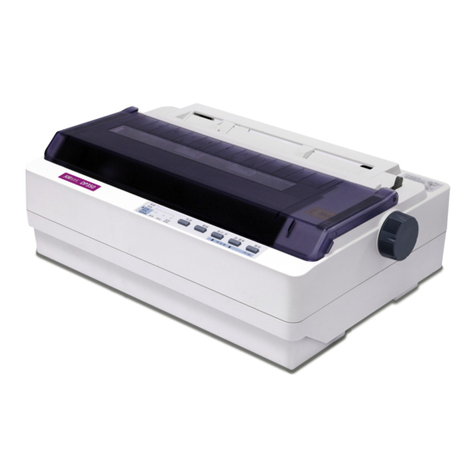
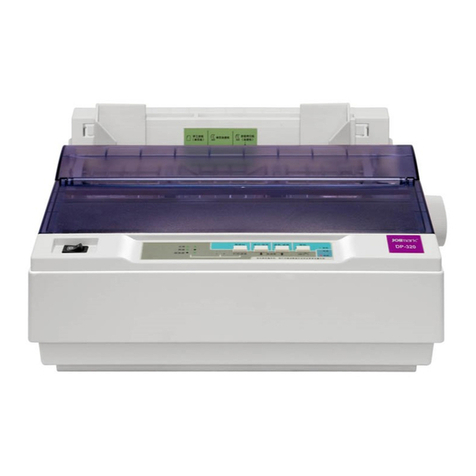
BP-1000K User’s Manual
- iii -
Table of Contents
Declare..........................................................................................................................................................i
Important Safety Instructions ....................................................................................................................ii
Chapter 1 Product Features.......................................................................................................................1
Chapter 2 Checking and Installing ............................................................................................................3
2.1 Unpacking and Checking ....................................................................................................................3
2.2 Unpacking the Protective Materials.....................................................................................................3
2.3 Main Parts of the Printer......................................................................................................................4
2.4 Installing the Printer ............................................................................................................................4
2.4.1 Choose Proper Installing Place ....................................................................................................4
2.4.2 Installing the Paper Feed Knob ....................................................................................................4
2.4.3 Installing the Ribbon Cartridge .....................................................................................................5
2.5 Connecting to Your Computer .............................................................................................................7
2.5.1 Connecting the Parallel Interface..................................................................................................7
2.5.2 Connecting the USB Interface......................................................................................................8
2.5.3 Connecting the Serial Interface Cable..........................................................................................8
2.5.4 Connecting the Ethernet Interface Cable......................................................................................9
2.6 Connect the Power Core.....................................................................................................................9
2.7 Installing the Driver .............................................................................................................................9
2.8 Network Settings ...............................................................................................................................12
2.8.1 Connecting Printer......................................................................................................................12
2.8.2 Setting IPAddress......................................................................................................................12
2.8.3 Installing Printer Network Driver .................................................................................................14
Chapter 3 Paper Process .........................................................................................................................22
3.1 Paper Switch.....................................................................................................................................22
3.2 Loading the Cut Sheet ......................................................................................................................22
3.3 Loading the Passbook.......................................................................................................................23
3.4 Loading the Vertical Certificate..........................................................................................................23
3.5 Loading the Thick Paper ...................................................................................................................24
3.6 Installing Tractor Paper .....................................................................................................................24
3.7 Tearing the Tractor Paper..................................................................................................................25
Chapter 4 Control Panel...........................................................................................................................27
4.1 Key, Indicator Light and LCD Display on Control Panel ....................................................................27
4.2 Basic Operation of Control Panel ......................................................................................................27
4.3 The information on the LCD Display When at Stand by State ...........................................................28
4.4 Use of the Menu Setup System.........................................................................................................29
4.4.1 Change the Current Setting of the Printer...................................................................................29
4.4.2 Printing the Current Setting Report.............................................................................................30
4.4.3 Menu Item Description................................................................................................................32
4.4.4 Online Aptitude Parameter Setting .............................................................................................33
4.4.5 Restoring Factory Printer Settings..............................................................................................34
4.4.6 Head Pin Test.............................................................................................................................34
4.5 TOF Adjustment ................................................................................................................................35
4.6 Tear Off Position Adjustment .............................................................................................................35