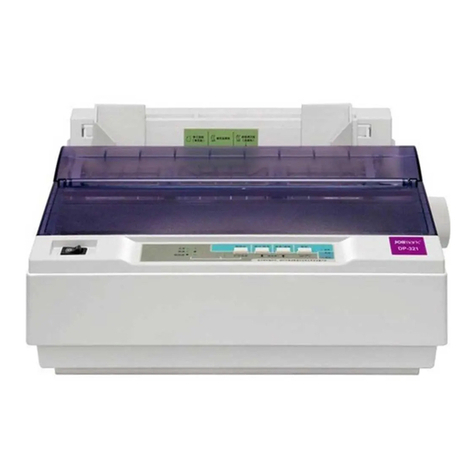
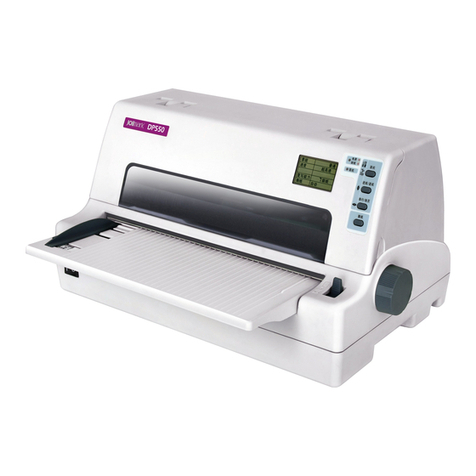
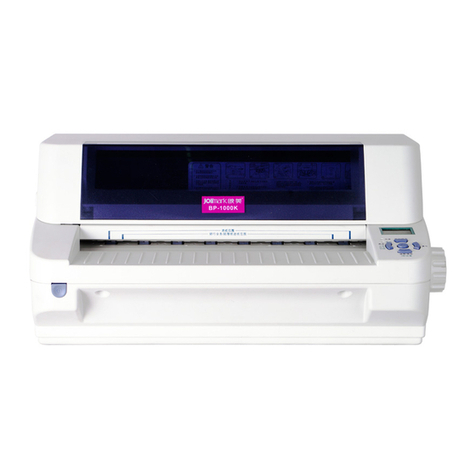
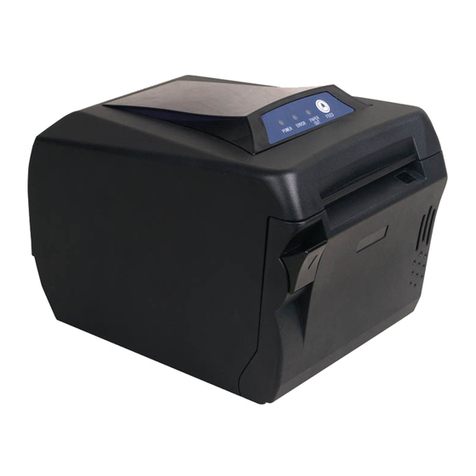
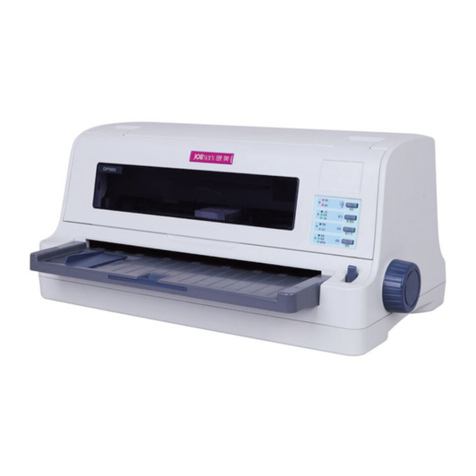
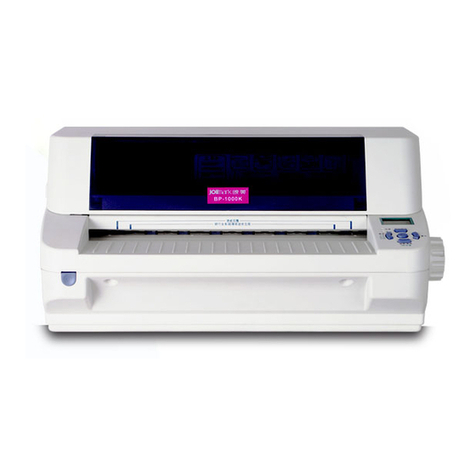
DP750 User's Manual
- ii -
Table of Contents
Important Safety Instructions.................................................................................................................i
Chapter 1 Overview................................................................................................................................1
1.1 Features..........................................................................................................................................1
Chapter 2 Preparation............................................................................................................................3
2.1 Unpacking.......................................................................................................................................3
2.2 Unpacking the Protective Materials.................................................................................................3
2.3 Identifying the Parts ........................................................................................................................4
2.4 Installing the Printer ........................................................................................................................5
2.4.1 Installing the Paper Feed Knob................................................................................................5
2.4.2 Uninstalling the Front Table......................................................................................................5
2.4.3 Installing and Replacing the Ribbon Cartridge .........................................................................6
2.5 Connecting the Printer to Your Computer .......................................................................................7
2.5.1 Connecting to the parallel interface..........................................................................................7
2.5.2 Connecting to the USB interface..............................................................................................7
2.5.3 Connecting to the Ethernet interface........................................................................................8
2.5.4 Connecting to the Serial Interface............................................................................................8
2.6 Connecting to the Power Cord........................................................................................................8
2.7 Installing Driver ...............................................................................................................................9
2.8 Network Settings...........................................................................................................................11
2.8.1 Connecting Printer..................................................................................................................11
2.8.2 Setting IPAddress..................................................................................................................12
2.8.3 Installing Printer Network Driver.............................................................................................14
Chapter 3 Paper loading......................................................................................................................22
3.1 Paper Thickness Adjustment ........................................................................................................22
3.2 Using Cut Sheets..........................................................................................................................22
3.3 Using tractor paper .......................................................................................................................24
3.4 Tractor Paper loading....................................................................................................................24
3.5 Tearing off Tractor Paper...............................................................................................................25
Chapter 4 Control Panel.......................................................................................................................27
4.1 Control Panel Keys and LEDs ......................................................................................................27
4.2 Basic Control Panel Operations....................................................................................................27
4.3 Bill Print Function..........................................................................................................................28
4.4 Printing Home Position Adjustment Mode.....................................................................................28
4.5 Tear-off Adjustment Mode .............................................................................................................29
4.6 Using the Setup Menu System .....................................................................................................29
4.6.1 Printing the Current Setting Report........................................................................................29
4.6.2 Enter the Setup Menu System and Change the Settings.......................................................32
4.6.3 Restoring Factory Printer Settings..........................................................................................33
4.6.4 Explaining Menu Terms..........................................................................................................33
4.6.5 Online-aptitude Parameter Settings .......................................................................................34
4.7 Using the Self Test Functions........................................................................................................35
4.7.1 ASCII Test Mode ....................................................................................................................35