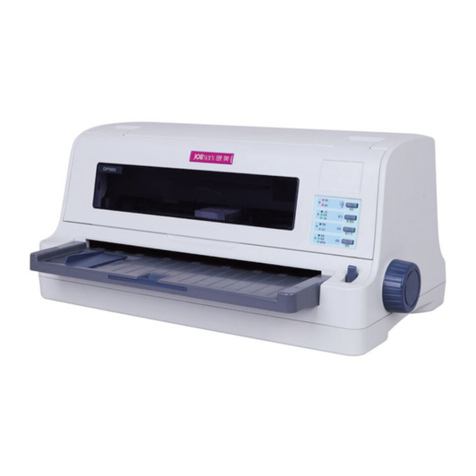
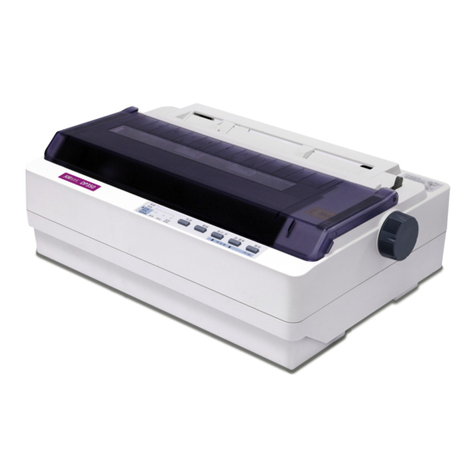
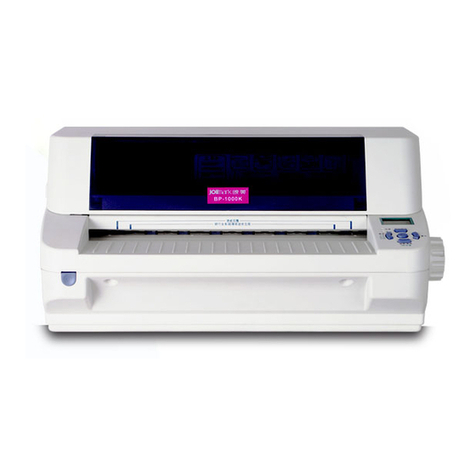
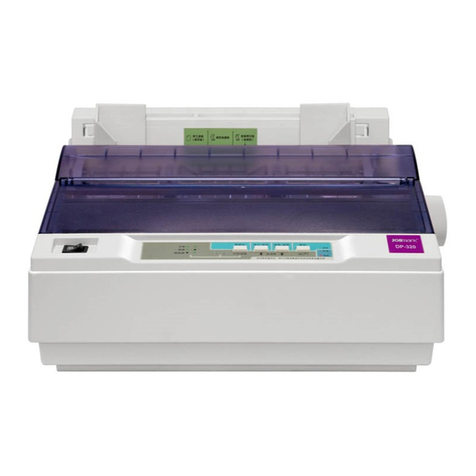
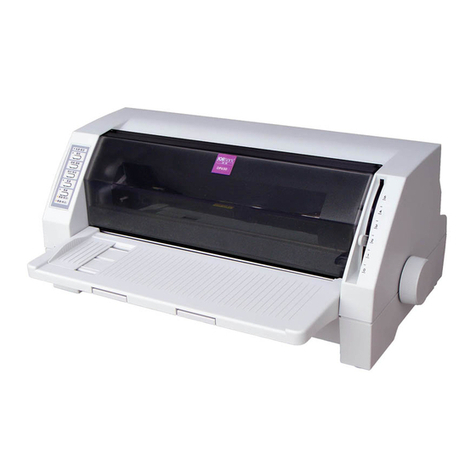
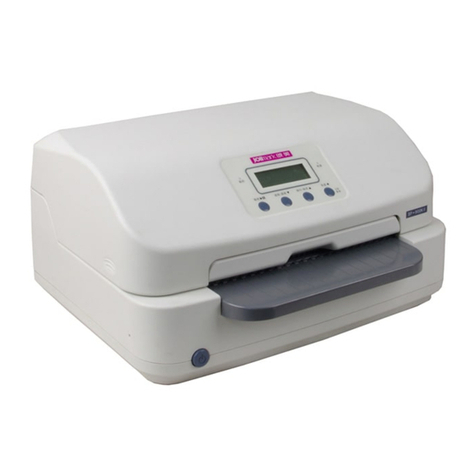
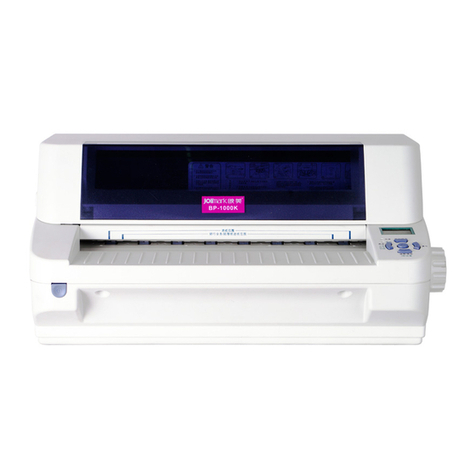
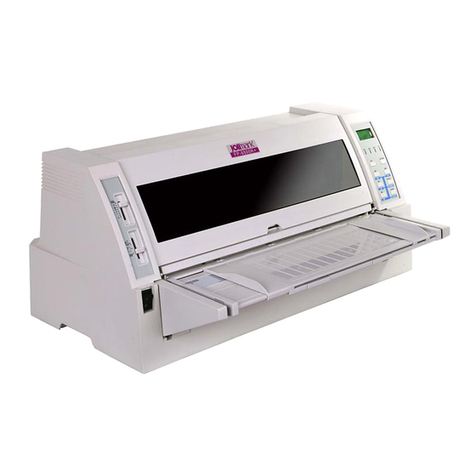
DP321 User's Manual
- ii -
Warnings, Cautions, and Notes
Pay attention to the following promises when using this manual:
Warnings:
Warnings must be followed carefully to avoid bodily injury.
Cautions:
Cautions must be observed to avoid damage to your equipment.
Notes:
Notes contain important information and useful tips on the operation of your printer.
The Guide
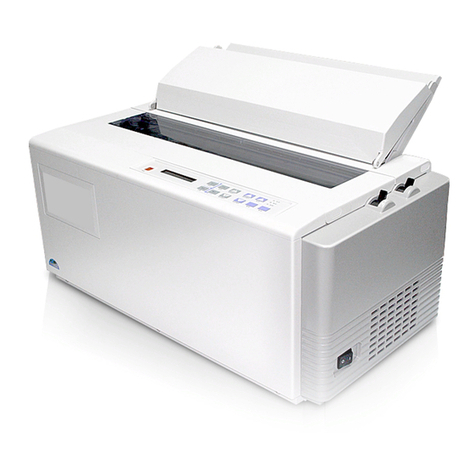
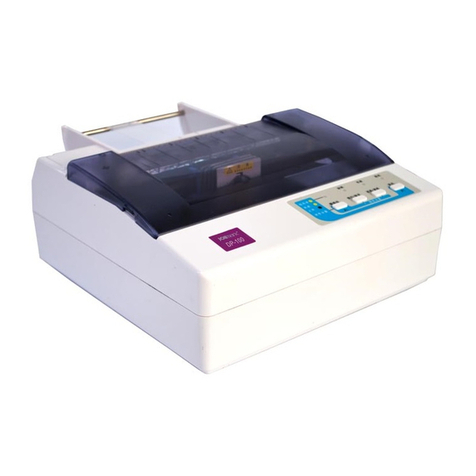
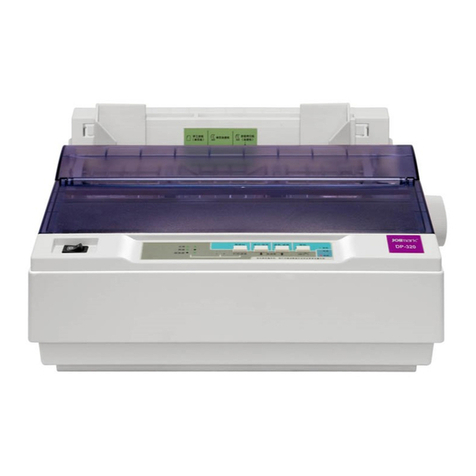
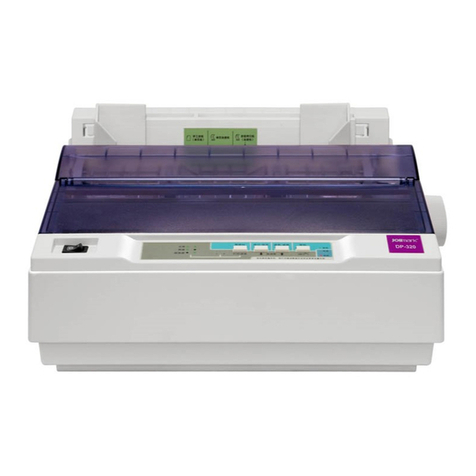
First thanks for buying the Jolimark printer. The printer is 9-pin 80-column Dot Matrix Printer, can
satisfy multi-function print requests. It can be widely used in tax, mail, telecom, police, hospital,
insurance, finance, stock, customhouse, cabaret, aviation and transport etc.
The printer feature introduce as follow:
zInstall print paper easily
The install design make you operate easily, install paper rapidly and save your time.
zTear off function
This causes tractor paper to be automatically fed to the tear-off position at the edge of the window
cover, for easy tear-off at the perforations after printing. This zero tear-off capability helps eliminate
paper wastage.
zFacility switch between cut-sheet and tractor paper
Feed the tractor paper back to the installing position through LOAD/EJECT key on the control panel,
pull the paper select lever to the cut-sheet position. Insert the cut-sheet from front to print. If you want
to use tractor paper again, pull the paper select lever back to the tractor paper position after cut-sheet
printing. Then press LOAD/EJECT key, tractor paper may be fed to the printer again.
zEject function
The function allow the user eject the cut-sheet or tractor paper through the facility button on the control
panel.
zSelect the data transfer interface function automatically
The printer configures parallel interface, USB interface or serial interface (According to specific
interface standards). Connect the printer to the computer with the correct cables. The printer will switch
the correct interface according to the type of data automatically.
zEmulation
The printer supports the Epson ESC/P-K2 and IBM2391 emulations as standard.
zInternational character set and multi-kinds code pages
Inner international character set (U.S.A, FRANCE, GERMANY, U.K., DENMARK1, SWEDEN, ITALY,
SPAIN 1, JAPAN, NORWAY, DENMARK2, SPAIN 2, LATIN AM, KOREA, LEGAL, HOLAND, TURKEY)
and multi-kinds code pages (U.S.A, MULTI, PORTUGAL, CANADA, NORWAY, ICELAND, BRASCII,
ABICOMP, ROMAN 8, IS0 LTN1, PC858, ISO LTN9, ARAB NLS, WIN 1256, TURKEY, WIN LAT1,
CYRILLIC, RUSSIAN, THAI, VIETNAM).
zBreak pin compensation function
User can set the printer to print using the pin which is in good condition to compensate the break pin.
zPin switch in turn function
User can set pins to switch while printing form transverse line in order to improve print head life.