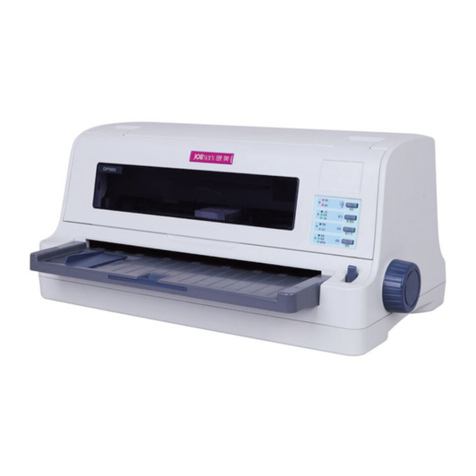
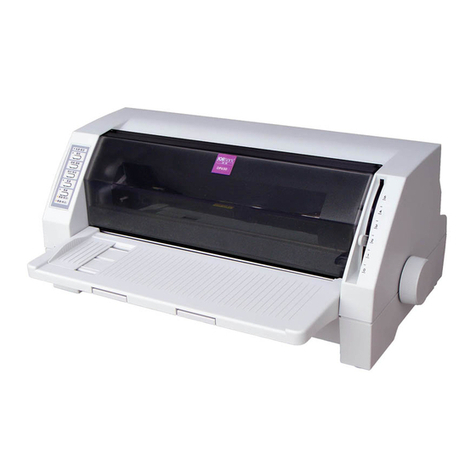
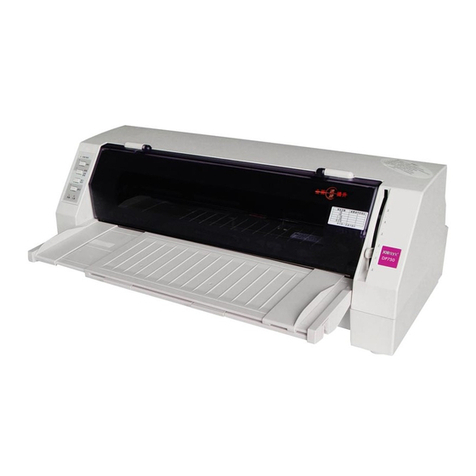
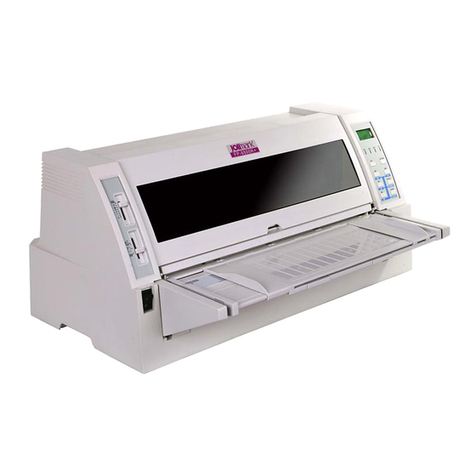
DP100 User’s Manual
- i -
Important Safety Instruction
Be sure to have read the manual carefully before your operation. Neither our Corporation nor its
affiliates shall be liable to the purchaser of this product or third parties for damages, losses, costs,
or expenses incurred by purchaser or third parties as a result of: accident, misuse, or abuse of this
product or unauthorized modifications, repairs, or alterations to this product, or failure to strictly
comply with our Corporation’s operating and maintenance instructions.
zFollow all warnings and instructions in the manual as well as marked on the product.
zUnplug this product from the wall outlet before cleaning. Do not use liquid or aerosol cleaners.
Use a damp cloth for cleaning.
zDo not use this product near water.
zBe sure to set this equipment on a firm, stable, horizontal surface. The product may break or
cause injury if it falls.
zSlots and opening on the cabinet and the back or bottom are provided for ventilation. To
ensure reliable operation of the product and to protect it from overheating, do not block or
cover these openings. The openings should never be blocked by placing the product on a bed,
sofa, rug or other similar surface. This product should not be placed in a built-in installation
unless proper ventilation is provided.
zThis product should never be placed near or over a radiator or heat origin, and should avoid
of direct sunshine.
zDo not locate this product where the cord will be walked on. When the cord or the plug is
mangled, please stop using and get a new one replaced. Make sure the old one is far away
from the printer, so it can avoid someone who does not know the inside story getting damage.
zBe sure to use the specified power source. Connection to an improper power source may
cause fire or shock.
zDo not use in locations subject to high humidity or dust levels. Excessive humidity and dust
may cause equipment damage or fire.
zNever push objects of any kind into this product though cabinet slots as they may touch
dangerous voltage dots or short out parts.
zDon’t remove the printer’s out-cover and repair the printer. When needed, call or take it to the
professional.
zIf water or other liquid spills into this equipment, unplug the power cord immediately, and then
contact your dealer or a service center for advice.
zTo ensure safety, please unplug this product prior to leaving it unused for an extended period.
The wall outlet you plan to connect to should be nearby and unobstructed.
zUnplug this product from the wall outlet and refer servicing to qualified service personnel
under the following conditions:
A. When the power cord or plug is damaged or frayed.
B. If liquid has been spilt into the product.
C. If the product has been exposed to rain or water.
D. If the product does not operate normally when the operating instructions are followed.
Adjust only those controls that are covered by the operating instructions since importer
adjustment of other controls may result in damage and will often require extensive work by
a qualified technician to restore the product to normal operation.
E. If the product has been dropped or the cabinet has been damaged.
F. If the product exhibits a distinct change in performance, it indicates a need for service.
Note: The contents of this manual may be changed without prior notice.
* All parts of the printer can be recycled. When it is abandoned, we can call it back
freely. Please contact us when you abandon it.