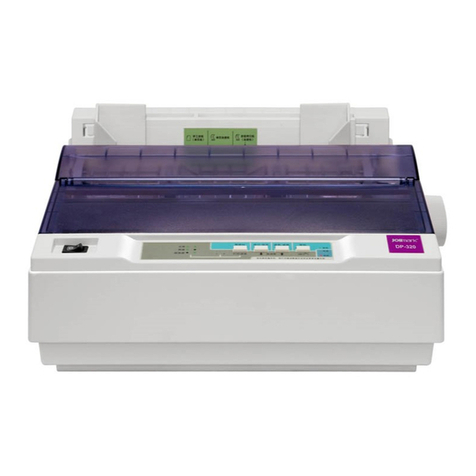
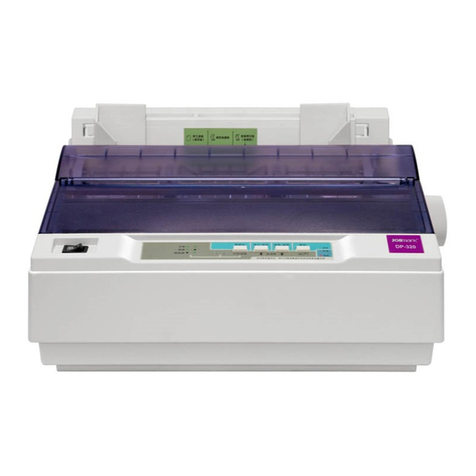
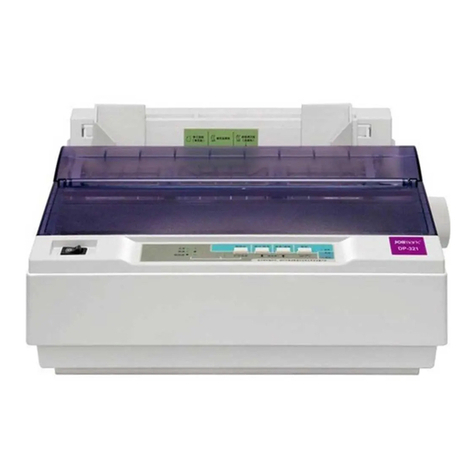
DP320 User's Manual
- iii -
Table of Contents
Important Safety Instructions.....................................................................................................................i
The Guide....................................................................................................................................................ii
Chapter 1 Installing the Printer..................................................................................................................1
1.1 Unpacking & Checking........................................................................................................................1
1.2 Removing the Protective Materials......................................................................................................1
1.3 Main Parts of the Printer......................................................................................................................2
1.4 Choosing a Place for the Printer .........................................................................................................2
1.5 Installing the Printer ............................................................................................................................3
1.5.1 Installing the Paper Feed Knob ....................................................................................................3
1.5.2 Installing the Ribbon Cartridge .....................................................................................................3
1.6 Installing the Tractor............................................................................................................................5
1.6.1 Installing the Drive Tractor............................................................................................................5
1.6.2 Installing the Draught Tractor........................................................................................................6
1.7 Connecting the Power Cord ................................................................................................................7
1.8 Running the Self-test...........................................................................................................................7
1.9 Connecting the Printer to Your Computer............................................................................................9
1.9.1 Connecting to the Parallel Cable..................................................................................................9
1.9.2 Connecting to the USB Cable.......................................................................................................9
1.9.3 Connecting to the Serial Cable...................................................................................................10
1.10 Installing Driver ...............................................................................................................................10
Chapter 2 Control Panel...........................................................................................................................13
2.1 Indicator light.....................................................................................................................................13
2.2 Key Functions ...................................................................................................................................13
2.2.1 In the Tractor Paper Mode..........................................................................................................13
2.2.2 In the Cut Sheet Mode................................................................................................................14
2.2.3 Print Speed.................................................................................................................................14
2.2.4 Micro-Adjust of Printing Home Position and Tear Off Position....................................................14
2.2.5 Feed Paper to the Tear Off Position............................................................................................15
2.2.6 Other Functions of the Panel......................................................................................................15
2.3 Paper Select Lever............................................................................................................................15
2.4 Paper Feed Knob ..............................................................................................................................15
2.5 Gap adjust Lever...............................................................................................................................15
Chapter 3 How to use the printer ............................................................................................................17
3.1 Installing the Print Paper ................................................................................................................... 17
3.1.1 Loading Cut Sheets....................................................................................................................17
3.1.2 Loading Tractor Paper................................................................................................................18
3.1.3 Loading Multi-ply papers.............................................................................................................23
3.1.4 Loading Labels...........................................................................................................................23
3.1.5 Loading Envelopes.....................................................................................................................24
3.2 Changing Printer Settings .................................................................................................................24