manuals.online logo
Brands
  1. Home
  2. •
  3. Brands
  4. •
  5. JTS
  6. •
  7. Microphone
  8. •
  9. JTS GM-SW Series User manual

JTS GM-SW Series User manual

This manual suits for next models

4

Other JTS Microphone manuals

JTS UF-20R User manual

JTS

JTS UF-20R User manual

JTS GM-5212Du User manual

JTS

JTS GM-5212Du User manual

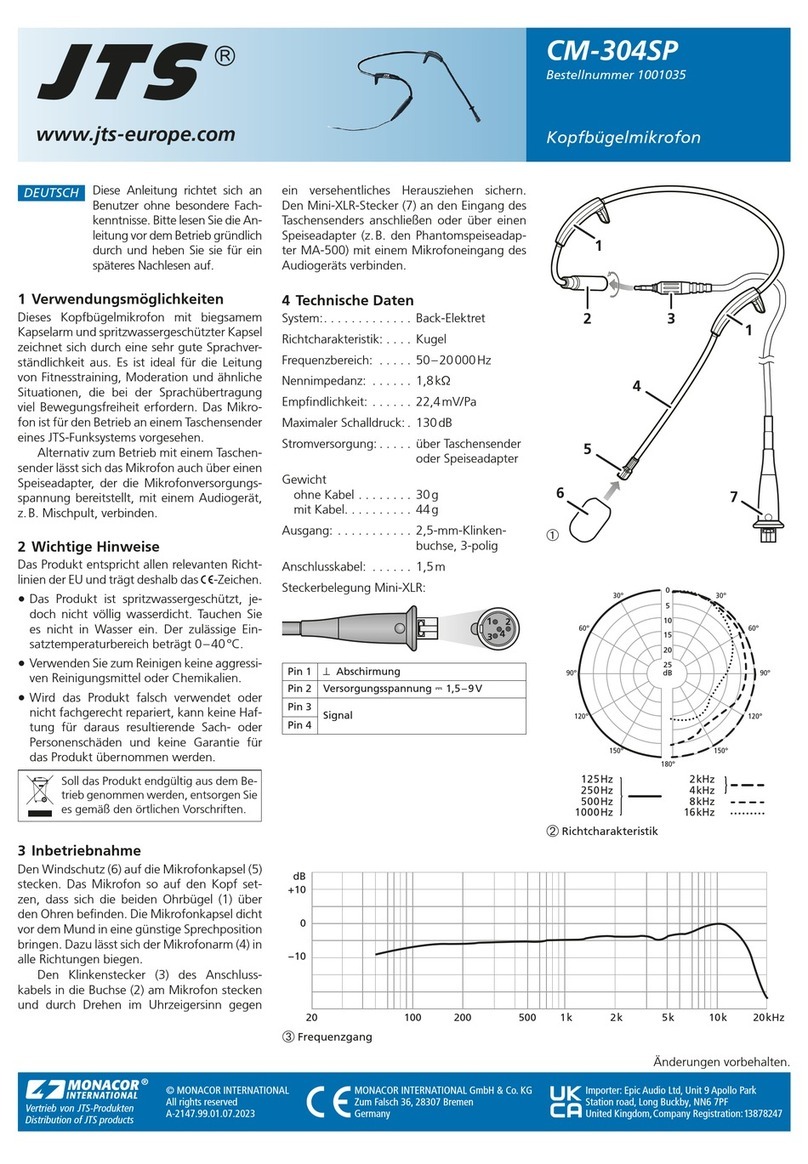
JTS CM-304SP User manual

JTS

JTS CM-304SP User manual

JTS GM-5200L Series User manual

JTS

JTS GM-5200L Series User manual

JTS IN164 User manual

JTS

JTS IN164 User manual

JTS CX-500F User manual

JTS

JTS CX-500F User manual

JTS GM-5206C User manual

JTS

JTS GM-5206C User manual

JTS CM-804i User manual

JTS

JTS CM-804i User manual

JTS MH-850/1 User manual

JTS

JTS MH-850/1 User manual

JTS MH-8800G/5 User manual

JTS

JTS MH-8800G/5 User manual

JTS MH-8800G User manual

JTS

JTS MH-8800G User manual

JTS MH-920/5 User manual

JTS

JTS MH-920/5 User manual

JTS UF-10TH/12 User manual

JTS

JTS UF-10TH/12 User manual

JTS GM-5212TK User manual

JTS

JTS GM-5212TK User manual

JTS RU-8011DDB User manual

JTS

JTS RU-8011DDB User manual

JTS RU-8011DB User manual

JTS

JTS RU-8011DB User manual

JTS UT-16HW/1 User manual

JTS

JTS UT-16HW/1 User manual

JTS CX-500DUSET User manual

JTS

JTS CX-500DUSET User manual

JTS CX-500FHW User manual

JTS

JTS CX-500FHW User manual

JTS JSS-20/5 User manual

JTS

JTS JSS-20/5 User manual

JTS US-903DC Pro User manual

JTS

JTS US-903DC Pro User manual

JTS MH-8990 User manual

JTS

JTS MH-8990 User manual

JTS MH-36G2/5 User manual

JTS

JTS MH-36G2/5 User manual

JTS ST-5050i User manual

JTS

JTS ST-5050i User manual

Popular Microphone manuals by other brands

IK Multimedia iRig Stream MIC PRO user manual

IK Multimedia

IK Multimedia iRig Stream MIC PRO user manual

DAPAudio RM-101 user manual

DAPAudio

DAPAudio RM-101 user manual

AKG CHM 21 User instructions

AKG

AKG CHM 21 User instructions

Sennheiser evolution wireless series EM 100 instruction manual

Sennheiser

Sennheiser evolution wireless series EM 100 instruction manual

Sony C-48 operating instructions

Sony

Sony C-48 operating instructions

GIGAMEDIA GGM PAMICUHFG user manual

GIGAMEDIA

GIGAMEDIA GGM PAMICUHFG user manual

Shure WH30TQG user guide

Shure

Shure WH30TQG user guide

auna PRO MIC-900 manual

auna PRO

auna PRO MIC-900 manual

AKG D 3800 User instructions

AKG

AKG D 3800 User instructions

Shure KSM141 user guide

Shure

Shure KSM141 user guide

MAIIN SOUND IIN style instruction manual

MAIIN SOUND

MAIIN SOUND IIN style instruction manual

Earthworks TC25 user manual

Earthworks

Earthworks TC25 user manual

Alesis MicLink Wireless user guide

Alesis

Alesis MicLink Wireless user guide

DSPPA D6234 manual

DSPPA

DSPPA D6234 manual

Monacor IMG STAGELINE ECM-300B manual

Monacor

Monacor IMG STAGELINE ECM-300B manual

Ansr Audio Scan16 user manual

Ansr Audio

Ansr Audio Scan16 user manual

Shure MXA710 Series user guide

Shure

Shure MXA710 Series user guide

Sennheiser evolution D1 user manual

Sennheiser

Sennheiser evolution D1 user manual

manuals.online logo
manuals.online logoBrands
  • About & Mission
  • Contact us
  • Privacy Policy
  • Terms and Conditions

Copyright 2025 Manuals.Online. All Rights Reserved.

INSTRUCTION MANUAL
Gooseneck Microphones
With Switch
GM-5206SW / GM-5212SW / GM-5218SW / GM-5225SW
59512-010-02
Ø19.0
Ø20.6
109.5
110.0
135.0
60.0
51.7
Ø13.0
Ø6.0
Ø7.0
Ø8.0
Ø19.0
Ø20.6
109.5
110.0
287.0
60.0
51.7
Ø13.0
Ø6.0
Ø7.0
Ø8.0
Ø19.0
Ø20.6
109.5
110.0
415.0
60.0
51.7
Ø13.0
Ø6.0
Ø7.0
Ø8.0
Ø19.0
Ø20.6
109.5
GM-5212SW GM-5218SW GM-5225SWGM-5206SW
51.7
Ø13.0
152.0
Dimension (mm)
Gooseneck Microphones With Switch
Features:
This series adds ON/OFF switch to provide flexibility to installation.
LED indicator gives confidence to a speaker.
■Definitive polar pattern allows for demanding sound pickup applications.
■The small diameter gooseneck design permits flexible position.
■High sensitivity allows for quality sound pick-up under difficult conditions.
■Equipped with XLR connector.
■Foam Windscreen provided for shielding against wind noise and "popping".
GM-SW Series Gooseneck Microphones
Specification:
Installation:
GM-5206SW / GM-5212SW / GM-5218SW / GM-5225SW
1. Plug connector directly into a 3P XLR jack on a microphone base or conference table. (Figure 1)
2. Equipped with built-in power module, that an external 12V ~ 48V phantom power is required. (Figure 2)
3. Press ON/OFF switch to turn ON the power and press again to turn OFF the power. (Figure 3)
4. Adjust gooseneck for aiming the microphone toward the proper sound source. (Figure 4)
5. Slip on windscreen over the microphone head to eliminate breath and popping noise. (Figure 5)
(Figure 4) (Figure 5)
(Figure 2) (Figure 3)
(Figure 1)
mixer
Type
Frequency Response
Sensitivity
Polar Pattern
Impedance
Max. SPL for 1% THD
Signal To Noise Ratio
Power Supply
Switch
Output Connector
Length
Electret Condenser
80∼18,000Hz

-56±3dB*(1.58mV)*0dB=1V/μbar
Supercardioid
Rated impedance is 100Ω
125 dB
74 dB
12~48VDC phantom power
Push ON/OFF
3P XLR (M)
GM-5206SW: 6”(152mm)
GM-5212SW: 12”(305mm)
GM-5218SW: 18”(457mm)
GM-5225SW: 25”(636.7mm)
+10
0
-10
20 100 200 500 1k 2k 5k 10k 20kHz
}
}
125Hz
250Hz
500Hz

1000Hz

2000Hz

4000Hz

8000Hz
16000Hz