302
簡易英語
●Answering a Call
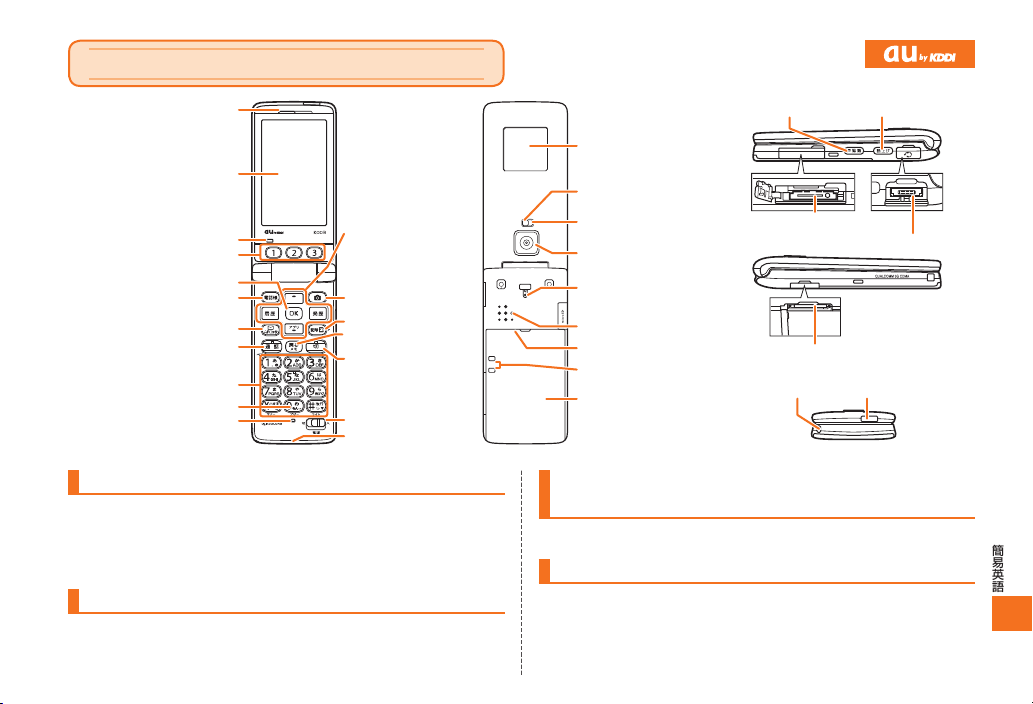
When the phone starts ringing, press N.
To adjust the earpiece volume during a call: Use u/d.
Storing and Recalling Address Book Entries
●Storing an Entry
From the stand-by screen: Hold down &for at least one second.
▶Use u/dto select the item you want to edit. ▶Press c(Edit).
▶Enter the data. ▶Press &(Comp).
●Recalling an Entry
From the stand-by screen: Press &to display the Address Book
screen.
▶Use l/rto select the tab for the record you want to recall.
▶Use u/dto select the name of the record.
▶Press c(Detail) to view the record in detail.
Using the Camera (Movie and Snapshot)
●Recording a Movie Clip
From the stand-by screen: Press ).
▶Press &(Movie).
▶Press c(Record) to start recording.
▶Press c(Exit) to stop recording.
▶Press c(Save) to store the movie.
Press )(II) (Pause) during recording to pause recording.
Press &(Photo) in the Movie mode to change to the Photo mode.
●Taking a Snapshot
From the stand-by screen: Press ).
▶Press c(Shoot) to take a snapshot.
▶Press c(Save) to store the photo.
Press &(Movie) in the Photo mode to change to the Movie mode.
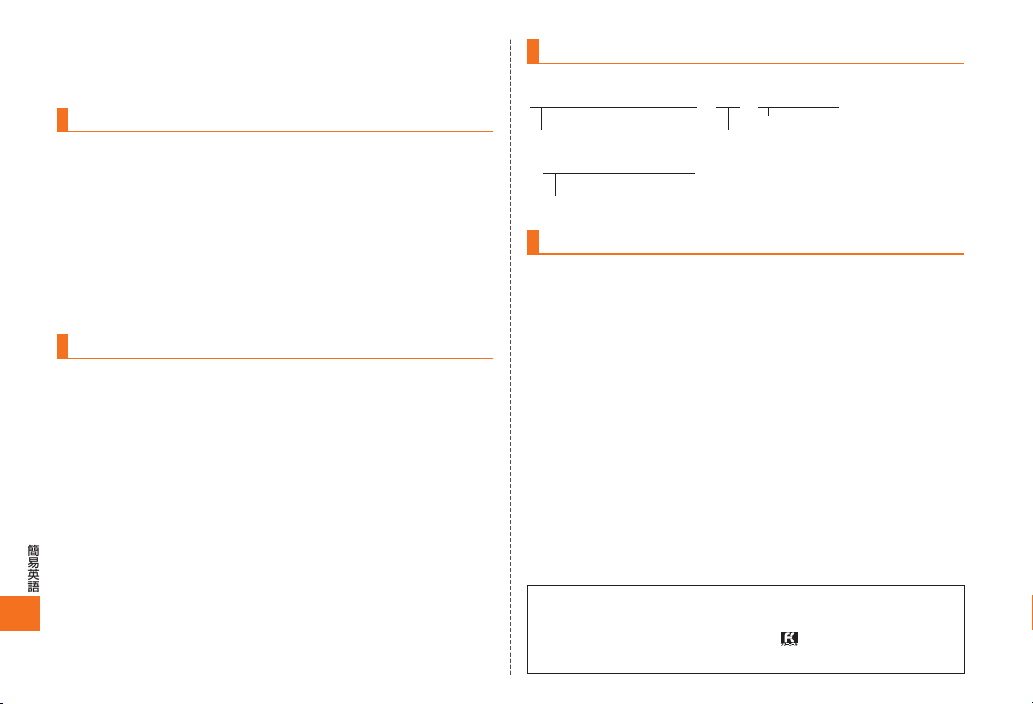
Making an International Call
Ex: To call 212-123-△△△△ in the USA
Other Handy Features
●Setting the Manner Mode
From the stand-by screen: Hold down *for at least one second.
Repeat the above operation to disable the Manner Mode.
●Setting the Answer Memo (Voice Recording)
From the stand-by screen: Hold down Cfor at least one second.
Repeat the above operation to disable the Answer Memo.
For inquiries, please contact
au Customer Service Center (General Information)
●If you are calling from a landline phone: 0077-7-111 (toll free)
●If you are calling from an au mobile phone: 157 (toll free)
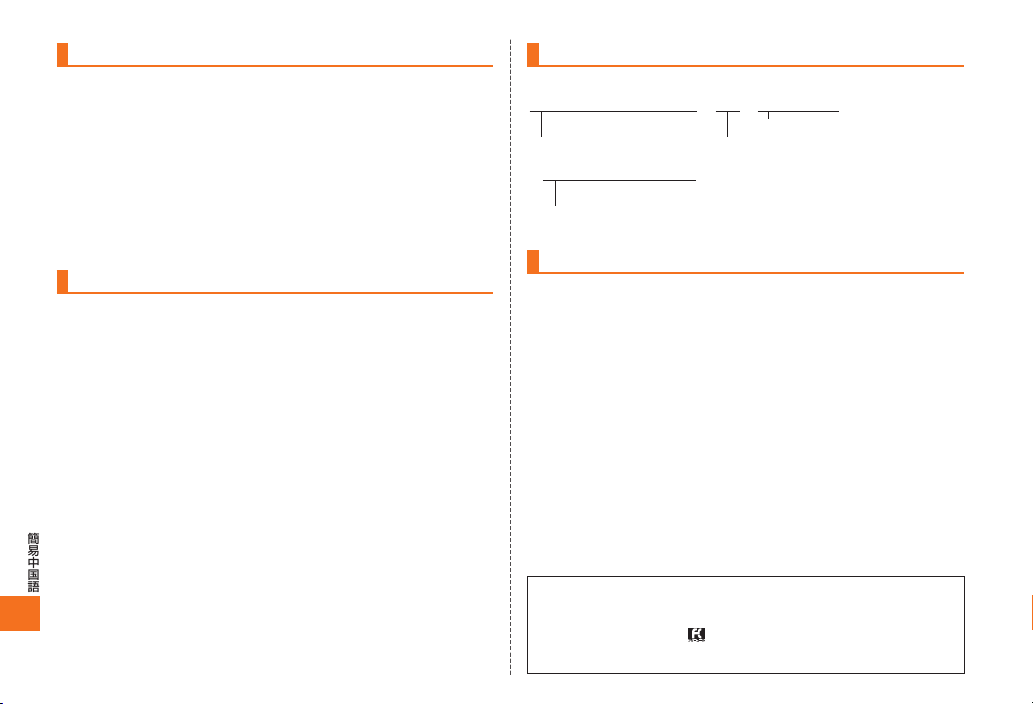
001010▶1▶212
International access code Country code (USA)
Area code
▶123▶△△△△▶N
Number you want to call
D74All.indb302D74All.indb302 2009/07/0316:06:502009/07/0316:06:50