24
Phone Book
Phone Book
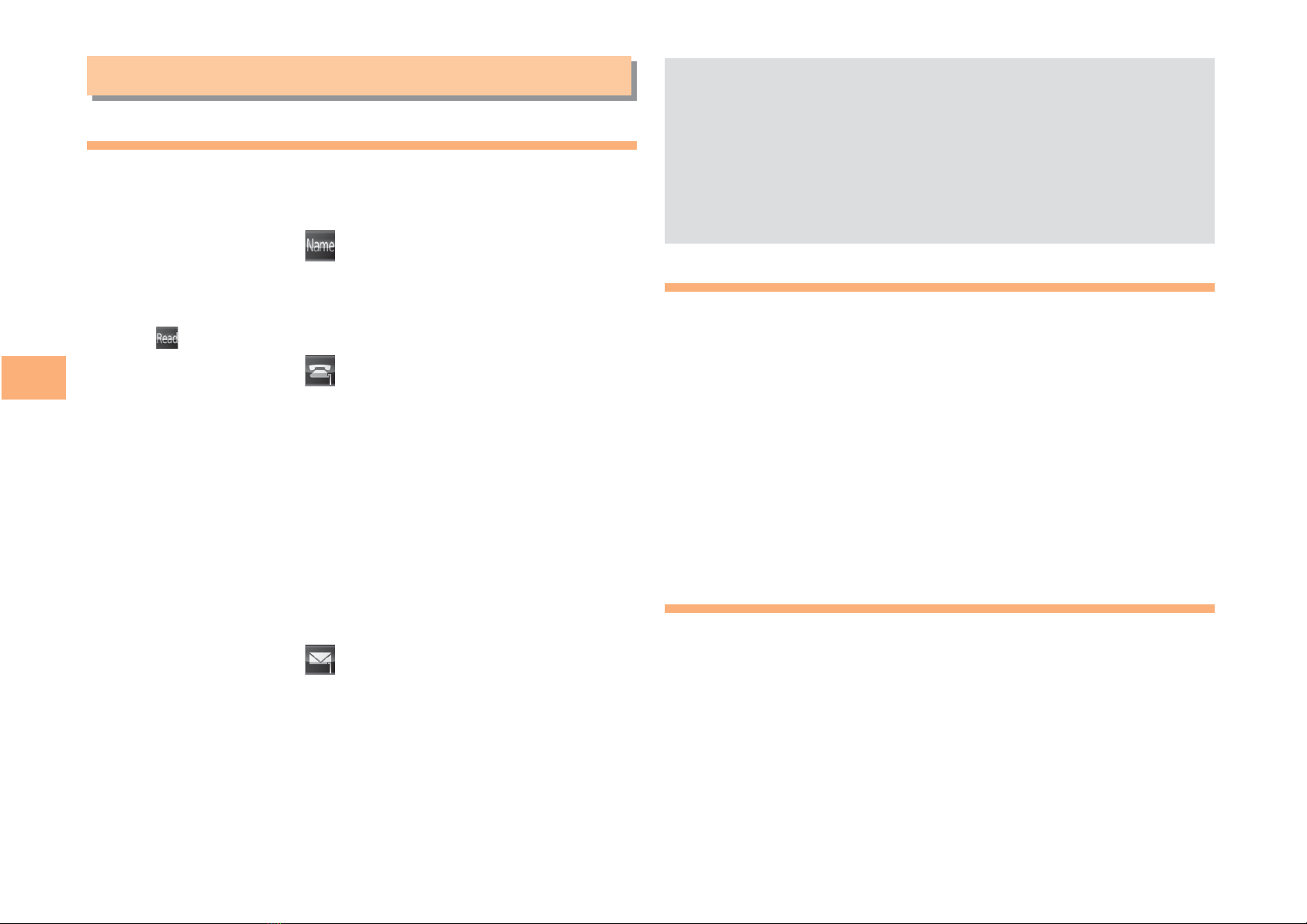
Saving a Phone Book Entry
When the standby screen is displayed, hold down
Kfor at least one second.
Use Gto select [Name] and then press
[(Select).
Enter a name and then press [(OK).
The [Reading] for the name is entered automatically.
Use Gto select [Phone No.1] and then
press [(Select).
Enter a phone number and then press [(OK).
If the phone number is for a fixed-line phone, enter the
phone number starting with the area code.
Use Gto select a phone number type and
then press [(Select).
Follow the next step to enter an e-mail address. If
you do not want to enter an e-mail address, press
J(Reg).
Use Gto select [E-mail Address1] and then
press [(Select).
Enter an e-mail address and then press
[(OK).
Use Gto select an e-mail address type and
then press [(Select).
Press J(Reg).
➡
➡
➡
➡
•
➡
•
➡
➡
➡
➡
The phone book can store up to 1,000 entries.
The cell phone automatically saves an entry to the
lowest available memory number from 000 to 999.
You can save five phone numbers and five e-mail
addresses for each phone book entry.
You can also assign a group No., and enter birthday,
address, and other information.
Dialing from the Phone Book
When the standby screen is displayed, press K.
Use Eto select the entry containing the
phone number you want to dial and then press
[(Detail).
Use Gto select the phone number and then
press [(Select).
Use Gto select Voice Call and then press
[(OK).
Editing Phone Book Entries
When the standby screen is displayed, press K.
Select an entry and press [(Detail).
Press K(Edit).
Edit the contents and then press J(Reg).
Use Gto select Overwrite and then press
[(OK).
•
•
•
•
➡
➡
➡
➡
➡
➡
➡
9