manuals.online logo
Brands
  1. Home
  2. •
  3. Brands
  4. •
  5. MicroNet
  6. •
  7. Switch
  8. •
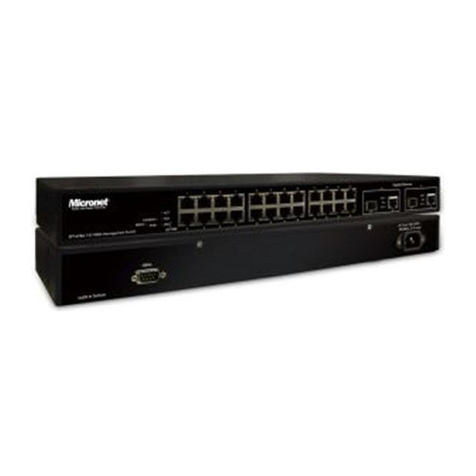
  9. MicroNet SP6510P8 User manual

MicroNet SP6510P8 User manual

Other manuals for SP6510P8

1

Other MicroNet Switch manuals

MicroNet SP508C User manual

MicroNet

MicroNet SP508C User manual

MicroNet SP1678A User manual

MicroNet

MicroNet SP1678A User manual

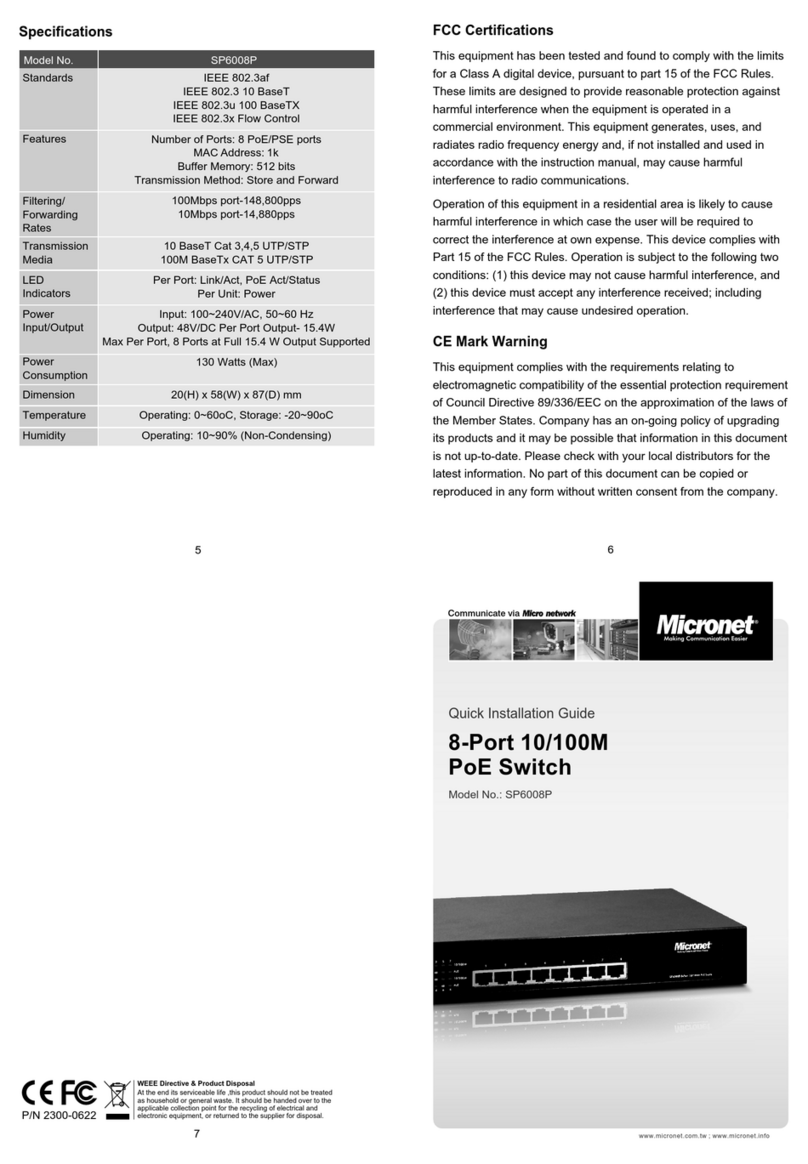
MicroNet SP6008P User manual

MicroNet

MicroNet SP6008P User manual

MicroNet SP684C User manual

MicroNet

MicroNet SP684C User manual

MicroNet SP6005P4 User manual

MicroNet

MicroNet SP6005P4 User manual

MicroNet SP1659P User manual

MicroNet

MicroNet SP1659P User manual

MicroNet SP212D User manual

MicroNet

MicroNet SP212D User manual

MicroNet SP6008P User manual

MicroNet

MicroNet SP6008P User manual

MicroNet SP6008P User manual

MicroNet

MicroNet SP6008P User manual

MicroNet SP6824P User manual

MicroNet

MicroNet SP6824P User manual

MicroNet SP616DB User manual

MicroNet

MicroNet SP616DB User manual

MicroNet SP684C User manual

MicroNet

MicroNet SP684C User manual

MicroNet SP648B User manual

MicroNet

MicroNet SP648B User manual

MicroNet SP212E User manual

MicroNet

MicroNet SP212E User manual

MicroNet SP3524A User manual

MicroNet

MicroNet SP3524A User manual

MicroNet SP607FA User manual

MicroNet

MicroNet SP607FA User manual

MicroNet SP508B User manual

MicroNet

MicroNet SP508B User manual

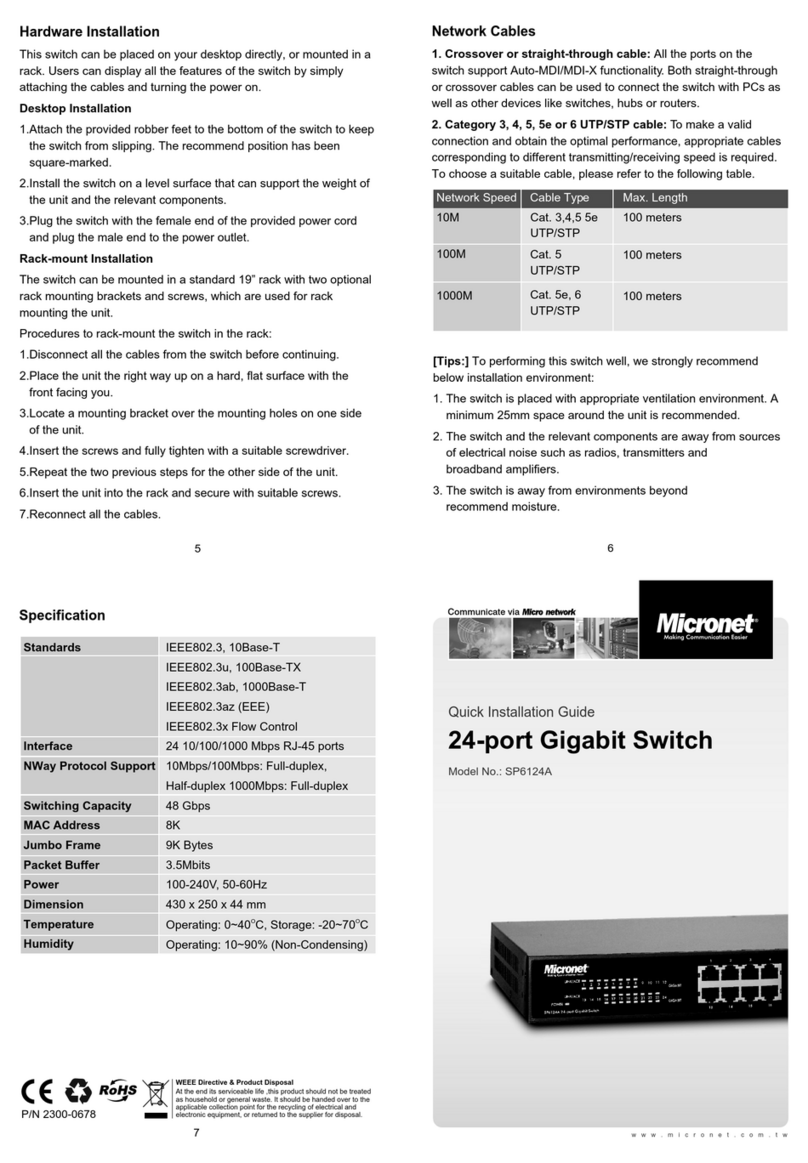
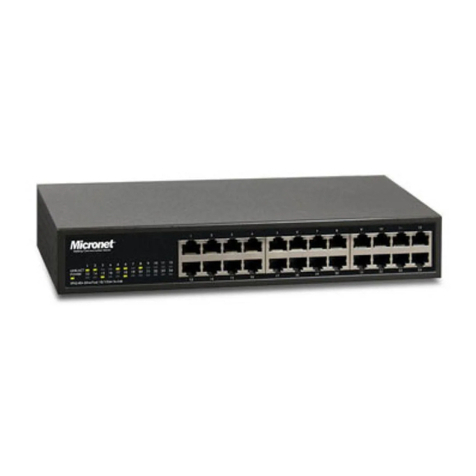
MicroNet SP6124A User manual

MicroNet

MicroNet SP6124A User manual

MicroNet SP6108WS User manual

MicroNet

MicroNet SP6108WS User manual

MicroNet SP6510P8 User manual

MicroNet

MicroNet SP6510P8 User manual

MicroNet SP1684B User manual

MicroNet

MicroNet SP1684B User manual

MicroNet SP698A User manual

MicroNet

MicroNet SP698A User manual

MicroNet SP659C User manual

MicroNet

MicroNet SP659C User manual

MicroNet SP6108I User manual

MicroNet

MicroNet SP6108I User manual

Popular Switch manuals by other brands

SMC Networks SMC6224M Technical specifications

SMC Networks

SMC Networks SMC6224M Technical specifications

Aeotec ZWA003-S operating manual

Aeotec

Aeotec ZWA003-S operating manual

TRENDnet TK-209i Quick installation guide

TRENDnet

TRENDnet TK-209i Quick installation guide

Planet FGSW-2022VHP user manual

Planet

Planet FGSW-2022VHP user manual

Avocent AutoView 2000  AV2000BC AV2000BC Installer/user guide

Avocent

Avocent AutoView 2000 AV2000BC AV2000BC Installer/user guide

Moxa Technologies PT-7728 Series user manual

Moxa Technologies

Moxa Technologies PT-7728 Series user manual

Intos Electronic inLine 35392I operating instructions

Intos Electronic

Intos Electronic inLine 35392I operating instructions

Cisco Catalyst 3560-X-24T Technical specifications

Cisco

Cisco Catalyst 3560-X-24T Technical specifications

Asante IntraCore IC3648 Specifications

Asante

Asante IntraCore IC3648 Specifications

Siemens SIRIUS 3SE7310-1AE Series Original operating instructions

Siemens

Siemens SIRIUS 3SE7310-1AE Series Original operating instructions

Edge-Core DCS520 quick start guide

Edge-Core

Edge-Core DCS520 quick start guide

RGBLE S00203 user manual

RGBLE

RGBLE S00203 user manual

Thrustmaster FLIGHT SIMULATOR X quick guide

Thrustmaster

Thrustmaster FLIGHT SIMULATOR X quick guide

Southwire SURGE GUARD 41390 RVC troubleshooting guide

Southwire

Southwire SURGE GUARD 41390 RVC troubleshooting guide

Buhler Nivotemp NT 61 Brief instructions

Buhler

Buhler Nivotemp NT 61 Brief instructions

Kramer VS-41HDCP user manual

Kramer

Kramer VS-41HDCP user manual

Techly IDATA AU-270 user manual

Techly

Techly IDATA AU-270 user manual

Belkin F1U109 user manual

Belkin

Belkin F1U109 user manual

manuals.online logo
manuals.online logoBrands
  • About & Mission
  • Contact us
  • Privacy Policy
  • Terms and Conditions

Copyright 2025 Manuals.Online. All Rights Reserved.

Communicate via
P/N 2300-0708
6
5
7
WEEE Directive & Product Disposal
At the end its serviceable life ,this product should
not be treated as household or general waste. It

should be handed over to the applicable collection
point for the recycling of electrical and electronic
equipment, or returned to the supplier for disposal.
CE Mark Warning
This equipment complies with the requirements relating to
electromagnetic compatibility of the essential protection
requirement of Council Directive 2004/108/EC on the approximation
of the laws of the Member States. Company has an on-going policy
of upgrading its products and it may be possible that information in
this document is not up-to-date. Please check with your local
distributors for the latest information. No part of this document can
be copied or reproduced in any form without written consent from
the company.
www.micronet.com.tw
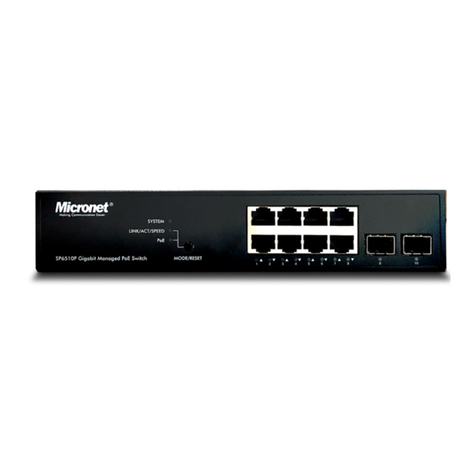
Quick Installation Guide
Model No.: SP6510P8
8G + 2G SFP Managed
PoE Switch, 100W
Configuration
Web-based User Interface
Before using web management, install the SP6510P8 on the
network and make sure that any one of the PCs on the network can
connect with the SP6510P8 through the web browser. The default
IP, subnet mask, username and password are as follows:
IP Address: 192.168.1.10
Subnet Mask: 255.255.255.0
User Name: admin
Password: admin
InBand Management -
Secure Shell (SSH) Management or Telnet Interface
When the connection between SP6510P8 and PC is ready, turn on
the PC and run a terminal emulation program or Hyper Terminal and
configure its communication parameters to match the following
default characteristics of the telnet port:
Host: 192.168.1.10
Port : 23
Connection Method: TCP/IP (Winsock)
After finishing the parameter settings, click "OK" When the blank
screen shows up, press Enter key to bring out the login prompt.
Key in the "admin" (default value) for the both User name and
Password (use Enter key to switch), then press Enter key and the
command line interface of InBand management appears.
----------For more details, please refer to the user manual.--------
Introduction
The Micronet SP6510P8 is an 8-port 10/100/1000Mbps switch that
can support two SFP uplinks to other Ethernet switches. This
10/100/1000Mbps managed switch provides 100W PoE output and
offers high performance with a full set of Layer 2 network
management features at an affordable cost. It is suitable for high-
performance workgroups and server applications or can provide a
backbone for a growing business network.
Package Contents
Before you start installing the device, verify the following items are
in the package:
SP6510P8 Managed PoE Switch
Quick Installation Guide
Manual CD
Mounting accessory
Power cord
4
3
1 2
Key Features
Provide 8 IEEE 802.3af PoE ports (or 2 IEEE 802.3at PoE ports)
and power supplying up 100 Watts
Support Port-Based VLANs, Voice VLAN, and Private
VLAN feature
Support Link Aggregation (IEEE 802.3ad) and
QoS (IEEE 802.1p) features
Support IGMP Snooping and immediate leave features
Support IEEE 802.1x port-based and MAC-based security
Support Spanning Tree Protocol (IEEE 802.1D),
and RSTP(IEEE 802.1w) features
Support rate limiting and jumbo frame features
Support HTTPS, SSL and SSH security features
Support DHCP Snooping, Client, and LLDP features
Support SNMP v1/v2c/v3 and RMON (group 1, 2, 3, 9) features
Allow Web and Telnet, SSH access management
Physical Description
Front Panel
Rear View
Hardware Installation
Connecting to an Ethernet Port for Switch Web Management
1.Connect one end of an RJ-45 cable to the Ethernet port on the
front panel and the other end to a PC or terminal for web
interface management.
2.Connect one end of an RJ-45 cable to the Ethernet port on the
front panel and the other end to network devices such as
Cabling Requirements for 1000Base-SX/LX SFP Module
Gigabit Fiber with multimode LC SFP module
Gigabit Fiber with single-mode LC SFP module
Gigabit Fiber with Bi-Di LC 1310nm SFP module
Gigabit Fiber with Bi-Di LC 1550nm SFP module
For more details, please refer to the user manual.
1.
1.
1.
1.
1.
IP cameras, IP phones etc. Make sure the switch port's link LED
lights up.
The SP6510P8 supports more complex and comprehensive cabling
using fiber media. There are two categories of fiber, multimode and
single mode. The latter is categorized into several classes by the
supported distance; they are SX, LX, LHX, XD, and ZX. From the
viewpoint of connector type, there are LC and Bi-Di LC.
POWER
LINK/ACT
10/100M
LINK/ACT
1000M
PoE
DIAG
Green
Amber
Green
Amber
Amber
The LED lights up to indicate the system
is powered up.
The LED lights up to indicate a valid
connection on the port. Otherwise, the
LED is off to indicate no link on the port.
When the LED blinks, it indicates the port
is active and transmitting data.
The LED lights up to indicate a valid
connection on the port. Otherwise, the
LED is off to indicate no link on the port.
When the LED blinks, it indicates the port
is active and transmitting data.
The LED only lights up when the
corresponding port is supplying power.
Flashes amber when the switch is
power cycled.