manuals.online logo
Brands
  1. Home
  2. •
  3. Brands
  4. •
  5. Motorola
  6. •
  7. IP Phone
  8. •
  9. Motorola C401 Installation guide

Motorola C401 Installation guide

Other Motorola IP Phone manuals

Motorola ML1100 User manual

Motorola

Motorola ML1100 User manual

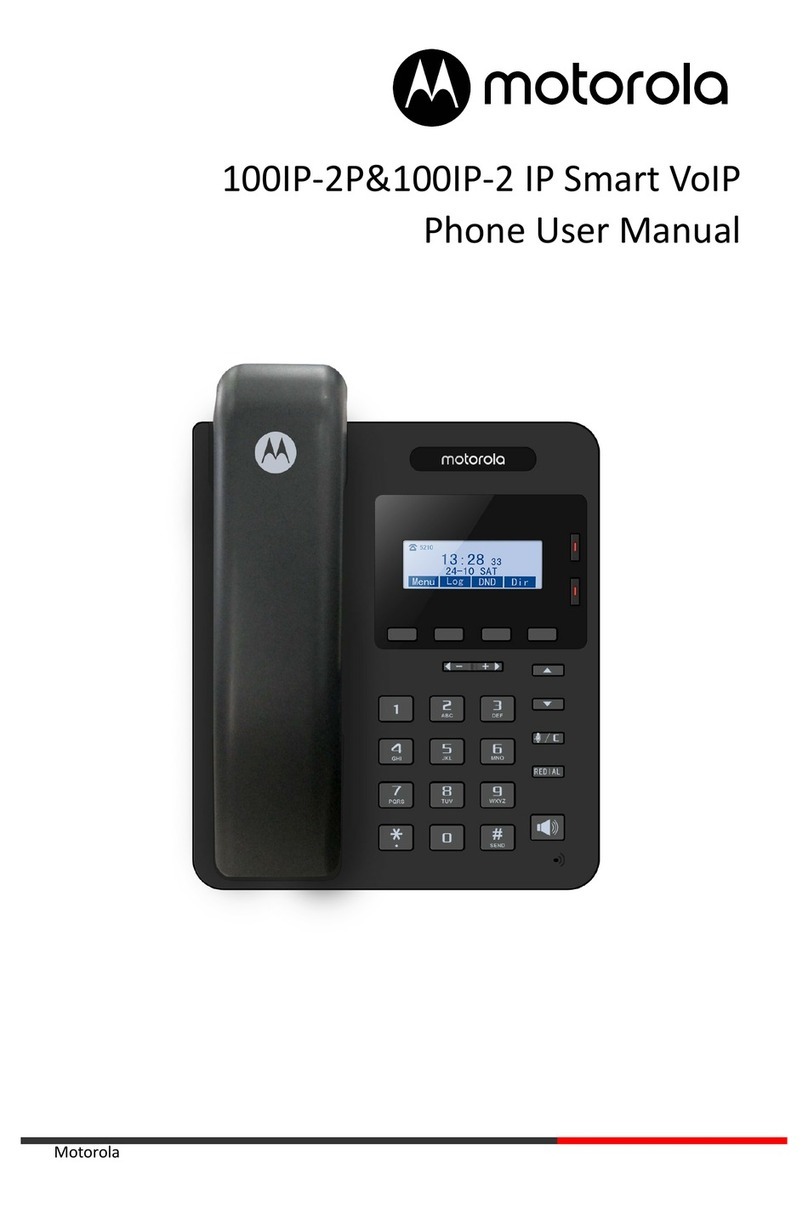
Motorola 300IP-6P User manual

Motorola

Motorola 300IP-6P User manual

Motorola 400IP-18P User manual

Motorola

Motorola 400IP-18P User manual

Motorola L702 User manual

Motorola

Motorola L702 User manual

Motorola L704CBT User manual

Motorola

Motorola L704CBT User manual

Motorola L601 User manual

Motorola

Motorola L601 User manual

Motorola L403C User manual

Motorola

Motorola L403C User manual

Motorola MCD 5000 Installation guide

Motorola

Motorola MCD 5000 Installation guide

Motorola L402C - DECT 6.0 Corded/Cordless Phone User manual

Motorola

Motorola L402C - DECT 6.0 Corded/Cordless Phone User manual

Motorola HDT 500 Series Reference guide

Motorola

Motorola HDT 500 Series Reference guide

Motorola 200IP-2P User manual

Motorola

Motorola 200IP-2P User manual

Motorola 100IP-2P User manual

Motorola

Motorola 100IP-2P User manual

Motorola MCD 5000 Deskset User manual

Motorola

Motorola MCD 5000 Deskset User manual

Motorola 150IP-3P User manual

Motorola

Motorola 150IP-3P User manual

Motorola ME6091 User manual

Motorola

Motorola ME6091 User manual

Popular IP Phone manuals by other brands

Cortelco C62 VoIP Phone user guide

Cortelco

Cortelco C62 VoIP Phone user guide

VanillaIP Polycom IP300 user manual

VanillaIP

VanillaIP Polycom IP300 user manual

Yealink Yealink SIP-T22P Quick installation guide

Yealink

Yealink Yealink SIP-T22P Quick installation guide

Viking SR-IP product manual

Viking

Viking SR-IP product manual

Yealink VP59 Teams user guide

Yealink

Yealink VP59 Teams user guide

Panasonic KX-UT133-B Administrator's guide

Panasonic

Panasonic KX-UT133-B Administrator's guide

Avaya one-X 9600 Series overview

Avaya

Avaya one-X 9600 Series overview

AVA Enterprises B179 Installation and administration guide

AVA Enterprises

AVA Enterprises B179 Installation and administration guide

Cisco Unified 7900 Series System guide

Cisco

Cisco Unified 7900 Series System guide

Polycom SoundPoint IP 450 datasheet

Polycom

Polycom SoundPoint IP 450 datasheet

Cisco SPA-500 Series user guide

Cisco

Cisco SPA-500 Series user guide

IPitomy IP290 user manual

IPitomy

IPitomy IP290 user manual

Polycom SoundPoint IP 650 user guide

Polycom

Polycom SoundPoint IP 650 user guide

Proximus Maestro 3016 IP quick start guide

Proximus

Proximus Maestro 3016 IP quick start guide

Polycom IP 450 user guide

Polycom

Polycom IP 450 user guide

Fanvil X4 user manual

Fanvil

Fanvil X4 user manual

Snom 320 quick start guide

Snom

Snom 320 quick start guide

Avaya Integral 5 R3.0 user guide

Avaya

Avaya Integral 5 R3.0 user guide

manuals.online logo
manuals.online logoBrands
  • About & Mission
  • Contact us
  • Privacy Policy
  • Terms and Conditions

Copyright 2025 Manuals.Online. All Rights Reserved.

www.riger.com.my
FAQ Dect Phone C401
Dect Phone C401
“Handset” “Base”
www.riger.com.my
Wayar Telefon
(RJ11)
“Rechargeable
Battery”
“Power
Adaptor”
Why can’t I make or receive telephone calls (cordless phones) ?
Mengapa saya tidak dapat menerima panggilan masuk?
This may be due to several factors. Please follow these recommendations in order :
Ia mungkin disebabkan oleh beberapa faktor. Sila ikuti langkah-langkah dibawah untuk
penyelenggaraan telefon tersebut.
First, ensure that you are using the line cord that was supplied with the phone. Your existing line cord
may not be suitable.
Sila pastikan anda menggunakan wayar ataupun peralatan yang telah dibekalkan. Adalah tidak
digalakkan untuk menggunakan wayar ataupun alatan yang tidak dibekalkan.
Check that both ends of the supplied line cord are connected securely.
Periksa kedua-dua bahagian hujung wayar telefon dan pastikan ianya disambung dengan betul
diantara
“Base”
dan
telefon
soket
.
www.riger.com.my
diantara
“Base”
dan
telefon
soket
.
Check that the power is on and that you have the power adaptor correctly plugged into a known
working mains sockets and also to the telephone base unit.
Pastikan “Power Adaptor” telah disambungkan antara “Base” dan soket utama. Pastikan “Power
Adaptor” telah dinyalakan (ON).
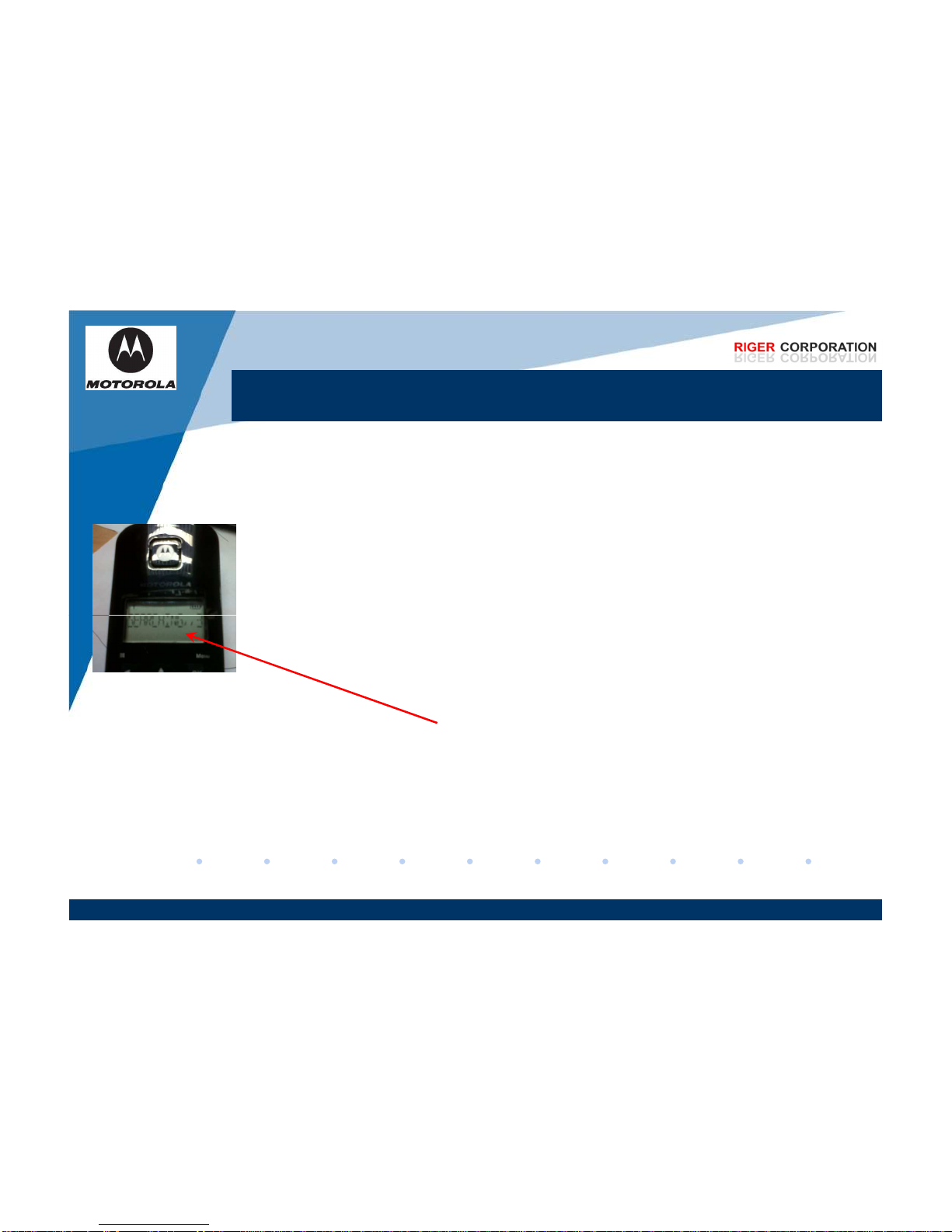
If the handset display flashes ‘Searching’ or ‘Base’ it indicates that the handset has lost its link to the
base. Move the handset closer to the base and if the link is not restored you will need to re-register
the handset to the base. Please consult the userguide for your product.
Jika skrin pada “Handset” mempamerikan ‘Searching’ atau ‘Base’, ia menunjukkan “Handset” tidak
disambungkan dengan “Base”. Pastikan “Handset” berada rapat diantara “Base” dan jika masalah
tersebut masih berulang, anda perlu mendaftar kembali “Handset” dengan “Base”. Sila rujuk buku
panguan yang telah disediakn.
Switch the mains power off, wait five seconds and then turn it on again. This will reset your
product.
Sila tutup (OFF) soket utama dan tunggu selama 5 saat dan nyalakan (ON) kembali soket utama
tersebut. Langkah tersebut akan memastikan produk telah di reset.
If the line cord is not connected to the telephone master socket, try it in this socket. If the problem
clears there may be a problem with your internal wiring between the telephone sockets.
Jika wayar telefon tidak dapat disambungkan ke “Base” , ini menunjukkan bahawa anda
mempunyai masalah dalaman antara pendawaian telefon soket.
Remove all other telephone equipment connected to the same line. If the problem clears you may
have exceeded the amount of equipment that can be connected. All telephone networks have a
Why can’t I make or receive telephone calls (cordless phones) ?
Mengapa saya tidak dapat menerima panggilan masuk?
www.riger.com.my
have exceeded the amount of equipment that can be connected. All telephone networks have a
REN value allocated to them. The standard allocation for a residential line is four REN and
equipment connected to the line should not exceed this value. You can check the total REN
connected to your line by adding together the REN value of each piece of telecommunication
equipment, it is normally shown underneath the base.
Alihkan (cabut) semua wayar (internet/telefon) yang disambungkan pada talian yang sama dan
disambungkan semula. Jika masalah tersebut masih lagi berulang, ini bermakna anda telah
melebihi had (REN) penggunaan yang telah ditetapkan. REN bagi sesebuah rumah adalah
sebanyak EMPAT REN. Jumlah penggunaan mestilah tidak melebihi had tersebut. Anda boleh
periksa jumlah penggunaan REN dengan mencampurkan jumlah REN yang kebiasaannya terletak
dibawah “Base” sesebuah alatan.
Why can’t I make or receive telephone calls (cordless phones) ?
Mengapa saya tidak dapat menerima panggilan masuk?
If you have a broadband service, ensure you use a broadband filter on all telephone sockets that
are in use.
Jika anda menggunakan internet, pastikan anda menggunakan “Splitter” yang sama pada soket
talian.
Try connecting another known working telephone to the telephone line socket. If you still cannot
make or receive calls you should contact your service provider for the line to be checked.
Cuba sambungkan telefon lain pada talian yang sama. Jika anda masih tidak dapat menerima
panggilan masuk, anda disarankan untuk menghubungi pegawai perkhidmatan pelanggan
berkenaan dengan talian anda.

Try testing your telephone on a telephone line in a different property (eg. A neighbour’s line). This
www.riger.com.my

Try testing your telephone on a telephone line in a different property (eg. A neighbour’s line). This
will also help verify whether the phone or line is at fault. If you can make but are not receiving calls
then please check the following :
Cuba uji telefon anda dengan talian telefon yang lain (cth: talian telefon jiran anda). Ini boleh
membantu anda mengesahkan samaada telefon anda tidak berfungsi ataupun talian dirumah anda
mempunyai masalah. Jika masalah masih berulang, sila ikut arahan dibawah.
Confirm that the ringer is not switched off on either the handset or the base.
Pastikan nada bunyi telefon tidak dimatikan(OFF).
Check if call divert is activated on the line.
Pastikan “call divert” diaktifkan.
If none of the above remedies solve your problem, please contact the helpdesk.
Jika masalah tersebut masih berulang, sila hubungi pegawai perkhidmatan pelanggan.
Why do the batteries keep running low?
Mengapa bateri selalu berada dalam kuasa yang rendah?
Depending on your individual phone specification, your phone, when new and fully charged, will
have a performance of approximately 10 hours talk time and 100 hours standby time (check your
userguide for exact figures). Battery performance will diminish over time. If you believe battery life
is too short, then you should try the following :
Bergantung kepada penggunaan ataupun speksifikasi telefon anda, jika bateri tersebut masih baru
dan dicas penuh, kadar penggunaan adalah kira-kira 10 jam masa bercakap dan 100 jam dalam
kadar tidak digunakan /”standby” (rujuk buku panduan untuk penggiraan yang lebih tepat).
Remove and then replace the handset batteries. Place the handset on the base or charger and
allow to charge for up to 24 hours.
Keluarkan dan gantikan bateri “Handset” dengan yang baru. Letak kembali “Handset” pada “Base”
untuk bateri dicaskan semula sehingga 24 jam.
www.riger.com.my
untuk bateri dicaskan semula sehingga 24 jam.
If you have a multi-handset phone, try swapping the batteries between handset.
Jika anda mempunyai telefon yang lain, anda boleh juga menukarkan bateri tersebut antara satu
sama lain.
Ensure that you place the handset on the base or charger after use.
Pastikan anda letak kembali “Handset” pada “Base” selepas digunakan.
if the batteries still do not hold their charge, they may have to be replaced. Please ensure that you
use the correct type and rating of battery (see userguide for specifications). Batteries are available
from the BT Helpdest for your product.
Jika bateri masih tidak tahan lama, berkemungkinan bateri tersebut perlu ditukar. Pastikan bateri
tersebut ditukar dengan bateri yang sama jenis dari segi saiz dan rating(sila rujuk buku panduan
untuk spesifikasi bateri tersebut). Bateri boleh didapati dari pegawai perkhidmatan pelanggan.
Why do the batteries keep running low?
Mengapa bateri selalu berada dalam kuasa yang rendah?
If none of the above remedies solve your problem, please contact the helpdesk.
Jika kesemua langkah tersebut masih tidak dapat menyelesaikan masalah, sila hubungi pegawai
perkhidmatan pelanggan kami.
www.riger.com.my
Why does my handset continually display ‘Register’, ‘Unregister’ or ‘Please Register’ on
the screen?
Mengapa skrin pada “Handset” sentiasa menunjukkan ‘Register’, ‘Unregister’ atau
‘Please Register’?
The following procedure should be followed to help resolve problems where ‘Register’, ‘Unregister’
or ‘Please Register’ is displayed on the handset :
Sila ikut langkah dibawah untuk memastikan masalah tersebut dapat diatasi.
Ensure that the handset and base are within range of each other.
Pastikan “Handset” dan “Base” berada didalam lingkungan jarak antara satu sama lain.
Carry out the registration procedure to register the handset to the base. Since individual Dect
Phone models vary in procedure for you will need to follow the user guide instructions.
Daftar “Handset” pada “Base” berpandukan pada prosedur yang terdapat didalam buku panduan.
www.riger.com.my
If none of the above remedies solve your problem, please contact the helpdesk.
Jika kesemua langkah tersebut masih tidak dapat menyelesaikan masalah tersebut, sila hubungi
pegawai perkhidmatan pelanggan kami.

Why doesn’t my handset ring?
Mengapa “Handset” saya tidak berbunyi / berdering?
Ensure that the handset ringer volume hasn’t been turned down or off. On some models, you can
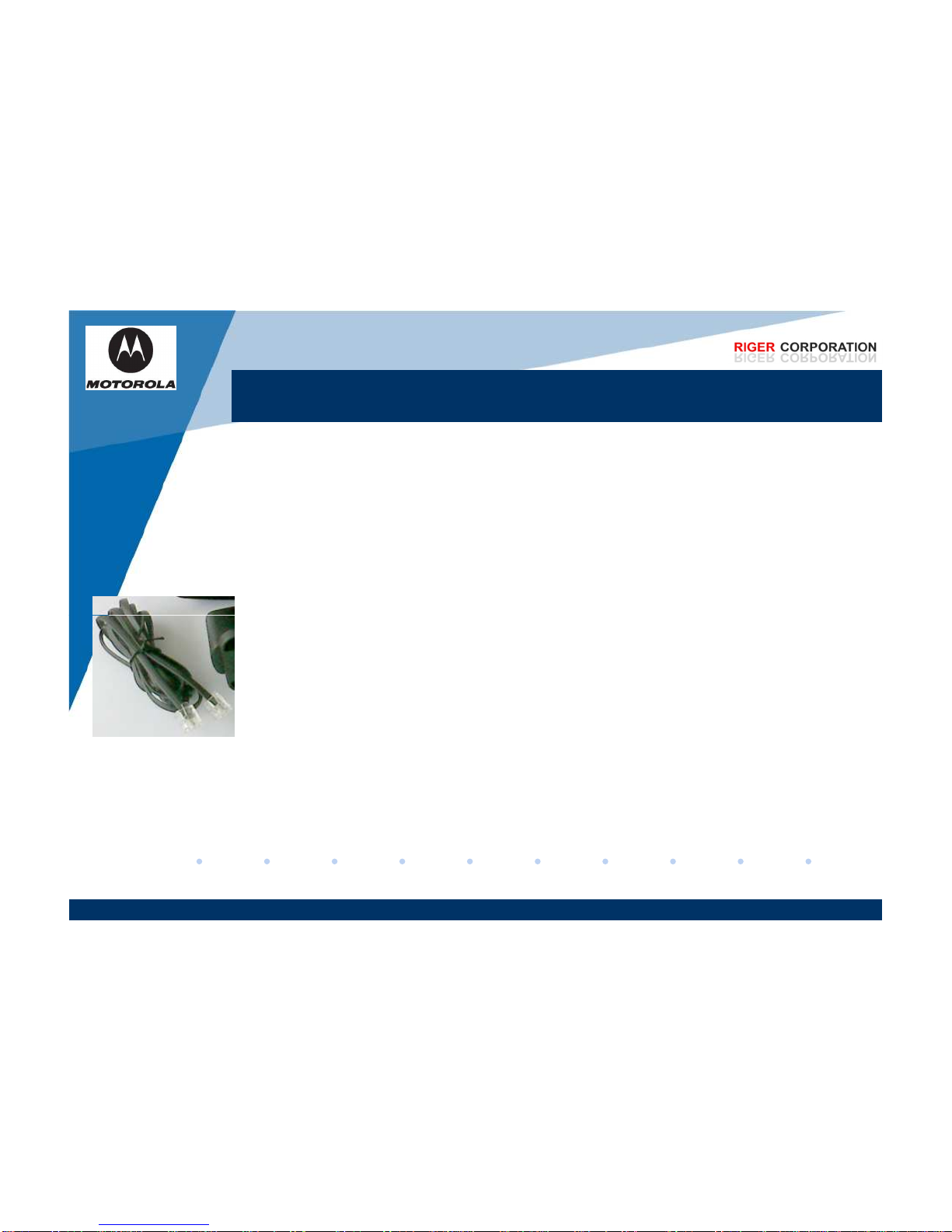
check the settings in the handset setting menu, please consult your user guide.
Pastikan nada dering anda tidak dimatikan atau “OFF”. Bagi sesetengah model, anda bolehlah
semak dimenu tetapan (Setting) telefon anda berpandukan buku panduan.
Ensure that you are using the line cord that was supplied with the phone. Your existing line cord
may not be suitable.
Pastikan anda menggunakan wayar telefon yang telah dibekalkan bersama dengan set telefon.
Selain yang dibekalkan adalah tidak digalakkan untuk diguna.
Check that both ends of the supplied line cord are connected securely.
Periksa kedua
-
dua hujung wayar telefon dan pastikan ia telah disambungkan dengan betul.
www.riger.com.my
Periksa kedua
-
dua hujung wayar telefon dan pastikan ia telah disambungkan dengan betul.
Check that the power is on and that you have the power adaptor correctly plugged into a known
working mains socket and also to the telephone base unit.
Periksa dan pastikan “Power Adaptor” telah dihidupkan (ON) dan telah disambungkan pada
lubang soket yang betul.
If the handset display flashes “Searching” or “Base”, it indicates that the handset has lost its link
to the base. Move the handset closer to the base and if the link is not restored you will need to re-
register the handset to the base. Please consult the user guide.
Jika skrin pada “Handset” mempamerkan ‘Searching’ atau ‘Base’, ia menunjukkan wayar telefon
tidak disambungkan pada “Base”. Pastikan wayar telefon berada rapat diantara “Base” dan jika
masalah tersebut masih berulang, anda perlu mendaftar kembali “Handset” dengan “Base”. Sila
rujuk buku panduan yang telah disediakan.
Why doesn’t my handset ring?
Mengapa “Handset” saya tidak berbunyi / berdering?
Switch the mains power off, wait five seconds and then turn it on again. This will reset your
product.
Sila tutup (OFF) soket utama dan tunggu selama 5 saat dan nyalakan (ON) kembali soket utama
tersebut. Langkah tersebut akan memastikan bahawa alatan telah diresetkan.
Carry out a reset procedure on both the handset and the base to return the settings back to the
factory default. Your user guide will guide you through the correct procedure.
Lakukan prosedur reset pada set telefon. Ia akan mengembalikan semua tetapan kepada
“default” tetapan yang telah disetkan semasa produk tersebut dikeluarkan. Sila ikuti langkah-
langkah didalam buku panduan.

If none of the above remedies solve your problem, please contact the helpdesk.
www.riger.com.my

If none of the above remedies solve your problem, please contact the helpdesk.
Jika kesemua langkah tersebut masih tidak dapat menyelesaikan masalah, sila hubungi pegawai
perkhidmatan pelanggan kami.