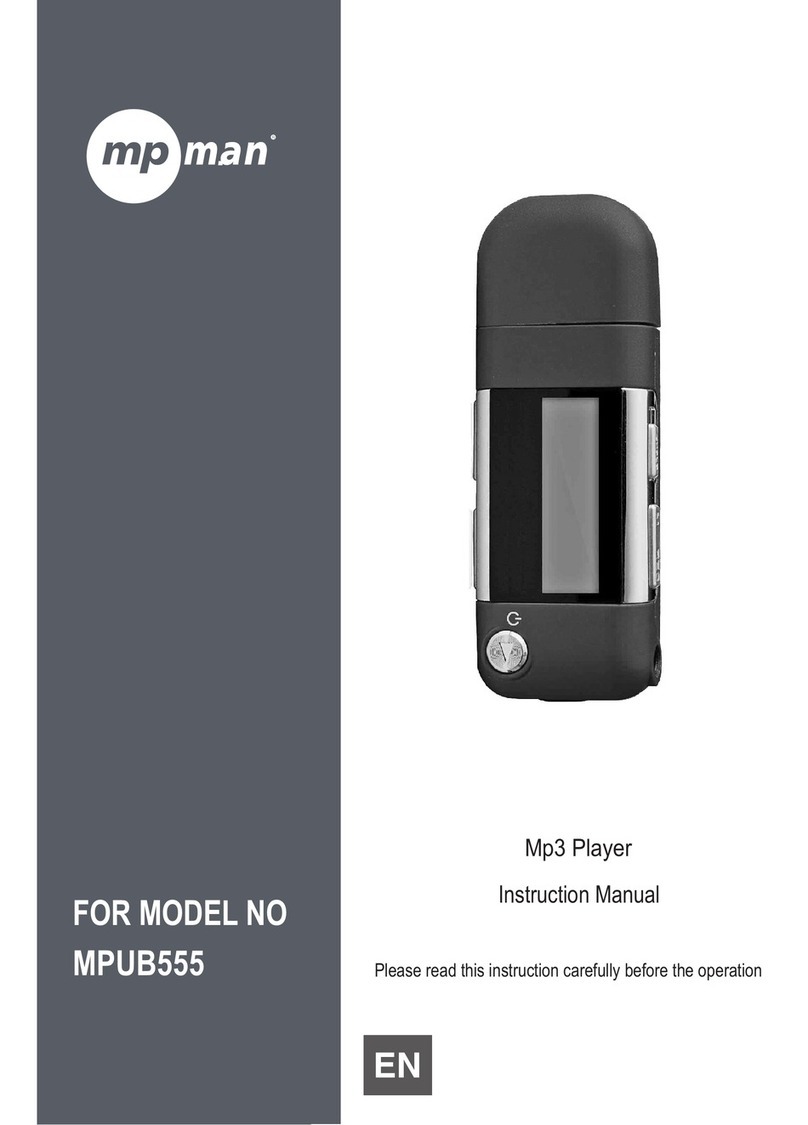
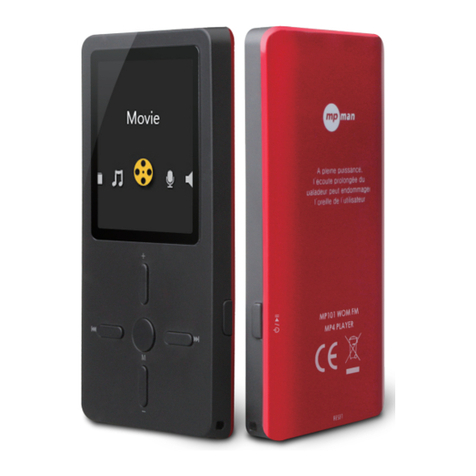
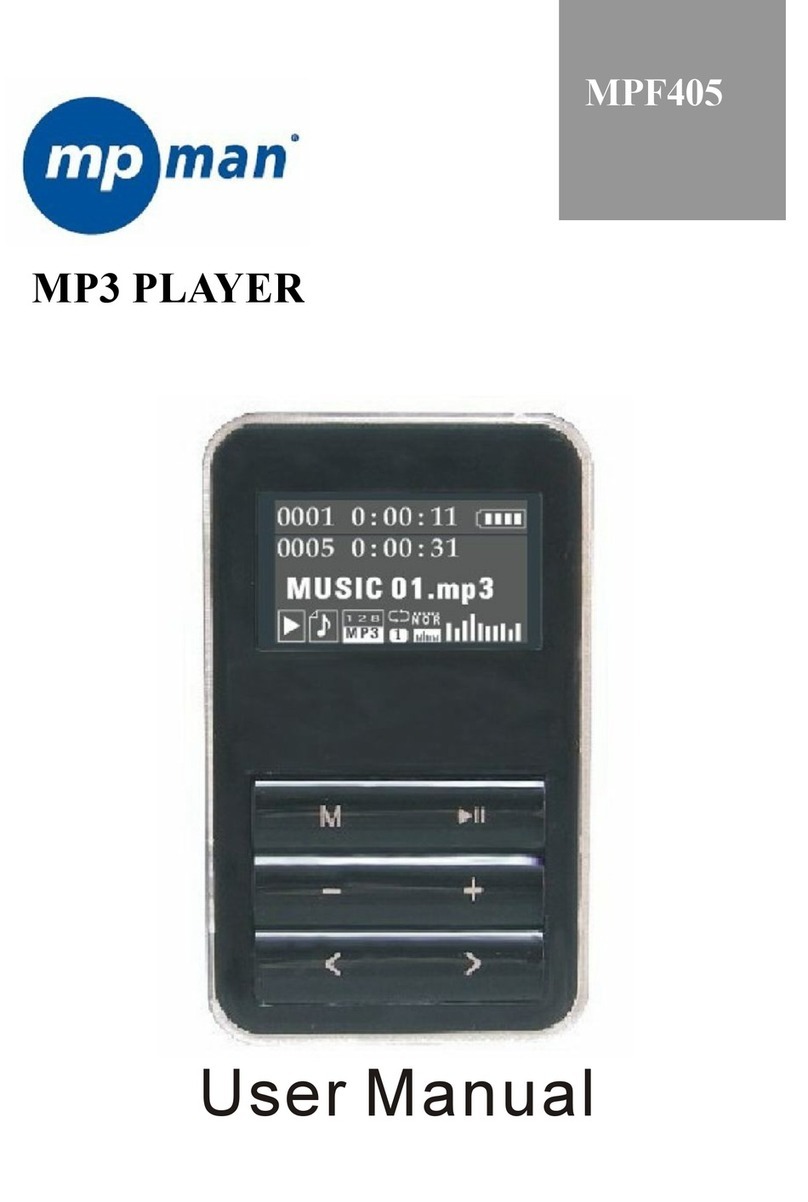
MP-Man TS200 Series User manual

Instruction Manual
Please read this instruction carefully before the operation.
For Series
TS200
Video & MP3 Player

Page 2 Table Of Contents
Â
Package Contents ..........................................................................................................................5
Features ............................................................................................................................................5
Charging the Battery ......................................................................................................................7
Charging with a Computer ...........................................................................................................7
Turning the Player On/Off ..............................................................................................................7
Resetting the Player ........................................................................................................................8
Disabling the Controls (Hold) .........................................................................................................8
Main Menu Controls .......................................................................................................................9
Music Browser Controls .................................................................................................................10
Using the Quick Play List .................................................................................................... 11
Now Playing Controls (Music Playback) ..................................................................................... 11
Quick Option Menu ...........................................................................................................12

Page 3 Table Of Contents
Photo Browser Controls .................................................................................................................14
Photo Viewer Controls ..................................................................................................................15
Movie Browser Controls ................................................................................................................16
Movie Playback Controls ............................................................................................................. 17
Radio Tuning Controls ...................................................................................................................18
Quick Option Menu ...........................................................................................................19
Text Browser Controls ....................................................................................................................20
Text Reader Controls .....................................................................................................................20
Quick Option Menu ...........................................................................................................20
Explorer Controls ...........................................................................................................................22

Page 4 Table Of Contents

Page 5 Thank You
Â
Congratulations on your purchase of the Video & MP player. This manual is designed to help you easily
set up and begin using your new player right away. Please read this manual carefully and retain it for
future reference.
Package Contents
Please make sure that the items shown below are
included in the package. Should an item be miss-
ing, please contact the local retailer from which you
purchased this product.
Video & MP player
USB Cable
Instruction Manual & Documentation
Professional Stereo Earphones
This package may contain plastic bags or
other materials that pose a hazard to chil-
dren. Be sure to safely dispose of all pack-
ing materials after opening.
Features
Integrated ash memory
Full-color LCD display
Plays music, video, photos and text
ID and LRC support for song and synchronized
lyric information display
Integrated FM Radio
USB . Hi-speed for fast le transfers

Page 6 Controls At A Glance
Â
Top View
1. Enter/Powerbutton
Press to conrm a selection;
Press and hold to Power On/
Off the player.
<ENTER>
Side View
2. UpButton <UP>
3. DownButton <DOWN>
Front View
4. LCDtouchscreen
Tap the display with your nger to activate the
on-screen control.
5. Optionbutton <OPTION>
Bottom View
6. USBPort/Charge
7. 3.5mmHeadphoneJack
Rear View
8. ResetButton <RESET>
RESET
1
2
3
4
5
67
8

Page 7 Getting Started
Â
Charging the Battery
Your player has an integrated rechargeable battery.
Upon initial use, the battery should be charged fully
to ensure optimal performance and battery life.
If the player has not been used in a while, the
battery may need to be recharged overnight (about
hours).
The battery used in this device may present
a re or chemical burn if mistreated. Do not
disassemble, incinerate, or heat the battery.
Do not leave the battery in a place subject
to direct sunlight, or in a car with its win-
dows closed.
Do not connect the player to a power source
other than that which is indicated here or on
the label as this may result in the risk of re
or electric shock.
Charging with a Computer
Your player can be charged through a USB com-
puter connection. Use the supplied USB cable to
connect the player to a high-power USB port of a
computer. The computer must be powered on and
not in sleep mode.
When the player is connected and charg-
ing, a USB symbol will be displayed on the
player’s screen.
Turning the Player On/O
To turn the player on, press and hold the
<ENTER> button until the screen turns on.
To turn the player o, press and hold the
<ENTER> button until the screen turns o.

Page 8 Getting Started
Resetting the Player
Reset the player if it should freeze and not respond
or otherwise malfunction.
1. Disconnect your player if it is connected to a
computer.
2. Use a paper clip to gently press the <RESET>
button located on the bottom of the player.
Using the Touchscreen Controls
Your video MP player comes equipped with an
easy-to-use touchscreen which allows access to the
player’s functions. Use your nger tip or a stylus to
tap the area of the screen where a control icon is
displayed. If you tap and hold an icon, it will register
as a continuous button press.
To avoid damaging the screen, do not
touch it with excessive force or with
any object other than your nger or the
stylus. For best response, make sure
your hands are clean before using the
touchscreen controls.

Page 9 Main Menu
Â
When you turn on the player, you will see the Main
menu. The Main menu gives you access to the dier-
ent function modes of your player. These modes are:
Music: Browse and play music.
Photo: Browse and view Photo.
Video: Browse and play Video.
Radio: Listen to FM radio broadcasts.
Setting: Adjust the player’s options.
Explorer: Browse all les.
Playing: Return to the Now Playing screen.
Text: Browse and read text les.
Main Menu Controls
Each function mode is represented by an icon on
the Main Menu screen.
To enter a mode, tap the icon with your nger.
To scroll the screen and display other menus,
slide your nger on the screen left or right.
You may also use the player’s standard controls to
access each mode:
To browse through the dierent modes, press
<UP> or <DOWN>.
To select a mode, press the <ENTER> button.

Page 10 Music Mode
Â
Browse for and play your music les.
Music Browser Controls
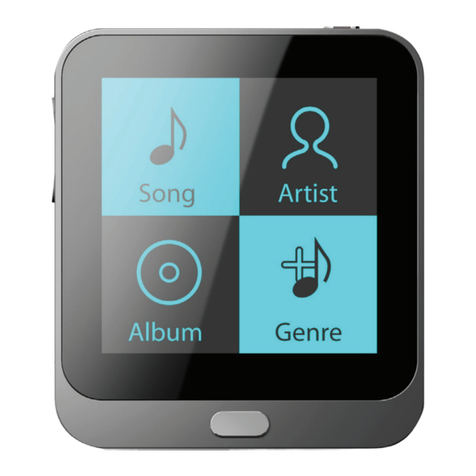
When you choose MUSIC mode from the Main
menu, you will see the Music Browser screen. You
can choose to browse your music by song name, al-
bum, artist, or genre, or you may choose “Explorer”
to view the music les and folders on the player.
Function Key Action
To browse through the list Press <UP> or
<DOWN>
To select an item Press <ENTER>, or tap
the desired selection on
the LCD screen.
To return to the previous screen Press <OPTION>
If your music les contain ID3 song infor-
mation tags, you will be able to view your
tracks by Artist, Album, or Genre. To view
all les (including those that do not contain
ID3 information), select “Explorer” option.
If music is already playing, you will have
the additional option to return to the Now
Playing screen.
Table of contents
Other MP-Man MP3 Player manuals
MP-Man
MP-Man TS17 Series User manual
MP-Man
MP-Man MP-F400 User manual
MP-Man
MP-Man MP-FUB34 User manual

MP-Man
MP-Man OV15 User manual
MP-Man
MP-Man MS-SP20 User manual
MP-Man
MP-Man BT-20 User manual
MP-Man
MP-Man MP-FOL10 Manual
MP-Man
MP-Man MP-F80 User manual
MP-Man
MP-Man TK1 User manual
MP-Man
MP-Man MP-F75 User manual
MP-Man
MP-Man MP-FUB58 User manual

MP-Man
MP-Man MP-F56 User manual
MP-Man
MP-Man BT24 User manual
MP-Man
MP-Man MP122 User manual
MP-Man
MP-Man TK252 Series User manual
MP-Man
MP-Man MP-FUB269 User manual
MP-Man
MP-Man MP10WOM User manual
MP-Man
MP-Man MP-FUB27 User manual
MP-Man
MP-Man MP-FOL7 User manual
MP-Man
MP-Man MP-CS187 - User manual