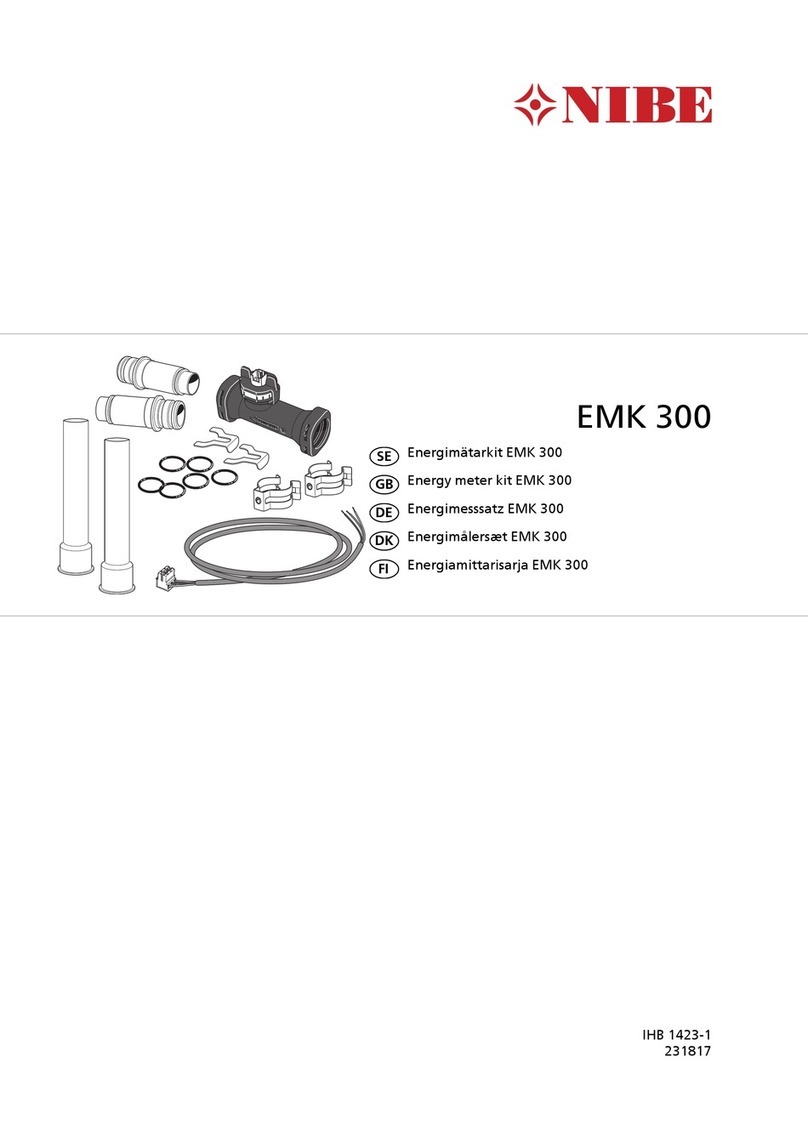
Activating EMK 300
Activation of EMK 300 occurs the first time that a flow
is measured. Energy measurement is displayed in the
service information for your main unit.
For main products with software version 6869 or later,
check that the correct flow sensor is selected by going
to the menu 5.3.20 - "flow sensor". Select
EMK300/310 if it is not preset.
When EMK 300 is activated, it is shown in menu 3.1 -
"service info" and the menu with the registered values
becomes available.
Caution
The example images are taken from VVM 320,
differences can occur on the actual installation.
service info 3.1
config EB15
inc. power
int. add
heat med. pump
heat med. pump 2
display type
flow sensor
0
3x400 V
7/9 kW
Wilo Yonos Para 7.5
Wilo Yonos Para 6
service info 3.1
climate system 1
heat meter
heating, compr. only.
hotwater, compr. only.
pool, compr. only.
cooling, compr. only.
heating, int. add. incl.
hw, incl. int. add
BF1
EB15
12.4 l/min
0 kWh
0 kWh
0 kWh
0 kWh
0 kWh
0 kWh
Technical data EMK 300
5,0 – 85l/minMeasurement range
0,1 – 18kPaPressure drop
-15 – +85°CAmbient temperature
<125°CMedium temperature
5 ±5%VDCSupply
0,1 – 4,75VSignal
067 314Part No.
8