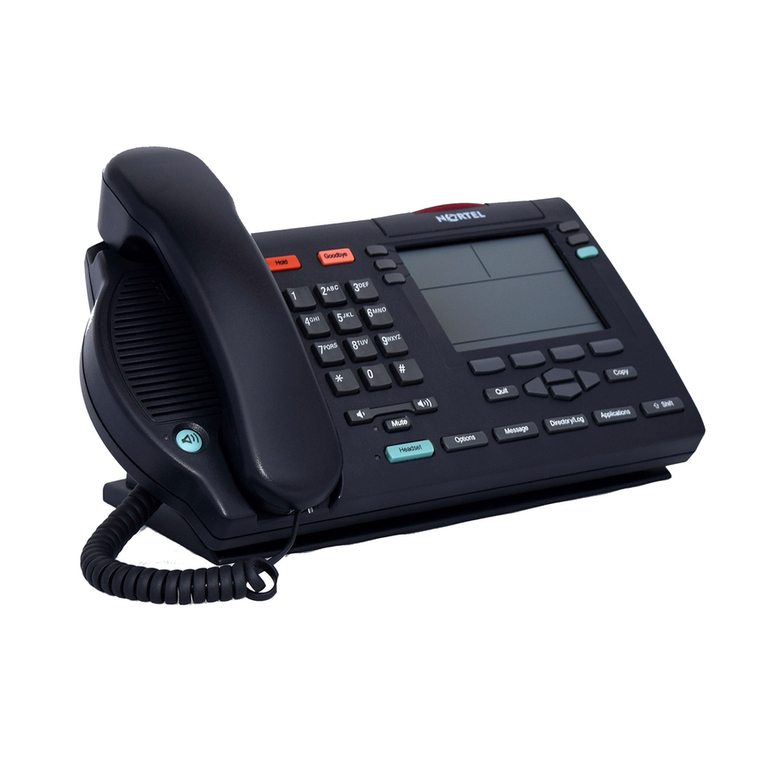
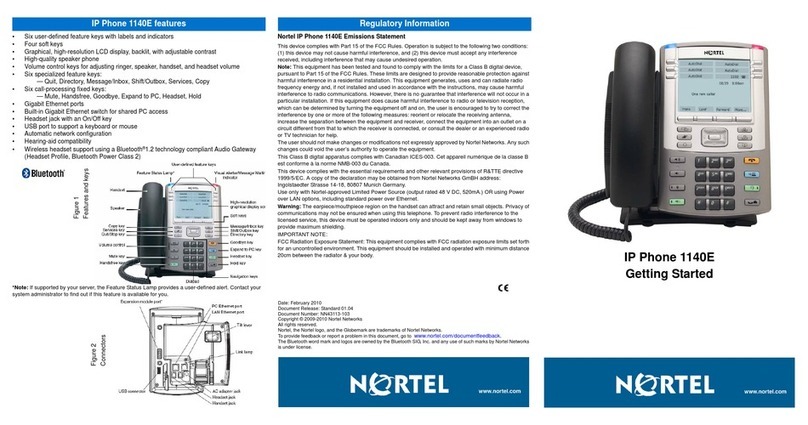
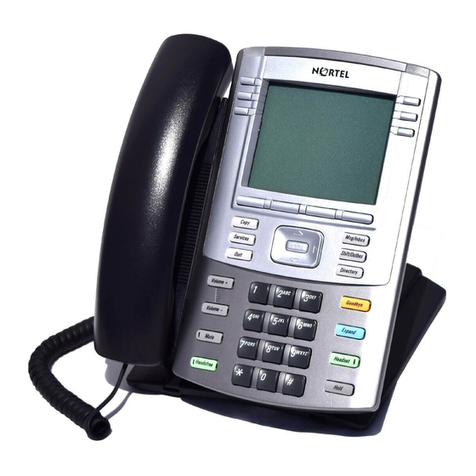
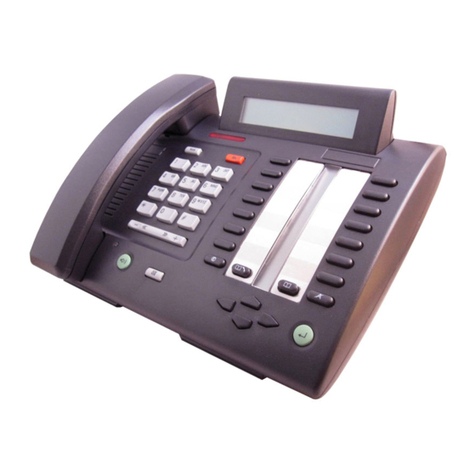
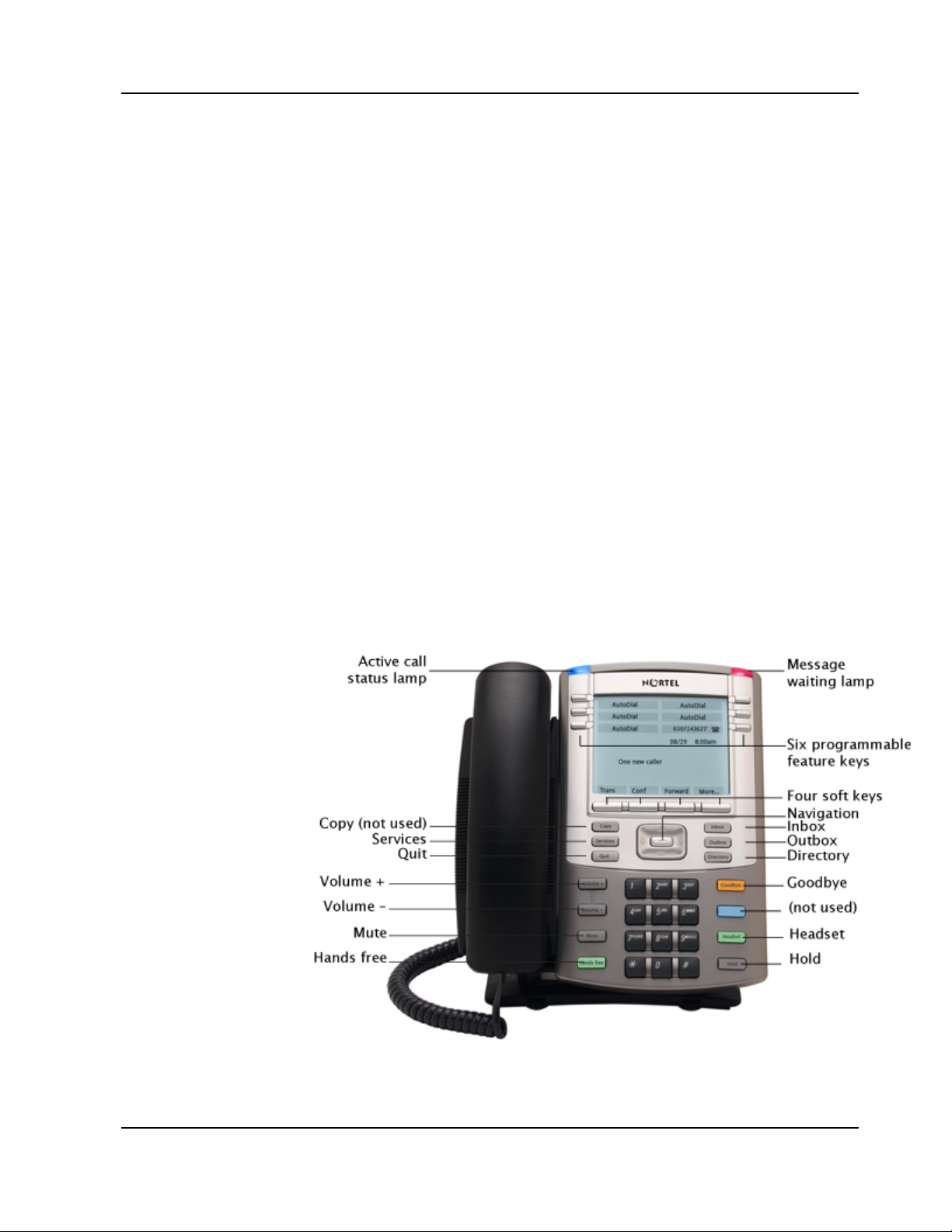
Nortel VoIP Quick Reference 1. Nortel 1140E
Stanford University Friday, July 11, 2008 1-5
Proprietary and Confidential Information
Log In
Unlike a traditional phone where you just plug it in to the wall and it works,
VoIP phones have a few extra steps. Unlike the Cisco VoIP phones, Nortel
VoIP phones require a log in.
Most of the time when you get to the phone, the phone will already be logged
in. If it’s not, just log in using the steps below.
Log In to Nortel 1140E
1. From the Login screen, enter your 10 digit phone number in the
Username field.
2. Press the OK soft key.
3. In the Password field, enter your four digit pass code. The default is
1234.
Note: Officially, IT Services recommends after you log in for the first time
you should change your password to something other than the default.
However, the risks of having the default password are low. The worst
case is that someone could dial out with your phone number displaying
as the caller ID. No charges could be associated to your number
because all phone charges are assigned via your PBN.
Auto Login
The Auto Login feature allows you to log into the network once and remain
logged in. Auto Login automatically logs you back in after recovering from
losing power or disconnecting from the network. Most phones are installed
with the Auto Login feature already activated. If your phone doesn’t have Auto
Login activated, you can activate it using the instructions below.
Activate Auto Login
1. On the display, press the Menu soft key.
2. Press 7(or press the Down navigation key to scroll down the list and
highlight User and press OK).
3. Press 3(or press the Down key to scroll down the list and highlight Auto
Login and press OK).