Contents
Overview of Machine Functions .................................................................................................................... 1
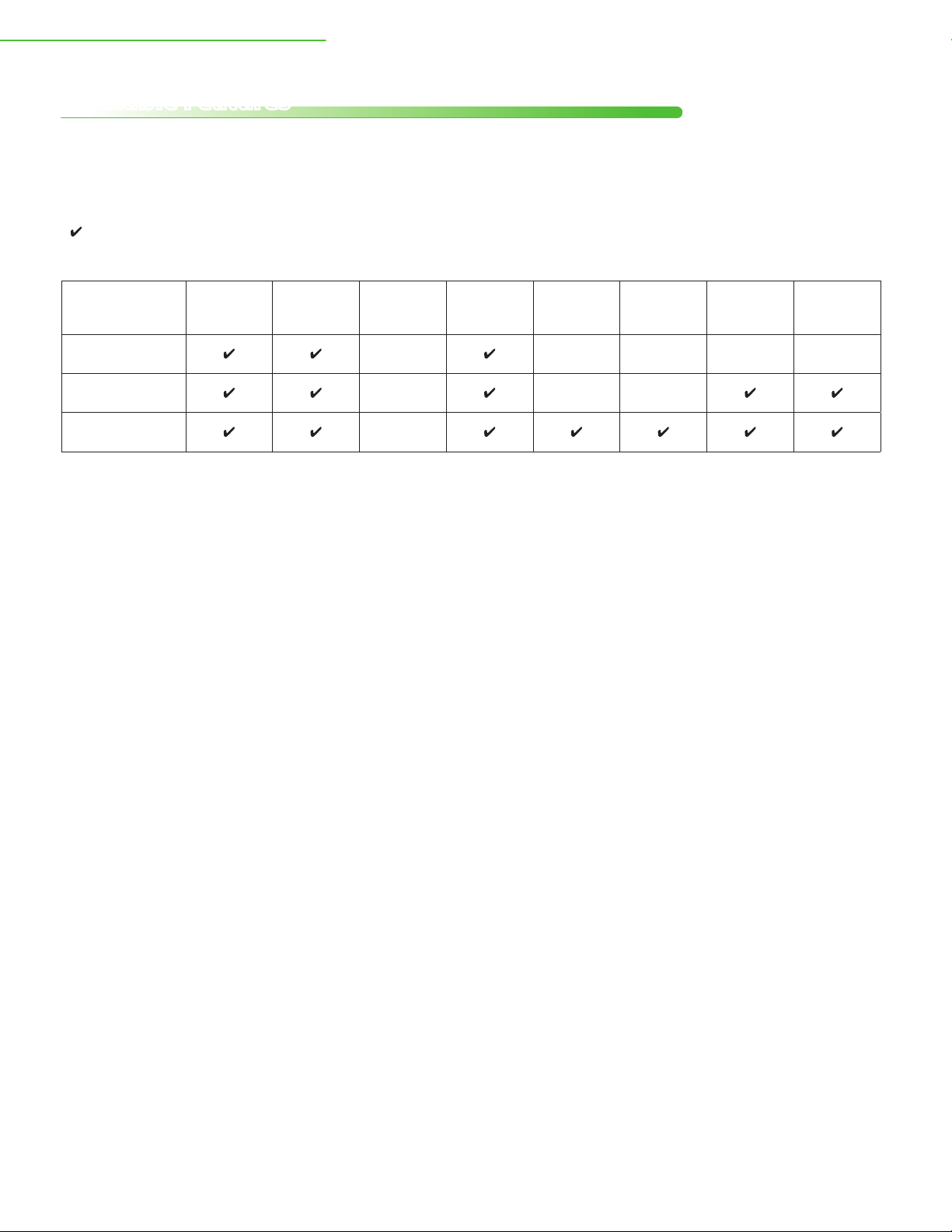
Available Features ............................................................................................................................................................2
1 Set Up the Machine to Suit Your Purposes.......................................................................................................................3
2 Set Up the Machine.......................................................................................................................................... 4
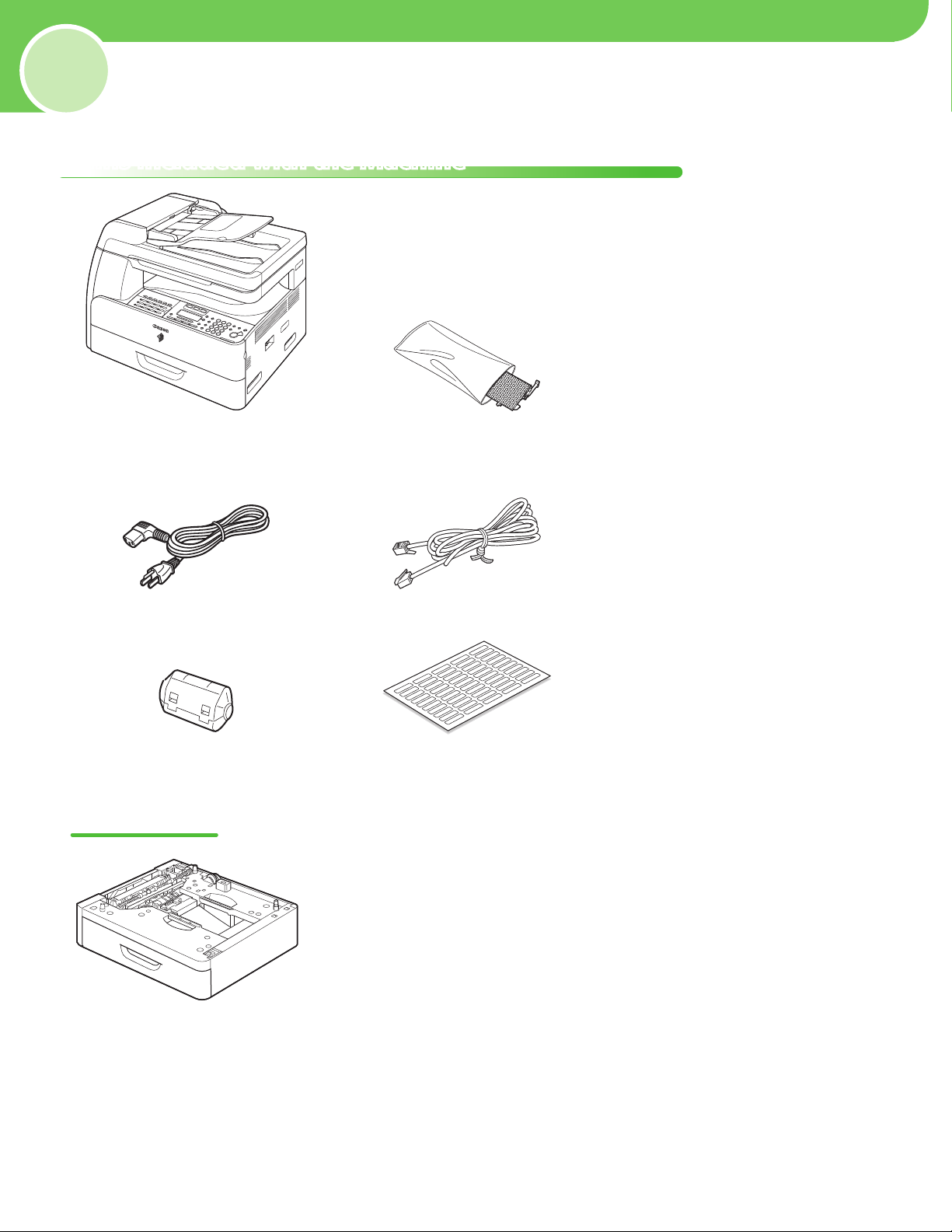
Items Included with the Machine............................................................................................................................... 4
Optional Items ........................................................................................................................................................................ 4
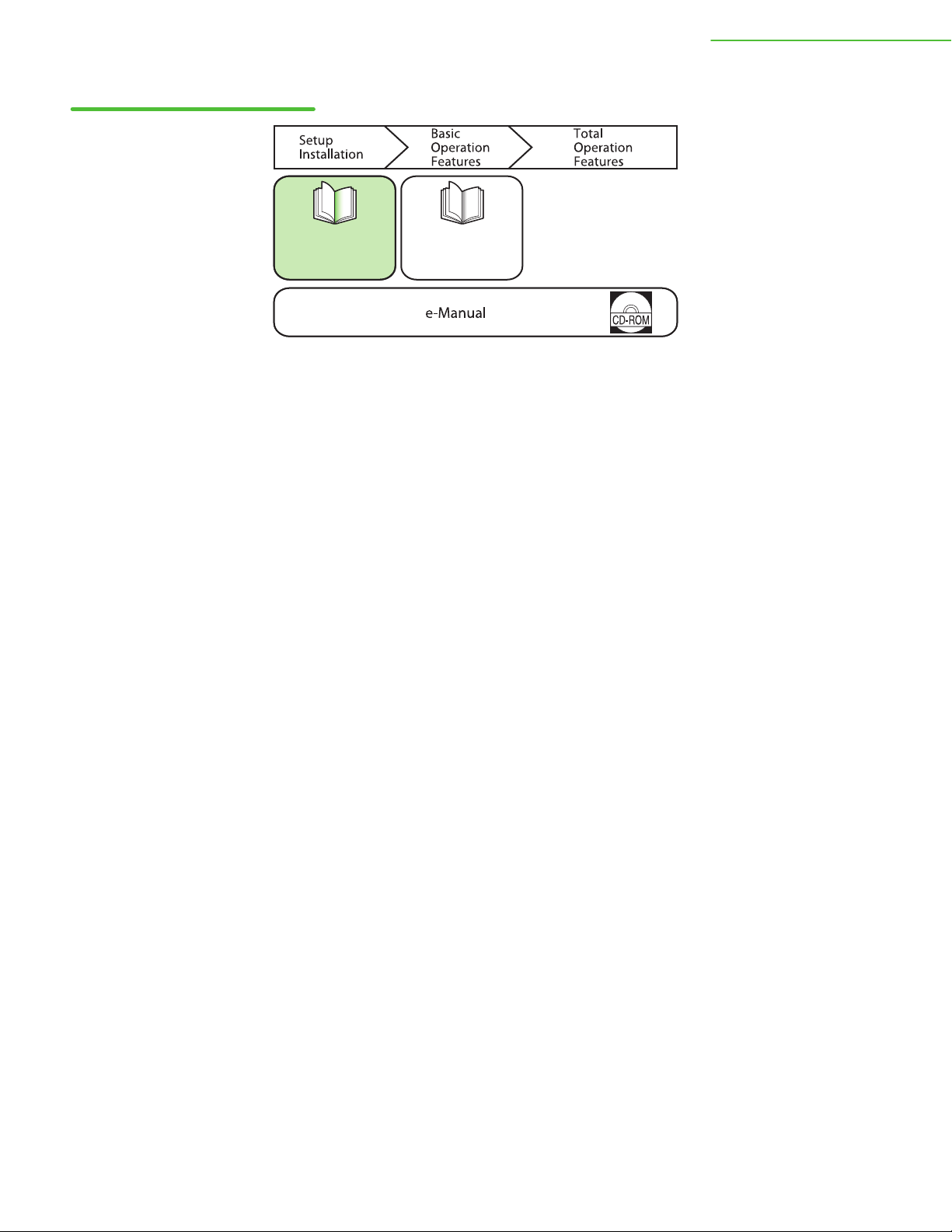
Manuals for the Machine.....................................................................................................................................................5
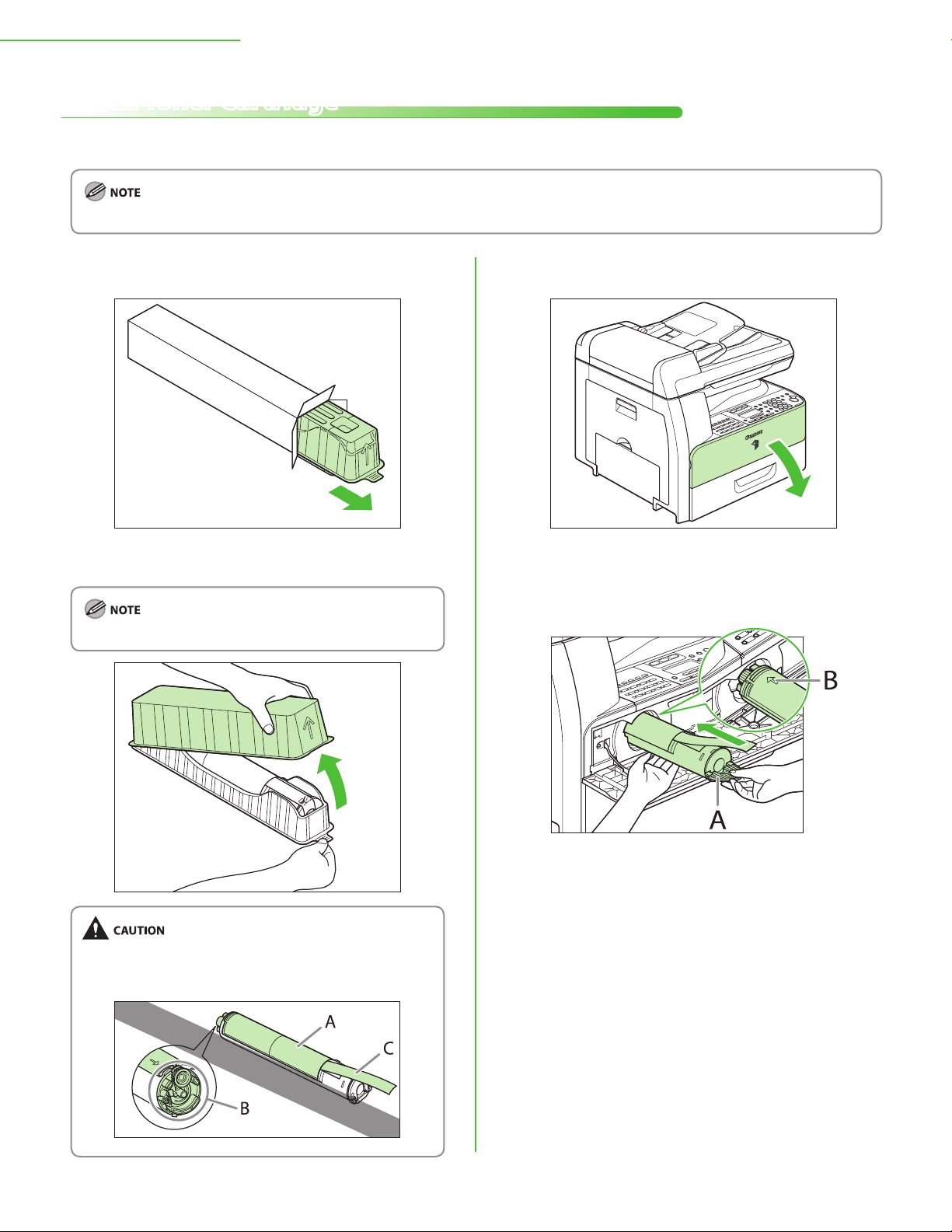
Install Toner Cartridge.....................................................................................................................................................6
Install Drum Unit...............................................................................................................................................................8
Set Up Paper Drawer and Load Paper....................................................................................................................... 9
Connect the Power Cord and Turn ON the Machine...............................................................................................................11
Set Date and Time ..........................................................................................................................................................12
3 Make Fax Settings (imageRUNNER 1025iF Only) ..................................................................................... 14
Connect Telephone Cables .........................................................................................................................................14
Register User Telephone Number and Unit Name .............................................................................................15
Information About the Keys.............................................................................................................................................15
About Sender Information ...............................................................................................................................................16
Select the Receive Mode that Suits Your Needs ..................................................................................................17
About the Receive Modes.................................................................................................................................................17
If Necessary to Use Pulse Dialing....................................................................................................................................19
4 Set Up Network Connection......................................................................................................................... 20
Connect the LAN Cable ................................................................................................................................................20
Compatible LAN Cables.....................................................................................................................................................20
Set Up Network Connection.......................................................................................................................................21
Specify the IP Address Settings .................................................................................................................................21
Automatic Setting................................................................................................................................................................22
Check IP Address Setting ..................................................................................................................................................22
Manual Setting......................................................................................................................................................................23
5 Set Up Computers and Software ................................................................................................................. 24
Types of Connection between a Computer and the Machine .......................................................................24
About User Software CD-ROM...................................................................................................................................25
Drivers......................................................................................................................................................................................25
Bundled Programs...............................................................................................................................................................26
Network Connection.....................................................................................................................................................27
Installation Procedure ........................................................................................................................................................27
Check Installation ................................................................................................................................................................30
USB Connection ..............................................................................................................................................................31
Installation Procedure ........................................................................................................................................................31
Check Installation ................................................................................................................................................................33
6 Appendix.......................................................................................................................................................... 34
User Manual CD-ROM (e-Manual) ............................................................................................................................34
System Requirements ........................................................................................................................................................34
Using the User Manual CD-ROM (e-Manual)..............................................................................................................35
Contacting Service Center...........................................................................................................................................37