Precautions for use
4 - ENGLISH
Precautions for use
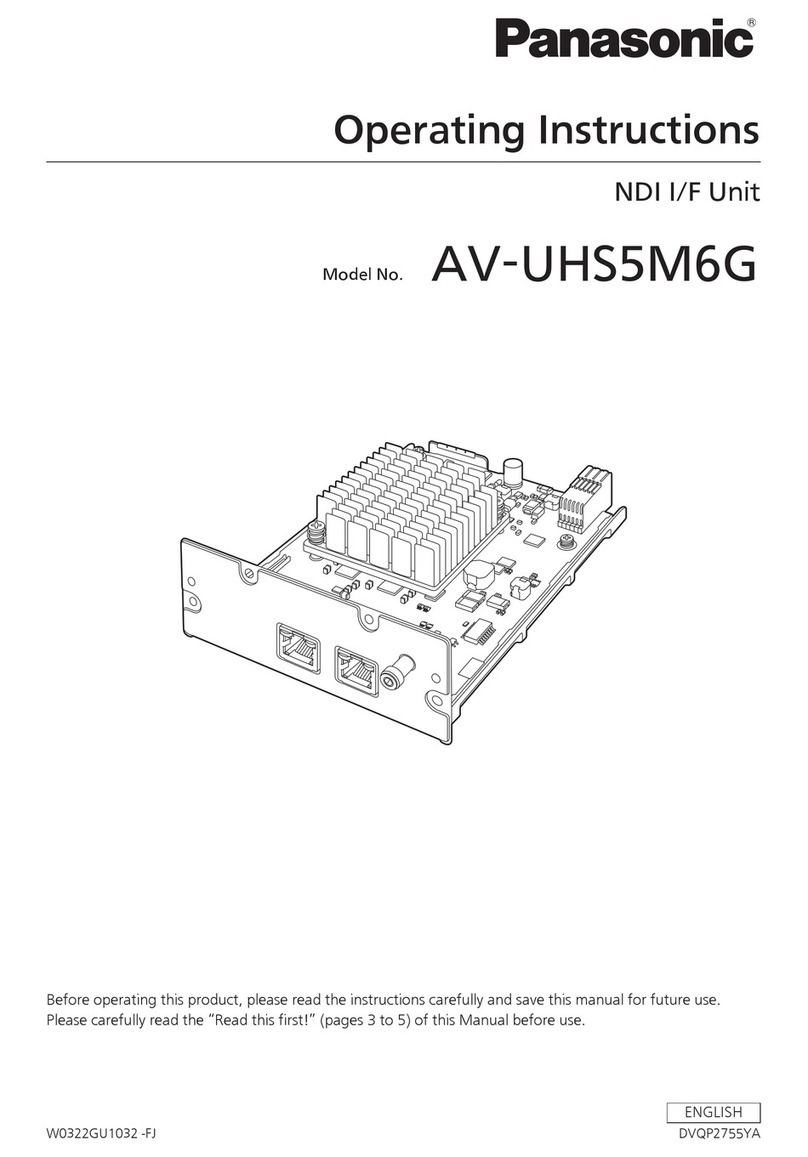
This product is a 12G-SDI signal compatible Interface Board equipped with two ports that can install the SFP
(Small Form-Factor Pluggable)/SFP+ module (referred to as “SFP module” hereinafter). By installing this product
to the Panasonic projector, long-distance transmission of the SDI signal via optical ber cable will be possible
without a separate converter to convert from optical signal to electric signal.
Supported projector
This product can be used with following projectors. However, this product cannot be used if the main version
of the rmware of the projector is earlier than the following compatible rmware version. Use the product after
updating the projector to the latest rmware.
Supported projector Compatible rmware version
(Main version)
PT-RQ22K 4.04 or later
(As of January 2020)
Note
fThis manual omits the alphabets at the end of projector model numbers.
fThis product may support the projectors that are not described in the table. Conrm the “Operating Instructions” of the
projector. The “Operating Instructions” can be found on the following URL.
https://panasonic.net/cns/projector/
fThe main version of the rmware can be conrmed in the on-screen menu of the [PROJECTOR SETUP] menu →[STATUS].
fFor the update procedure of the rmware, access the latest information regarding the rmware in the PASS website (https://
panasonic.net/cns/projector/pass/). It is necessary to register and login to PASS*1 to access the PASS website.
*1 PASS: Panasonic Professional Display and Projector Technical Support Website
Supported SFP module
The 12G-SDI/6G-SDI/3G-SDI/HD-SDI compatible optical ber SFP module that is compliant with MSA (Multi-
Source Agreement), and the optical ber SFP module that the operation has been veried with the Panasonic
projector
fReceiver (for receiving)
fTransmitter (for sending)
fTransceiver (for sending and receiving)
Note
fOperation of the sending function is restricted depending on the port where the SFP module is installed.
fPrepare the commercially available SFP module and the optical ber cable required for connection according to the usage,
video signal to be input, specication of the external device to be connected, etc.
fThe SFP module that the operation has been veried with the Panasonic projector can be conrmed from the following URL.
https://panasonic.net/cns/projector/
Conrmation of operation for SFP module from other manufacturer has been performed with the items set by Panasonic
Corporation, and not all the operations are warranted. For operation or performance problems caused by the SFP module,
contact the respective manufacturers.
Handling of the product
rDo not touch the connector section of the Interface Board directly with your hands
The component may be damaged by the static electricity. Before handle this product, remove the charge in the
body by touching the surrounding metal, etc.
rDo not look into the connector of the SFP module.
The SFP module to be installed on this product is a Class 1 laser product. Do not look into the SFP module or the
connector of the optical ber cable with the power of the projector turned on. Your eyes may be damaged when
the laser goes into your eyes.
Disposal
To dispose of the product, ask your local authorities or dealer for correct methods of disposal.