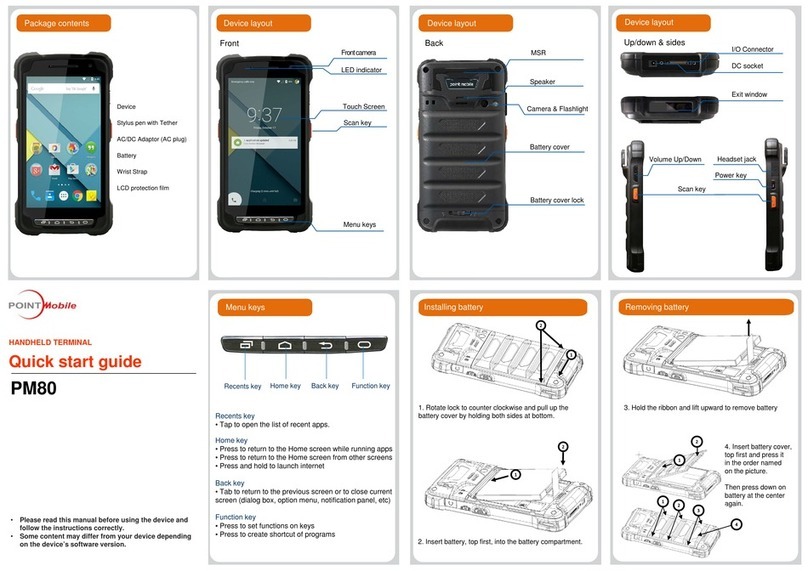
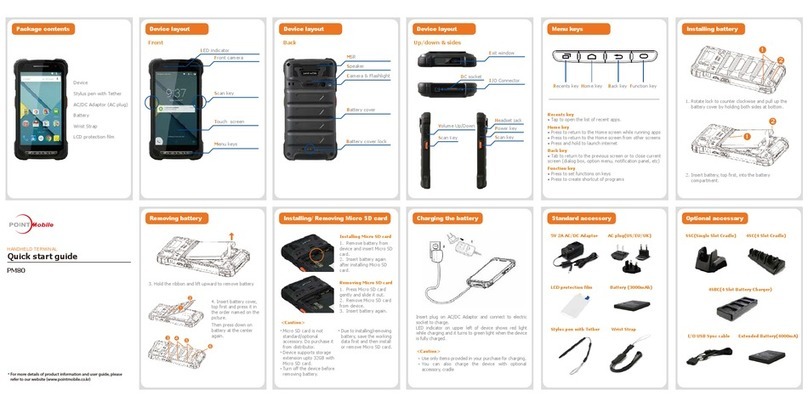
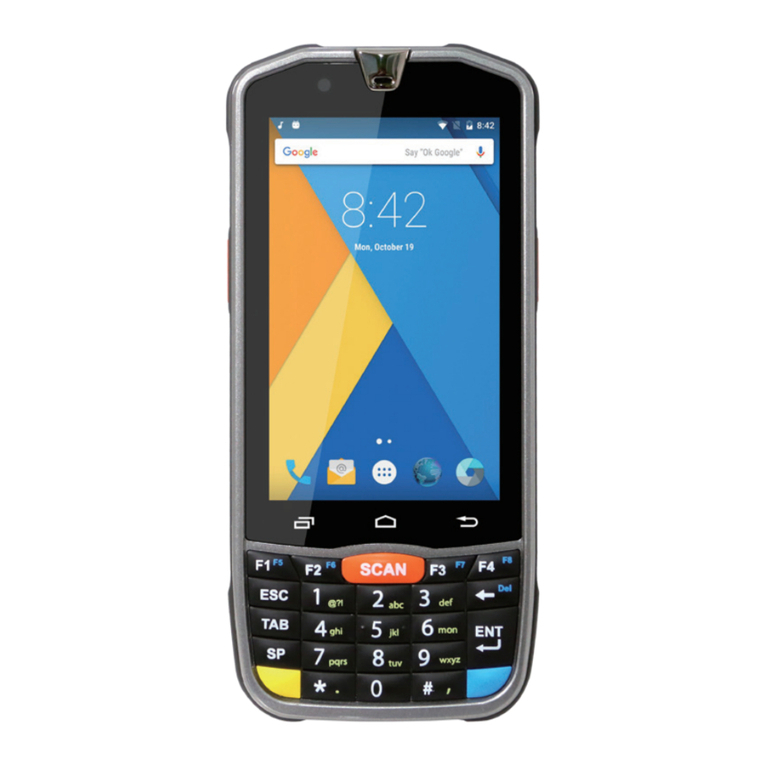
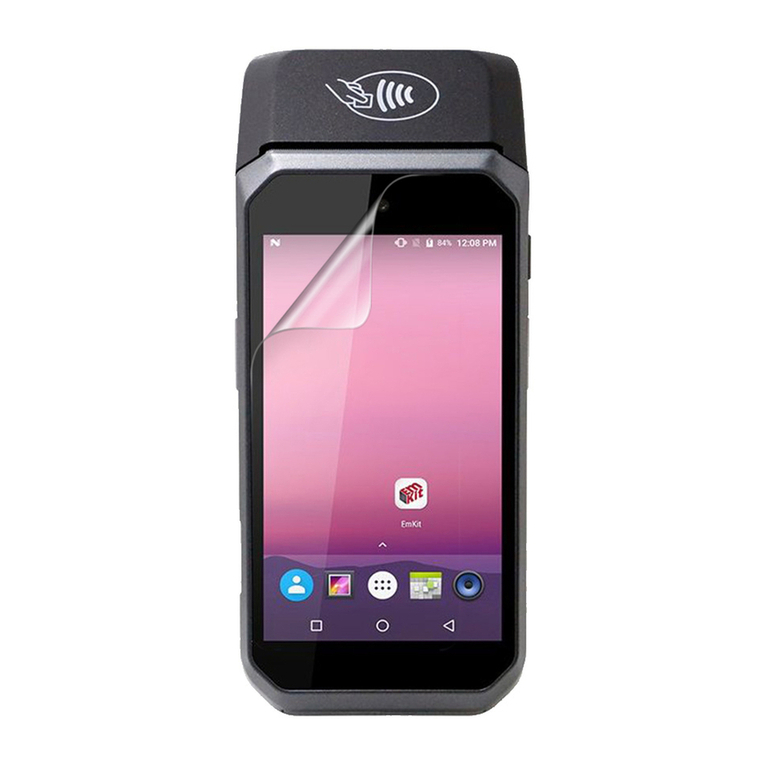
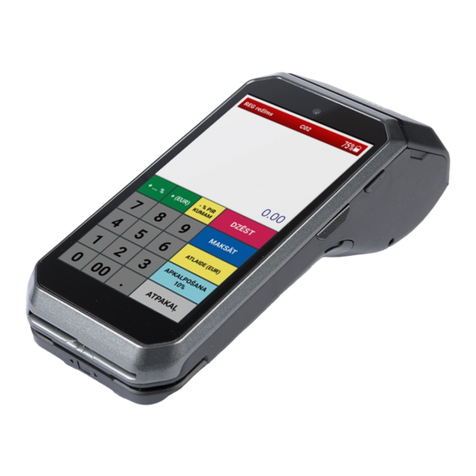
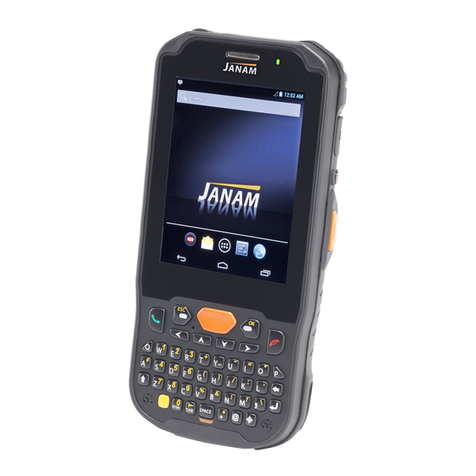
User manual HANDY TERMINAL
3
9.
USING CONTROL PANEL ····································································· 44
9.1.
System Properties············································································44
9.2.
General··························································································44
9.3.
Memory··························································································44
9.4.
Device name ···················································································44
9.5.
Copyrights·······················································································45
9.6.
Power properties··············································································45
9.7.
Battery tab ······················································································45
9.8.
Power off tab···················································································45
9.9.
CPU Power Setting Tab·····································································46
9.10.
Alerts Tab·······················································································46
9.11.
Wakeup Source Tab ·········································································46
9.12.
Program Button properties ·································································47
9.13.
Program Buttons Tab········································································47
9.14.
Key define Tab·················································································47
9.15.
Backlight Properties··········································································48
9.16.
Battery power Tab············································································48
9.17.
External power Tab···········································································48
9.18.
Keyboard backlight Tab·····································································49
9.19.
Scanner Settings··············································································49
9.20.
Scanner Settings Applet·····································································50
1 .
COMMUNICATION ············································································· 52
10.1.
Communication Options·····································································52
10.2.
Installing Additional Software······························································52
10.3.
Connecting the USB ActiveSync Cable·················································52
10.4.
ActiveSync Communication································································53
10.5.
Communication Type ········································································53
10.6.
Hardware Requirements for Setup·······················································53
10.7.
Software Requirements for Communication···········································53
10.8.
Setting Up the Host Workstation··························································54
10.9.
Setting Up the Handy Terminal····························································54
10.10.
Communicating with the Handy Terminal ··············································54
10.11.
Synchronizing with the Host Workstation···············································54
10.12.
Exploring the Terminal from the Workstation··········································54
10.13.
Adding Programs via ActiveSync·························································55
10.14.
Wireless Radios···············································································56
10.15.
Connecting the Terminal to a Wireless Network······································56
10.16.
WLAN (802.11b/g/n Radio)·································································57
10.17.
Adding Programs from the Internet·······················································57
11.
BLUETOOTH HANDLER ······································································· 58
11.1.
Enabling the Bluetooth Radio······························································58
11.2.
Connecting to Other Devices······························································58
11.3.
Pairing Bluetooth Devices··································································58
11.4.
Setting Upa BluetoothPrinter·····························································59
12.
SINGLE SLOT DOCKING CRADLE/SINGLE SLOT ETHERNET CRADLE DEVICE ········· 59
12.1.
Overview ························································································59
12.2.
Battery Charging ··············································································59
12.3.
Power Supply··················································································59