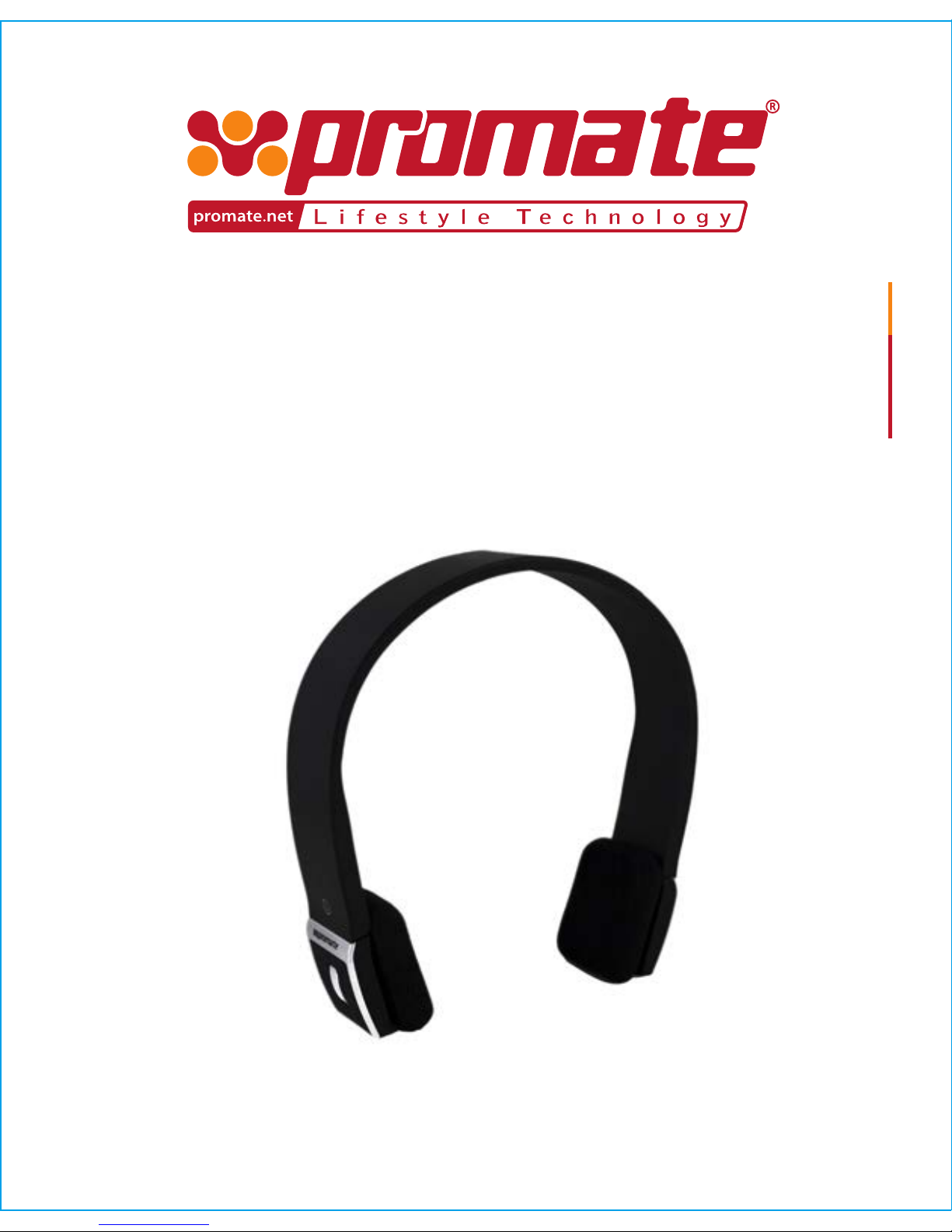
I: Headband
2: < key :last song
3: > key :next song
4: LED Indicator
5: Multifunction button (MFB): Turn on/off
the headset, answer, end and reject call,
mute, voice dial and switch
conversation, redial last number, pause
and revert music.
6: + key: volume up
7: -key: volume down
8: Micro-USB Charging port
9: Built-in microphone
8 Playing music
When the headset connects with the mobile phone or
Bluetooth®transmitter which supports A2DP, you can enjoy music
through headset, wirelessly.
Remark:
• For some of mobile phones, when they are playing music, the music will
transmit to the speaker of mobile phone, you have to choose “transmit the
sound through Bluetooth® ” in the “setting” of music play interface, and
then choose “proHarmony.1” in the device list, the music will be
transmitted to the headset. Please refer to the instruction of your mobile
phone for further information.
• When the volume is adjusted to max or min, you will hear a indication
sound of “Ding-Dong”.
• For some mobile phones, when you press the key of accepting on the
phone, the conversation will be sent to mobile phone. At this time, you can
switch the call to headset by using the conversation switch button or
through operating on the mobile phone. Please refer to the instruction of
your mobile phone for further information.
Function Status of headset Operaon Indicaon
Volume up Playing music Short press or
long press + key
nothing
Volume down Playing music Short press or
long press - key
nothing
Pause Playing music Short press the
MFB
A short tone “du”
Revert Pause Short press the
MFB
A short tone “du”
Last song Playing music Short press < key A short tone “du”
Next song Playing music Short press> key A short tone “du”