manuals.online logo
Brands
  1. Home
  2. •
  3. Brands
  4. •
  5. Qtx
  6. •
  7. Lighting Equipment
  8. •
  9. Qtx 151.604UK LED DUOFLOWER User manual

Qtx 151.604UK LED DUOFLOWER User manual

This manual suits for next models

1

Other Qtx Lighting Equipment manuals

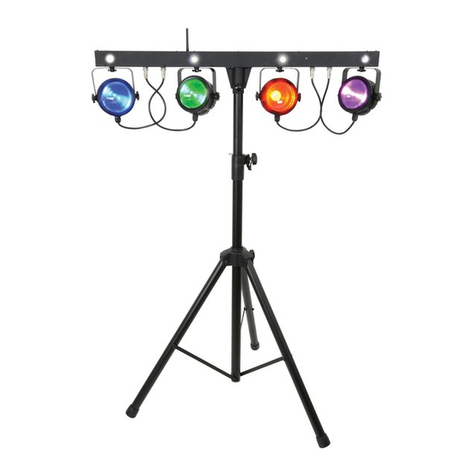
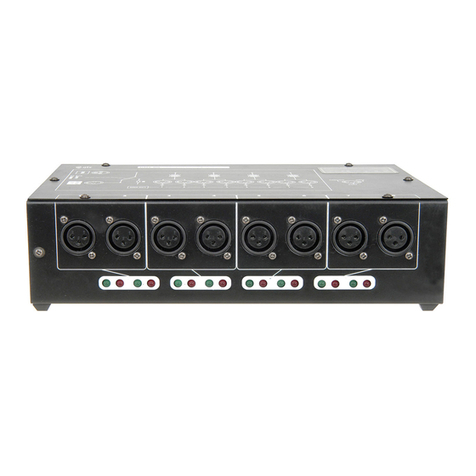
Qtx Pixel-Bar User manual

Qtx

Qtx Pixel-Bar User manual

Qtx Starscape User manual

Qtx

Qtx Starscape User manual

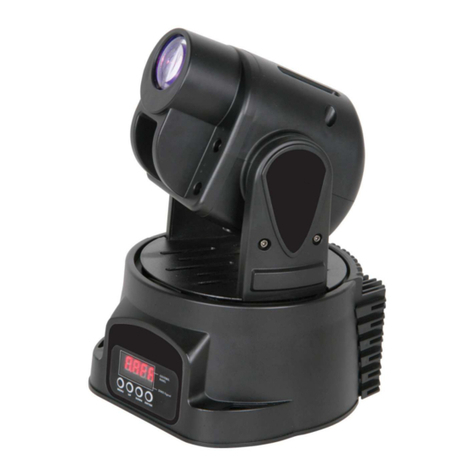
Qtx smartLIGHT SL-H7 User manual

Qtx

Qtx smartLIGHT SL-H7 User manual

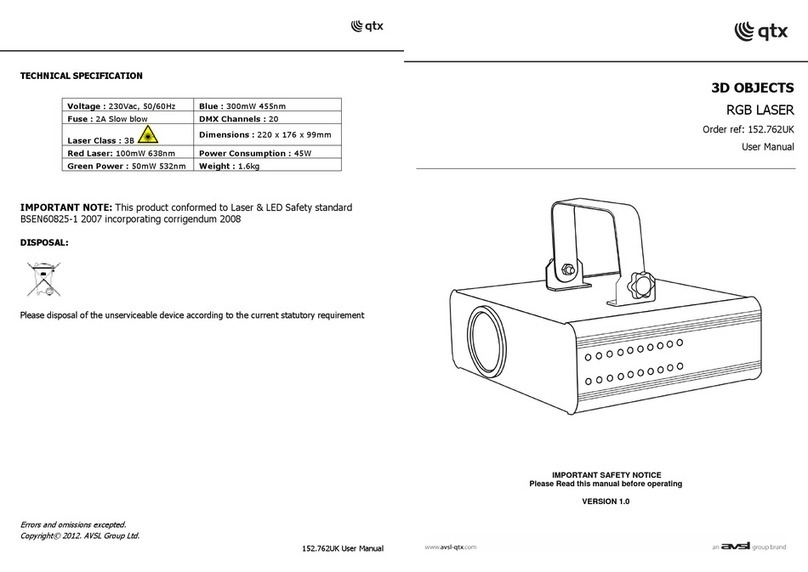
Qtx 3D OBJECTS 152.762UK User manual

Qtx

Qtx 3D OBJECTS 152.762UK User manual

Qtx GoboPar35 User manual

Qtx

Qtx GoboPar35 User manual

Qtx MHS-90L User manual

Qtx

Qtx MHS-90L User manual

Qtx LED DERBY III User manual

Qtx

Qtx LED DERBY III User manual

Qtx MITO User manual

Qtx

Qtx MITO User manual

Qtx TetraCube User manual

Qtx

Qtx TetraCube User manual

Qtx PB-COB User manual

Qtx

Qtx PB-COB User manual

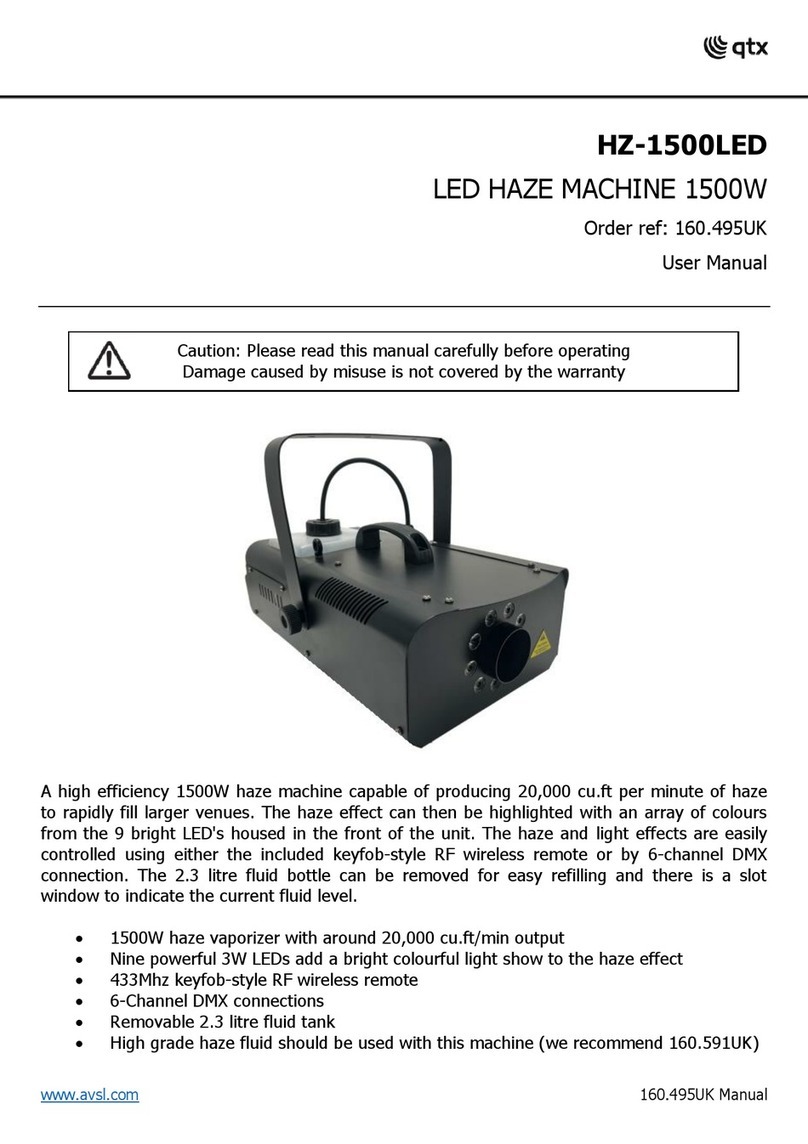
Qtx HZ-1500LED User manual

Qtx

Qtx HZ-1500LED User manual

Qtx WSL-Q7 User manual

Qtx

Qtx WSL-Q7 User manual

Qtx TinyMover User manual

Qtx

Qtx TinyMover User manual

Qtx MHS-30 User manual

Qtx

Qtx MHS-30 User manual

Qtx Tri-Bar User manual

Qtx

Qtx Tri-Bar User manual

Qtx PB-1214 User manual

Qtx

Qtx PB-1214 User manual

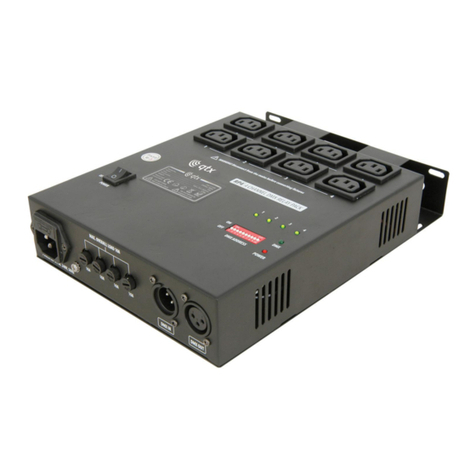
Qtx RP4 User manual

Qtx

Qtx RP4 User manual

Qtx LED TWISTER IV User manual

Qtx

Qtx LED TWISTER IV User manual

Qtx Derby FX-Bar User manual

Qtx

Qtx Derby FX-Bar User manual

Qtx HPWash200 User manual

Qtx

Qtx HPWash200 User manual

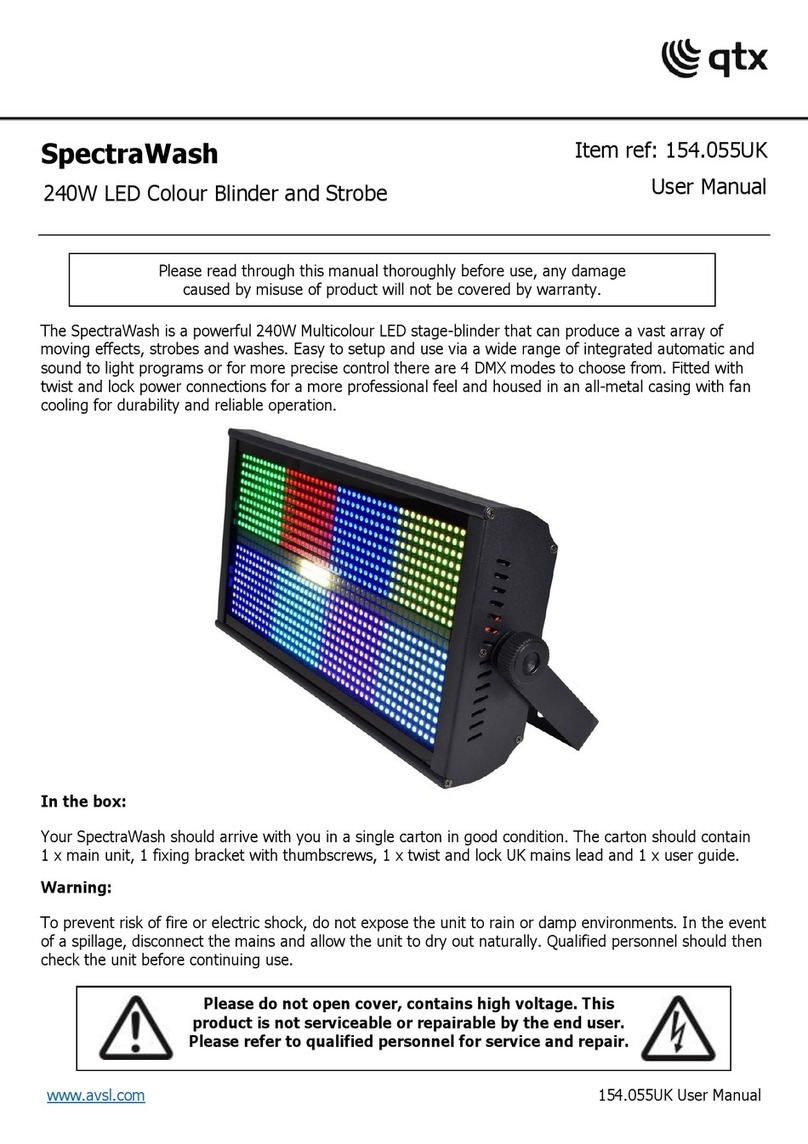
Qtx SpectraWash User manual

Qtx

Qtx SpectraWash User manual

Qtx TETRAMER User manual

Qtx

Qtx TETRAMER User manual

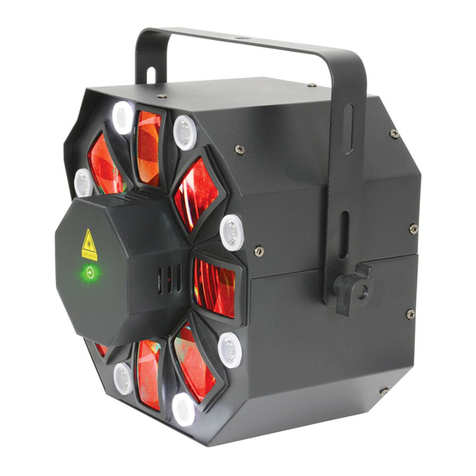
Qtx Wash & Beam User manual

Qtx

Qtx Wash & Beam User manual

Qtx 150.456UK User manual

Qtx

Qtx 150.456UK User manual

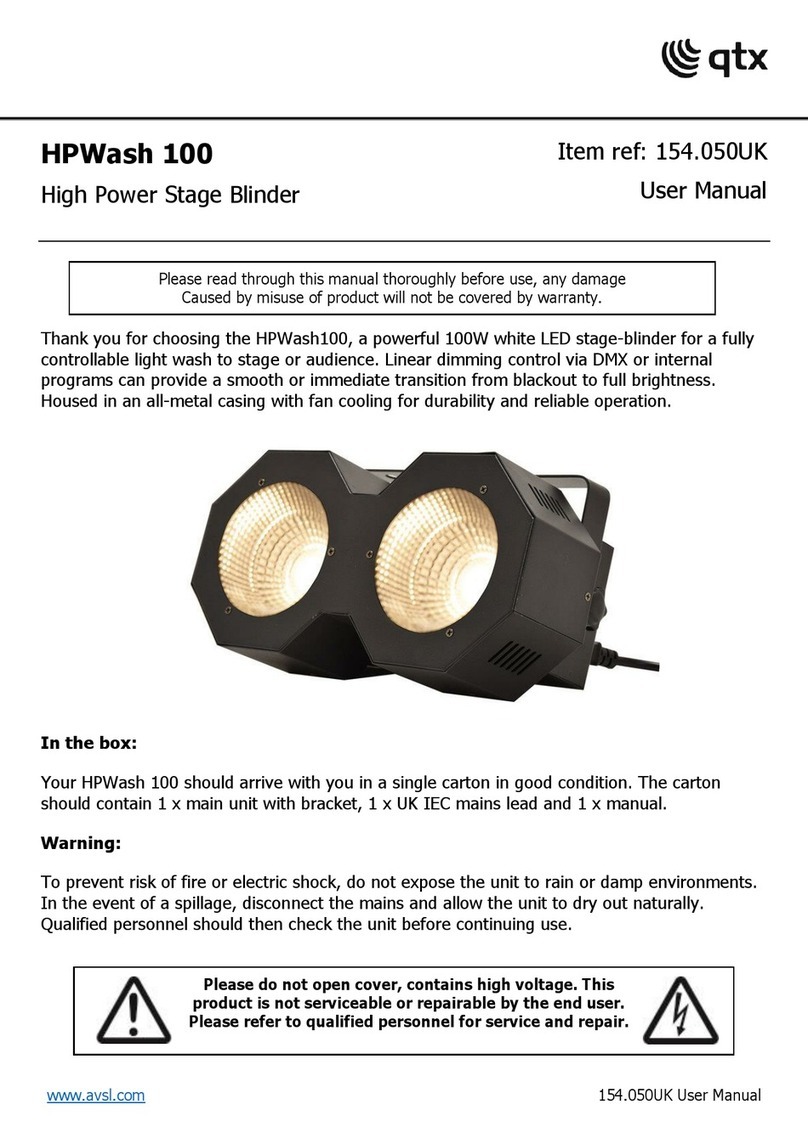
Popular Lighting Equipment manuals by other brands

Life 39.9F70020C quick start guide

Life

Life 39.9F70020C quick start guide

EuroLite LED ML-20 user manual

EuroLite

EuroLite LED ML-20 user manual

LIGMAN OD-50141 installation manual

LIGMAN

LIGMAN OD-50141 installation manual

Home Accents Holiday 1002461144 instructions

Home Accents Holiday

Home Accents Holiday 1002461144 instructions

Experia IRiS Ripple Light instruction manual

Experia

Experia IRiS Ripple Light instruction manual

Erco Gecko Mounting instructions

Erco

Erco Gecko Mounting instructions

Inter-lux ZTA.100.Surface Installation and maintenance instructions

Inter-lux

Inter-lux ZTA.100.Surface Installation and maintenance instructions

Whelen Engineering Company TN Series installation guide

Whelen Engineering Company

Whelen Engineering Company TN Series installation guide

IKEA BJÖRKSPIREA manual

IKEA

IKEA BJÖRKSPIREA manual

Toolland PM 6640 instruction manual

Toolland

Toolland PM 6640 instruction manual

GTD GTD-LP200 user manual

GTD

GTD GTD-LP200 user manual

LIVARNO home 1105-W-UK manual

LIVARNO home

LIVARNO home 1105-W-UK manual

ProLights EclPar IPMFC user manual

ProLights

ProLights EclPar IPMFC user manual

Velvet EVO Series user manual

Velvet

Velvet EVO Series user manual

IDTOLIGHT GENT installation instructions

IDTOLIGHT

IDTOLIGHT GENT installation instructions

MAYTONI S35 installation manual

MAYTONI

MAYTONI S35 installation manual

MaxLite MLFP14DP4535 user manual

MaxLite

MaxLite MLFP14DP4535 user manual

SLV Elektronik 550621 instruction manual

SLV Elektronik

SLV Elektronik 550621 instruction manual

manuals.online logo
manuals.online logoBrands
  • About & Mission
  • Contact us
  • Privacy Policy
  • Terms and Conditions

Copyright 2025 Manuals.Online. All Rights Reserved.

LED DUOFLOWER
Dual Moonflower Effect
Item ref: 151.604UK
User Manual
151.604UK User Manual
Introduction
Thank you for choosing the QTX LED DUOFLOWER quad colour dual LED flower light as part of your effect
lighting rig. Please read these instructions in full to gain the best results from this item and avoid damage
through misuse.
Unpacking
Your LED DUOFLOWER should reach you in good condition and be supplied with appropriate mains lead(s)
and mounting bracket. If there are any signs of damage or items missing from the packaging, contact
your dealer immediately.
Warning
To prevent risk of fire or electric shock, do not expose any components to rain or moisture.
If liquids are spilled on the housing, disconnect mains and allow unit to dry out & have checked by
qualified personnel before further use. Avoid any impact or extreme pressure to the housing.
No user serviceable parts inside –Do not open the case –refer all servicing to qualified service personnel.
Safety
Check for correct voltage and condition of IEC lead before connecting to power outlet
Ensure DMX leads are good condition with no short connections or damaged plugs
Placement
Mount the unit to a lighting stand or ceiling using the adjustable bracket included
If the unit is mounted at height, a drop cable should be attached for safety
If free-standing, ensure that the unit is sited on a stable, non-slip surface.
Ensure adequate access to controls and connections
Cleaning
Use a soft dry or slightly damp to clean the cabinet as required.
Do not use strong solvents for cleaning the unit
Rear Panel

1. IEC mians inlet & fuse holder
4. DMX output XLR connector
2. Sound activation microphone
5. Digital display
3. DMX input XLR connector
6. Programming buttons
151.604UK User Manual
Setting up
Install the LED DUOFLOWER so that the front panel is facing the area to be lighted.
Experiment with positioning to get the best coverage from the dual mirror apertures.
The LED DUOFLOWER can be operated in either DMX or sound activated mode.
For sound-activated mode, select 1 unit to be master and connect DMX leads onto slave units.
For DMX control, connect the DMX control signal via XLR leads to DMX in and out at the rear.
Connect mains using an appropriate IEC lead to the mains inlet.
Operation
All settings are accessed via the 4-button control panel with digital display on the rear panel.

Display
Mode
Setting

DMX start address setting
A001 –A512 (for modes, see DMX tables below)

DMX mode setting
,  (1-channel, 8-channel)

Slave mode
,,(Master, Slave 1, Slave 2)

Sound mode
/ (sound activation on/off)

Sound sensitivity
-  Sensitivity 0 –100%

LED display mode
/(display always on / display off after 10sec)

Invert display
/ (non-inverted/inverted)

Test mode
Self test

Usage time
-  (fixture hours 0 –9999)

Version
Software version
Specifications
Power supply
100-240Vac 50/60Hz (IEC)
Power consumption
30W
Operating modes
DMX, Master/Slave, Sound activated
DMX operation
DMX512: 1-channel mode, 8-channel mode


LED sources
2 x RGBW 10W CREE LED
Connection
DMX in/out (XLR), Mains inlet (IEC)
Dimensions
485 x 190 x 120mm (inc. bracket)
Weight
2.99kg
Troubleshooting
No power
Check mains voltage is correct and outlet is switched on
Check IEC lead and mains fuse (if fuse continually blows, refer to your dealer)
No light output
Check rear panel mode settings (Sound mode, dimmer 0%, slave mode etc.)
Check DMX settings from controller (Blackout, dimmer 0%, strobe 0% etc.)
No sound activation
Check that sound activated mode is enabled and the unit is not set to slave
Check setting for microphone sensitivity is not 0%
Disconnect any DMX input if sound activated mode is to be used
Unresponsive to DMX
Check DMX connection and leads
Check the DMX start address is set correctly
Ensure that Test mode is not active
Overheating/cutting out
Ensure that the unit is not too close to a heat source
Ensure that the cooling vent on the rear panel is clear and not covered
151.604UK User Manual
DMX 1-Channel
Mode
Value
Function
Channel 1
Internal programmes
000-007
Blackout
008-037
Show 1
038-067
Show 2
068-097
Show 3
098-127
Show 4
128-157
Show 5
158-187
Show 6
188-217
Show 7
218-247
Show 8
248-255
Sound activated
DMX 8-Channel
Mode
Value
Function
Channel 1
Channel 5
Head 1: Colour
Head 2: Colour
000-007
Blackout
008-024
Red
025-041
Green
042-057
Blue
058-074
White
075-090
Red + Green
091-107
Red + Blue
108-123
Red + White
124-140
Green + Blue
141-156
Green + White
157-173
Blue + White
174-189
Red + Green + Blue
190-206
Red + Green + White
207-222
Red + Blue + White
223-239
Green + Blue + White
240-255
Red + Green + Blue + White
Channel 2
Channel 6
Head 1: Dimmer
Head 2: Dimmer
000-255
Dimmer 0 –100%
Channel 3
Channel 7
Head 1: Strobe
Head 2: Strobe
000-007
No function
008-255
Strobe: Slow to Fast
Channel 4
Channel 8
Head 1: Mirror Rotation
Head 2: Mirror Rotation
000-009
Stopped
010-120
Rotation: Fast to Slow
121-134
Stopped
135-245
Rotation: Slow to Fast
246-255
Stopped
010-120
Rotation: Fast to Slow
121-134
Stopped
135-245
Rotation: Slow to Fast
246-255
Stopped
Errors and omissions excepted.
Copyright© 2013. AVSL Goup Ltd