EnglishDeutsch
 logo
Brands
  1. Home
  2. •
  3. Brands
  4. •
  5. Richmond
  6. •
  7. Gate Opener
  8. •
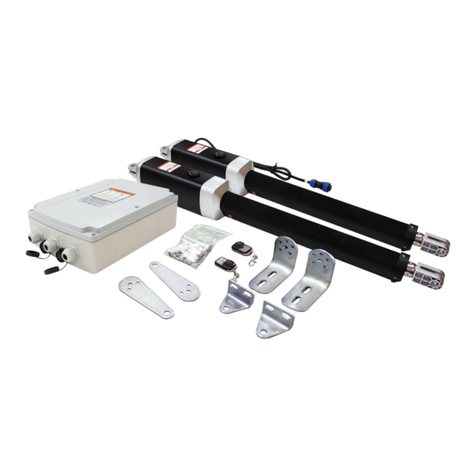
  9. Richmond GTR058 User manual

Richmond GTR058 User manual

Other manuals for GTR058

2

Other Richmond Gate Opener manuals

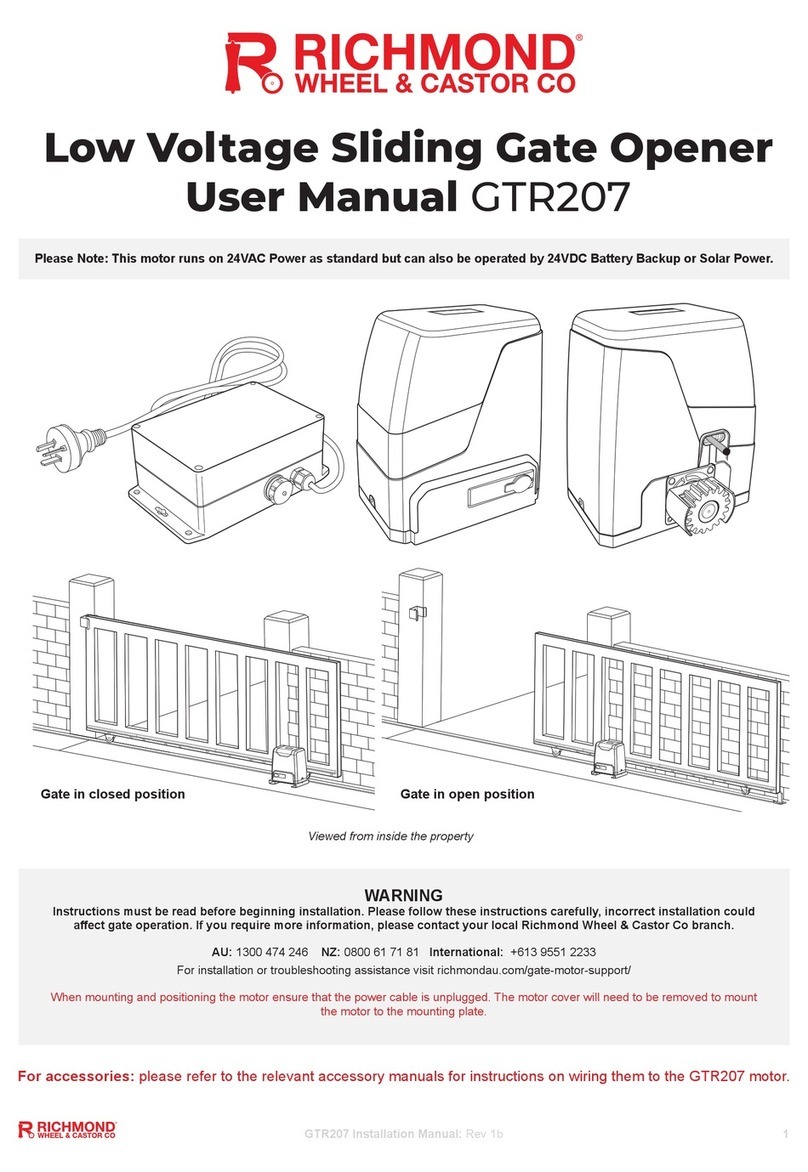
Richmond GTR207 User manual

Richmond

Richmond GTR207 User manual

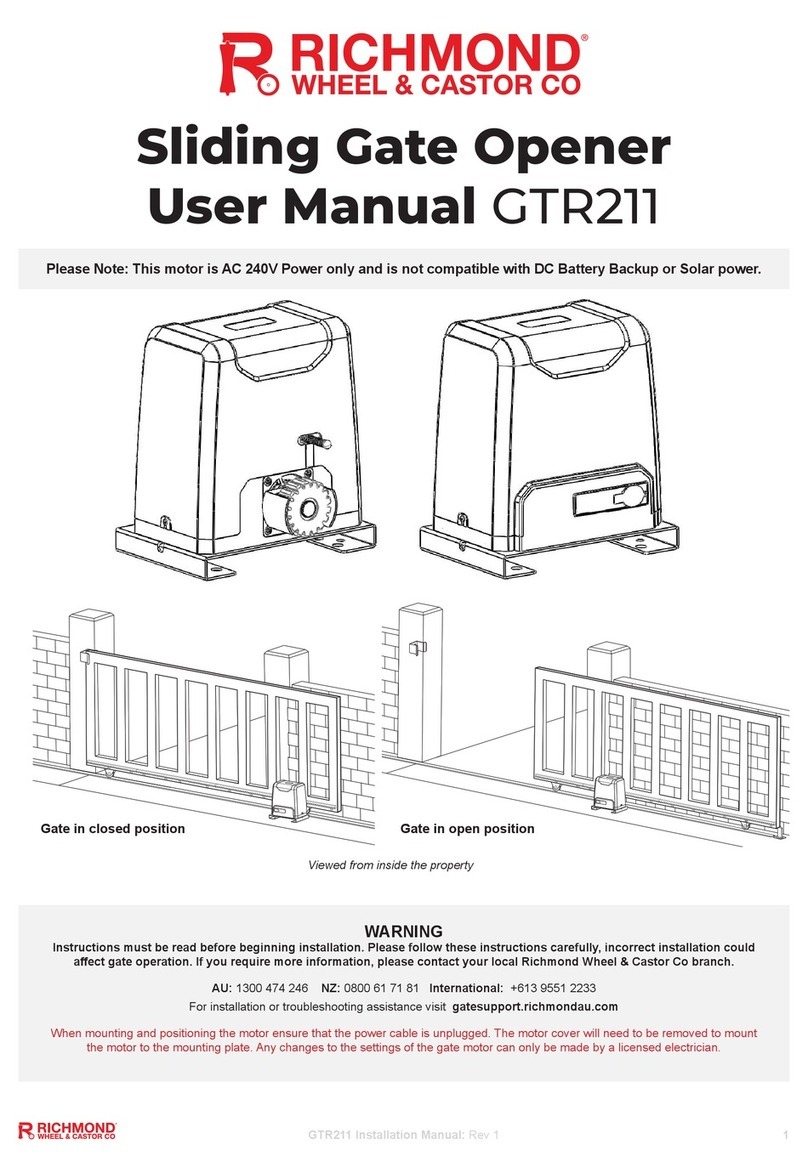
Richmond GTR211 User manual

Richmond

Richmond GTR211 User manual

Richmond GTR500 User manual

Richmond

Richmond GTR500 User manual

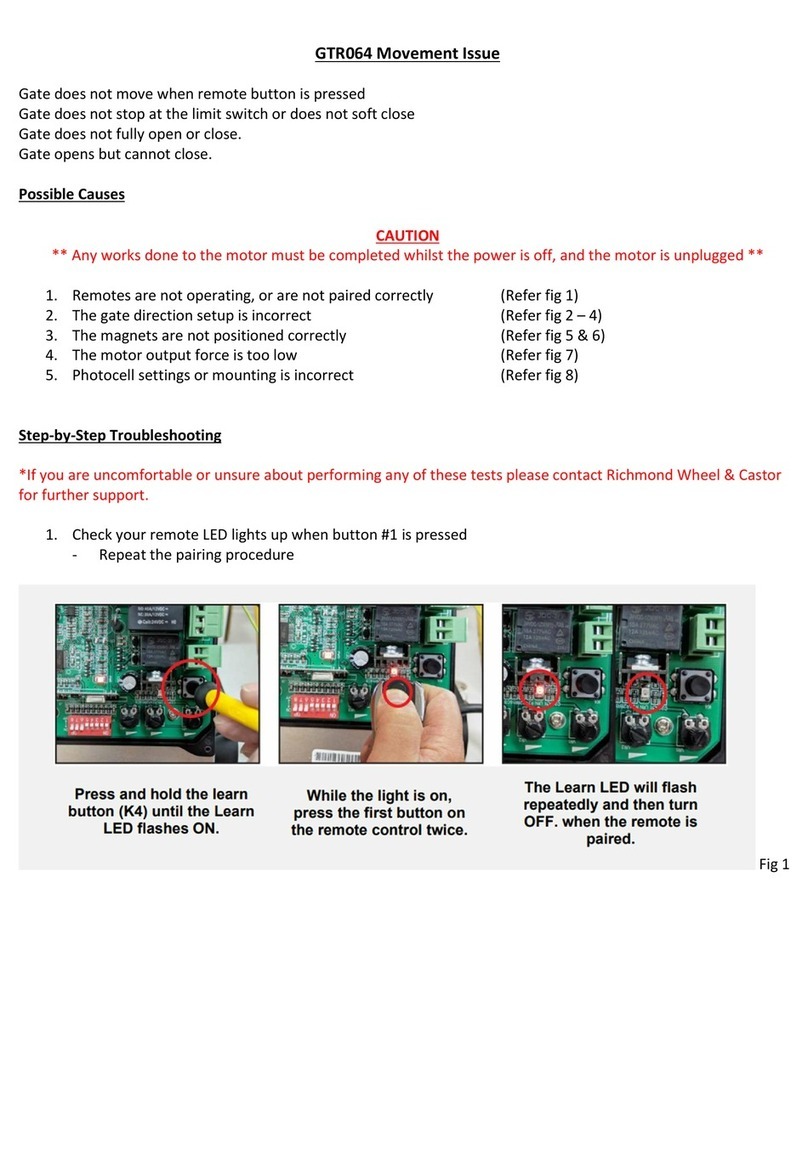
Richmond GTR064 User manual

Richmond

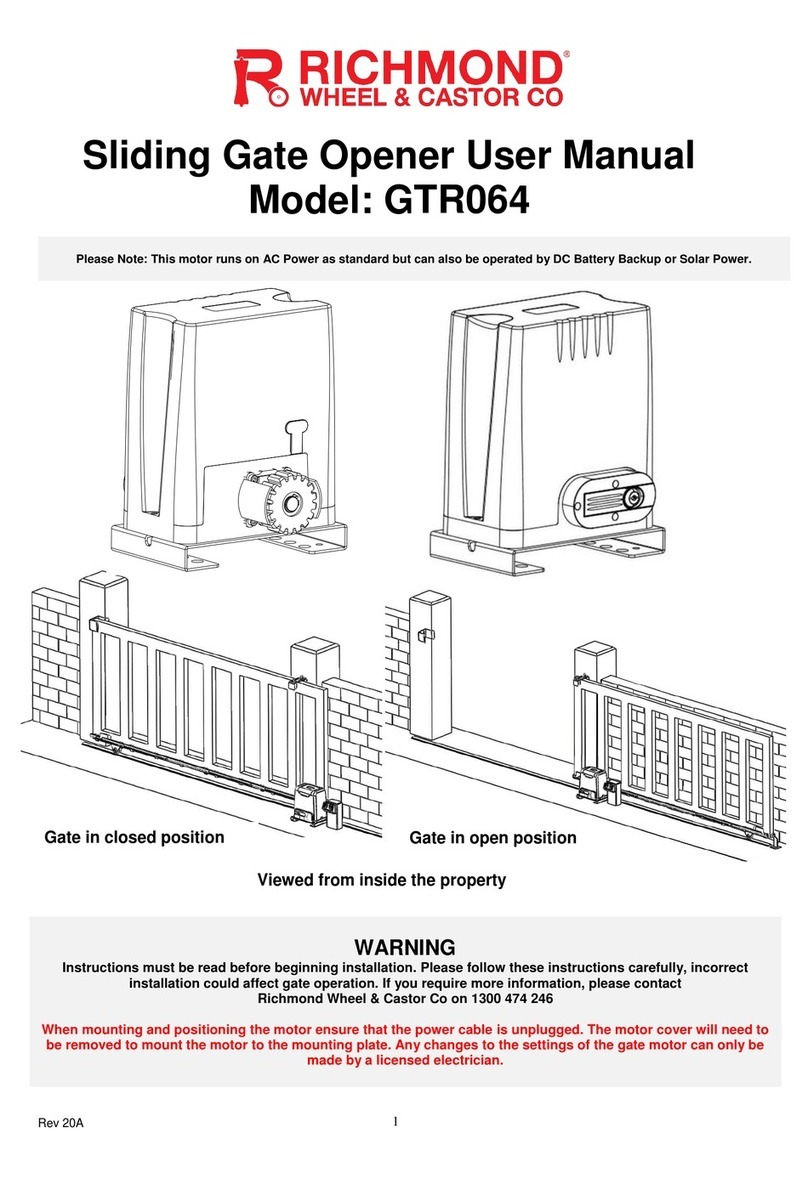
Richmond GTR064 User manual

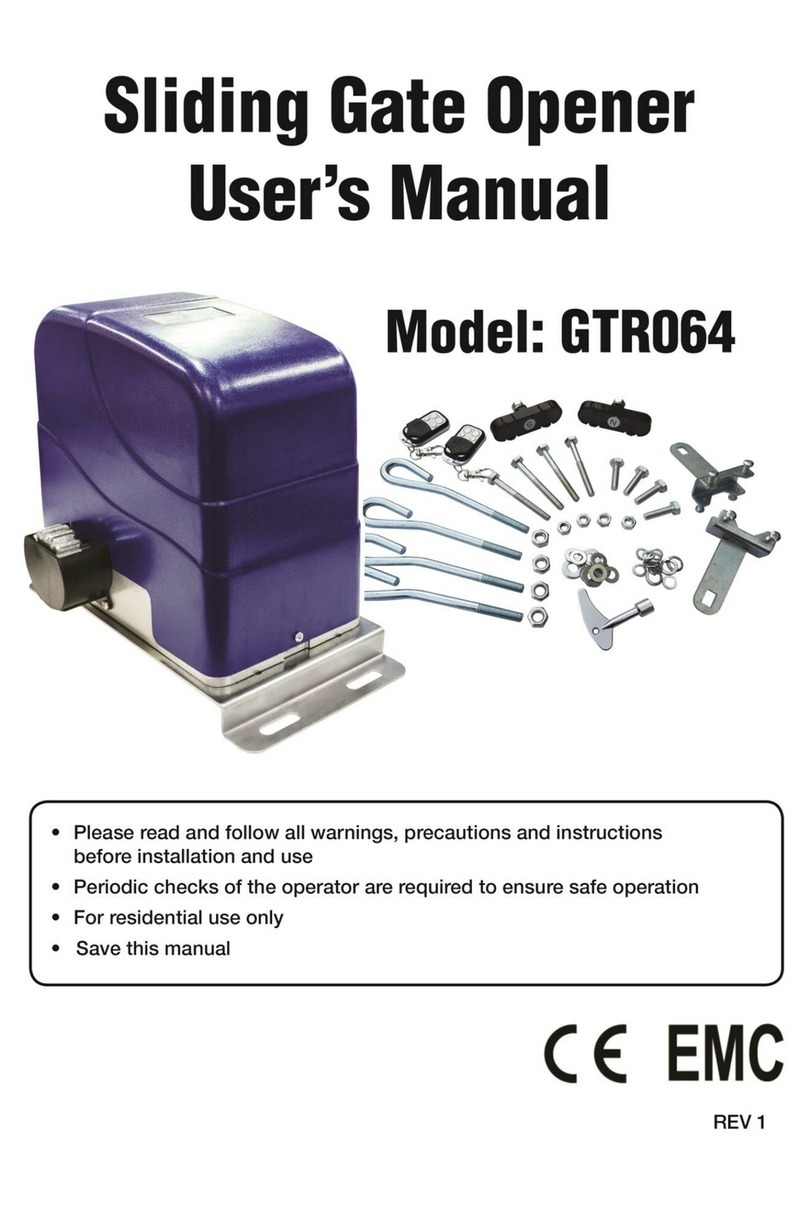
Richmond GTR064 User manual

Richmond

Richmond GTR064 User manual

Richmond GTR058 User manual

Richmond

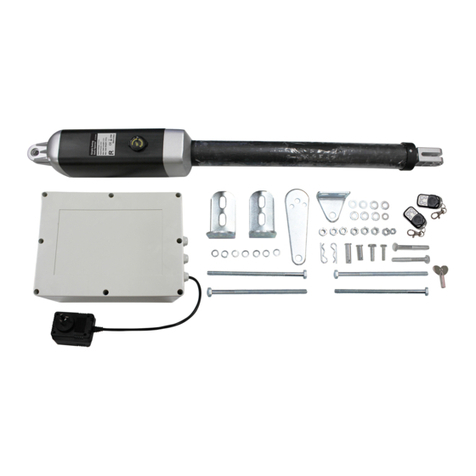
Richmond GTR058 User manual

Richmond GTR502 User manual

Richmond

Richmond GTR502 User manual

Richmond GTR064 User manual

Richmond

Richmond GTR064 User manual

Richmond GTR062 User manual

Richmond

Richmond GTR062 User manual

Richmond GTR099 User manual

Richmond

Richmond GTR099 User manual

Richmond GTR181 User manual

Richmond

Richmond GTR181 User manual

Richmond GTR058 User manual

Richmond

Richmond GTR058 User manual

Richmond GTR156 User manual

Richmond

Richmond GTR156 User manual

Popular Gate Opener manuals by other brands

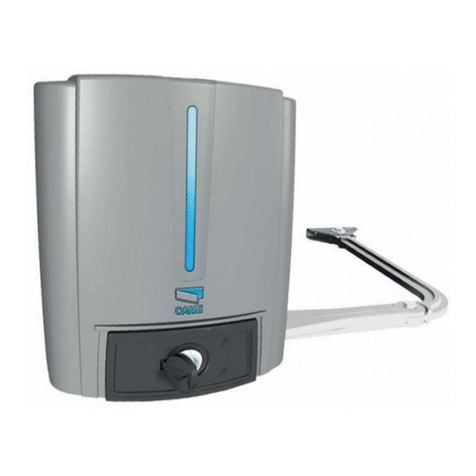
CAME FROG-PM4 installation manual

CAME

CAME FROG-PM4 installation manual

SOMFY FX230 installation manual

SOMFY

SOMFY FX230 installation manual

Aprimatic ONDA 500 installation instructions

Aprimatic

Aprimatic ONDA 500 installation instructions

Turnstiles FSW 900 manual

Turnstiles

Turnstiles FSW 900 manual

Erreka BUL BL33 Quick installation and programming guide

Erreka

Erreka BUL BL33 Quick installation and programming guide

Erreka VULCAN S manual

Erreka

Erreka VULCAN S manual

Beninca R1-2 WBV quick start guide

Beninca

Beninca R1-2 WBV quick start guide

Erreka VULCAN D user manual

Erreka

Erreka VULCAN D user manual

Motorline professional FORT User& installer's manual

Motorline professional

Motorline professional FORT User& installer's manual

Beninca BOB5024 manual

Beninca

Beninca BOB5024 manual

AGA GATEMASTER 900 HD installation manual

AGA

AGA GATEMASTER 900 HD installation manual

Cardin BL Series manual

Cardin

Cardin BL Series manual

Westfalia 85 27 06 instruction manual

Westfalia

Westfalia 85 27 06 instruction manual

CAME F500 installation manual

CAME

CAME F500 installation manual

Extel VERA quick guide

Extel

Extel VERA quick guide

Comunello Automation ABACUS 220 Installation and user manual

Comunello Automation

Comunello Automation ABACUS 220 Installation and user manual

CAME FA40230CB installation manual

CAME

CAME FA40230CB installation manual

Mighty Mule 200 E-Z GATE OPENER UL325 SERIES installation manual

Mighty Mule

Mighty Mule 200 E-Z GATE OPENER UL325 SERIES installation manual

https://manuals.online logo
https://manuals.online logoBrands
  • About & Mission
  • Contact us
  • Privacy Policy
  • Terms and Conditions

Copyright 2026 Manuals.Online. All Rights Reserved.

GTR058 Movement Issue
The gate(s) will open but not close, or close but not open
The gate arm does not open/close fully
One gate will open and close but the other will not
Possible Causes
1. Incorrect bracket mounting positions (Refer fig 1 & 2)
2. Incorrect mounting procedure (Refer fig 3)
3. Incorrect limit switch positioning (Refer fig 4)
4. Damaged Limit switches (Refer fig 5)
5. Loose wiring connections (Refer fig 6)
6. Incorrect programming settings (Refer fig 7)
Step-by-Step Troubleshooting
*If you are uncomfortable or unsure about performing any of these tests please contact Richmond Wheel & Castor for
further support.
1. Check your post bracket mounting positions and critical distances in the chart below
- These measurements are critical for correct movement and is a common cause of movement issues
- Remove the arm from the gate and operate to see if the arm extends and retracts correctly
Fig 1
Fig 2

2. Check that the correct mounting process was followed (example below is for a pull to open gate)
- Open the gate to your preferred open position
- Make sure the arm is full retracted and bracket mountings are correct (see step 1)
- Attach the gate bracket where the arm meets the gate
Fig 3
3. Check the limit switches underneath the arm for the correct position
- Adjust if necessary. Screw only needs to be lightly tightened after adjustment
Fig 4
4. Check the limit switch for damage. A damaged limit switch will generally result in no arm movement
- Remove the screw if necessary, as there may be cracks or splits underneath
Fig 5
5. Check the control board for any loose wiring connections or visible damage
Fig 6
6. Check the settings of your control board (full settings in the GTR058 manual)
- Reset to factory default settings if necessary
Fig 7
If your issue remains, please contact Richmond Wheel & Castor for further technical support