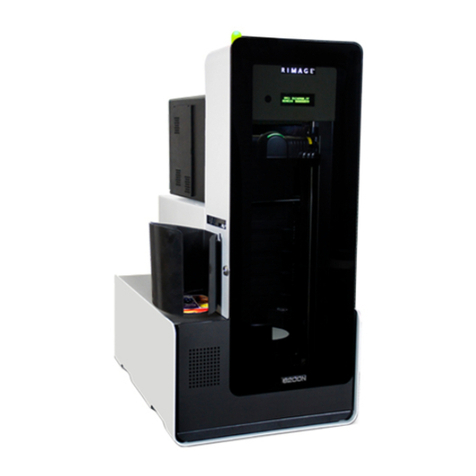
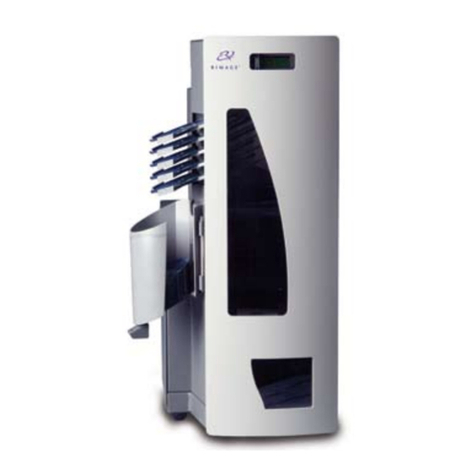
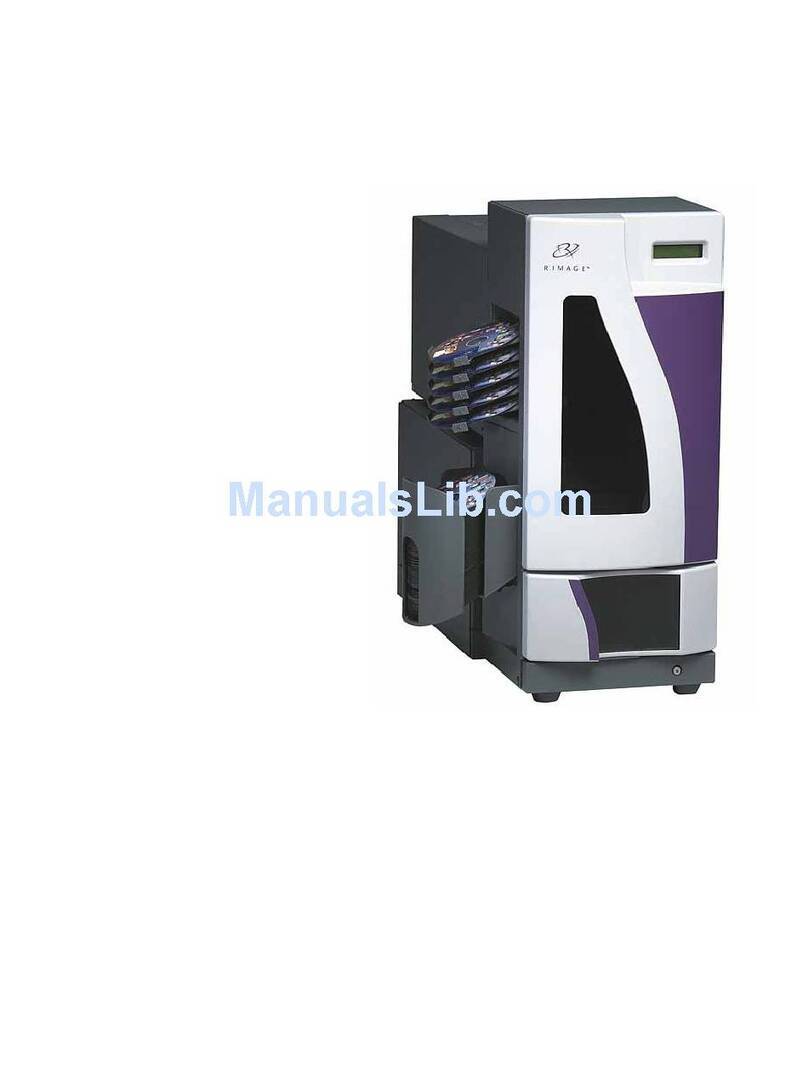
Operator Level Diagnostic Tests for Rimage Producer III and Producer IIIN
Diagnostic Test 3 – Calibrate Lift Home
This diagnostic test calibrates the lift arm to accurately detect the number of discs in the carousel bins.
Tip: This diagnostic test uses the carousel motor, lift motor, carousel sensor, and the lift home sensor.
1. Remove all discs from the carousel bins.
2. Place one disc in bin 1.
nCaution: Be sure that there is only one disc in bin1 and no discs in any other bin. If you attempt to
perform this test with more than one disc in the unit it will cause miscalibrations which can damage the
lift arm and recorders.
3. Access and select diagnostic test 3. Refer to page 1. The operator panel displays [CALIBRATE
DIAGNOSTIC].
The lift arm moves to the supply bin, picks up the disc and then drops the disc into the supply bin. Then, the
lift arm moves back to its home position above the printer tray. When this cycle is complete, the autoloader
restarts and exits diagnostic tests mode.
Note: Diagnostic test 3 causes the autoloader to exit diagnostic tests mode when completed. To
continue performing diagnostic tests, refer to Access and Select Diagnostic Tests on page 1.
Diagnostic Test 5 – Cycle the Lift Diagnostic
This diagnostic test cycles media between the carousel bins and the printer. During each cycle, the test locates
the index mark on the disc.
Tip: This diagnostic test uses the lift motor, printer, rotate motor, the carousel, carousel sensors, index
sensor, and the media sensor.
-Important: Use a disc with an index mark. To create a disc with an index mark, refer to Create a Disc with
an Index Mark on page 1.
1. Open the front door.
2. Place one or more discs with an index mark in any bin.
3. Access and select diagnostic test 5. Refer to page 1. The operator panel displays, [CYCLE LIFT cycle =
00000].
The lift arm moves down to the carousel and picks up the disc with an index mark on it. The printer tray
opens. The lift arm releases the disc on top of the printer tray. The lift arm picks up the disc and drops it into
a bin in the carousel.
Notes:
•The lift arm starts to pick discs from bin 1. If a disc is not in bin 1, the lift arm proceeds to the next
bin.
•The test continues to cycle media until the operator button is pressed.
4. Press the operator button to stop the test.
5. To exit diagnostic tests, refer to Exit Diagnostic Test Mode on page 2.
Exit Diagnostic Test Mode
Press the operator button 19 times and hold on the last press. The autoloader exits diagnostic test mode.
Note: To exit a test but remain in diagnostic test mode, press the operator button one time while the test is
running. (Diagnostic test 3 is an exception.)
2