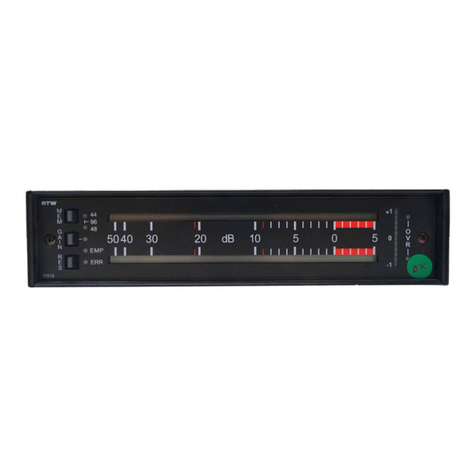
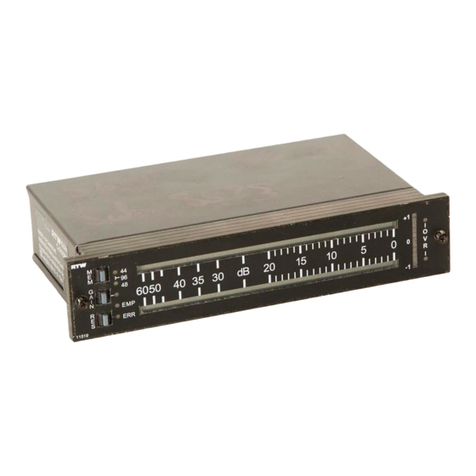
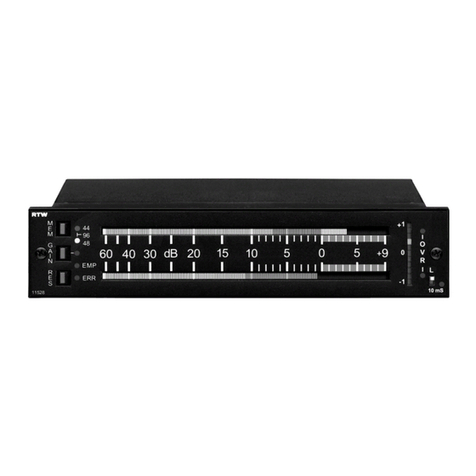
RTW SurroundControl 30960(-24) S II
See S 8
See chapters
2.3.1. 2.3.16.
See S 3
See S 3 and
Chapter 2.3.2
See S 3 and Chapters
2.3.4 2.3.16
Supplement SurroundControl 30960(-24)
2.1 Installation and Setup
The SurroundControl 30960(-24) half-19/3U plug-in module is designed
for installation in standard 19 rack units as used in video studios. All neces-
sary po er supply voltages (including the po er for an optional Remote
Control 30050) are supplied through the +24 V DC (40 VA) connector using
an external po er supply unit (such as the optional RTW 1177A-R ide vol-
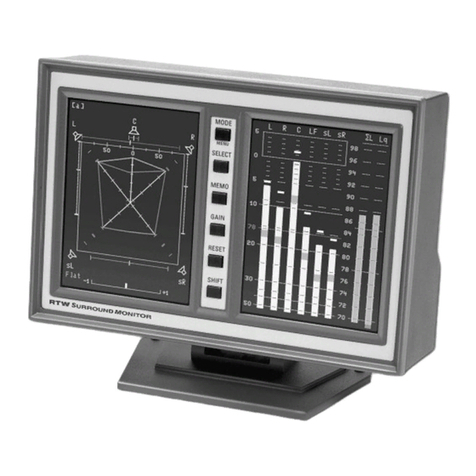
tage po er supply). The SurroundControl 30960(-24) features a 6.5 VGA
display, function keys and control keys. For remote control the optional
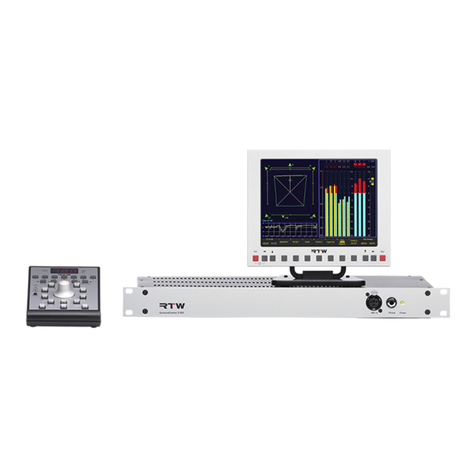
RTW Remote Control 30050 can be connected to the unit using the fitted
9-pin Sub-D connector.
Optional the RTW Remote Display 30010 or a standard external VGA
monitor can be connected for external reading of the display. The Remote
Display 30010 unit must be po ered by a separate external 24 V DC po er
supply. A 5-meter VGA connection cable is included ith the display unit.
If you need to purchase a replacement VGA connection cable for the
Remote Display 30010 please make sure that all the pins of the connectors
as listed in Chapter 2.3.3 are ired as sho n.
The other ports and interfaces are connected ith the appropriate standard
connection cables.
Important information please read before installing:
Before installing the unit please study the safety information in Chapter
2.2 and the information on connections in Chapters 2.3.1 2.3.16.
Make sure that the adapted po er supply unit is not connected to the
SurroundControl 30960(-24).
Scre the t o attached mounting bars to the t o top bolts on the rear
side of the 30960(-24) case (see S 8).
Place the unit from the front into the 19 sub rack. Make sure that the
30960(-24) front panel groove fits precisely ith its counterpart of the
19sub rack.
Fix the mounting bars on the rear side of the 19 sub rack ith the t o
enclosed metric scre s (see S 8).
Connect an optional Remote Control 30050 unit to the Remote connector
on the rear panel of the unit.
Connect an optional Remote Display 30010 unit to the VGA Out connec-
tor on the rear panel of the unit using the VGA connection cable included
ith the display. Alternatively you can connect a standard VGA monitor
to the same output, using a standard VGA connection cable.
Connect all your other components to the appropriate connectors on
the SurroundControl 30960(-24), using the correct standard connection
cables for the components.
Then connect the locking 4-pin lo voltage connector of the external po er
supply to the +24 V DC (40 VA) connector on the rear. Connect the
external po er supply to mains.
The SurroundControl 30960(-24) ill initiate its system startup sequence.
This takes around 25 seconds, after hich it is ready for use.
S 2 Installation and Setup (replaces Chapter 2.1 on page 33)
See S 3 and
Chapter 2.3.3