manuals.online logo
Brands
  1. Home
  2. •
  3. Brands
  4. •
  5. Russound
  6. •
  7. Keypad
  8. •
  9. Russound SPG User manual

Russound SPG User manual

Other Russound Keypad manuals

Russound SLK-1 User manual

Russound

Russound SLK-1 User manual

Russound UNO-S1 User manual

Russound

Russound UNO-S1 User manual

Russound UNO-S2 User manual

Russound

Russound UNO-S2 User manual

Russound ISK2 User manual

Russound

Russound ISK2 User manual

Russound MDK-C6 User manual

Russound

Russound MDK-C6 User manual

Russound A-BUS A-KP2 User manual

Russound

Russound A-BUS A-KP2 User manual

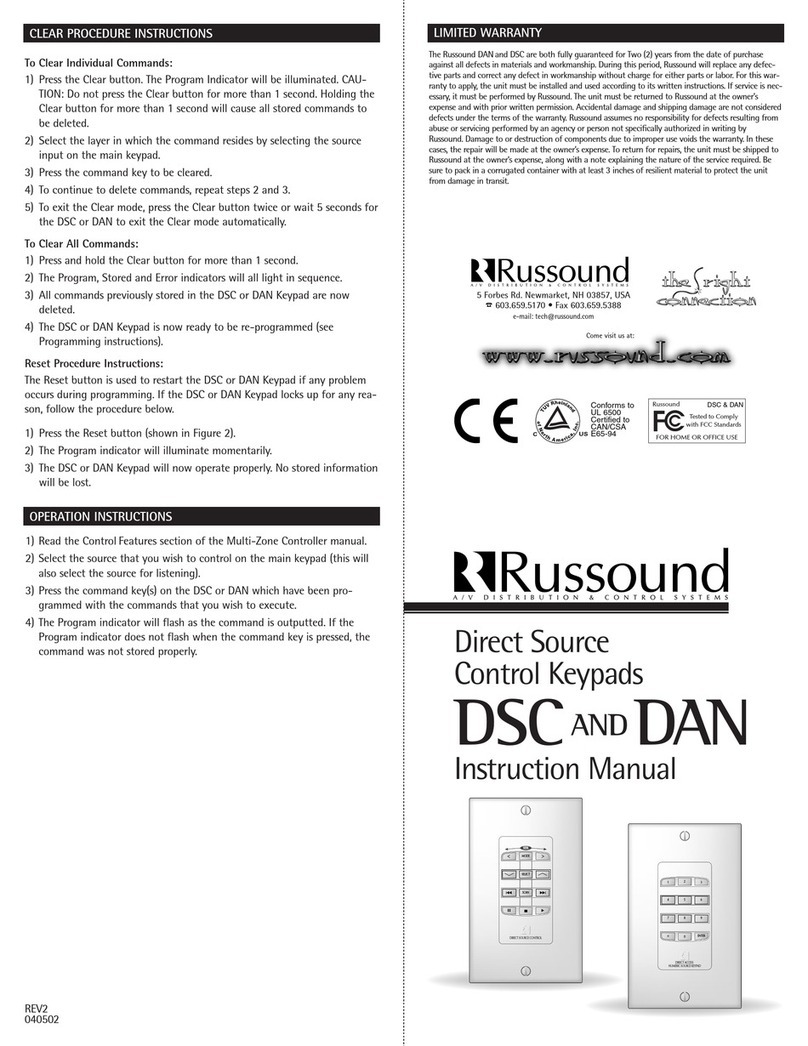
Russound DAN User manual

Russound

Russound DAN User manual

Russound KP4 User manual

Russound

Russound KP4 User manual

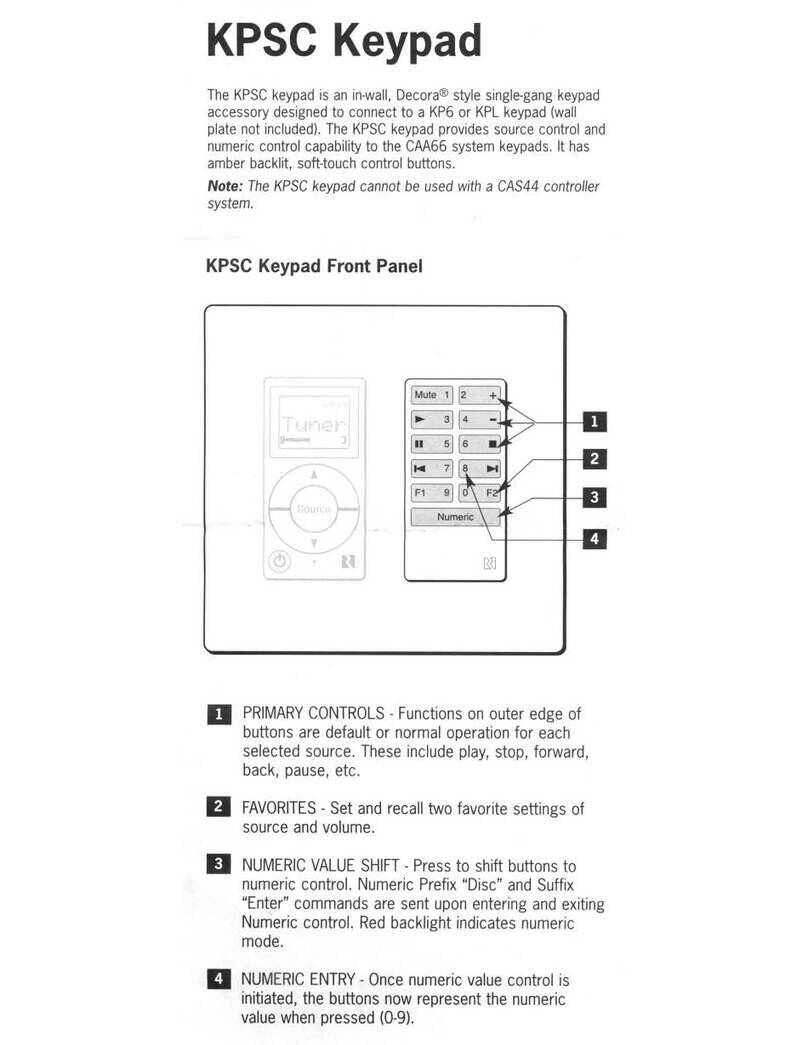
Russound KPSC User manual

Russound

Russound KPSC User manual

Russound Sphere E Series User manual

Russound

Russound Sphere E Series User manual

Russound A-K3 User manual

Russound

Russound A-K3 User manual

Russound ST2-KP User manual

Russound

Russound ST2-KP User manual

Russound KP4-KP6 User manual

Russound

Russound KP4-KP6 User manual

Russound UNO-S2 User manual

Russound

Russound UNO-S2 User manual

Russound Sphere E Series User manual

Russound

Russound Sphere E Series User manual

Russound V-KP-1 User manual

Russound

Russound V-KP-1 User manual

Russound A-K3 User manual

Russound

Russound A-K3 User manual

Russound KPSC User manual

Russound

Russound KPSC User manual

Russound V-KP-1 User manual

Russound

Russound V-KP-1 User manual

Russound CA 6.4 LRN User manual

Russound

Russound CA 6.4 LRN User manual

Russound CA Manual

Russound

Russound CA Manual

Russound CA4-KP User manual

Russound

Russound CA4-KP User manual

Russound ISK1 User manual

Russound

Russound ISK1 User manual

Russound KPL User manual

Russound

Russound KPL User manual

Popular Keypad manuals by other brands

AAA 6150RFAAA Installation and setup guide

AAA

AAA 6150RFAAA Installation and setup guide

Fermax MDS Installation and programming manual

Fermax

Fermax MDS Installation and programming manual

ACT ACT PRO 1030 manual

ACT

ACT ACT PRO 1030 manual

Cardin SSB Series manual

Cardin

Cardin SSB Series manual

Harman Kardon KP 1 Specifications

Harman Kardon

Harman Kardon KP 1 Specifications

CYP CR-KP1 Operation manual

CYP

CYP CR-KP1 Operation manual

Aeware k-35 Series Quick reference card

Aeware

Aeware k-35 Series Quick reference card

Aritech CS-175 Series user guide

Aritech

Aritech CS-175 Series user guide

Lenze AC Tech MC SERIES installation instructions

Lenze AC Tech

Lenze AC Tech MC SERIES installation instructions

Burg Wächter secuENTRY 7711 operating instructions

Burg Wächter

Burg Wächter secuENTRY 7711 operating instructions

Aeware in.k450 Tech book

Aeware

Aeware in.k450 Tech book

Lenze EPM-H410 operating instructions

Lenze

Lenze EPM-H410 operating instructions

Toshiba RKP007Z user manual

Toshiba

Toshiba RKP007Z user manual

Elmes Electronic KB1 quick start guide

Elmes Electronic

Elmes Electronic KB1 quick start guide

Clare Controls ClareOne CLR-C1-PNC Installation sheet

Clare Controls

Clare Controls ClareOne CLR-C1-PNC Installation sheet

FM Electronics 4180 quick start guide

FM Electronics

FM Electronics 4180 quick start guide

AMX MIO-PRESTIGE-S Dimensional drawing

AMX

AMX MIO-PRESTIGE-S Dimensional drawing

why pro WHY-KP user manual

why pro

why pro WHY-KP user manual

manuals.online logo
manuals.online logoBrands
  • About & Mission
  • Contact us
  • Privacy Policy
  • Terms and Conditions

Copyright 2025 Manuals.Online. All Rights Reserved.

LIMITED WARRANTY
The Russound SPG is fully guaranteed for Two (2) years from the date of purchase against all defects
in materials and workmanship. During this period Russound will replace any defective parts and cor-
rect any defect in workmanship without charge for either parts or labor. For this warranty to apply,
the unit must be installed and used according to its written instructions. If service is necessary, it
must be performed by Russound. The unit must be returned to Russound at the owner’s expense and
with prior written permission. Accidental damage and shipping damage are not considered defects
under the terms of the warranty. Russound assumes no responsibility for defects resulting from abuse
or servicing performed by an agency or person not specifically authorized in writing by Russound.
Damage to or destruction of components due to improper use voids the warranty. In these cases the
repair will be made at the owner’s expense. To return for repairs, the unit must be shipped to
Russound at the owner’s expense, along with a note explaining the nature of the service required. Be
sure to pack in a corrugated container with at least 3 inches of resilient material to protect the unit
from damage in transit.
5 Forbes Rd. Newmarket, NH 03857, USA
☎ 603.659.5170 • Fax 603.659.5388
e-mail: [email protected]
Come visit us at:
PAGING MODULE
PUSH TO TALK
MICROPHONE
System Paging Keypad
SPG
Instruction Manual
Russound
FOR HOME OR OFFICE USE
Tested to Comply
with FCC Standards
Conforms to
UL 6500
Certified to
CAN/CSA
E65-94
SPG
INTRODUCTION
The SPG System Paging Keypad works with Russound’s Multi-Source, Multi-
Zone Preamps. The SPG Paging Module provides “Push-to-Talk” paging oper-
ation.
FUNCTIONS
Russound Preamps are equipped with multiple paging inputs. They are con-
figured to page to all zones (except the zone where the page originates) at
the preset volume level (if set) or half volume (if no volume level is stored
into memory). The preamp’s paging feature is also configured to automati-
cally turn on zones which may be turned off, as well as any equipment
attached to the AC switched outlets or 12V triggers when a page is active.
Some models contain a “Page All” input as well. Using this input allows you
to page all zones including the zone where the page originates.
CONNECTIONS
Use 22-24 AWG 4 conductor twisted pair shielded wire to connect the SPG
to the page input as shown in the diagram below.
NOTE: Use only UL/CSA approved junction box.

12+TGR SICGND
VGS T
PAGE INPUT
12+ SIC GND TGR
4 CONDUCTOR TWISTED
PAIR SHIELD
Connect Shield to Ground (G)