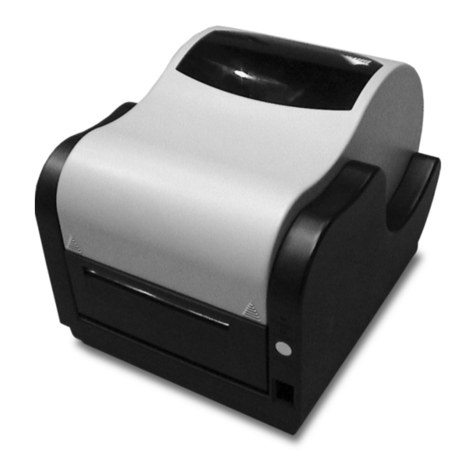
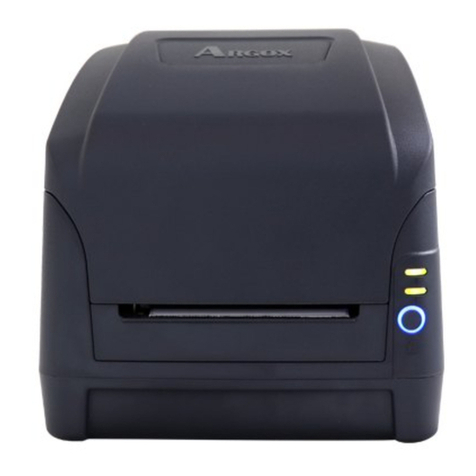
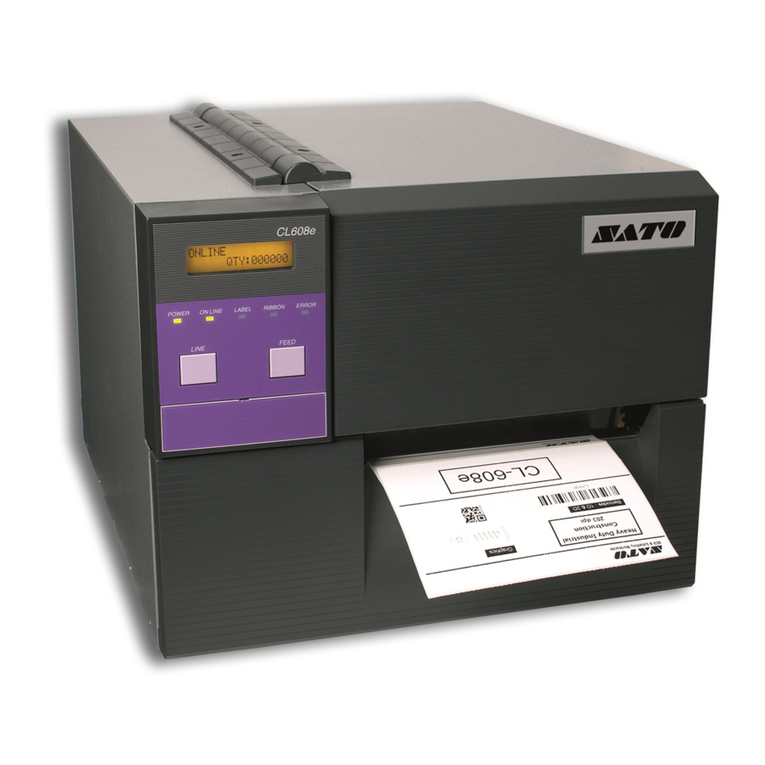
D4-280plus
User Manual
iv
Contents
1Introduction............................................................................................................1
1.1 Features.......................................................................................................1
1.2 Unpacking...................................................................................................2
1.3 Understand your printer..............................................................................3
1.3.1 Perspective view ............................................................................3
1.3.2 Back view.......................................................................................4
1.3.3 Interior view...................................................................................5
1.4 Printer lights................................................................................................6
1.4.1 Status lights....................................................................................6
1.4.2 System mode..................................................................................8
2Get started..............................................................................................................9
2.1 Attach the power cord.................................................................................9
2.2 Turn on/off your printer ............................................................................10
2.2.1 Turn on your printer.....................................................................10
2.2.2 Turn off your printer ....................................................................11
2.3 Load media................................................................................................12
2.3.1 Prepare media...............................................................................12
2.3.2 Place a media roll.........................................................................13
2.3.3 Test media feed............................................................................15
2.4 Media types / Linerless label.....................................................................16
2.5 Media sensing ...........................................................................................17
2.5.1 Paper-end sensor (transmissive sensor) .......................................17
3Printer operation...................................................................................................18
3.1 Self test......................................................................................................18
3.2 Reset your printer......................................................................................23
3.3 Communications .......................................................................................24
3.3.1 Interfaces and Requirements........................................................24
3.4 Driver installation .....................................................................................26
3.4.1 Installing a Plug and Play printer driver (for USB only)..........27
3.4.2 Installing a Printer Driver (for other interfaces except USB)......32