manuals.online logo
Brands
  1. Home
  2. •
  3. Brands
  4. •
  5. Schlage
  6. •
  7. Door Lock
  8. •
  9. Schlage L9000 Series User manual

Schlage L9000 Series User manual

Other manuals for L9000 Series

8

Other Schlage Door Lock manuals

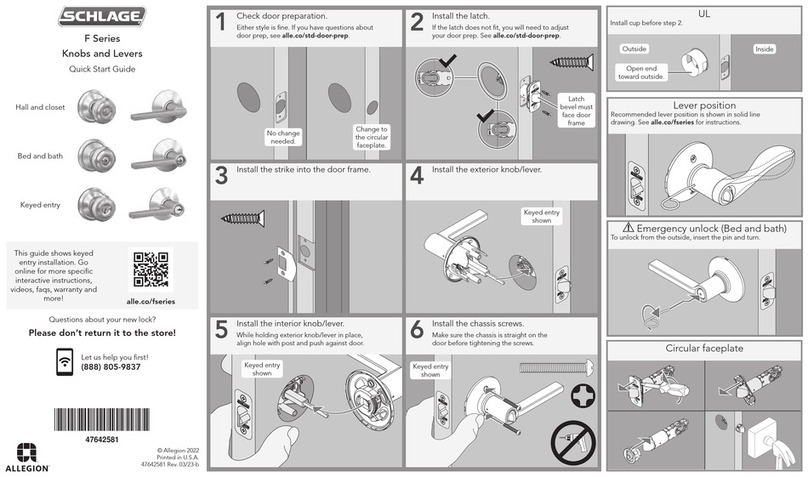
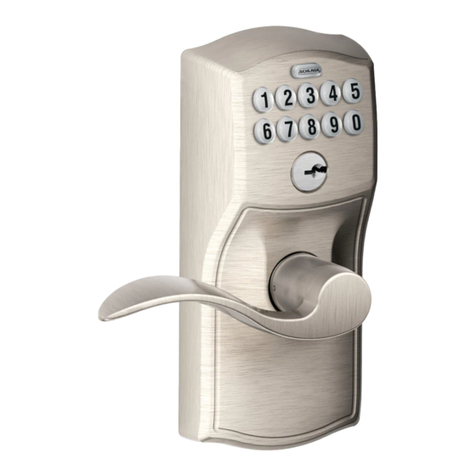
Schlage F-Series User manual

Schlage

Schlage F-Series User manual

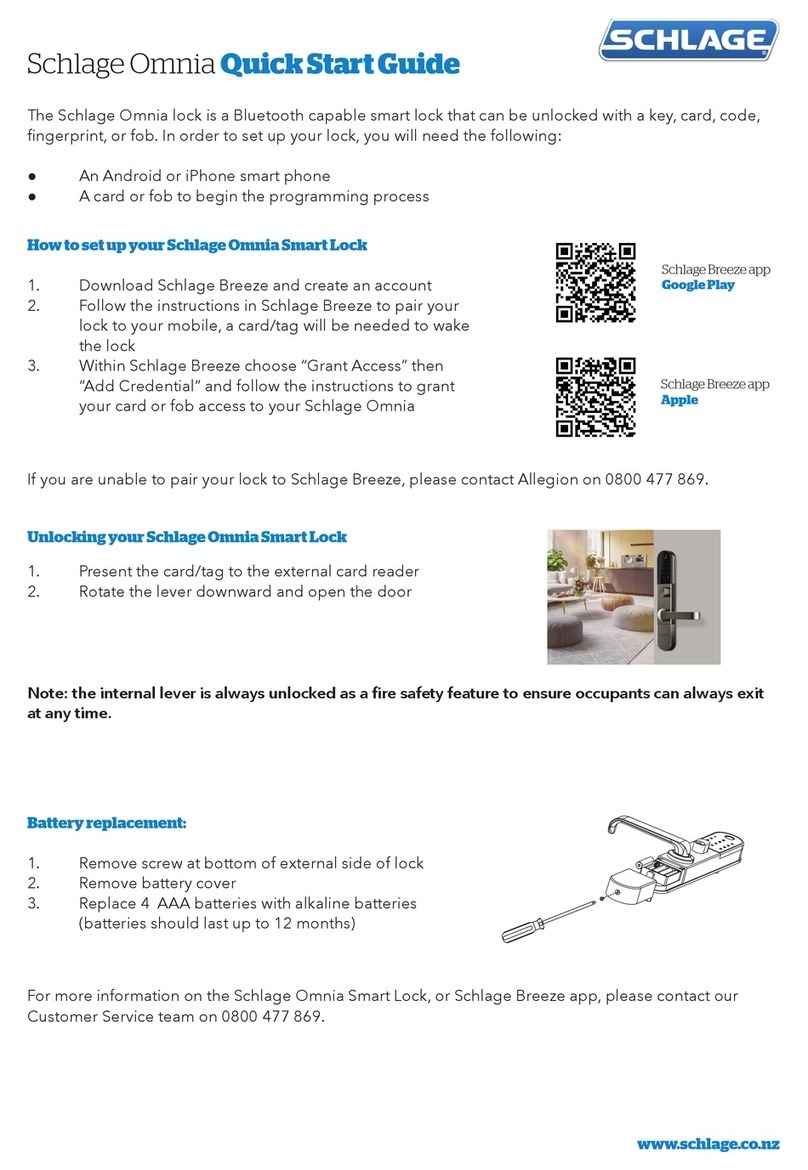
Schlage Omnia User manual

Schlage

Schlage Omnia User manual

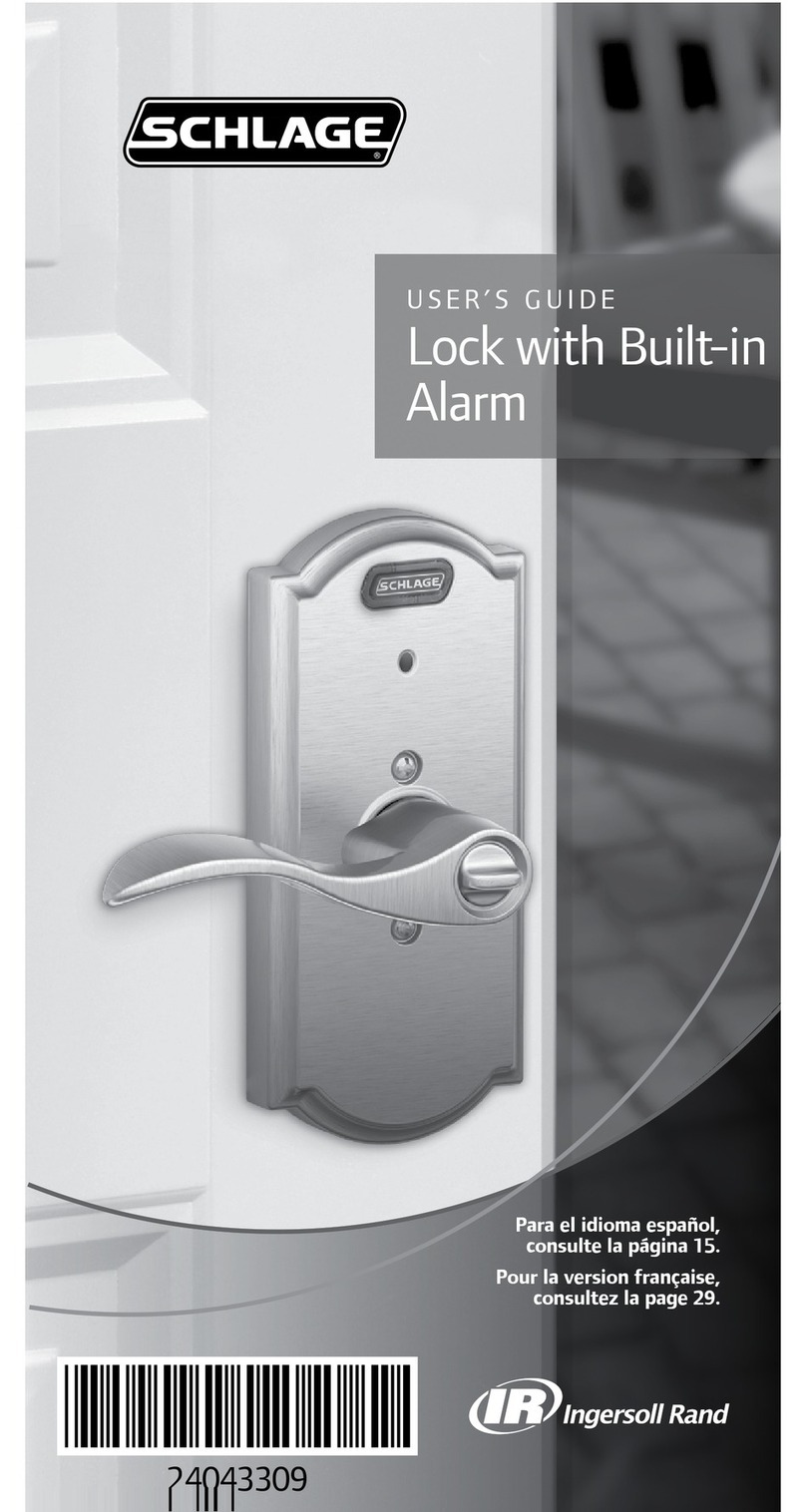
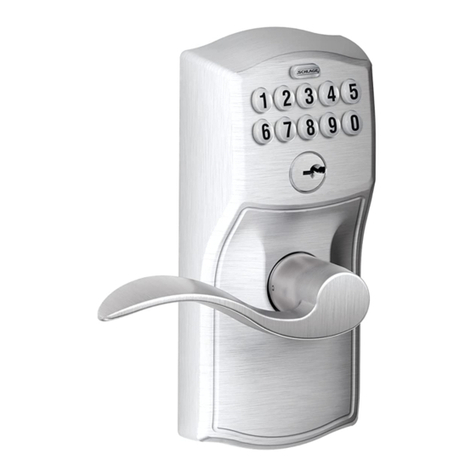
Schlage Lock with Built-in Alarm User manual

Schlage

Schlage Lock with Built-in Alarm User manual

Schlage BE365 User manual

Schlage

Schlage BE365 User manual

Schlage KING COBRA KC9116 User manual

Schlage

Schlage KING COBRA KC9116 User manual

Schlage AD-200 User manual

Schlage

Schlage AD-200 User manual

Schlage Everest User manual

Schlage

Schlage Everest User manual

Schlage B660 User manual

Schlage

Schlage B660 User manual

Schlage Artus User manual

Schlage

Schlage Artus User manual

Schlage Custom FC21 User manual

Schlage

Schlage Custom FC21 User manual

Schlage AD-302 User manual

Schlage

Schlage AD-302 User manual

Schlage Touch FE695 Lever User manual

Schlage

Schlage Touch FE695 Lever User manual

Schlage AD-Series User manual

Schlage

Schlage AD-Series User manual

Schlage FE595 User manual

Schlage

Schlage FE595 User manual

Schlage S-6800 User manual

Schlage

Schlage S-6800 User manual

Schlage SENSE User manual

Schlage

Schlage SENSE User manual

Schlage CO-220-75 User manual

Schlage

Schlage CO-220-75 User manual

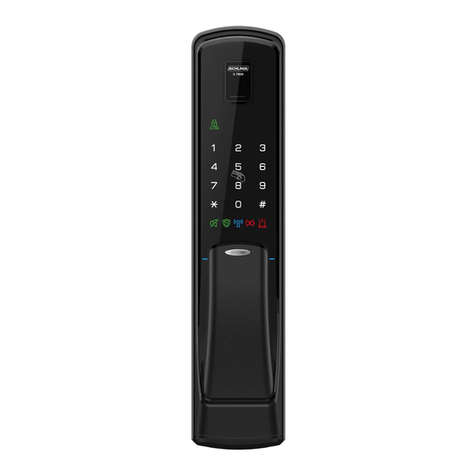
Schlage S-7800 User manual

Schlage

Schlage S-7800 User manual

Schlage CO-220 User manual

Schlage

Schlage CO-220 User manual

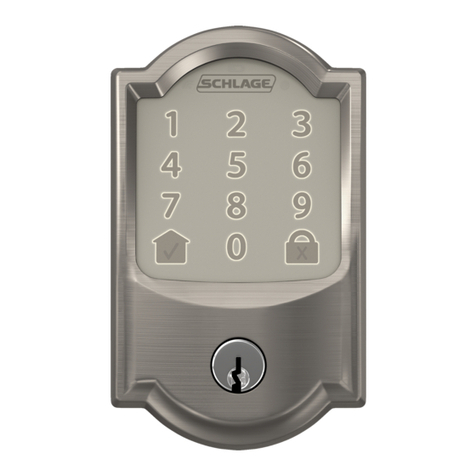
Schlage Encode User manual

Schlage

Schlage Encode User manual

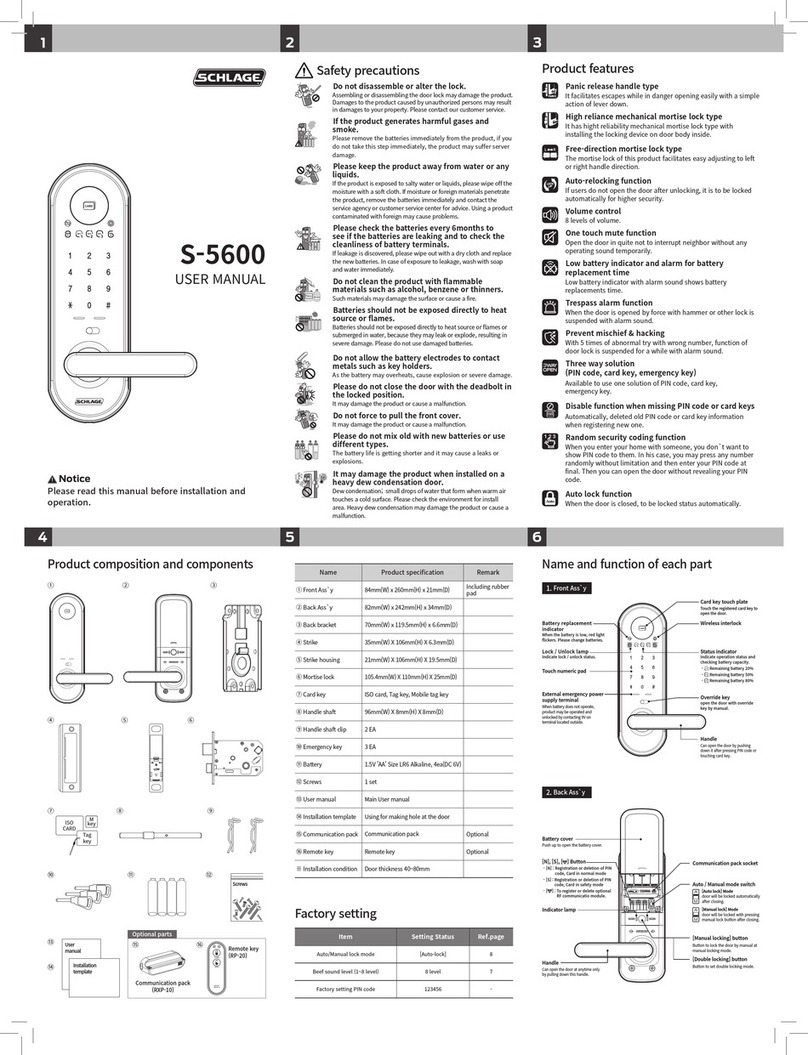
Schlage S-5600 User manual

Schlage

Schlage S-5600 User manual

Schlage Connect BE469ZP User manual

Schlage

Schlage Connect BE469ZP User manual

Schlage CM5100-KPI User manual

Schlage

Schlage CM5100-KPI User manual

Schlage BE365 User manual

Schlage

Schlage BE365 User manual

Popular Door Lock manuals by other brands

Dorma MUNDUS PREMIUM US 10 Mounting instruction

Dorma

Dorma MUNDUS PREMIUM US 10 Mounting instruction

Defiant LG600BRA4BGT Instructions for installation

Defiant

Defiant LG600BRA4BGT Instructions for installation

TRU-BOLT M1740024 manual

TRU-BOLT

TRU-BOLT M1740024 manual

Opera ARCA SLIDE installation instructions

Opera

Opera ARCA SLIDE installation instructions

tell CODELOCK CL5500 Series installation instructions

tell

tell CODELOCK CL5500 Series installation instructions

ABH LR6000 installation instructions

ABH

ABH LR6000 installation instructions

Assa Abloy effeff 827A-IP Mounting instructions

Assa Abloy

Assa Abloy effeff 827A-IP Mounting instructions

Iseo MA1A installation guide

Iseo

Iseo MA1A installation guide

ID Lock 150 user manual

ID Lock

ID Lock 150 user manual

Lockly ACCESS TOUCH PRO user manual

Lockly

Lockly ACCESS TOUCH PRO user manual

iLoq G50S user guide

iLoq

iLoq G50S user guide

SDC Z7835 installation instructions

SDC

SDC Z7835 installation instructions

ilco 452 Installation

ilco

ilco 452 Installation

Samsung shs-h705 user guide

Samsung

Samsung shs-h705 user guide

TRU-BOLT 08102017 user manual

TRU-BOLT

TRU-BOLT 08102017 user manual

CDVI 500-LADJ quick start guide

CDVI

CDVI 500-LADJ quick start guide

Igloohome Deadbolt 2S Metal Grey Installer/user guide

Igloohome

Igloohome Deadbolt 2S Metal Grey Installer/user guide

eSSL FL-300 user manual

eSSL

eSSL FL-300 user manual

manuals.online logo
manuals.online logoBrands
  • About & Mission
  • Contact us
  • Privacy Policy
  • Terms and Conditions

Copyright 2025 Manuals.Online. All Rights Reserved.


*P516-908*
P516-908
1 IMPORTANT! Check lock handing before installation.
To change handing:
1. Pull out the latch
and rotate 180°.
2. Remove the lock
handing screw
from one side of
the chassis and
install it on the
opposite side.
The lock handing
screw should
always be on the
interior side of the
door.
Pull
Rotate
180°
Handing
screw
2 Install lock chassis
DO NOT FULLY TIGHTEN
CHASSIS MOUNTING SCREWS.
Indicator trim is available for either the inside or outside of the door on allowable functions.
Non-indicator trim is furnished on the opposite side of the door.
The L9000 lock with indicator is not intended for exterior door applications.
For retrot, see page 7.
Check the door preparation dimensions with the template included in the package.
Thumb turn indicator inside and cylinder non-indicator outside shown
Emergency
turn
Coin turn
Outside indicator
escutcheon options
OR
OR
Cylinder
Tools
Inside indicator escutcheon
available with cylinder or
thumb turn.
L9000 Series Lock with Indicator Escutcheon Trim
L9000 Lock with Indicator
Installation Instructions
2
3 Install springs and spindles
All functions Exterior
4 Install OUTSIDE indicator trim
Steps 4a – 4d for INDICATOR TRIM ONLY
FOR NON-INDICATOR OUTSIDE TRIM, SKIP TO STEP 5
4a For emergency turn or cylinder indicator trim ONLY:
Adjust the cam spindle length.
Cut the spindle at the appropriate mark
according to door thickness.
For 2Z\v” door do not cut the spindle.
4b Assemble the escutcheon mounting plate, indicator slide
and cam as shown.
Coin turn cam OR
Cylinder or
emergency
turn cam
Indicator
slide
Cam
Escutcheon
mounting plate
4c Connect the cam to the indicator slide. The cam must
engage either the left or right side of the indicator slide
according to door handing and indicator location.
• Unlock the door.
• Move the indicator slide against the top rim of the
mounting plate (unlocked position).
• Assemble the cam as shown.
Door Hand/Indicator Location
Lock Type
Non-deadbolt
functions
RH/Outside
LH/Inside
RH/Inside
LH/Outside
Deadbolt
functions
RH/Inside
LH/Outside
RH/Outside
LH/Inside
4d Place the escutcheon faceplate on the indicator
assembly.
Escutcheon
faceplate
Indicator slide in
unlocked position
3
5
5a Install outside spring cage or spacer.
OR
O
OU
LThe spring cage arrow
must point in direction
of lever down rotation.
All functions
Install spacer for L/LV9485
5b Install outside mounting posts.
LV functions
FULLY TIGHTEN MOUNTING POSTS ON SCREWS.
6 Install outside trim
Functions
L/LV9040 L/LV9440
Exterior
Functions
L/LV9044 L/LV9444
Exterior
Exterior
Functions
L/LV9050
L/LV9056
L/LV9060
L/LV9070
L/LV9071
L/LV9456
L/LV9457
L/LV9458
L9465
L9466
L9473
L/LV9485
LM/LMV9350
LM/LMV9370
LM/LMV9371
Indicatortrimsareshownabove.Dependingonthelockconguration,
the outside trim may not have an indicator.
4
7 Install outside cylinder (if applicable)
7a Insert key halfway into the cylinder.
7b Install the cylinder with cylinder spring as shown.
Functions
L/LV9050
L/LV9056
L/LV9060
L/LV9070
L/LV9071
L/LV9456
L/LV9457
L/LV9458
L9465
L9466
L9473
L/LV9485
LM/LMV9350
LM/LMV9370
LM/LMV9371
Exterior
7c Rotate cylinder clockwise.
Exterior
Key inserted halfway
8 Install inside spring cage and mounting plate
LThe spring cage arrow
must point in direction
of lever down rotation.
Interior
9 Install INSIDE indicator trim
Steps 9a – 9d for INDICATOR TRIM ONLY
FOR NON-INDICATOR INSIDE TRIM, SKIP TO STEP 10
9a For cylinder indicator trim ONLY: Adjust the cam
spindle length.
Cut the spindle at the appropriate mark
according to door thickness.
For 2Z\v” door do not cut the spindle.
9b Assemble the escutcheon mounting plate, indicator slide
and cam as shown.
Thumb turn cam OR
Cylinder cam
Indicator
slide
Cam
Escutcheon
mounting
plate
5
9c Connect the cam to the indicator slide. The cam must
engage either the left or right side of the indicator slide
according to door handing and indicator location.
• Unlock the door.
• Move the indicator slide against the top rim of the
mounting plate (unlocked position).
• Assemble the cam as shown.
Door Hand/Indicator Location
Lock Type
Non-deadbolt
functions
RH/Outside
LH/Inside
RH/Inside
LH/Outside
Deadbolt
functions
RH/Inside
LH/Outside
RH/Outside
LH/Inside
9d Place the escutcheon faceplate on the indicator
assembly.
Cylinder and thumb turn applications are shown below.
Indicator slide in
unlocked position
Escutcheon
faceplate
LThumb turn must be in
vertical position when
indicator slide is in up
(unlocked) position.
Escutcheon
faceplate
Thumb turn
Indicator slide in
unlocked position
10 Install inside trim
DO NOT OVERTIGHTEN THE MOUNTING SCREWS
Functions
L/LV9040
L/LV9044
L/LV9050
L/LV9056
L/LV9440
L/LV9444
L/LV9456
L/LV9457
L/LV9458
L9473
L/LV9485
LM/LMV9350
Functions
L/LV9060
L/LV9071
L9466
LM/LMV9371
Indicatortrimsareshownabove.Dependingonthelockconguration,
the inside trim may not have an indicator.
Functions
(non-indicator)
L/LV9070
L9465
6
11 Tighten bushing with spanner wrench
All functions
12 Install inside cylinder (if applicable)
12a Insert key halfway into the cylinder.
12b Install the cylinder with cylinder spring as shown.
Functions
L/LV9060
L/LV9071
L9466
L9473
Interior
12c Rotate cylinder clockwise.
Interior
Key inserted halfway
13
13a Tighten cylinder mounting screw (if applicable).
13b Tighten top and bottom chassis mounting screws.
Cylinder
mounting
screw
a b
Chassis
mounting
screws
14 Install armor front
All functions
7
INDICATOR LOCK RETROFIT INSTRUCTIONS
Inside Indicator Trim
Inside trim options: Cylinder or thumb turn
Outside Indicator Trim
Outside trim options: Emergency turn, coin turn or cylinder
Thumb turn Cylinder
Cylinder Emergency turn Coin turn
1 Remove armor front 2 Remove cylinder(s) if applicable
2a Loosen the cylinder mounting screw.
2b Remove the inside cylinder.
Insert the key halfway into the cylinder and rotate cylinder
counterclockwise to remove.
Interior
Key inserted halfway
2c Remove the outside cylinder.
Insert the key halfway into the cylinder and rotate cylinder
counterclockwise to remove.
Exterior
Key inserted halfway
3
3a Remove the inside lever.
Interior
3b Remove the inside escutcheon.
4
For indicator trim on outside of door, remove the inside
mounting plate and spring cage. Then, remove the ouside trim.
Exterior
Interior
Mounting plate
Spring cage
5 Check door preparation
IMPORTANT
• To install the indicator trim, additional door preparation
may be required. If additional door preparation is required,
remove the lock chassis from the door before drilling. Steps
for reassembly are included in this instruction sheet.
• Please refer to the template included in this package.
• Make sure the door is prepared with any necessary holes for
the indicator trim.
6 Complete installation of indicator trim
Go to STEP 4 ON PAGE 2 and follow the instructions to
complete the installation of the indicator trim.
Customer Service
1-877-671-7011 www.allegion.com/us
P516-908
El borde con indicador está disponible para el interior o el exterior
de la puerta para las funciones permitidas. El borde sin indicador se
coloca en el lado opuesto de la puerta.
La cerradura L9000 con indicador no está destinada para
aplicaciones en puertas exteriores.
Para una adaptación, vea la página 18.
La garniture d’indicateur est vendue pour l’Intérieur ou l’extérieur de
la porte pour les fonctions autorisées. Une garniture sans indicateur
est fournie pour le côté opposé de la porte.
La serrure L9000 avec indicateur n’est pas conçue pour des
utilisations sur une porte extérieur.
Pour la rénovation, reportez-vous à la page 18.
Compruebe las dimensiones de preparación de la puerta con la plantilla incluida en el paquete.
Vériezlesdimensionsdepréparationdelaporteàl’aidedugabaritinclusdansl’emballage.
Indicateur de barrette tournante Intérieur et cylindre sans
indicateur illustrés
Se muestra el indicador de giro manual interior y el cilindro
sin indicador en el exterior
Giro de
emergencia
Barrette de
déverrouillage
d’urgence
Giro manual
Barrette
actionnée
avec une
pièce de
monnaie
Placa de seguridad
interna con indicador
disponible con giro
del cilindro o manual
Indicateur d’entrée
de serrure Intérieur
vendu avec cylindre
ou barrette tournante
Opciones de placa de
seguridad exterior con indicador
Options d’indicateur d’entrée de
serrure extérieur
O
OU
O
OU
Cilindro
Cylindre
Herramientas / Outils
Cerradura Serie L9000 con borde de placa de seguridad con indicador
Serrure de la série L9000 avec garniture d’indicateur d’entrée de serrure
Cerradura L9000 con Indicador
Serrure L9000 avec Indicateur
Instrucciones de instalación
Notice d'installation
10
1 ¡IMPORTANTE! Compruebe el lado de la cerradura
antes de la instalación
IMPORTANT!Vériezsilaserrureestpourdroitierou
gaucher avant de l’installer.
Para cambiar el lado:
1. Extraiga la cerradura y
gire 180°.
2. Retire el tornillo del
lado de la puerta de
un lado del chasis y
colóquelo en el lado
opuesto. El tornillo del
lado de la cerradura
siempre debe estar en
el lado interior de la
puerta.
Pour changer la main
d’ouverture :
1. Retirezleloquetet
tournez-lede180°.
2. Enlevezlavis
déterminant la main
d’ouverture de la
serrure d’un côté du
bâtietinstallez-ladu
côté opposé. La vis
déterminant la main
d’ouverture de la
serrure devrait toujours
se trouver du côté
Intérieur de la porte.
Extraiga
Retirez
Gire
Tournez
180°
Tornillo del lado
Vis déterminant
la main
2 Instale el chasis de la cerradura
Installezlebâtidelaserrure
NO AJUSTE POR COMPLETO LOS
TORNILLOS DE MONTAJE DEL CHASIS.
NE SERREZ PAS COMPLÈTEMENT
LES VIS DE MONTAGE DU BÂTI.
3 Instale los resortes y husillos
Installezlesressortsetlesaxes
Todas las funciones
Toutes fonctions
Exterior
Extérieur
4 Coloque el borde con indicador EXTERNO
Installezlagarnitured’indicateurEXTÉRIEUR
Pasos 4a–4d SOLO PARA BORDE CON INDICADOR
PARA BORDE EXTERNO SIN
INDICADOR, PASE AL PASO 5
Étapes 4a–4d pour la GARNITURE
D’INDICATEUR SEULEMENT
POUR LES GARNITURES EXTÉRIEUR
SANS INDICATEUR, PASSEZ À L’ÉTAPE 5
4a SOLO para giro de emergencia o borde con indicador
del cilindro: Ajuste la longitud del husillo de la leva.
Pour la garniture d’indicateur de barrette de
déverrouillage d’urgence ou de cylindre SEULEMENT :
Ajustezlalongueurdel’axedelacame.
Corte el husillo en la marca
apropiada de acuerdo con el
espesor de la puerta.
Para puertas de 2Z\v”, no corte el
husillo.
Coupezl’axeàlamarqueappropriéeselonl’épaisseurde
la porte.
Pour les portes de 5,71 cm (2 Z\vpo),necoupezpasl’axe.