manuals.online logo
Brands
  1. Home
  2. •
  3. Brands
  4. •
  5. Schlage
  6. •
  7. Door Lock
  8. •
  9. Schlage M400 Series User manual

Schlage M400 Series User manual

Other manuals for M400 Series

2

This manual suits for next models

6

Other Schlage Door Lock manuals

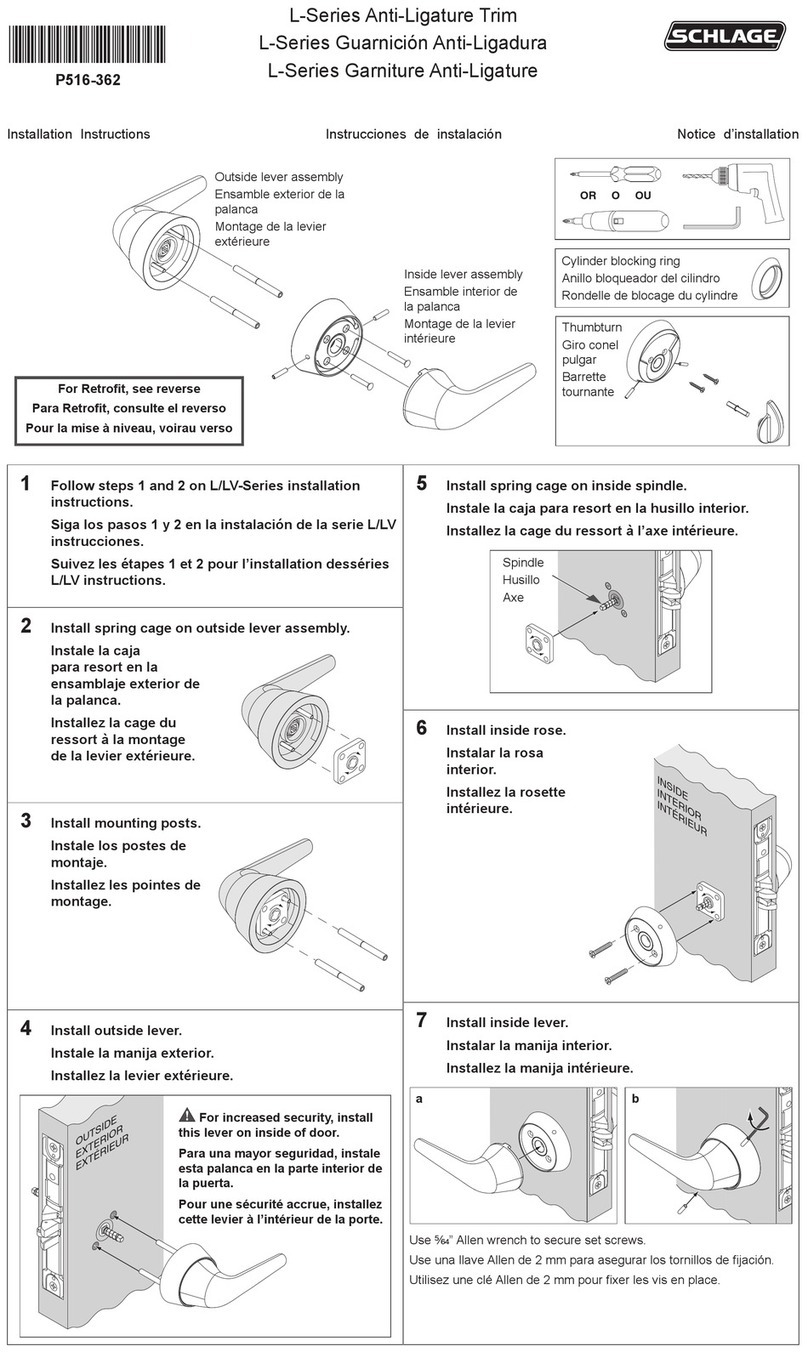
Schlage L-SERIES User manual

Schlage

Schlage L-SERIES User manual

Schlage AL-SERIES User manual

Schlage

Schlage AL-SERIES User manual
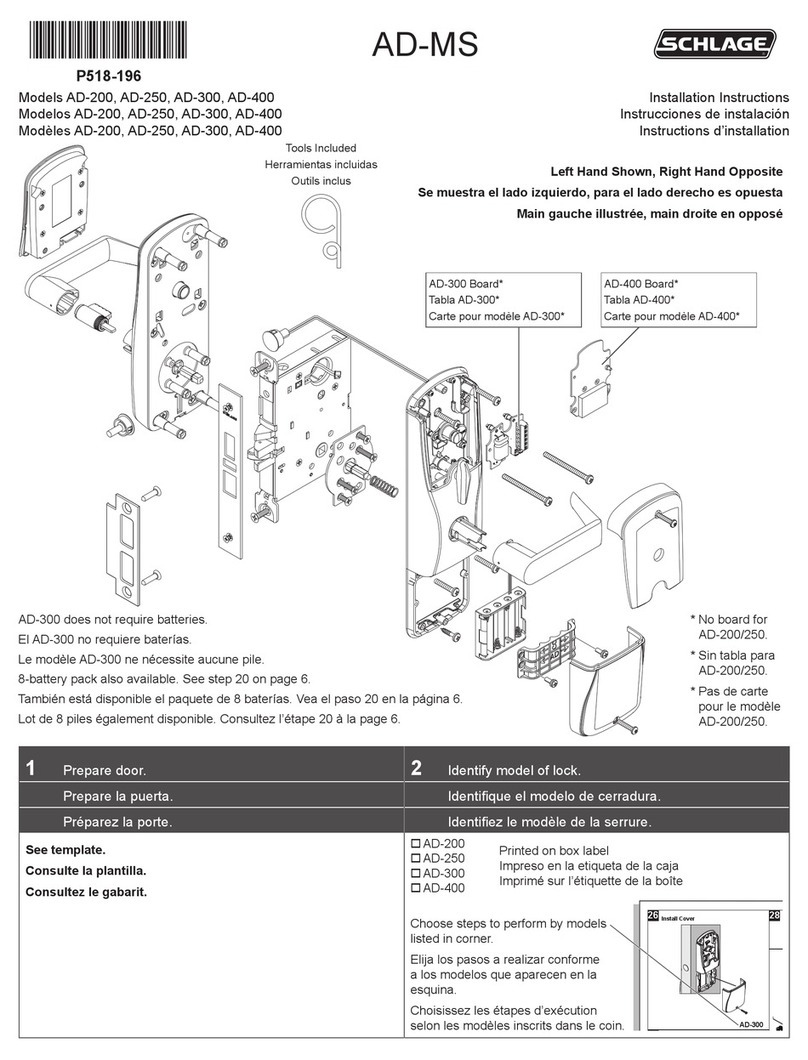
Schlage AD-200 User manual

Schlage

Schlage AD-200 User manual

Schlage Connect BE469ZP User manual

Schlage

Schlage Connect BE469ZP User manual
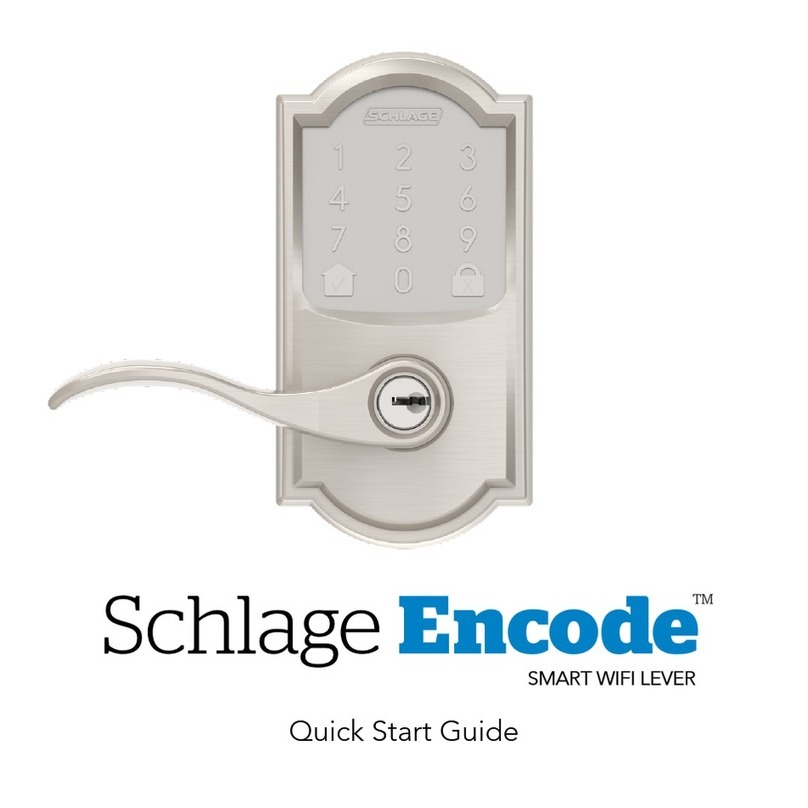
Schlage Encode SMART WIFI LEVER User manual

Schlage

Schlage Encode SMART WIFI LEVER User manual

Schlage CO-220 User manual

Schlage

Schlage CO-220 User manual
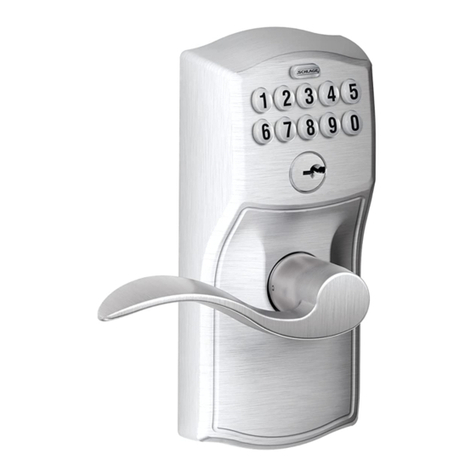
Schlage BE365 User manual

Schlage

Schlage BE365 User manual

Schlage AD-300 User manual

Schlage

Schlage AD-300 User manual
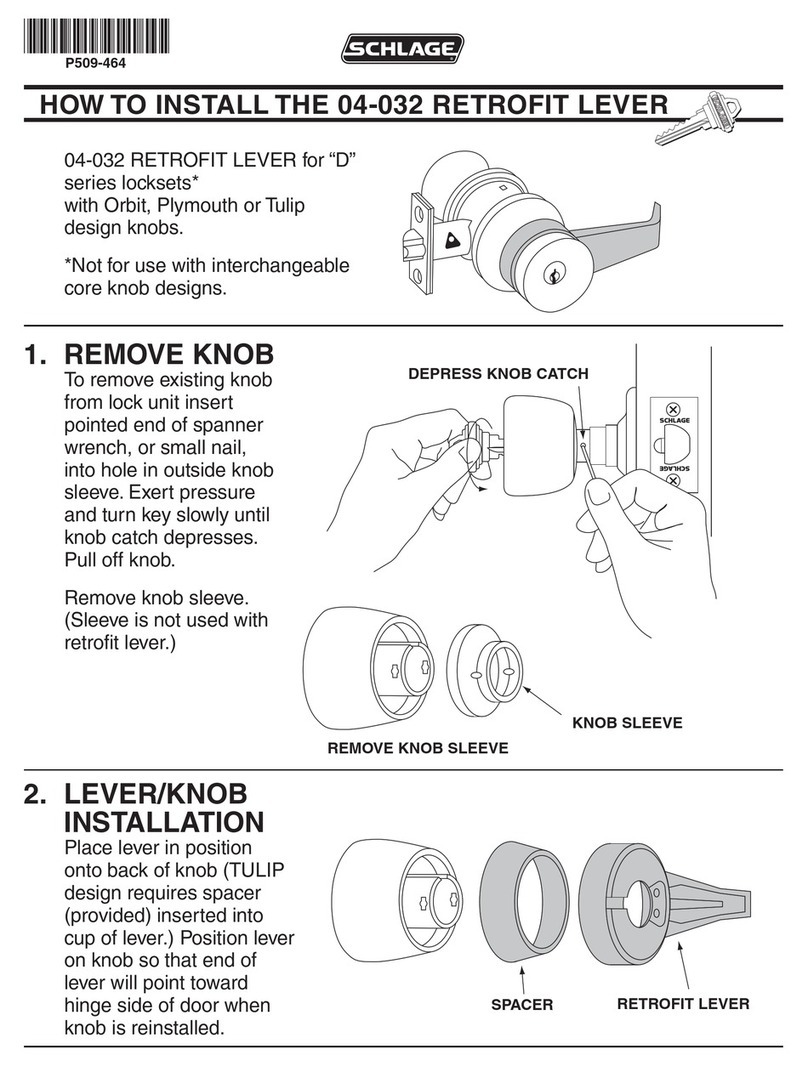
Schlage 04-032 Instruction sheet

Schlage

Schlage 04-032 Instruction sheet

Schlage B360/F User manual

Schlage

Schlage B360/F User manual

Schlage M390RFK User manual

Schlage

Schlage M390RFK User manual

Schlage ALLEGION S-6000 User manual

Schlage

Schlage ALLEGION S-6000 User manual
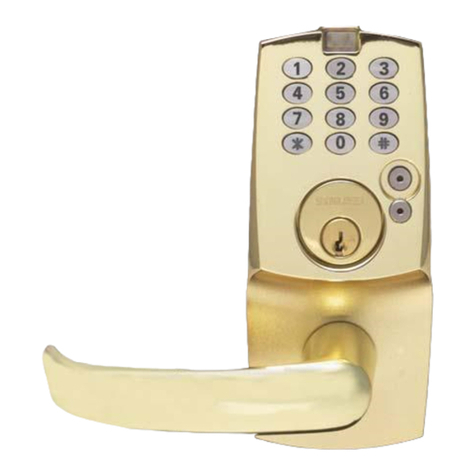
Schlage KING COBRA-2 KC5196-2-R Operating instructions

Schlage

Schlage KING COBRA-2 KC5196-2-R Operating instructions

Schlage KC9000-LG User manual

Schlage

Schlage KC9000-LG User manual

Schlage FE575 Operating instructions

Schlage

Schlage FE575 Operating instructions

Schlage KING COBRA KC9116 User manual

Schlage

Schlage KING COBRA KC9116 User manual

Schlage BE469 Installation and user guide

Schlage

Schlage BE469 Installation and user guide

Schlage AD-302 User manual

Schlage

Schlage AD-302 User manual

Schlage LE162 Wiring diagram

Schlage

Schlage LE162 Wiring diagram

Schlage CO-250 User manual

Schlage

Schlage CO-250 User manual
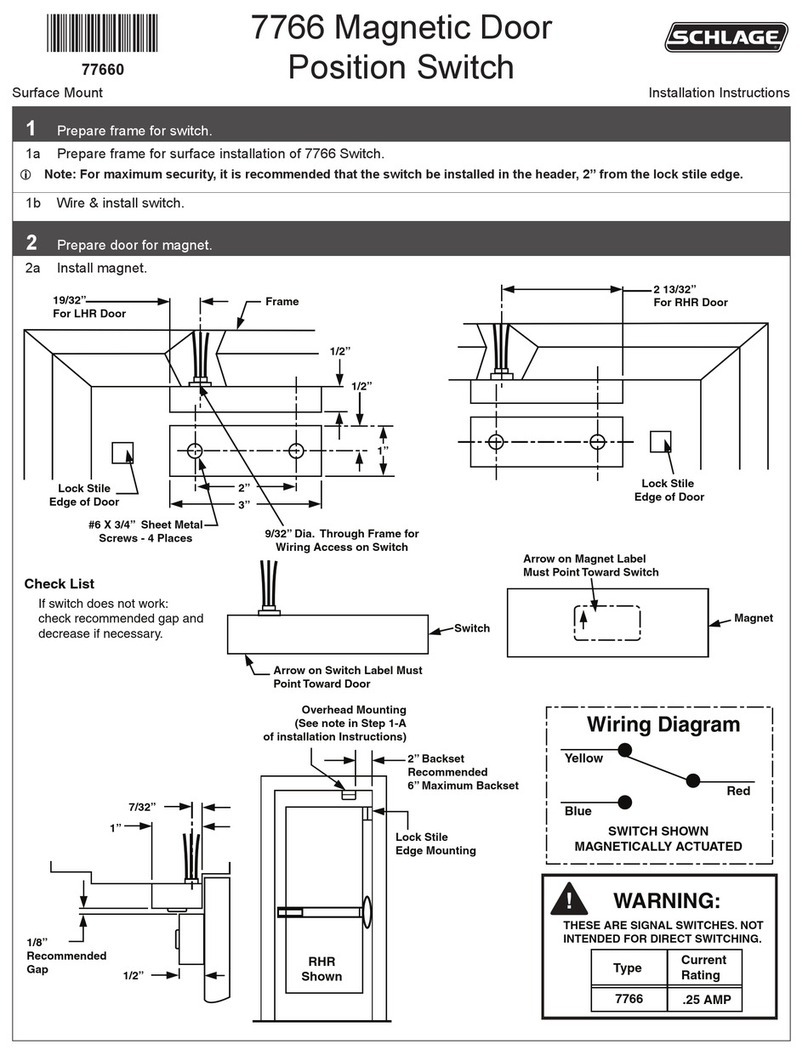
Schlage 7766 User manual

Schlage

Schlage 7766 User manual

Schlage B560 User manual

Schlage

Schlage B560 User manual

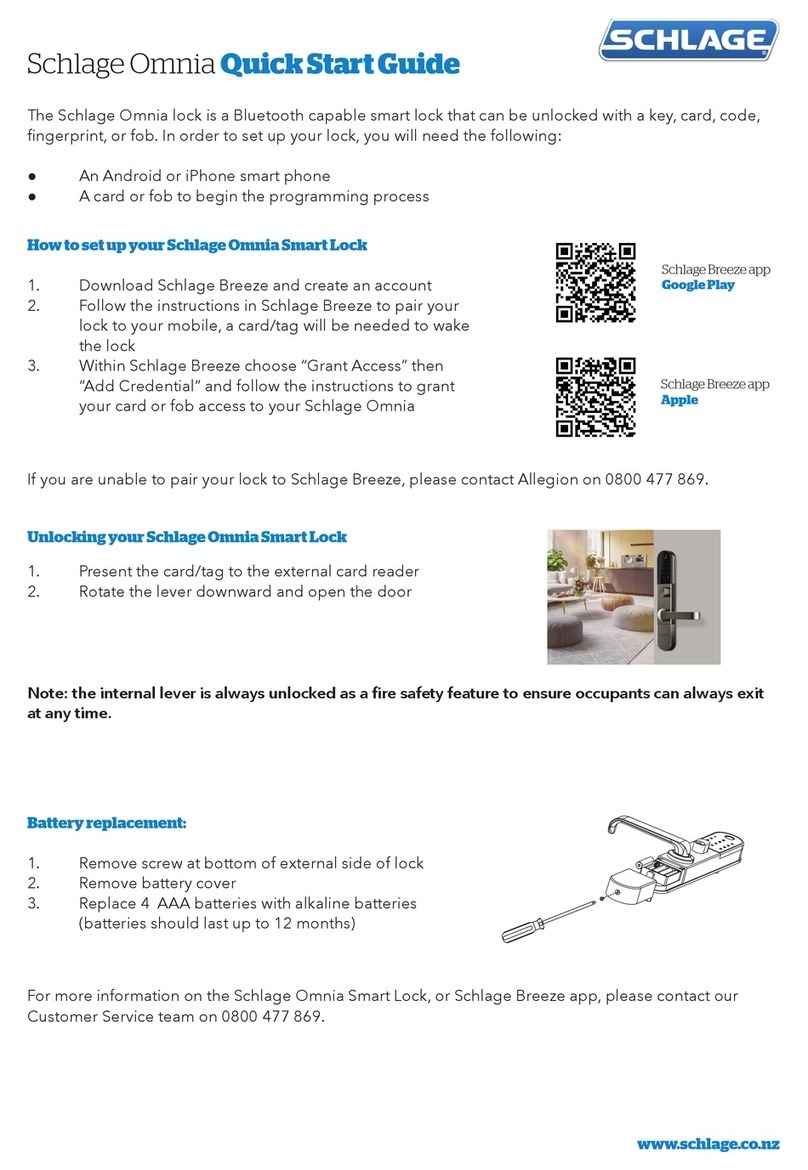
Schlage Omnia User manual

Schlage

Schlage Omnia User manual

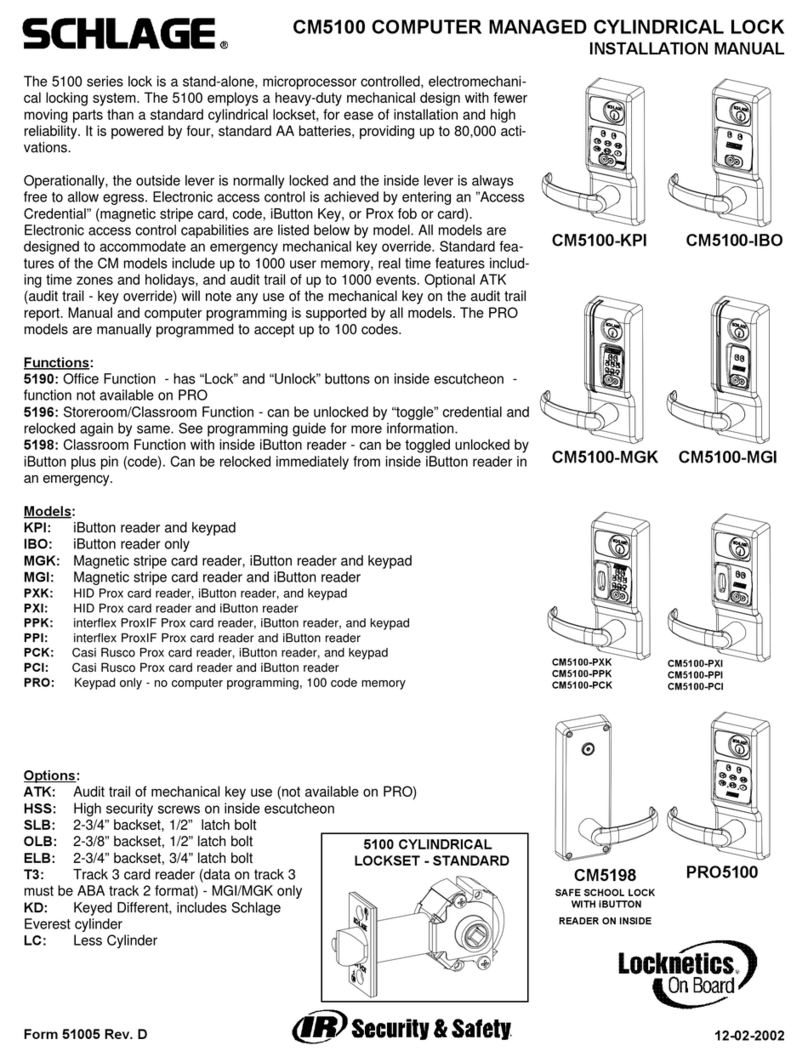
Schlage CM5100-KPI User manual

Schlage

Schlage CM5100-KPI User manual

Popular Door Lock manuals by other brands

Dorma MUNDUS PREMIUM US 10 Mounting instruction

Dorma

Dorma MUNDUS PREMIUM US 10 Mounting instruction

Defiant LG600BRA4BGT Instructions for installation

Defiant

Defiant LG600BRA4BGT Instructions for installation

TRU-BOLT M1740024 manual

TRU-BOLT

TRU-BOLT M1740024 manual

Opera ARCA SLIDE installation instructions

Opera

Opera ARCA SLIDE installation instructions

tell CODELOCK CL5500 Series installation instructions

tell

tell CODELOCK CL5500 Series installation instructions

ABH LR6000 installation instructions

ABH

ABH LR6000 installation instructions

Assa Abloy effeff 827A-IP Mounting instructions

Assa Abloy

Assa Abloy effeff 827A-IP Mounting instructions

Iseo MA1A installation guide

Iseo

Iseo MA1A installation guide

ID Lock 150 user manual

ID Lock

ID Lock 150 user manual

Lockly ACCESS TOUCH PRO user manual

Lockly

Lockly ACCESS TOUCH PRO user manual

iLoq G50S user guide

iLoq

iLoq G50S user guide

SDC Z7835 installation instructions

SDC

SDC Z7835 installation instructions

ilco 452 Installation

ilco

ilco 452 Installation

Samsung shs-h705 user guide

Samsung

Samsung shs-h705 user guide

TRU-BOLT 08102017 user manual

TRU-BOLT

TRU-BOLT 08102017 user manual

CDVI 500-LADJ quick start guide

CDVI

CDVI 500-LADJ quick start guide

Igloohome Deadbolt 2S Metal Grey Installer/user guide

Igloohome

Igloohome Deadbolt 2S Metal Grey Installer/user guide

eSSL FL-300 user manual

eSSL

eSSL FL-300 user manual

manuals.online logo
manuals.online logoBrands
  • About & Mission
  • Contact us
  • Privacy Policy
  • Terms and Conditions

Copyright 2025 Manuals.Online. All Rights Reserved.

*44487312*
44487312
1 Place template and prepare holes.
Single
a. Place template on top corner, opposite of hinges.
b. Mark holes and prepare them per template.
Shown from Interior
Template
Double
a. Place template on top centerline of doors.
b. Mark holes and prepare them per template.
Shown from Interior
Template
2 Reorient the magnet(s)
• SINGLE LOCKS: The magnet may need to be reoriented before installation, depending on the handing of your door.
• DOUBLE LOCKS: The magnet in one of the locks must be reoriented before installation.
• See the instructions that came with your lock(s) for information about magnet orientation.
Electromagnetic Locks for Inswinging Doors
M420TJ, M422TJ, M450TJ, M452TJ, M490TJ, M492TJ
M400 Series TJ Locks
Installation Instructions
LThese instructions cover only the mounting of the lock(s) using TJ brackets. Before proceeding with installation, see main
electromagnetic lock instructions for the following information:
• Electrical Specications
• Reorienting the Magnet
• ATS and MBS Indicator Installation
• Connecting Wiring to Board
2
3 Attach frame L-Bracket.
Single
Inside
Double
Inside
Actual Size
Reinforced Metal Sheet Metal
4 Attach mounting bracket(s).
a. Place template on gate and post surfaces as marked on template.
b. Mark holes and prepare them per template.
Single Double
Actual Size
3
5 Double lock ONLY: Install join block.
5a Remove wiring covers and end blocks. 5b Install join block.
6 Install magnet(s).
6a SINGLE AND DOUBLE LOCKS: Slide magnet onto bracket.
Inside
6b DOUBLE LOCK ONLY: Slide second magnet onto bracket.
Join block slides into first magnet housing.
7 Secure magnet(s).
7a Single lock. 7b Double lock
Actual Size
© Allegion 2015
Printed in U.S.A.
44487312 Rev. 11/15-d
Customer Service
1-877-671-7011 www.allegion.com/us
8 Assemble armature
8a Attach armature to top L-Bracket.
Armature
Holder
Actual Size
Top
L-Bracket
8b Attach armature plate to armature holder.
WARNING
Use bolt from TJ kit.
M490 armature must be disassembled to replace armature bolt.
Flat Washer
Star Locking Washer
Cone Washer
Armature Bolt
Actual Size
Armature
Plate
Top
L-Bracket
8c Attach bottom L-Bracket to door.
WARNING
The included sex nut is for 1C\v” (45 mm) doors ONLY. For other door
thicknesses, please contact customer service, 1-877-671-7011. Using
the incorrect sex nut for your door thickness will lead to improper
function and possible injury.
Armature bolt must be tightened to at least 120 in.-lbs. for all doors
except composite wood doors. For composite wood doors, tighten only
to tight and ush. 120 in.-lbs. may damage composite wood doors.
DO NOT back off bolt after tightening! Backing off the bolt after
tightening will loosen the thread-locking patch, which may allow the bolt
to loosen over time.
LUse bolt that came with lock.
Inside
Actual Size
Actual Size
Actual Size
9 Attach and adjust armature.
9a Attach armature assembly to bottom L-Bracket
Actual Size
Actual Size
9b Adjust armature
a. Close door.
b. Press armature to fully engage with magnet.
c. Fully tighten two screws and set screw to lock position.
d. If double, repeat adjustment process on second door.
Press armature
to magnet
Two (2)
screws
Inside