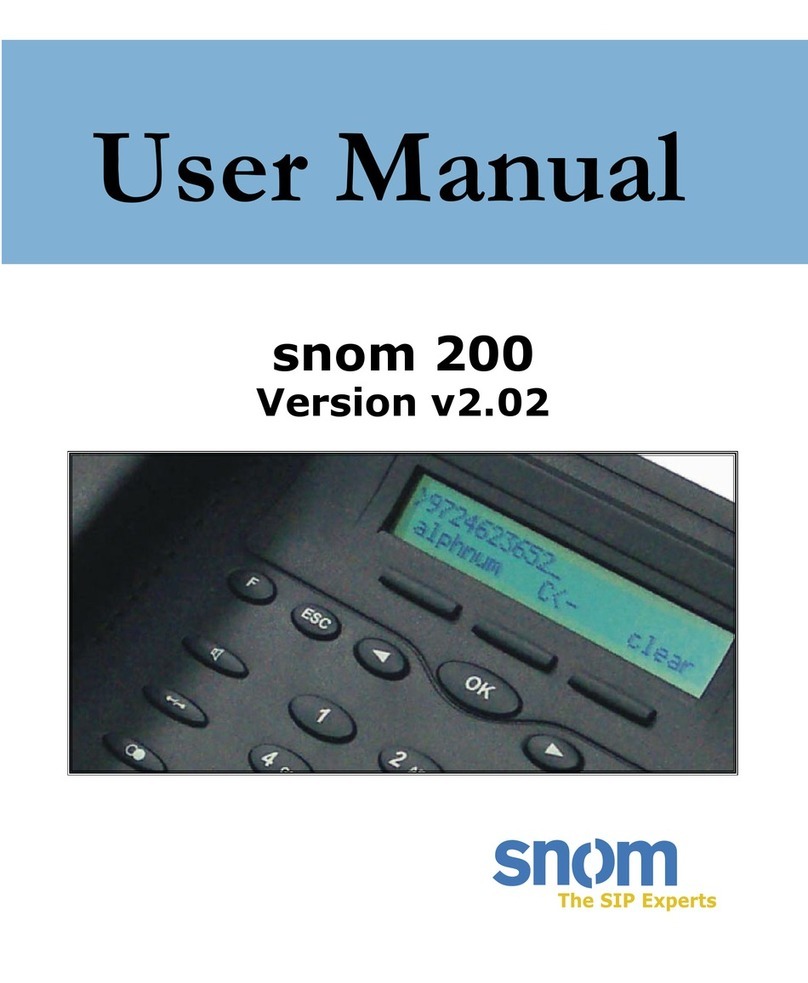
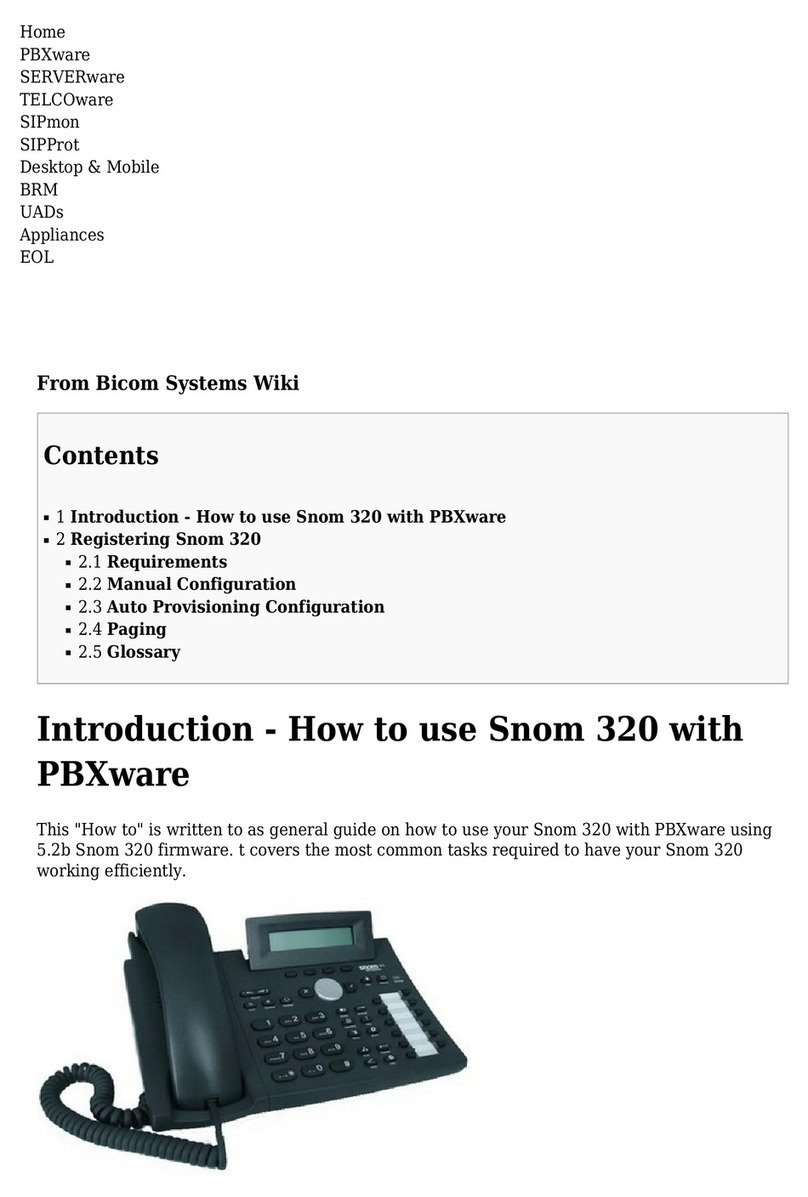
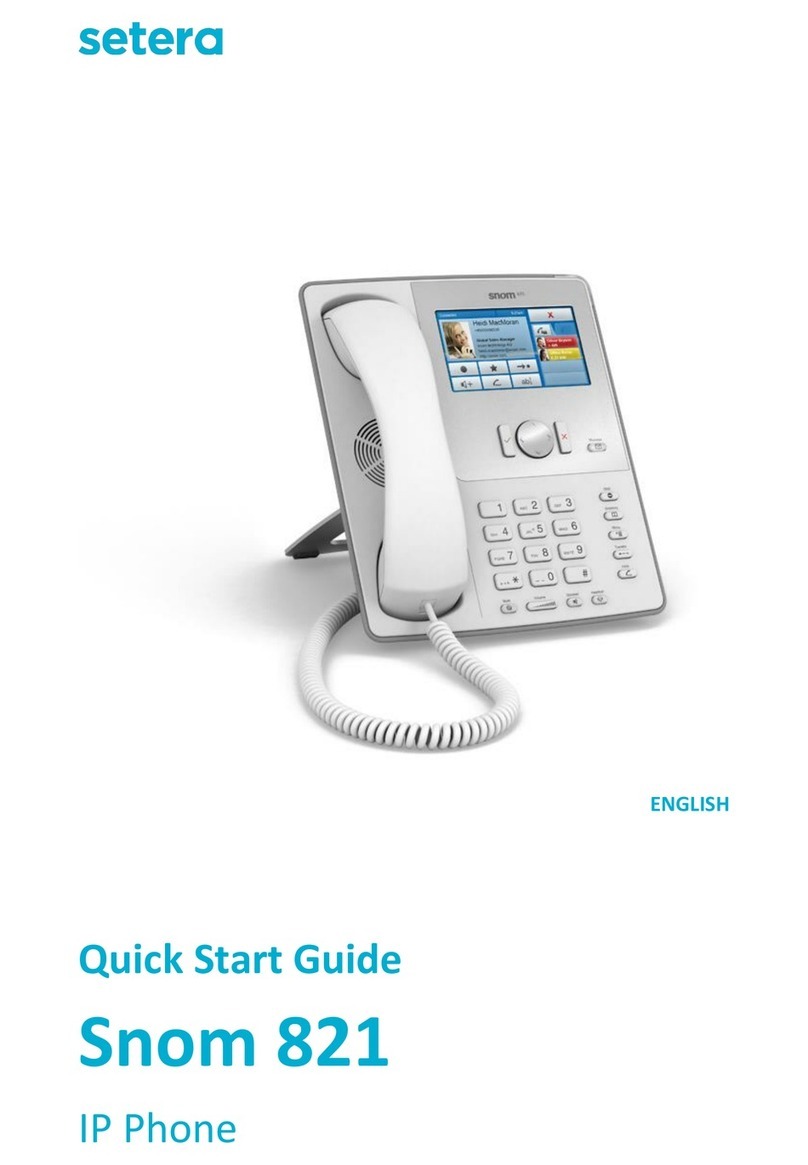
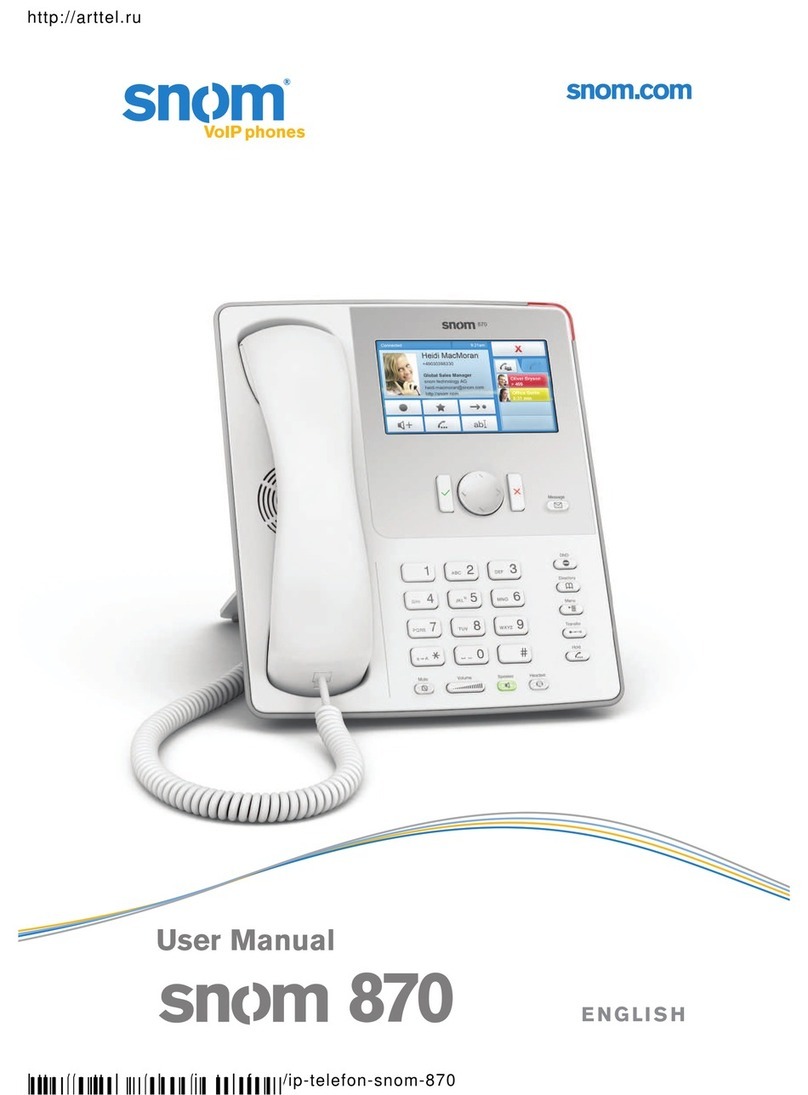
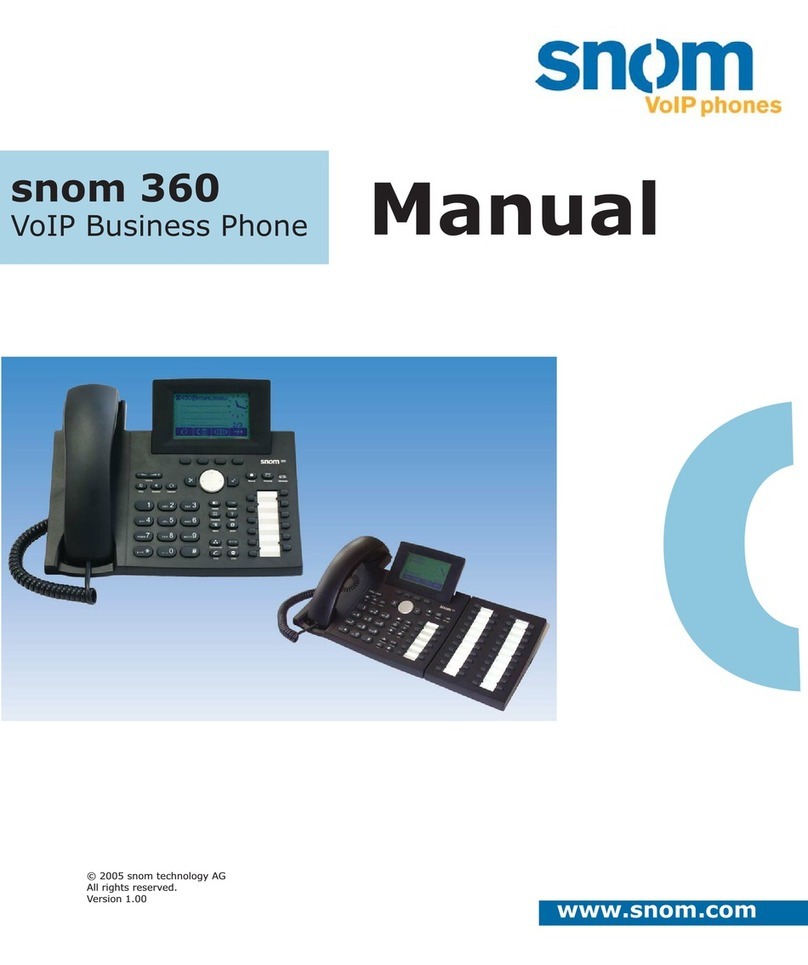
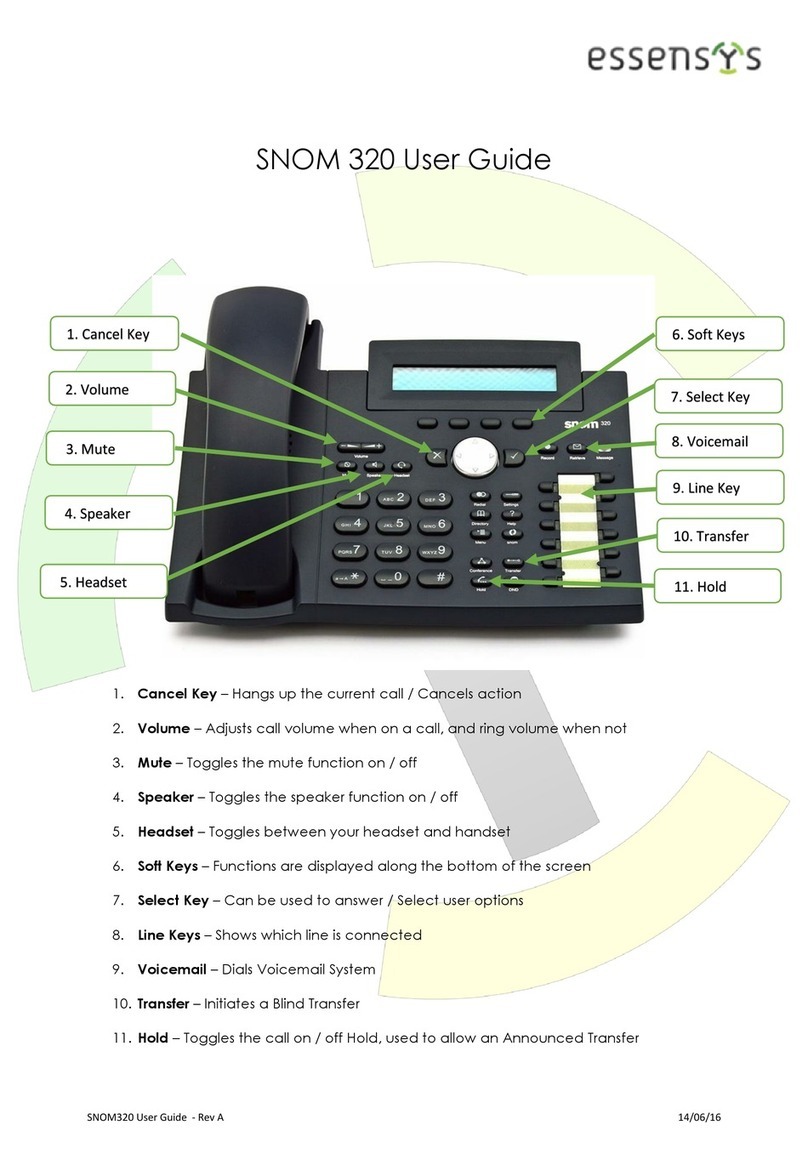
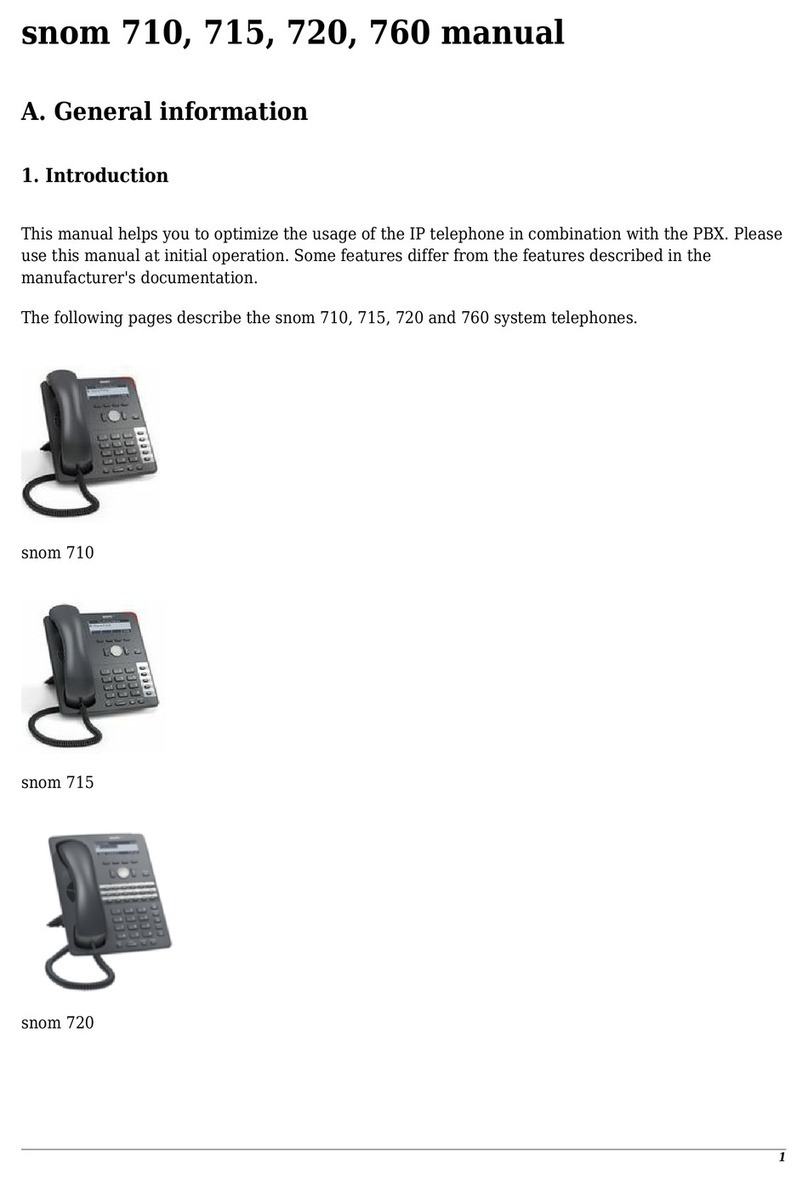
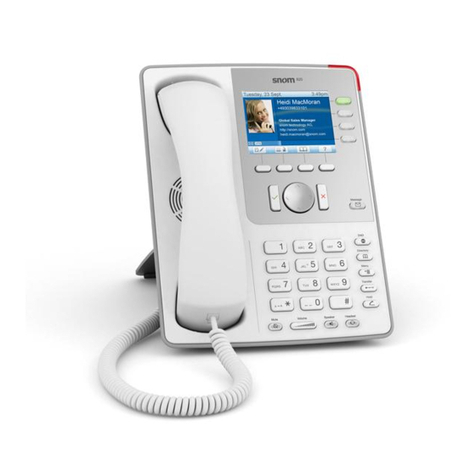
Snom 360 User manual

© 2008 snom technology AG
All rights reserved.
Tiltable graphical display
(128 x 64 pixels)
47 keys, 13 LEDs
12 programmable
function keys
Speakerphone
2 x IEEE 802.3
10/100 Mbps switch
• PoweroverEthernet
Headset connection
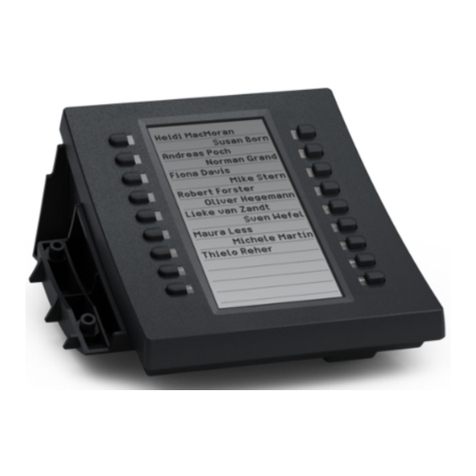
Expansion module with 42
programmable function keys
SIPRFC3261
Security:SIPS/SRTP,TLS
STUN,ENUM,NAT,ICE
Codecs:G.711,G.729A,
G.723.1, G.722, G.726,
GSM 6.10 (full rate)
National Language Support
XML driven mini-Browser
TheNextGenerationofVoIPPhones
The snom 360 is designed for maximum
productivity and efficiency in the every-
day business environment. Dedicated
keys provide you with direct access to
the functions for audio and call control,
and context-sensitive menus offer you
the additional functionality that you
may need at any given moment. The
graphical display can be tilted for your
optimum reading angle.
Additional sophisticated call control
features, full call detail, configura-
tion options can be accessed via web
browser. Customized ring tones can
easily be downloaded from the web
server – including, of course, your fa-
vorite ring tone. Incoming calls can be
marked with special ring tones to indi-
cate the destination of the call.
12 programmable keys can be used to
customize the functionalities accord-
ing to your own specific needs. The
LED associated to a function key shows
you whether or not your colleague is
currently on a call. And, of course, your
colleagues can see whether your line is
free or not.
The new mini browser, embedded in
snom’s top-of-the-line 360 executive
SIP phone, lets users and developers
create web-driven, screen-based tele-
phone applications. Examples include
custom contact-center apps, web-based
phone directories, messaging, posting
of news and other info on telephone
screens, and more.
To spare you the annoyance of unwant-
ed invasions of your speech data, the
snom 360 supports the security stan-
dardSRTP–acurrentspecificationfrom
the Internet Engineering Task Force
(IETF) for protection against eaves-
dropping and the stealing of data.
With SIP (Session Initiation Protocol)
you are ensuring your own personal
independence. Most vendors are touting
SIP to be the communication protocol
of the future. SIP components can be
combined into a complete system with-
out you being tied to a single provider.

Charlottenstraße68-71
10117 Berlin
Germany
tel/enum:+493039833-0
fax:+493039833-111
sip: [email protected]
mail: [email protected]
• approx. 25x20x 13 cm
• approx.960g
• IEC60950-1:2001,
CBTestCertificate:DE2-008417
• FCCClassB,
CEMark
• 2.2– 2.5 watts
• RJ45(Ethernet)
• 5VDC
• 2 x IEEE 802.3
10/100 Mbps switch
•
IEEE802.3af,Class1
• RJ11connector
• RJ11connector
•
Proprietarysnomconnector
• 128x64pixels,tiltablegraphical
display, backlit
• 47keys,12programmable
function keys with LEDs
(54 with the expansion module)
• Caller-ID
• MessagewaitingindicationLED
• Addressbook(100entries)
• Addressbookimport/export
• Speeddialing
• Localdialplan
• Numberguessing
• Listsofmissed,receivedanddialed
calls (100 entries each)
• Callwaitingindication
• Clock,daylightsaving,call-timer
• Callblocking(denylist)
• Blockingofanonymouscalls
• Handlingofupto12calls
simultaneously
• Menu-drivenuserinterface
• Ringtoneselection,importof
individual ring tones
• URLDialingsupport
• Nationallanguagesupportfor
selected languages (NLS)
• Donotdisturb
• Speakerphone(fullduplex)
• Autoanswermode
• Keyboardlock
• Hold
• Blindtransfer,attendedtransfer
• Music-on-holdsupport
(onlyviaPBX)
• Divert
• Conferencing(3-wayconference
bridge on phone)
• Callpark,callpickup(onlyviaPBX)
• Callcompletion
• ClientMatterCode(CMC)
• Callwaiting/switchingbetweencalls
• Redialing
• RTPmulticastpaging
• Multipleaudiodevicesupport
• EmbeddedwebserverHTTP/HTTPS
• Easyconfigurationofthephone,
remote configuration
• Dialfromwebinterface
• Passwordprotection
• Diagnostics(tracing,logging,syslog)
• HTTPS(server/client)
• TransportLayerSecurity(TLS)
• SRTP(RFC3711),SIPS
• RTCP
• VLAN(802.1pq)
• G.711A-law,μ-law
• G.729A,G.723.1,G.726
• GSM6.10(fullrate)
• G.722
• Comfortnoise,
voice activity detection
• RFC3261compliance
• UDP,TCPandTLS
• Digest/basicauthentication
• Looseroutingandstrictrouting
support
• PRACK(RFC3262)
• Error-informationsupport
• Reliabilityofprovisionalresponses
(RFC3262)
• Earlymediasupport
• DNSSRV(RFC3263),
redundant server support
• Offer/answer(RFC3264)
• MessageWaitingIndication
(RFC3842),subscriptionfor
MWIevents(RFC3265)
• Dialog-statemonitoring(RFC4235)
• In-bandDTMF/out-of-bandDTMF/
SIPINFODTMF
• STUNclient(NATtraversal)
• ENUM(RFC3261),NAPTR
(RFC2915),rport(RFC3581),
REFER(RFC3515)
• Eventlistsubscriptionsupport
(RFC4662)
• Bridgedlineappearance(BLA)
• AutoprovisioningwithPnP
• Presence/buddylistfeature
• Busylampfieldsupport(BLF)
• Presencepublishing
• Automaticsoftwareupdate
• Automaticsettingsretrieval
viaHTTP/HTTPS/TFTP
• Installationviawebinterface
• StaticIPprovisioning,DHCP
• NTP
Version1.2/15Feb2008
Copyright©2000–2008snomtechnologyAG.Allrightsreser-
ved. snom is a registered trademark of snom technology AG and
afliatesinGermany,USAandcertainothercountriesandregi-
ons.Unlessspeciedotherwise,
all trademarks, in particular product names, in this document are
legally protected trademarks of snom technology AG.
Othertrademarksorregisteredtrademarksmentionedinthis
document are the property of their respective manufacturers or
owners.Productspecicationscontainedinthisdocumentare
subject to change without notice.
Other manuals for 360
12
Other Snom IP Phone manuals