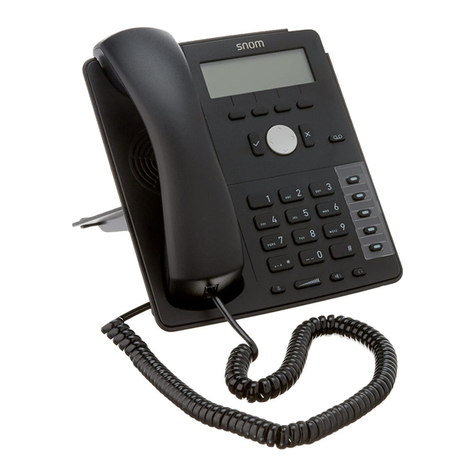
network.
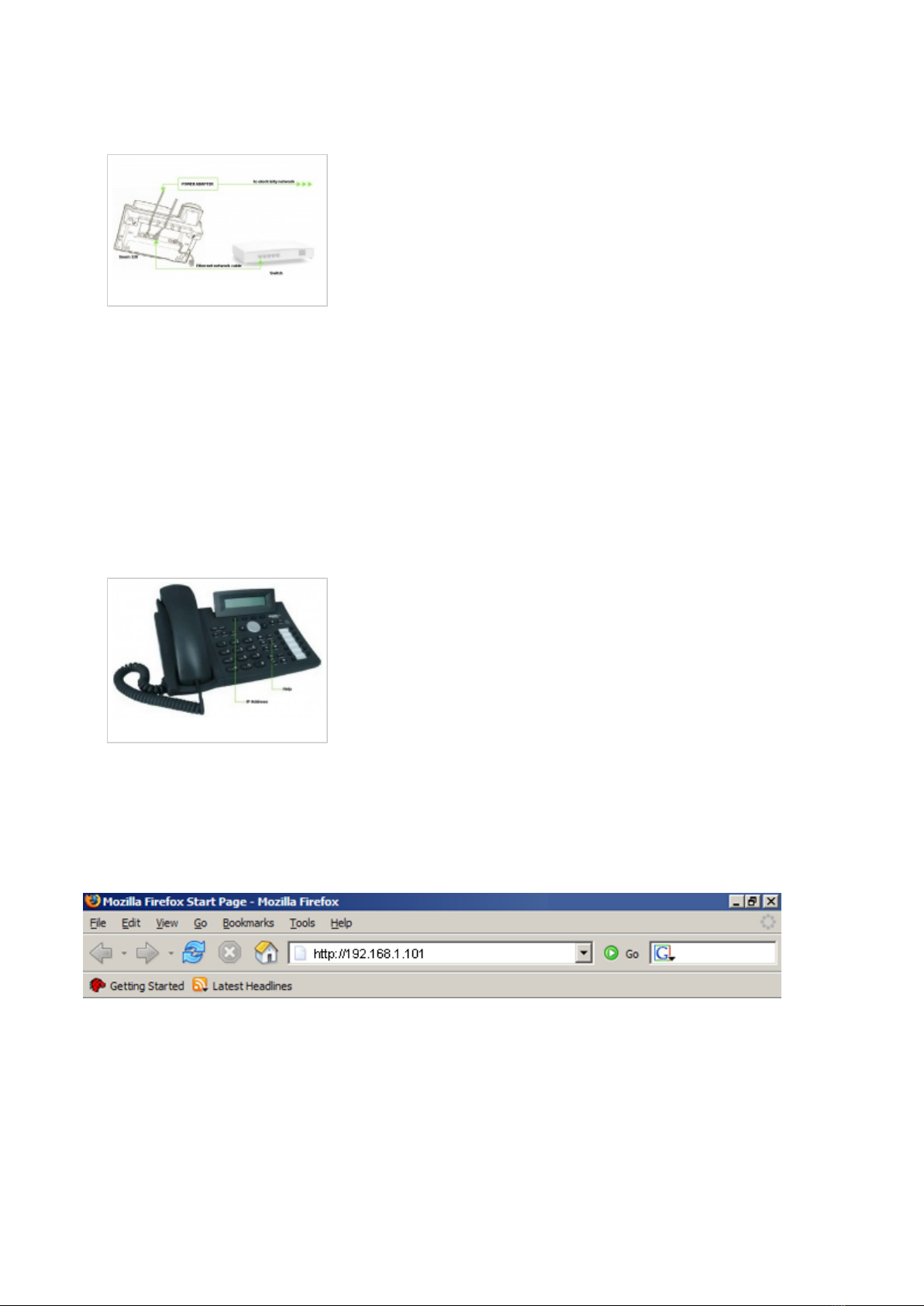
- Connect the ethernet port to a hub, router or switch as to access LAN.
Registering Phone
After successfully connecting your Snom 320 to the electricity and data networks it is time to
register it to <%PRODUCT%>.
STEP TWO: Snom 320 IP address.
Find out the IP address of the Snom 320 connected to network.
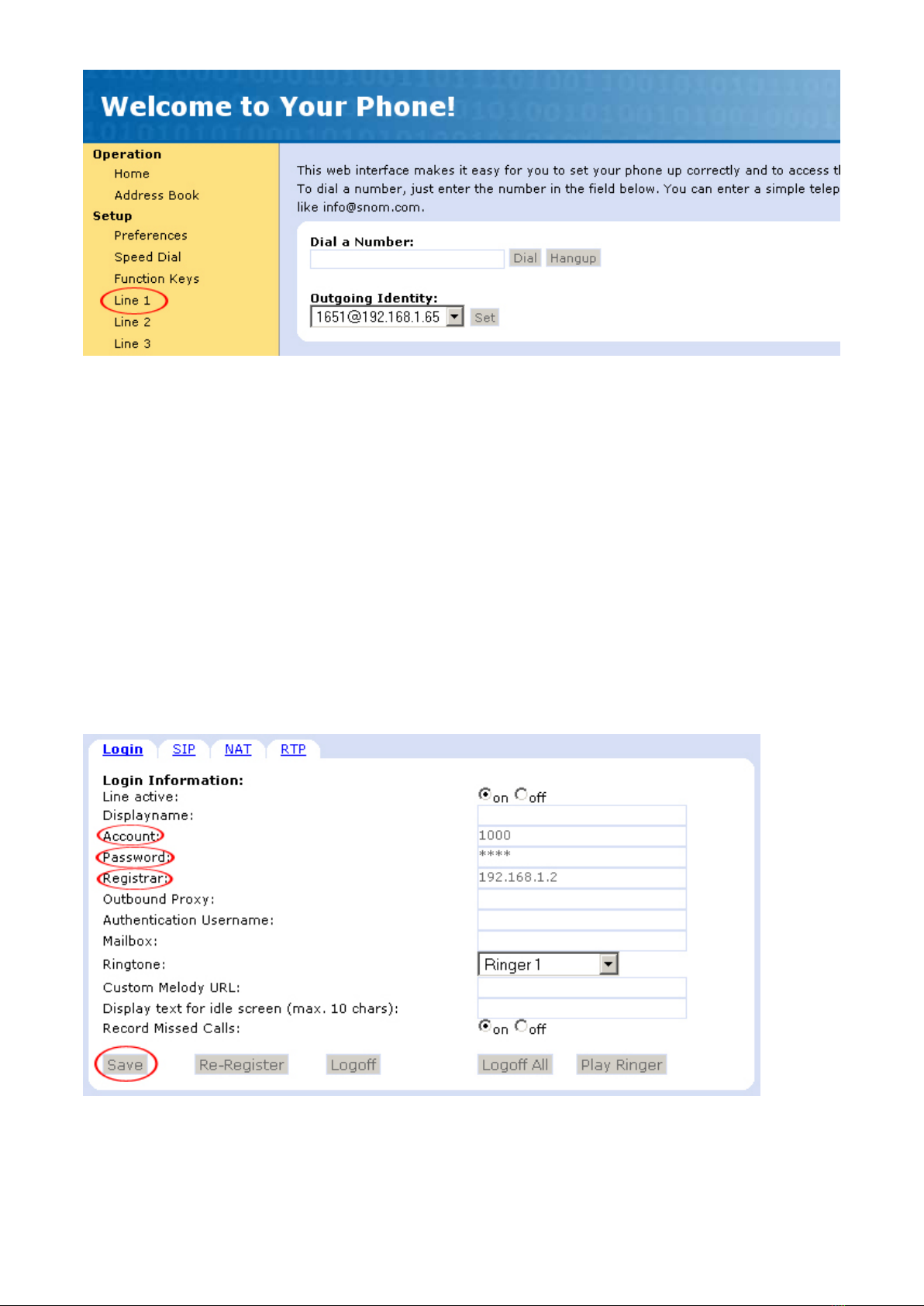
1. Press the "Help" button.
2. Press the appropriate button to find out the IP address assigned to Snom 320.
3. The IP address will be shown on Snom 320 display.
Registering Phone
STEP THREE: Snom 320 Web Interface.
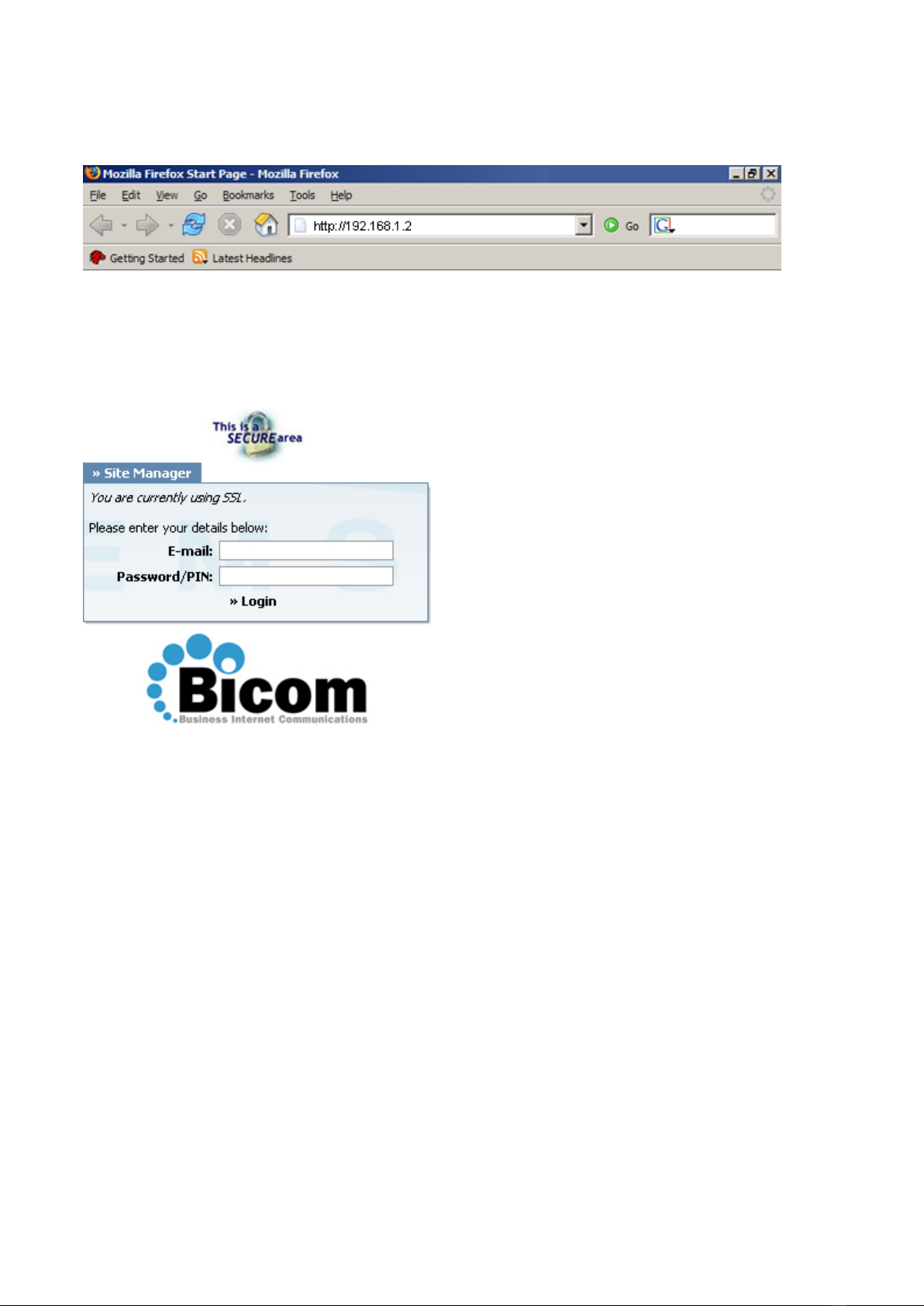
1. Open a new browser window and enter the IP address in order to access Snom 320
administration interface.
Example: http://192.168.1.101
an example with IP address
2. Hit "Enter" on your keyboard.
STEP FOUR: Configuring Snom 320.
1. Click on "Line 1" link.