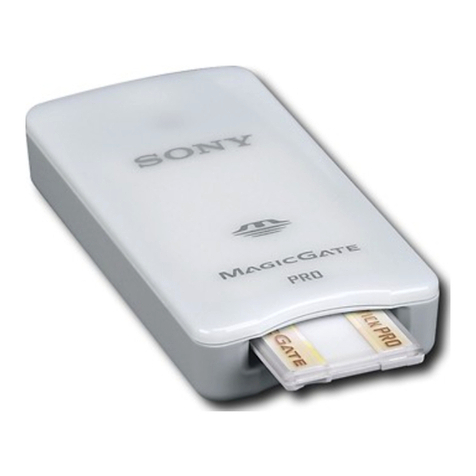
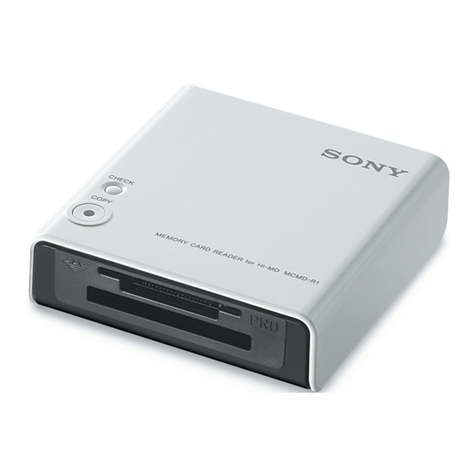
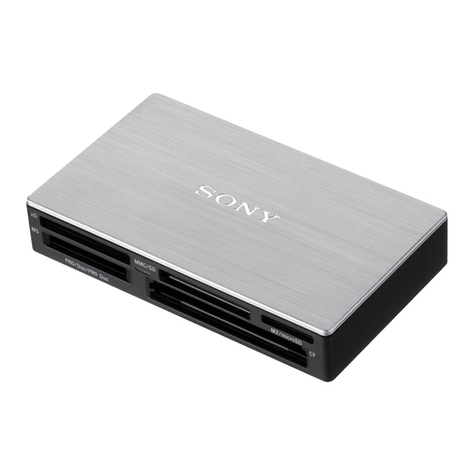
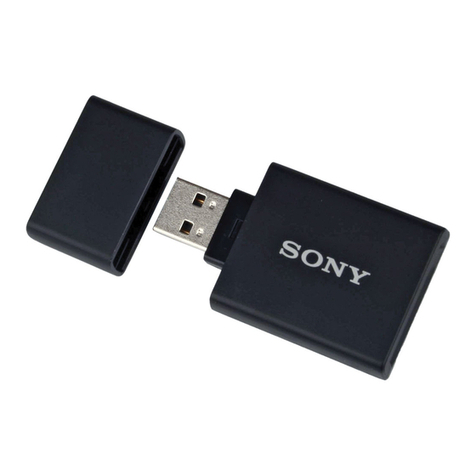
Sony MagicGate MSGC-US10 User manual

3-228-141-12 (1)
MagicGate Memory Stick
Reader/Writer
2001 Sony Corporation
MSGC-US10
Operating Instructions
Mode d’emploi
Bedienungsanleitung
GB
FR
DE

2-GB
Notice for users
On the supplied software
• Copyright laws prohibit reproducing the software or the manual
accompanying it in whole or in part, or renting the software without the
permission of the copyright holder.
• In no event will SONY be liable for any financial damage, or loss of
profits, including claims made by third parties, arising out of the use of
the software supplied with this unit.
• In the event a problem occurs with this software as a result of defective
manufacturing, SONY will replace it.
However, SONY bears no other responsibility.
• The software provided with this unit cannot be used with equipment
other than that which is so designated.
• Please note that, due to continued efforts to improve quality, the
software specifications may be changed without notice.
• Operation of this unit with software other than that provided is not
covered by the warranty.
English

3-GB
Program©2000 Sony Corporation
Documentation©2001 Sony Corporation
OpenMG and its logo are trademarks of Sony Corporation.
“MagicGate Memory Stick,” , “Memory Stick,” , are trademarks of
Sony Corporation.
“MagicGate” and are trademarks of Sony Corporation.
IBM and PC/AT are registered trademarks of International Business Machines
Corporation.
Microsoft, Windows, Windows NT and Windows Media are trademarks or
registered trademarks of Microsoft Corporation in the United States and/or
other countries.
Copylight©1995 Microsoft Corporation. All Right Reserved.
Portion Copyright©1995 Microsoft Corporation.
MMX and Pentium are registered trademarks or trademarks of Intel
Corporation.
All other trademarks and registered trademarks are trademarks or registered
trademarks of their respective holders. GB

4-GB
Table of Contents
Before You Begin
Overview ............................................................................................................... 5
System requirements ............................................................................................ 8
Step 1 : Unpacking .............................................................................................. 10
Step 2 : Installing the OpenMG Jukebox software ......................................... 11
Step 3 : Connecting to your computer ............................................................. 15
About this manual .............................................................................................. 16
Basic Operations
Using as a removable disk ................................................................................ 18
Enjoying digital music with OpenMGTM Jukebox
About the OpenMG Jukebox software ............................................................ 19
Transferring songs from the computer to the “MG Memory Stick” (Check-
out) ........................................................................................................................ 23
Importing MP3 and WAV format audio files, etc.......................................... 26
Other Information
Notes on using “Memory Stick” ...................................................................... 28
Specifications ....................................................................................................... 29
Troubleshooting .................................................................................................. 30
Features of copyright protection by OpenMG ............................................... 31

Before You Begin
5-GB
BBefore You Begin
Overview
What is a “Memory Stick”?
“Memory Stick” is a new compact, portable and versatile Integrated
Circuit recording medium with a data capacity that exceeds a floppy disk.
“Memory Stick” is specially designed for exchanging and sharing digital
data among “Memory Stick” compatible products. Because it is
removable, the “Memory Stick” can also be used for external data storage.
Types of “Memory Stick”
There are two kinds of “Memory Stick.”
Use one of the following:
• “MagicGate Memory Stick” (“MG Memory Stick” in short) that is
equipped with “MagicGate” copyright protection technology.
• “Memory Stick” that is not equipped with “MagicGate” copyright
protection technology.
You can record or play data, such as music, that requires copyright
protection only by using a “MagicGate Memory Stick” with “MagicGate”
compatible equipment.
Data with different formats can be stored in the same “Memory Stick.”
For example, you can store image files in the space available on
“MagicGate Memory Stick” using the respective equipment even if there
are already audio files in “MagicGate Memory Stick.”
When you purchase a “Memory Stick” note the following:
– For recording music data for MagicGate compatible devices, be sure to
ask for a “MagicGate Memory Stick” which is distinguished by the “MG
Memory Stick” logo (number 1 below).
– For recording other data, ask for a general “Memory Stick” which is
distinguished by the “Memory Stick” logo (number 2 below).
12
continued

6-GB
Overview (continued)
What is “MagicGate”?
MagicGate is a copyright protection technology for “MG Memory Stick”
and compliant products, such as this unit. Authentication ensures that
protected content is transferred only between compliant devices and “MG
Memory Stick,” and that protected content is recorded and transferred in
an encrypted format to prevent unauthorized copying or playback.
PNotes
• Do not touch terminals on the “Memory Stick” with your finger or metallic
objects.
• Do not attach any other material than the dedicated label on the label space.
• Do not bend, drop or apply strong shock to the “Memory Stick.”
• Do not disassemble or modify the “Memory Stick.”
• Do not allow the “Memory Stick” to get wet.
• Do not use or store the “Memory Stick” in a location that is subject to:
– Extremely high temperature, such as in a car parked in the sun
– Direct sunlight
– High humidity or places with corrosive substances
• To prolong the life of the “Memory Stick,” use the dedicated storage case.
• We recommend backing up valuable data.
• Music data copyright protected using “MagicGate“ can only be used with
“MG Memory Stick.”
• To avoid damaging data, do not:
– release the “Memory Stick” or unplug the USB cable during reading or
writing of data while the access lamp is lit.
– use the “Memory Stick” in a location subject to static electricity or electric
noise.

Before You Begin
7-GB
Using “MG Memory Stick”
PNotes
• Music data transferred (Checked-out) to “MG Memory Stick” from OpenMG
Jukebox is stored in folder called “Hifi” Folder.
Do not edit data that is stored in the “Hifi” Folder. You cannot playback and
check-in data that has been copied or edited using the Windows Explorer.
OpenMG Jukebox must be used for playback and editing.
The user is responsible for, and there is no guarantee against, any unstable or
corrupted data caused while editing on “Memory Stick” compatible devices.
• Formatting an “MG Memory Stick” will erase all data stored on it.
Take care not to erase valuable data by formatting.
The user is responsible for, and there is no guarantee against, any data lost by
formatting.
• The recorded music is limited to private use only. Use of the music beyond
this limit requires permission of the copyright holders.
• Sony is not responsible for music files that are not saved on your computer
due to unsuccessful recording from CD or music downloading.

8-GB
System requirements
•IBM PC/AT or Compatible
– CPU: MMX™ Pentium®233 MHz or higher
– Hard disk drive space: 60 MB or more
– RAM: 64 MB or higher
– CD-ROM drive
– Sound Board
– USB port
•Operating System: Windows®98/Windows®98 Second Edition/
Windows®2000 Professional/Windows®Me (manufacturer installed)
The following environments are not supported.
– Windows®95, Windows®NT
– Upgraded from Windows®3.1/95 to Windows®98 (or Windows®98
Second Edition/Windows®Me)
– Dual boot with Windows®2000 and Windows®98 (or Windows®98
Second Edition/Windows®Me)
•Display: High (16bit) Color or more (800 ×480 dot or more)
•Internet access: for Web registration and EMD services
PNote
We do not assure trouble-free operation for all computers satisfying the system
requirements.
PNote
For the protection of copyrights when you use the computer with an optical
digital output connector, it may be disabled during playback with this software.

Before You Begin
9-GB
Note on using OpenMG Jukebox with Windows 2000
OpenMG Jukebox software users with Windows 2000 models should be
aware of the following:
• Only Administrators are allowed to install and uninstall the OpenMG
Jukebox software.
• To use the application, log on with the user name of “Administrator” or
“Power User”.
• Do not remove or insert the CD-ROM drive connected via a PC card
while OpenMG Jukebox is running.
• Only Windows 2000 Professional Edition is supported.
• Windows 2000 NTFS format is not supported. Use FAT32 format.
Note on using OpenMG Jukebox with Windows Me
If Windows Millennium Edition is installed in your computer, and you
perform the “System Restore” function of the Windows “System Tools,”
the songs managed by OpenMG Jukebox may become corrupted and
rendered unplayable.
Therefore, before executing “System Restore,” back up the songs using
OpenMG Jukebox Backup Tool first.
Then, after the “System Restore” function is finished, restore the songs
using OpenMG Jukebox Backup Tool to ensure the integrity and
reliability of song playback.
For more information about backup, refer to the online Help for
OpenMG Jukebox.
PNote
When songs become unplayable by executing “System Restore,” an error
dialogue box may be displayed. In this case, follow the displayed messages.

10-GB
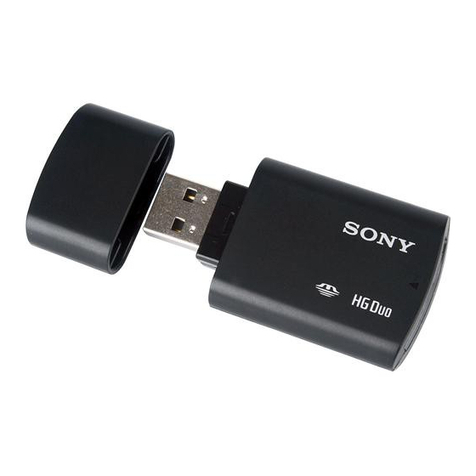
• MagicGate Memory Stick
Reader/Writer (1)
• Dedicated USB cable (1)
Step 1 : Unpacking
Your MagicGate Memory Stick Reader/Writer comes with the following
items.
Access lamp
Connector A
Connector B
About the Serial Number
The serial number provided for your device is required for the customer
registration. The number is printed on the rear side of the unit.
Serial Number
• OpenMG Jukebox software
CD-ROM (1)
• Operating Instructions (1)
Table of contents
Languages:
Other Sony Card Reader manuals

Sony
Sony MRW-F3 Manual

Sony
Sony MSAC-US30 - Memory Stick USB Reader/Writer User manual

Sony
Sony PRS-505 User manual
Sony
Sony MRW-F3 User manual

Sony
Sony MRW62E-T2 User manual

Sony
Sony MSAC-USM1 User manual
Sony
Sony AXSM AXS-AR3 User manual

Sony
Sony MRW68E-D1 User manual

Sony
Sony MRW66E-H1 User manual

Sony
Sony XQD MRW-E90 User manual

Sony
Sony MSAC-US1A User manual

Sony
Sony MRW-EA7 User manual

Sony
Sony MRW-F3 Manual

Sony
Sony Memory Stick MRW62E-S2 User manual

Sony
Sony DFP-R3000 User manual

Sony
Sony MRW62E-S1 User manual

Sony
Sony MRW-EA7 User manual

Sony
Sony MRW62ES1181 - Card Reader USB Installation guide

Sony
Sony MRW62E - USB 2.0 Flash Memory Card Reader User manual

Sony
Sony Felica RC-S360/S User manual