EnglishDeutsch
 logo
Brands
  1. Home
  2. •
  3. Brands
  4. •
  5. Spectrum
  6. •
  7. Indoor Furnishing
  8. •
  9. Spectrum 95537 User manual

Spectrum 95537 User manual

Other Spectrum Indoor Furnishing manuals
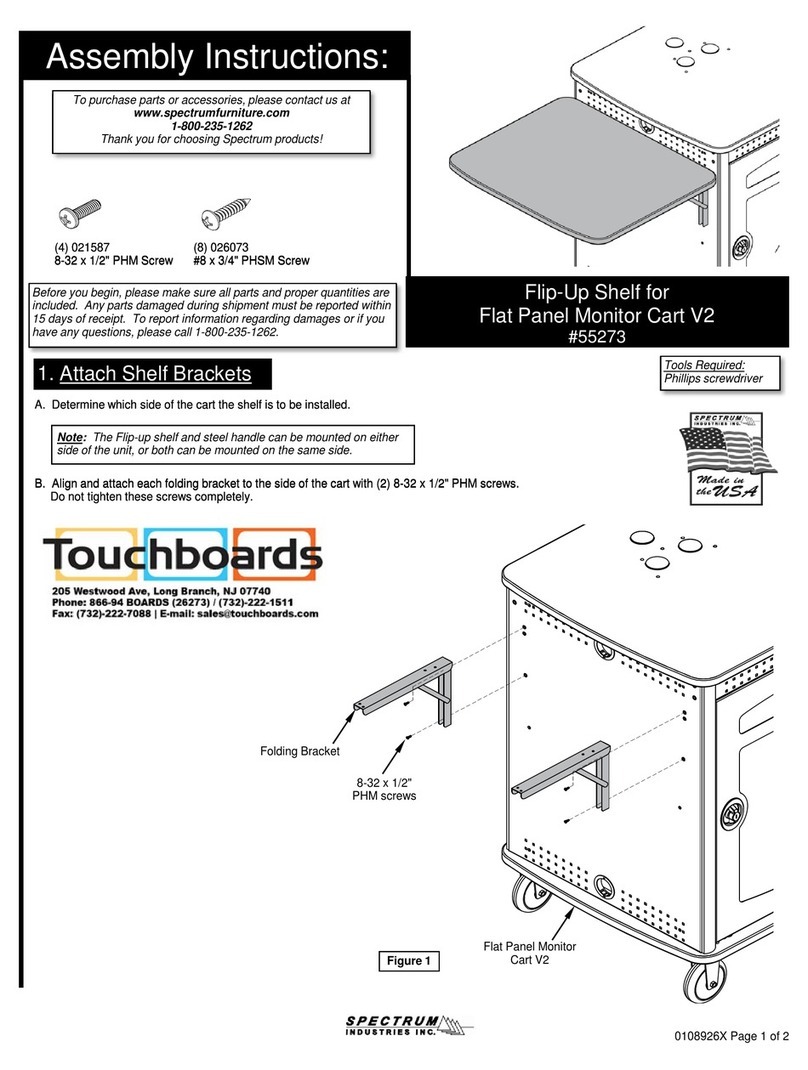
Spectrum 55273 User manual

Spectrum

Spectrum 55273 User manual

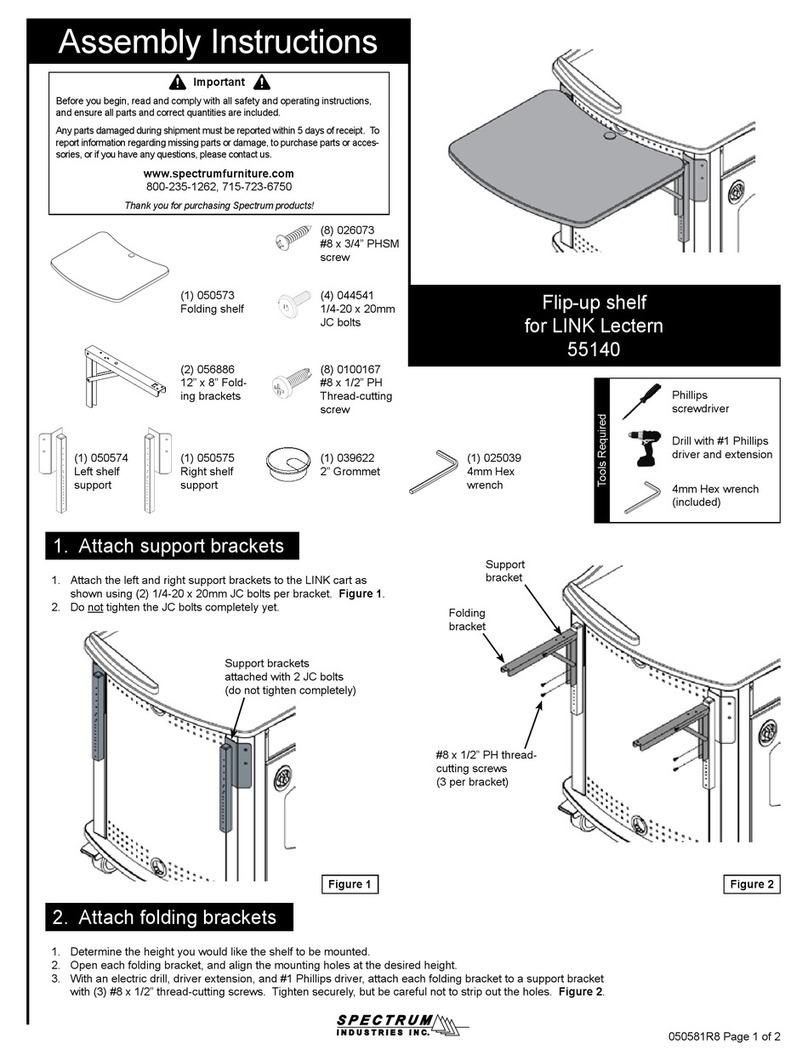
Spectrum 55140 User manual

Spectrum

Spectrum 55140 User manual
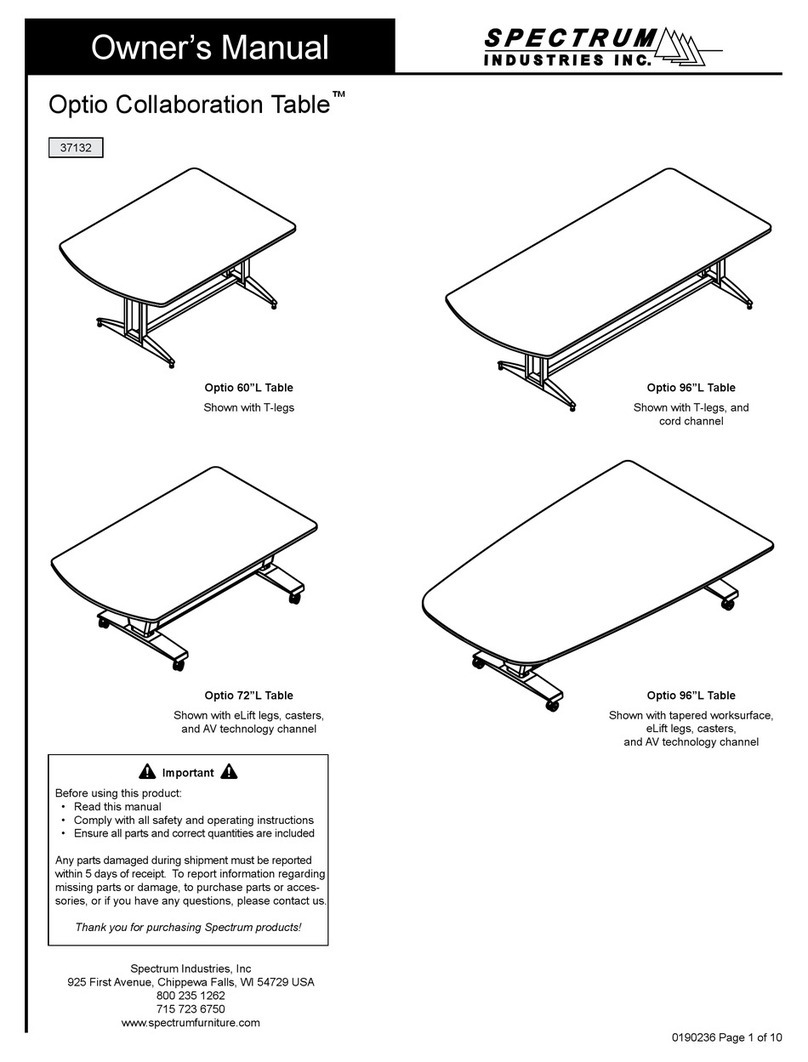
Spectrum Optio series User manual

Spectrum

Spectrum Optio series User manual

Spectrum 55283 User manual

Spectrum

Spectrum 55283 User manual
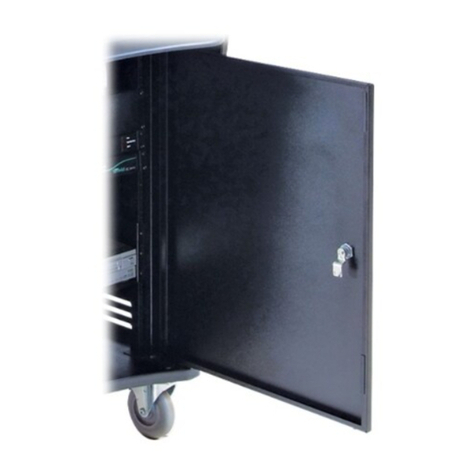
Spectrum 55405 User manual

Spectrum

Spectrum 55405 User manual
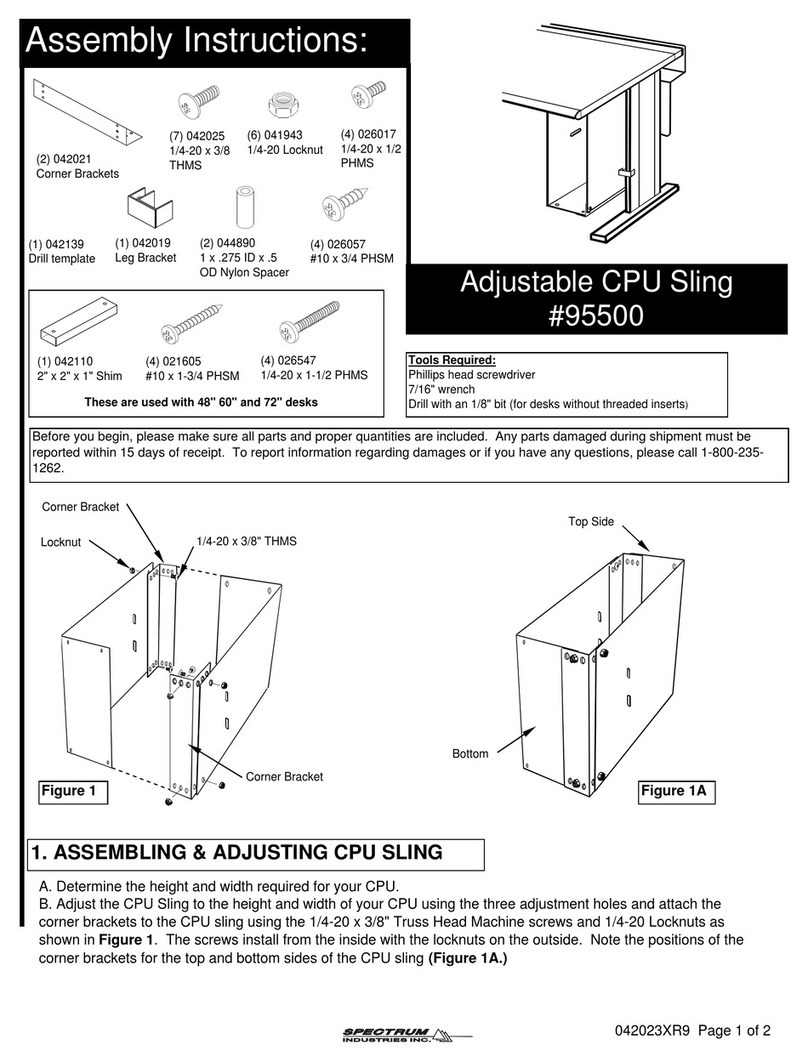
Spectrum 95500 User manual

Spectrum

Spectrum 95500 User manual
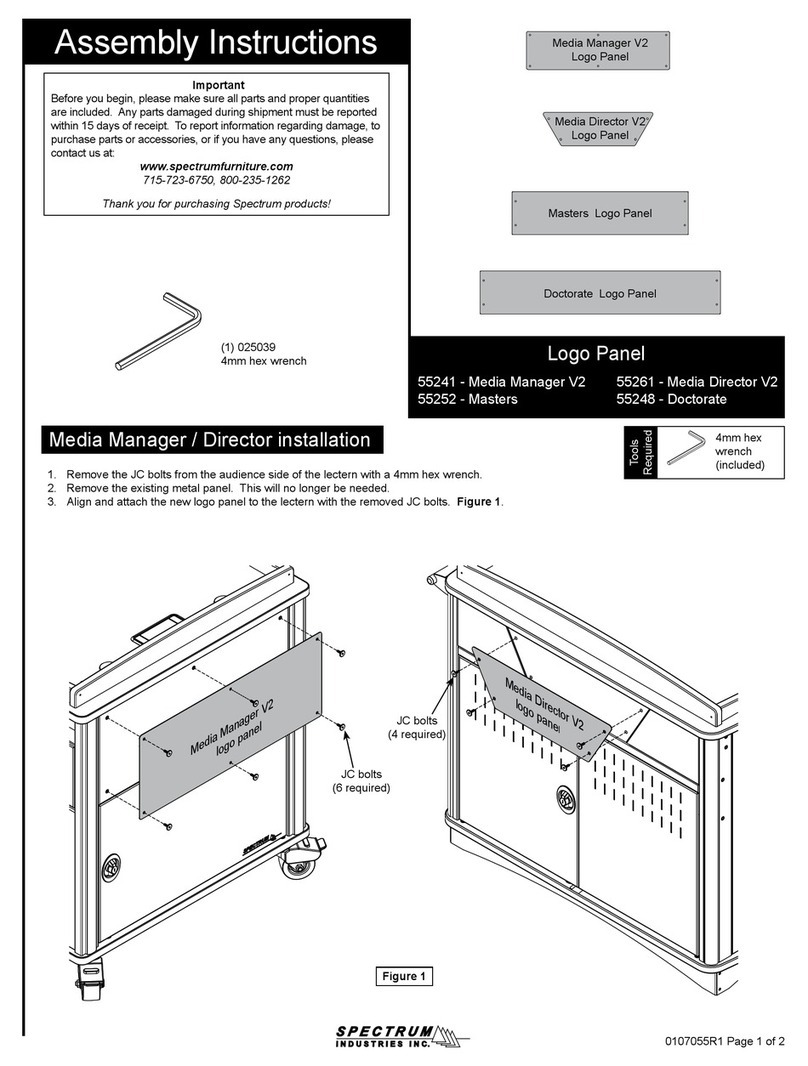
Spectrum 55241 User manual

Spectrum

Spectrum 55241 User manual
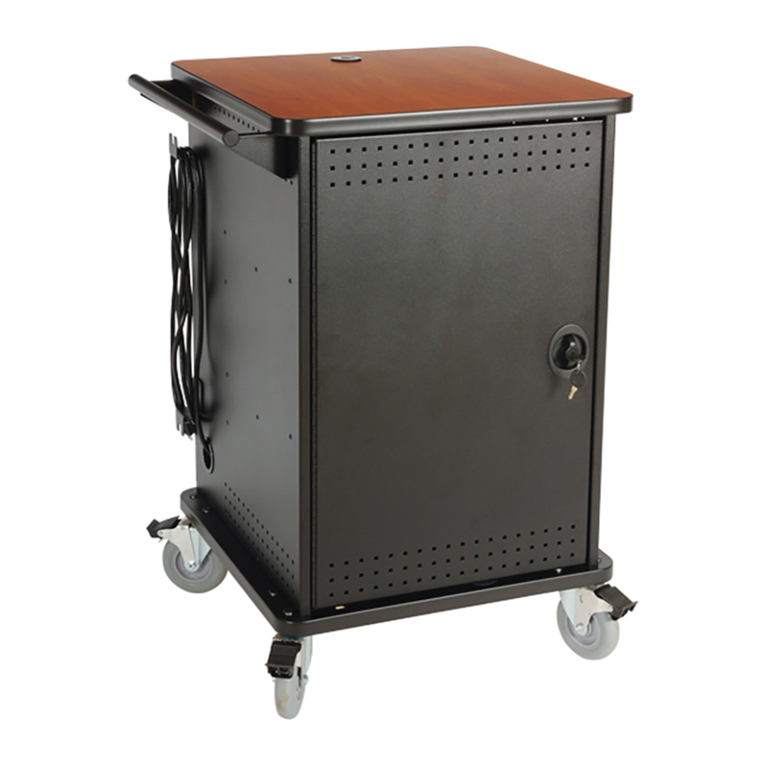
Spectrum mLT-30 User manual

Spectrum

Spectrum mLT-30 User manual
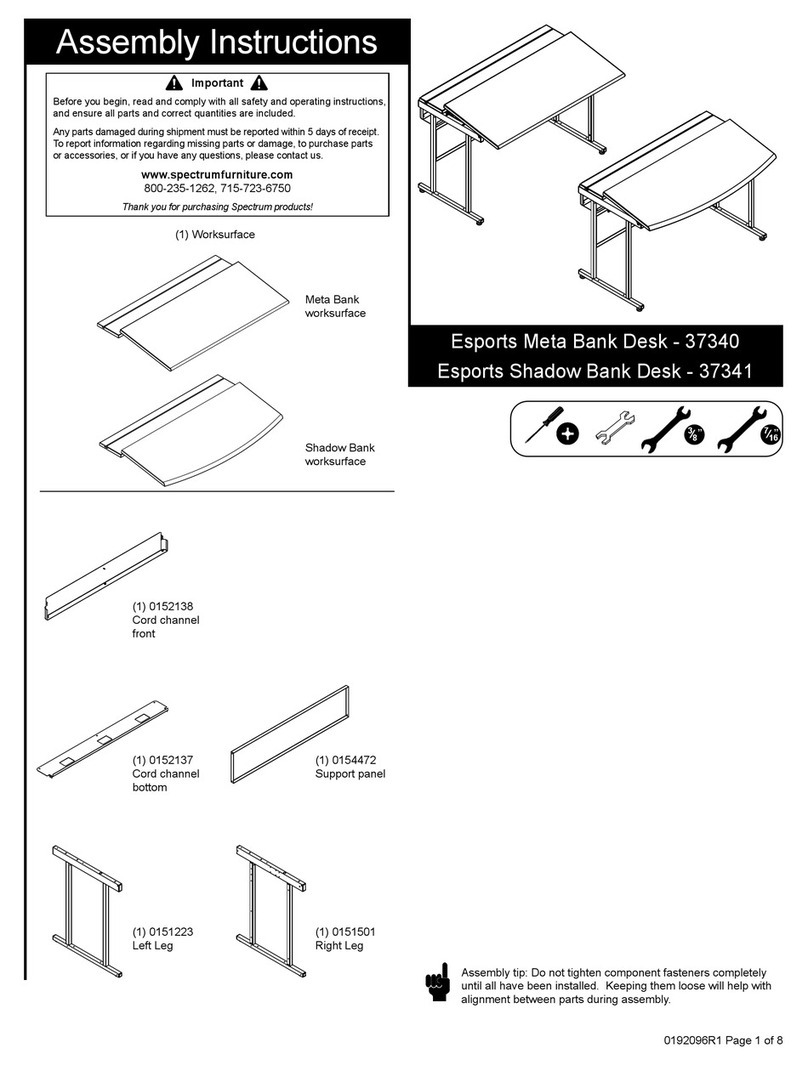
Spectrum Esports Meta 37340 User manual
Spectrum

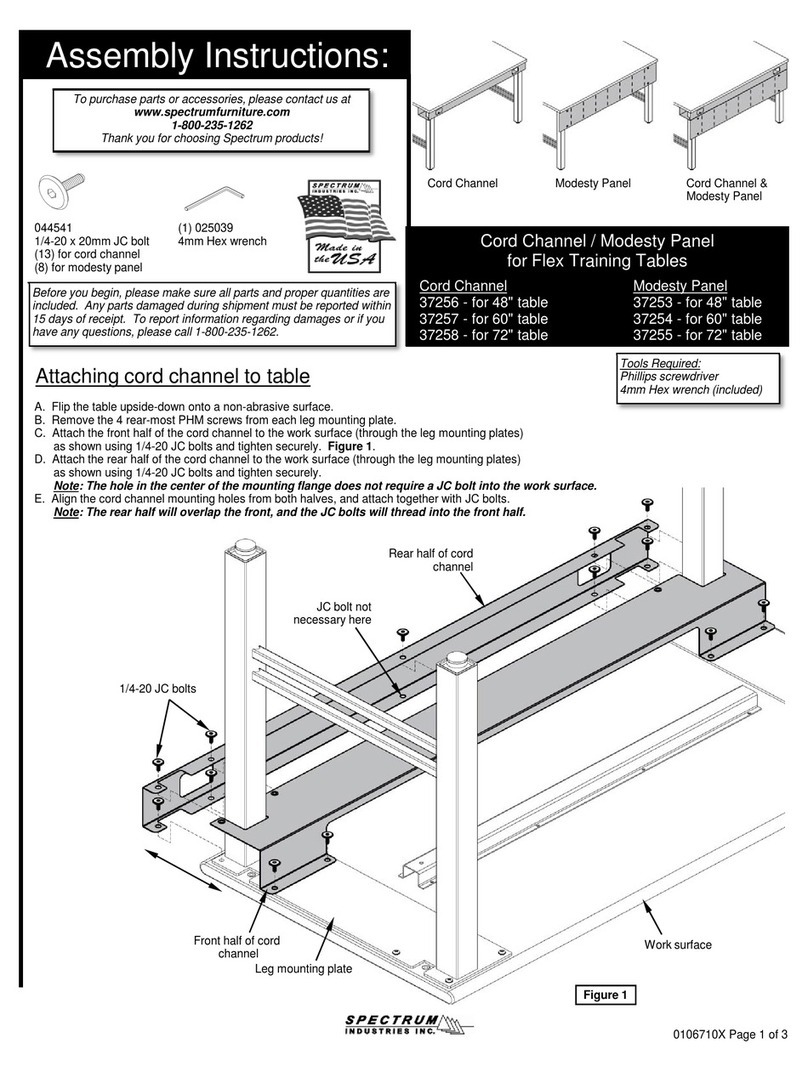
Spectrum Esports Meta 37340 User manual

Spectrum 37256 User manual

Spectrum

Spectrum 37256 User manual

Spectrum Evolution 38906 User manual

Spectrum

Spectrum Evolution 38906 User manual
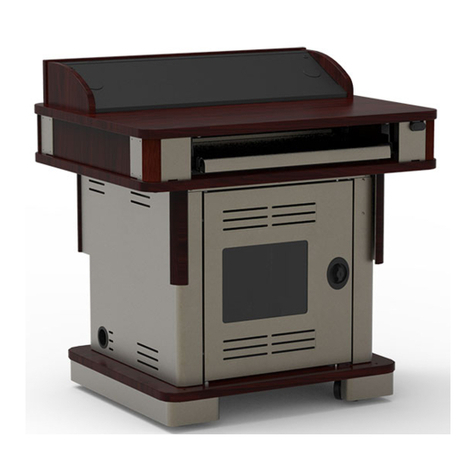
Spectrum Honors Lectern 55178 User manual
Spectrum

Spectrum Honors Lectern 55178 User manual

Spectrum 3736 User manual

Spectrum

Spectrum 3736 User manual
Spectrum 372 Series User manual

Spectrum

Spectrum 372 Series User manual
Spectrum CORE Lectern 55548 User manual
Spectrum

Spectrum CORE Lectern 55548 User manual

Spectrum 22499 User manual

Spectrum

Spectrum 22499 User manual
Spectrum Evolution Computer Desk User manual
Spectrum

Spectrum Evolution Computer Desk User manual

Spectrum 37135 User manual

Spectrum

Spectrum 37135 User manual

Spectrum 55334 User manual

Spectrum

Spectrum 55334 User manual
Spectrum Pfister Tenet GT572-TNT User manual
Spectrum

Spectrum Pfister Tenet GT572-TNT User manual
Spectrum 55263 User manual

Spectrum

Spectrum 55263 User manual

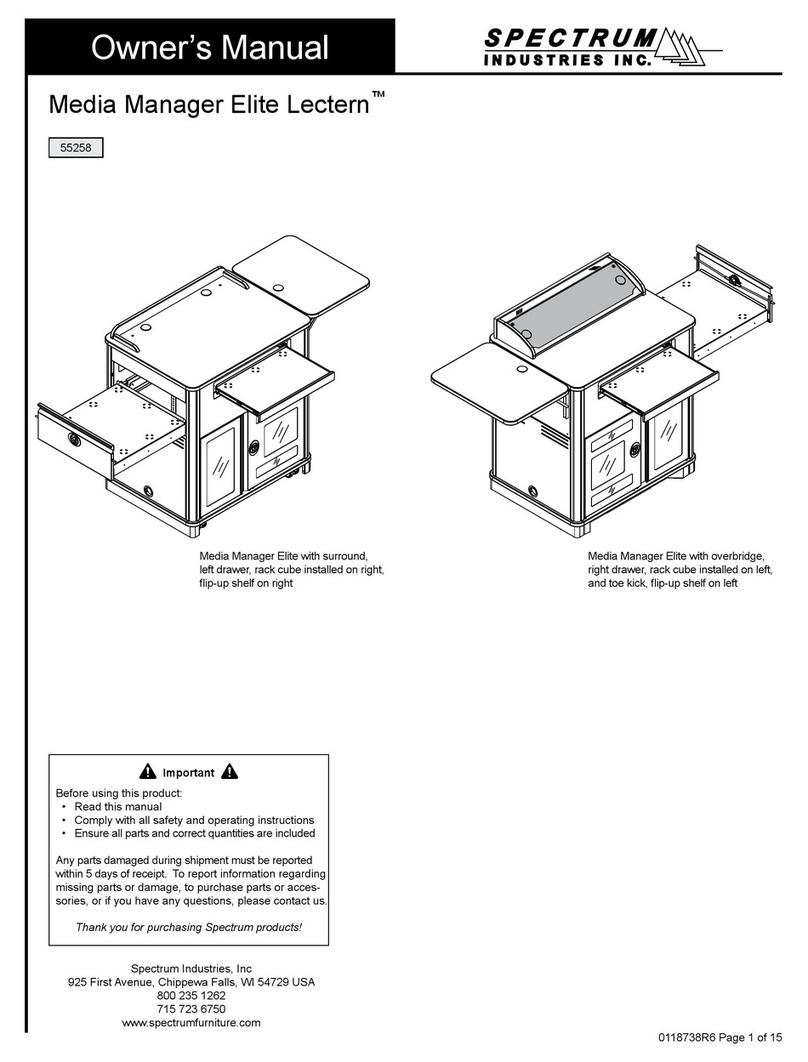
Spectrum Media Manager Elite Lectern 55258 User manual

Spectrum

Spectrum Media Manager Elite Lectern 55258 User manual

Spectrum 55297 User manual

Spectrum

Spectrum 55297 User manual

Spectrum Esports Evolution 22860 User manual

Spectrum

Spectrum Esports Evolution 22860 User manual

Popular Indoor Furnishing manuals by other brands

Homelegance California 1662PEK-1CK Assembly instruction

Homelegance

Homelegance California 1662PEK-1CK Assembly instruction

Osmond Ergonomics FLO instructions

Osmond Ergonomics

Osmond Ergonomics FLO instructions

OVE ELOISE 42 installation manual

OVE

OVE ELOISE 42 installation manual

overstock MF286255 Assembly instructions

overstock

overstock MF286255 Assembly instructions

Sonoma 160-801 Assembly instructions

Sonoma

Sonoma 160-801 Assembly instructions

BOLERO Wicker Side Chair CF158 Care Instructions

BOLERO

BOLERO Wicker Side Chair CF158 Care Instructions

Coaster 4799N Assembly instructions

Coaster

Coaster 4799N Assembly instructions

Stor-It-All WS39MP Assembly/installation instructions

Stor-It-All

Stor-It-All WS39MP Assembly/installation instructions

Lexicon 194840161868 Assembly instruction

Lexicon

Lexicon 194840161868 Assembly instruction

Next AMELIA NEW 462947 Assembly instructions

Next

Next AMELIA NEW 462947 Assembly instructions

impekk Manual II Assembly And Instructions

impekk

impekk Manual II Assembly And Instructions

Elements Ember Nightstand CEB700NSE Assembly instructions

Elements

Elements Ember Nightstand CEB700NSE Assembly instructions

JWA CARY 68429 Assembly instruction

JWA

JWA CARY 68429 Assembly instruction

VIPACK AMORI AMKB9014 Assembly instructions

VIPACK

VIPACK AMORI AMKB9014 Assembly instructions

Rowico SANNA Assembly instructions

Rowico

Rowico SANNA Assembly instructions

Southern Enterprises CK556000TX Assembly instructions

Southern Enterprises

Southern Enterprises CK556000TX Assembly instructions

hygena 314/5041 Assembly instructions

hygena

hygena 314/5041 Assembly instructions

VINNOVA Kinsley 536060S manual

VINNOVA

VINNOVA Kinsley 536060S manual

https://manuals.online logo
https://manuals.online logoBrands
  • About & Mission
  • Contact us
  • Privacy Policy
  • Terms and Conditions

Copyright 2026 Manuals.Online. All Rights Reserved.

Assembly InstructionsAssembly Instructions
0191989 Page 1 of 2
Assembly InstructionsAssembly Instructions
Important
Before you begin, read and comply with all safety and operating instructions,
and ensure all parts and correct quantities are included.
Any parts damaged during shipment must be reported within 5 days of receipt. To
report information regarding missing parts or damage, to purchase parts or acces-
sories, or if you have any questions, please contact us.
www.spectrumfurniture.com
800-235-1262, 715-723-6750
Thank you for purchasing Spectrum products!
Keyboard TrayKeyboard Tray
for Media Manager Elite Lecternfor Media Manager Elite Lectern
9553795537
(1) Keyboard
Tray Assembly
(4) 0100167
8-32 x 1/2” PH
Thread-cutting screw
1. Align mounting holes
1. Set the keyboard tray onto the mid-panel and align the 4 mounting
holes. Figure 1.
Figure 1
Mid-panel
Keyboard Tray
Note: Not compatible with
55113-2RU Rack Rail Kit
2. Remove audience-side panel
1. Push in the top of the narrow ip-up panel to access the locks.
(Do not pry open this panel). Figure 2.1.
2. Unlock both locks while supporting the audience-side panel. Figure 2.2.
3. Lift out the panel.
Figure 2.1
Figure 2.2
Narrow ip-up panel
Push Here To Flip-up
Lock
Figure 2.3
Audience-side panel
Lock
0191989 Page 2 of 2
925 FIRST AVENUE, CHIPPEWA FALLS, WI 54729 / 800-235-1262 / 715-723-6750 / WWW.SPECTRUMFURNITURE.COM925 FIRST AVENUE, CHIPPEWA FALLS, WI 54729 / 800-235-1262 / 715-723-6750 / WWW.SPECTRUMFURNITURE.COM
© 2020 Spectrum Industries Inc., All rights reserved.
3. Install screws
1. From inside the lectern, install the (4) 8-32 x 1/2” PH Thread-cutting
screws through the mid-panel mounting holes to secure the tray, and
tighten securely. Figure 3.
Figure 3
8-32 x 1/2” PH
Thread-cutting screw
(4 required)
Keyboard Tray
Flipping keyboard tray / drawer - Optional
1. To ip, pull the tray out fully and locate the black plastic lever on each
slide. Figure 4.
2. Release the levers on the both slides while pulling the tray out.
3. Flip the tray over, re-align the slides, and push back in.
Note: Can be used as a keyboard tray, or ipped and used as a drawer.
Figure 4
Push here on both
slides to release
Keyboard Tray