manuals.online logo
Brands
  1. Home
  2. •
  3. Brands
  4. •
  5. Sunx
  6. •
  7. Accessories
  8. •
  9. Sunx M Series User manual

Sunx M Series User manual

This manual suits for next models

3

Other Sunx Accessories manuals

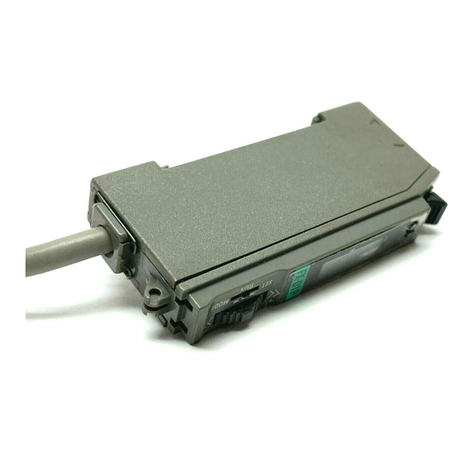
Sunx FX-D1 User manual

Sunx

Sunx FX-D1 User manual

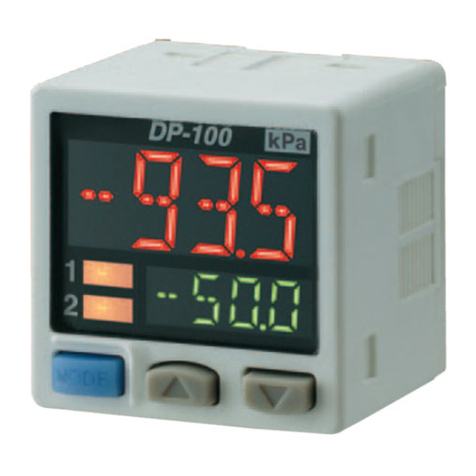
Sunx DP-100 Series User manual

Sunx

Sunx DP-100 Series User manual

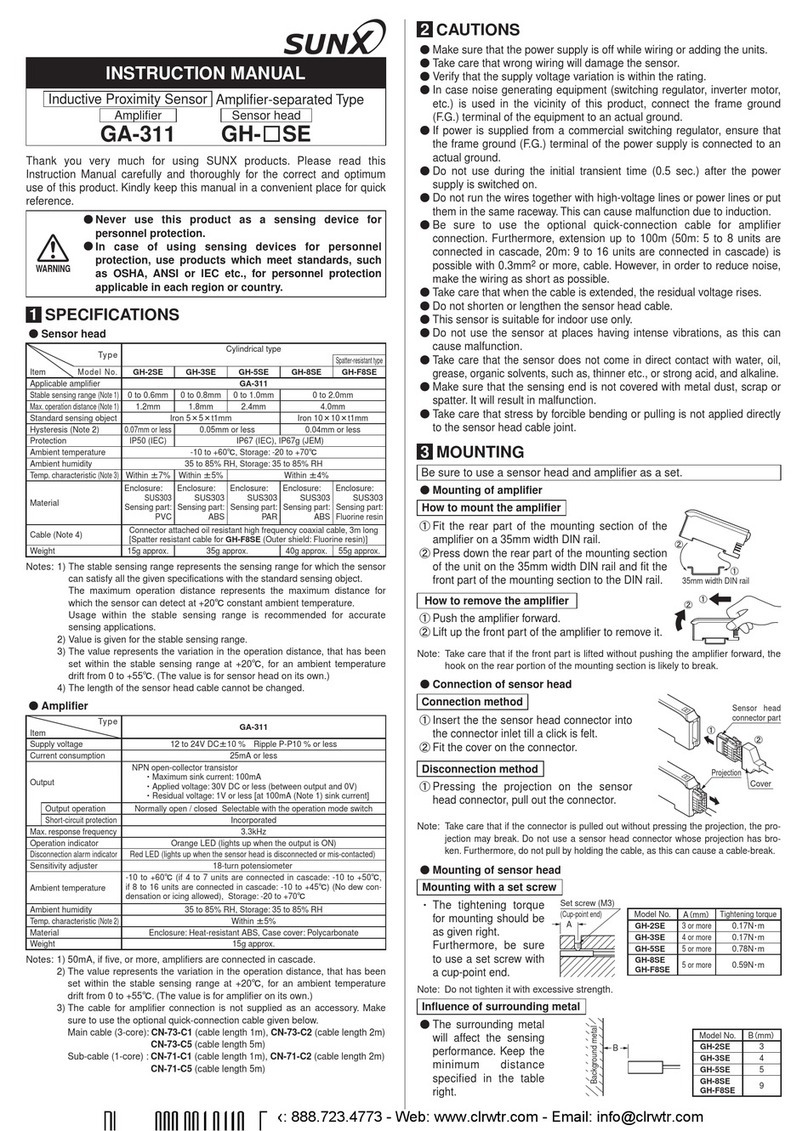
Sunx GA-311 User manual

Sunx

Sunx GA-311 User manual

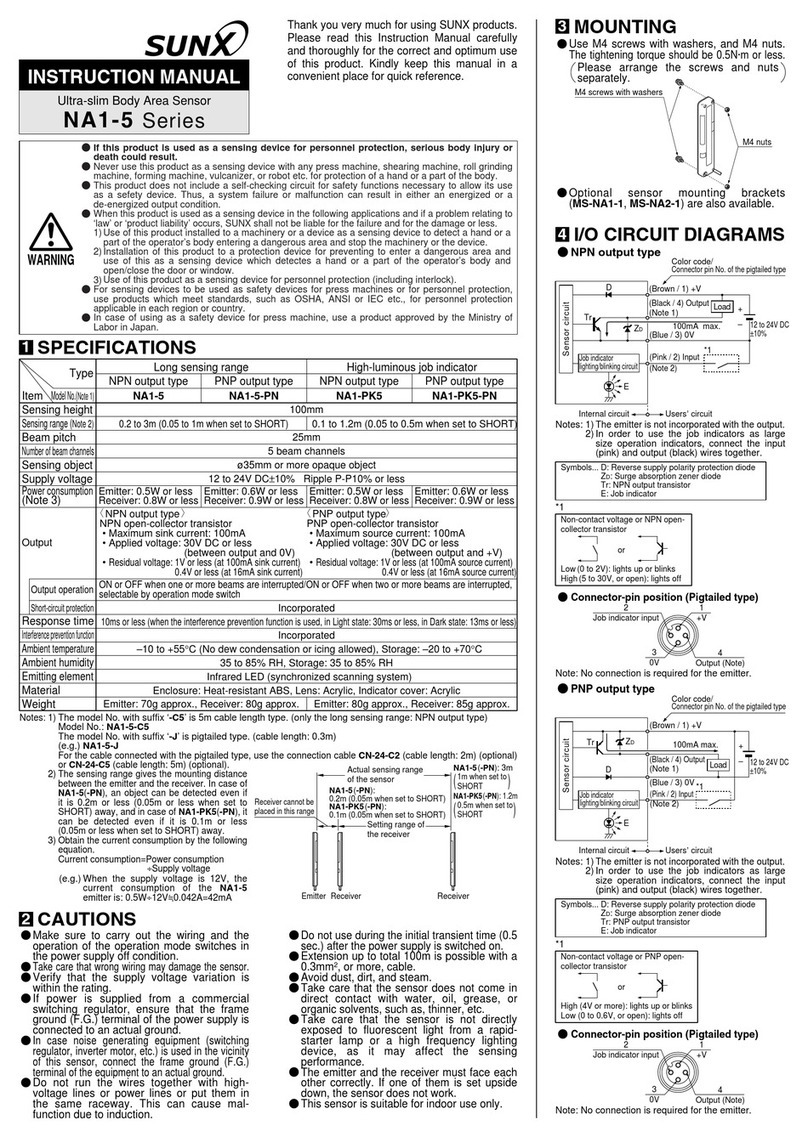
Sunx NA1-5 User manual

Sunx

Sunx NA1-5 User manual

Sunx EQ-501 User manual

Sunx

Sunx EQ-501 User manual

Sunx FX-11A User manual

Sunx

Sunx FX-11A User manual

Sunx LM10 User manual

Sunx

Sunx LM10 User manual

Sunx NA2-N Series User manual

Sunx

Sunx NA2-N Series User manual

Sunx SF1-N Series User manual

Sunx

Sunx SF1-N Series User manual

Sunx DP4 Series User manual

Sunx

Sunx DP4 Series User manual

Sunx FX-M1 Series User manual

Sunx

Sunx FX-M1 Series User manual

Sunx CX-411 User manual

Sunx

Sunx CX-411 User manual

Sunx FX-100 SERIES User manual

Sunx

Sunx FX-100 SERIES User manual

Sunx EX-30 Series User manual

Sunx

Sunx EX-30 Series User manual

Sunx SF2-EH Series User manual

Sunx

Sunx SF2-EH Series User manual

Sunx MQ-W3 User manual

Sunx

Sunx MQ-W3 User manual

Sunx SF1-F Series User manual

Sunx

Sunx SF1-F Series User manual

Sunx DP2-20 User manual

Sunx

Sunx DP2-20 User manual

Sunx DP-100 Series Operating manual

Sunx

Sunx DP-100 Series Operating manual

Sunx EX-L211-P User manual

Sunx

Sunx EX-L211-P User manual

Sunx NA1-11 User manual

Sunx

Sunx NA1-11 User manual

Sunx FX-101 User manual

Sunx

Sunx FX-101 User manual

Sunx FX-100-Z Series User manual

Sunx

Sunx FX-100-Z Series User manual

Sunx HL-C1 Series User manual

Sunx

Sunx HL-C1 Series User manual

Popular Accessories manuals by other brands

Quincy lab 140AE-1 operating manual

Quincy lab

Quincy lab 140AE-1 operating manual

HomePro ZIR000 user manual

HomePro

HomePro ZIR000 user manual

DOL 20SCR Technical user guide

DOL

DOL 20SCR Technical user guide

RAB Smart Task installation manual

RAB

RAB Smart Task installation manual

Kemppi KMS 300 quick guide

Kemppi

Kemppi KMS 300 quick guide

Stearns 57,500 Series Installation and service instructions

Stearns

Stearns 57,500 Series Installation and service instructions

iGuzzini TWILIGHT COPENAGHEN manual

iGuzzini

iGuzzini TWILIGHT COPENAGHEN manual

Adelaide Annexe & Canvas Avan Deluxe installation guide

Adelaide Annexe & Canvas

Adelaide Annexe & Canvas Avan Deluxe installation guide

OHAUS 5000 instruction manual

OHAUS

OHAUS 5000 instruction manual

HOME8 WLS1300 quick start guide

HOME8

HOME8 WLS1300 quick start guide

MAXBOTIX MaxSonar quick start guide

MAXBOTIX

MAXBOTIX MaxSonar quick start guide

ioSmart iSmart56 Installation and user guide

ioSmart

ioSmart iSmart56 Installation and user guide

Focusrite Scarlett 18i8 user guide

Focusrite

Focusrite Scarlett 18i8 user guide

Velleman ED38105 user manual

Velleman

Velleman ED38105 user manual

JumpSport SkyBounce user manual

JumpSport

JumpSport SkyBounce user manual

Prima-Temp PRIYA Instructions for use

Prima-Temp

Prima-Temp PRIYA Instructions for use

Tefcold BC85I-BC85I W user manual

Tefcold

Tefcold BC85I-BC85I W user manual

Vaisala WMS302 user guide

Vaisala

Vaisala WMS302 user guide

manuals.online logo
manuals.online logoBrands
  • About & Mission
  • Contact us
  • Privacy Policy
  • Terms and Conditions

Copyright 2025 Manuals.Online. All Rights Reserved.

Thank you very much for using SUNX products. Please read this Instruc-
tion Manual carefully and thoroughly for the correct and optimum use of this
product. Kindly keep this manual in a convenient place for quick reference.
INSTRUCTION MANUAL
MSeries
Wafer Address Sensor
Photoelectric Sensor
OUTLINE
1
This product detects wafers in a wafer
cassette simultaneously in the process
of manufacturing semiconductors.
Since the emitter and the receiver are
comb-like structure, number or position
of wafers can be checked.
As the I/O part is the connector type,
maintenance can be easily done.
Ɣ
Ɣ
Ɣ
Wafer
Wafer cassette
Sensor body
MOUNTING
2
Attached spacers must be used to mount the sensor.
The tightening torque of the M4 screws should be 0.78 N·m or less.
Ɣ
Ɣ
Adjust the mounting of the sensor
so that when the wafers are inserted
into the spaces between the sensor
probes, the distance between the ori-
HQWDWLRQÀDWVDQGWKHVHQVRUERG\LV
12mm or less.
Ɣ
M4 screw
Mounting board
Spring washer
Plain washer
Spacer (Accessory)
Wafer
Good
Not good
12mm or less
Sensor body
Orientation flat
Wafer
Carefully mount the sensor so that
the sensing probes do not touch any
wafer.
Ɣ
CONNECTION METHOD
3
Recommended mating connectorƔ
Model No. Manufacturer
HIF3BA-30D-2.54R Hirose Electric Co., LTD.
Note: Since the recommended mating connector is not attached, please arrange
separately.
Recommended mating
connector
WARNING
Never use this product as a sensing device for personnel protection.
In case of using sensing devices for personnel protection, use products
which meet laws and standards, such as OSHA, ANSI or IEC etc., for
personnel protection applicable in each region or country.
Ɣ
Ɣ
I/O CIRCUIT DIAGRAM
4
Main circuit
(2) + V
20 to 26.4V DC
+
í
*1
(30) Test input
(Emission halt input)
Users’ circuitInternal circuit
(29)
Output
invalid input
(3) Channel 1 sensing output
(28) Channel 26 sensing
output (Note 1)
(1) 0V
5V
5V
20mA max.
20mA max.
Terminal No.
*1
Non-voltage contact or NPN open-collector transistor
or
Test input (Emission halt input)
Low (+1.5V or less): Emission halt, High (+3.6V or more): Emission
Output invalid input
Low (+1.5V or less): All channels OFF, High (+3.6V or more): Output possible
•
•
Notes: 1) Terminal No. 28 of M-825 and M-625 is assigned 0V.
2) The sensing output does not incorporate a short-circuit protection circuit.
Do not connect it directly to a power supply or a capacitive load.
Recommended mating connector components
The recommended mating connector consists of the following three
components.
Ɣ
15.6mm
42.67mm
<Main body>
<Protector>
<Clamp>
Assembly diagram
Connection methodƔ
1. Prepare the exclusive jigs as follows, and a jig for cutting the cable.
2. Cut the cable to the required length.
3. Fix the guide plate and the pressing block to the connection press.
Set the components to the guide plate in order of protector, cable, and
the main body, then press down by the connection press.
4. Bend the cable and mount the clamp.
Jig Product name HRS No. Manufacturer
Connection press
Hi-Flex connection press HHP 502
550-0082-2 Hirose Electric
Co., LTD.
Pressing block Pressing block A-01 550-0133-1
Guide plate HIF3-CPA2 550-0156-7
Connection press
Cable
Polarity mark
Protector
Orientation mark
Main body
Pressing block
Guide plate
Clamp
<Completion drawing>
Note : Match the orientation mark of the cable with the polarity mark.
TEST INPUT (EMISSION HALT) FUNCTION
5
When the test input (emission halt input) is turned ON (+1.5V or less,) all
LEDs stop emission, generating the wafer sensed condition, and output
transistors of all channels become ON.
The output circuit of the sensor can be checked by using the test input
(emission halt input.)
Ɣ
Ɣ
ON
OFF
Emission
Emission
halt
ON
[Emitting LED]
[Output]
Normal Error
OFF
Test input
(Emission halt input)
OUTPUT INVALID (EXTERNAL SYNCHRONIZATION) FUNCTION
6
If the output invalid input is turned ON (+1.5V or less,) the output transistors of
all channels stay in the OFF state irrespective of the wafer detection condition.
Several sensors can be used in parallel by using the output invalid inputs,
thereby reducing the required PLC input points.
Ɣ
Ɣ
Output
Output invalid
input 1
Output invalid input 2
Sensor 1Sensor 2
Switch position Sensor operation
1
2Only Sensor 2 is operative
1
2Only Sensor 1 is operative
Connector pin positionƔ
2927252321191715131197531
30282624222018161412108642
Orientation mark
Recommended mating connector
HIF3BA-30D-2.54R
[Manufactured by Hirose Electric Co., LTD.]
Connector
HIF3BA-30PD-2.54R-MC
[Manufactured by Hirose Electric Co., LTD.]
Terminal No.
Description
Terminal No.
Description
1 0V 16 OUT 14
2 +V 17 OUT 15
3 OUT 1 18 OUT 16
4 OUT 2 19 OUT 17
5 OUT 3 20 OUT 18
6 OUT 4 21 OUT 19
7 OUT 5 22 OUT 20
8 OUT 6 23 OUT 21
9 OUT 7 24 OUT 22
10 OUT 8 25 OUT 23
11 OUT 9 26 OUT 24
12 OUT 10 27 OUT 25
13 OUT 11 28
OUT 26 (Note)
14 OUT 12 29
Output invalid input
15 OUT 13 30
Test input (Emission halt input)
Note: Terminal No.28 of M-825 and M-625 is
assigned 0V.
PRINTED IN JAPAN
Overseas Sales Dept. (Head Office)
2431-1 Ushiyama-cho, Kasugai-shi, Aichi, 486-0901, Japan
Phone: +81-(0)568-33-7861 FAX: +81-(0)568-33-8591
Europe Headquarter: Panasonic Electric Works Europe AG
Rudolf-Diesel-Ring 2, D-83607 Holzkirchen, Germany
Phone: +49-8024-648-0
US Headquarter: Panasonic Electric Works Corporation of America
629 Central Avenue New Providence, New Jersey 07974 USA
Phone: +1-908-464-3550
URL : sunx.com
SUNX Limited
SPECIFICATIIONS
7
Type For 8 inch wafer
For 6 inch wafer
25 pieces 26 pieces 25 pieces
Item
Model No.
M-825 M-826 M-625
Wafer pitch 6.35mm 4.76mm
Supply voltage 20 to 26.4V DC Ripple P-P 10% or less
Current consumption 200mA or less
Sensing output
NPN open-collector transistor
Maximum sink current: 20mA
Applied voltage: 30V DC or less
(between sensing output and 0V)
Residual voltage: 1V or less (at 20mA sink current)
•
•
•
Number of channels
25 channels 26 channels 25 channels
Output operation Dark-ON
Response time 1ms or less
Power indicator Red LED (lights up when the power is ON)
Ambient temperature
0 to +40
Û&
(No dew condensation,) Storage: -25 to +60
Û
C
Ambient humidity 35 to 85% RH, Storage: 35 to 85% RH
Emitting element Infrared LED (modulated)
Material Enclosure: ABS, Sensing probe: PPS, Connector: PBT
Cable PPSLWFKFRUHÀH[LEOHÀDWFDEOHPPORQJZLWK
clamp connector
Weight 150g approx.
Accessory Spacer: 2 pcs.
CAUTIONS
8
This product has been developed / produced for industrial use only.
Make sure that the power supply is off while wiring.
Do not run the wires together with high-voltage lines or power lines or put
them in the same raceway. This can cause malfunction due to induction.
Verify that the supply voltage variation is within the rating.
If power is supplied from a commercial switching regulator, ensure that
the frame ground (F.G.) terminal of the power supply is connected to an
actual ground.
In case noise generating equipment (switching regulator, inverter motor,
etc.) is used in the vicinity of this product, connect the frame ground (F.G.)
terminal of the equipment to an actual ground.
Do not use during the initial transient time (100ms.) after the power sup-
ply is switched on.
([WHQVLRQXSWRWRWDOPLVSRVVLEOHZLWKDQHTXLYDOHQWÀDWFDEOH
Make sure that stress by forcible bend or pulling is not applied directly
to the sensor cable joint.
Take care that the sensor is not directly exposed to fluorescent lamp
from a rapid-starter lamp, a high frequency lighting device or sunlight
etc., as it may affect the sensing performance.
Before use the product, make sure to eliminate the static electricity of
the wafer.
Make sure that stress is not applied to the sensor probe.
Wafer which transmits infrared light cannot be detected, since the infra-
red LED is used for the emitting element.
This sensor is suitable for indoor use only.
Avoid dust, dirt, and steam.
Take care that the product does not come in contact with water, oil,
grease, organic solvents, such as thinner, etc., strong acid or alkaline.
Ɣ
Ɣ
Ɣ
Ɣ
Ɣ
Ɣ
Ɣ
Ɣ
Ɣ
Ɣ
Ɣ
Ɣ
Ɣ
Ɣ
Ɣ
Ɣ
INTENDED PRODUCTS FOR CE MARKING
9
The models listed under “ SPECIFICATIONS” come with
CE Marking.
$VIRUDOORWKHUPRGHOVSOHDVHFRQWDFWRXURI¿FH
Ɣ