ENG
7
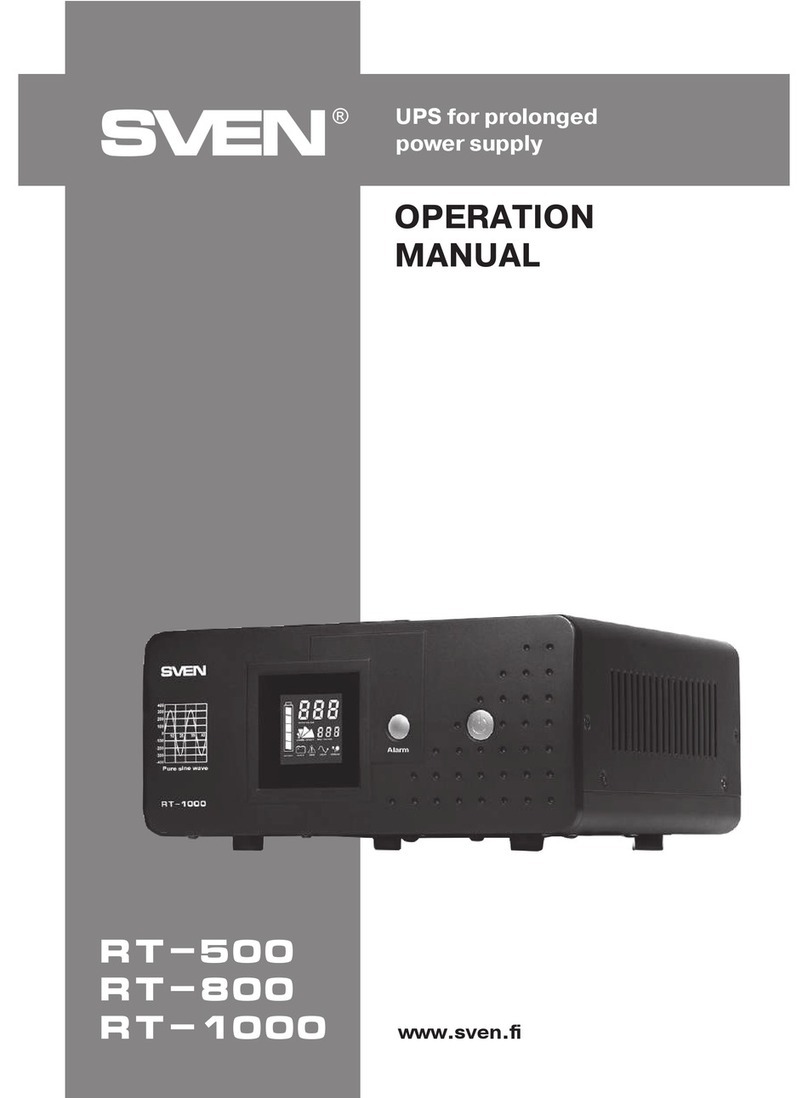
RT-500, RT-1000
User Manual
• Insert the UPS plug into a socket once more, “autostart” function will start it automatically.
LCD display i will turn on, buzzer beeps 4 times shortly. The gure “230” will be displayed
on the output voltage indicator a. Then turn on the connected devices using their switch-
es (turn on the most powerful device rst and the most low-powered should be last turned
onthelast).
Notes. When the occasion requires disconnecting the UPS enforced, unplug devices-consumers
and turn o the UPS in manner aforesaid. Press and hold the button h within 4 seconds tore-
start the UPS. The buzzer beeps four times and the output voltage indicator awill display
the gure “230”. If the UPS is not used for a long time, the battery is to be charged once every
three months. We recommend to read the manufacturer’s manual for the proper maintenance
of the battery. If the UPS is not used for a long time, unplug it and disconnect the battery set.
As this UPS has the autostart function, a power supply failure will result in the UPS automatic
starting.
Cold start function
• The UPS can be switched on without connection to the mains using the cold start function.
Inorder to switch on the UPS, press and hold down the button k within 4 sec. The buzzer
beeps four times, the output voltage indicator a displays the gure “230” and the power will be
supplied to devices-consumers.
Note. It is not recommended to use the cold start function when the connected load is large.
Sound alarm and protection
• At the instant the UPS starts to use power from batteries (when there is power failure), itbeeps
4 times. Then the UPS beeps every 30 seconds, when it operates from batteries. This function
can be switched o. To do this, press and hold down the button j within 2 sec., the buzz-
er beeps one time and signals will be over. When beeps are required, repeat the procedure.
Youcan also to turn o all sound signals by pressing the button lon the rear panel of UPS.
Press the button lto turn on all sound signals.
• If the battery capacity is low (while operating from batteries), the UPS beeps every second.
Whenthe batteries are fully discharged UPS will frequent beeps for 20 seconds and then turns
o automatically. If you turn o the button beeps l, signal low battery charge will not supplied.
• When the battery residual voltage is lower than 10.5 V, the UPS is switched o. When load istoo
high (110–120 %), the UPS delivers frequent intermittent warning beeps within 20 sec., then it
will turn o the load automatically. When load is 120 % or more the UPS delivers asingle beep
andthen it is turned o automatically.
• When the UPS protection is activated, load power supply, turn on the device again by pressing
the front panel button.
Three-stage switch of charging current
It enables the user to connect batteries of dierent capacities depending on the required time
ofproviding back-up power.
Table 2. Selection of the charging current for a battery depending on its capacity
Battery capacity Charging current Switch position
from 20 to 50 А·h low (3 A ~ 5 A) L
from 50 to 100 А·h middle (7 A ~ 9 A) M
from 100 to 200 А·h high (13 A ~ 15 A) H