manuals.online logo
Brands
  1. Home
  2. •
  3. Brands
  4. •
  5. TECO
  6. •
  7. Inverter
  8. •
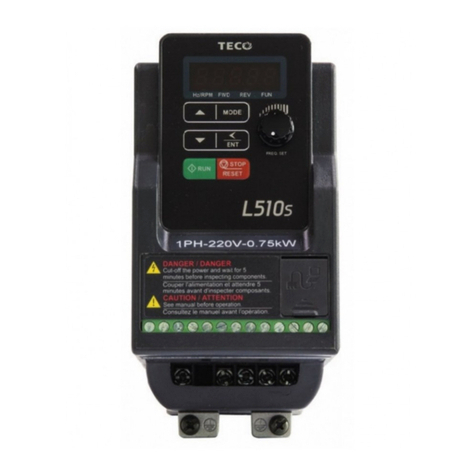
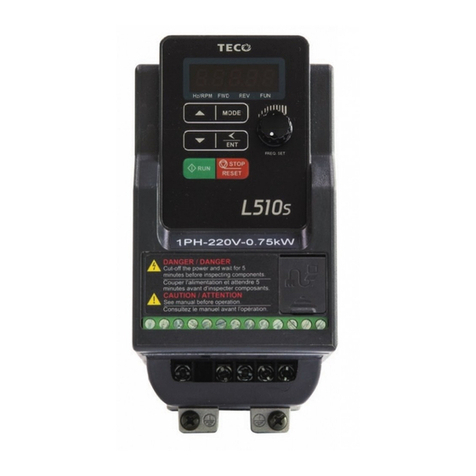
  9. TECO L510S Series User manual

TECO L510S Series User manual

Other manuals for L510S Series

3

This manual suits for next models

8

Other TECO Inverter manuals

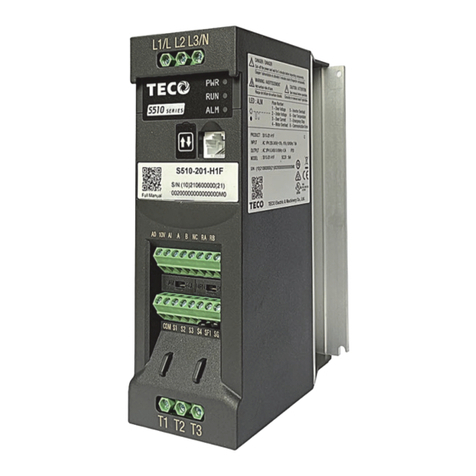
TECO S510 Series User manual

TECO

TECO S510 Series User manual

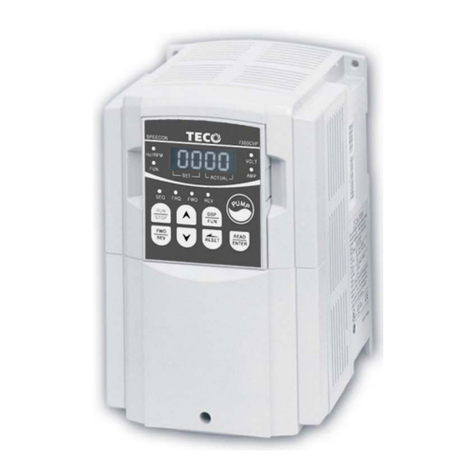
TECO speecon 7200ma User manual

TECO

TECO speecon 7200ma User manual

TECO A510-2001-H User manual

TECO

TECO A510-2001-H User manual

TECO T-verter N2 Series User manual

TECO

TECO T-verter N2 Series User manual

TECO A510s Manual

TECO

TECO A510s Manual

TECO L510 User manual

TECO

TECO L510 User manual

TECO E710 Series User manual

TECO

TECO E710 Series User manual

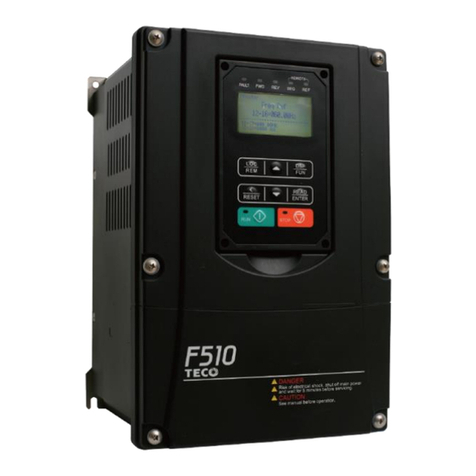
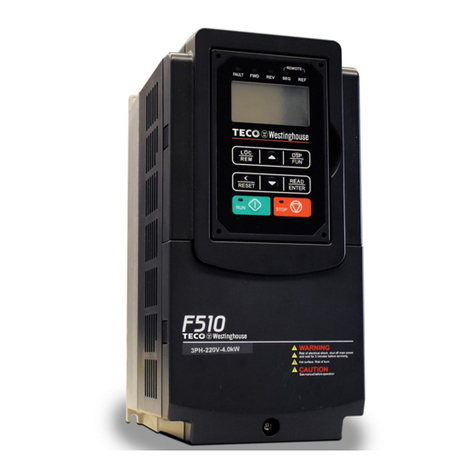
TECO F510 series User manual

TECO

TECO F510 series User manual

TECO A510-2001-H User manual

TECO

TECO A510-2001-H User manual

TECO N3 Series User manual

TECO

TECO N3 Series User manual

TECO SPEECON 7200GS User manual

TECO

TECO SPEECON 7200GS User manual

TECO JNTHBCBA0001BEAU User manual

TECO

TECO JNTHBCBA0001BEAU User manual

TECO F510 series User manual

TECO

TECO F510 series User manual

TECO JN5-CM-USB User manual

TECO

TECO JN5-CM-USB User manual

TECO MV510 Series User manual

TECO

TECO MV510 Series User manual

TECO 7200 MA Series User manual

TECO

TECO 7200 MA Series User manual

TECO L510 User manual

TECO

TECO L510 User manual

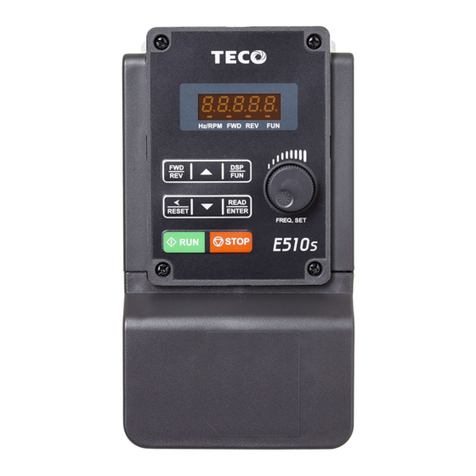
TECO E510s Series Operator's manual

TECO

TECO E510s Series Operator's manual

TECO e510 series User manual

TECO

TECO e510 series User manual

TECO F510 series Manual

TECO

TECO F510 series Manual

TECO A510 Installation and operating manual

TECO

TECO A510 Installation and operating manual

TECO L510S Series Installation guide

TECO

TECO L510S Series Installation guide

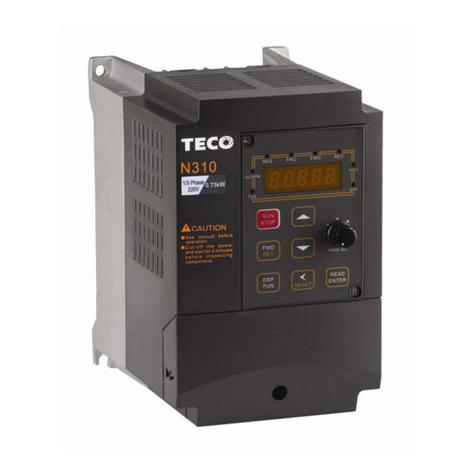
TECO N310 Series User manual

TECO

TECO N310 Series User manual

TECO e510 series User manual

TECO

TECO e510 series User manual

Popular Inverter manuals by other brands

Omnik New Energy Omniksol-1.5k-TL user manual

Omnik New Energy

Omnik New Energy Omniksol-1.5k-TL user manual

Agilent Technologies 33250A user guide

Agilent Technologies

Agilent Technologies 33250A user guide

4-noks ZR-SWITCH-RC instruction manual

4-noks

4-noks ZR-SWITCH-RC instruction manual

V&T V5 Series user manual

V&T

V&T V5 Series user manual

Hon Turing HT-T-S1000-12 introduction

Hon Turing

Hon Turing HT-T-S1000-12 introduction

Metabo E 140 SP Plus Original operating instructions

Metabo

Metabo E 140 SP Plus Original operating instructions

BARRON EXITRONIX Tucson Micro Series installation instructions

BARRON

BARRON EXITRONIX Tucson Micro Series installation instructions

Baumer HUBNER TDP 0,2 Series Mounting and operating instructions

Baumer

Baumer HUBNER TDP 0,2 Series Mounting and operating instructions

electroil ITTPD11W-RS-BC Operation and Maintenance Handbook

electroil

electroil ITTPD11W-RS-BC Operation and Maintenance Handbook

Silicon Solar TPS555-1230 instruction manual

Silicon Solar

Silicon Solar TPS555-1230 instruction manual

Mission Critical Xantrex Freedom SW-RVC owner's guide

Mission Critical

Mission Critical Xantrex Freedom SW-RVC owner's guide

HP 3312A Operating and service manual

HP

HP 3312A Operating and service manual

Hoymiles HM-500T user manual

Hoymiles

Hoymiles HM-500T user manual

Nitecore SPM10 user manual

Nitecore

Nitecore SPM10 user manual

AEG Protect PV installation manual

AEG

AEG Protect PV installation manual

On Board TruePower Plus 1200MS owner's manual

On Board

On Board TruePower Plus 1200MS owner's manual

Plugreen PGM-200P-230 Installation and operation manual

Plugreen

Plugreen PGM-200P-230 Installation and operation manual

Fourgroup Easy use and Programming Handbook

Fourgroup

Fourgroup Easy use and Programming Handbook

manuals.online logo
manuals.online logoBrands
  • About & Mission
  • Contact us
  • Privacy Policy
  • Terms and Conditions

Copyright 2025 Manuals.Online. All Rights Reserved.

1
Chapter 1 Safety Precautions
1.1 Before Power Up
Danger
Make sure the main circuit connections are correct. Single phase L1(L),L3(N), and
Three phase L1(L),L2,L3(N); 400V : L1,L2,L3 are power-input terminals and must not
be mistaken for T1,T2 and T3. Otherwise, inverter damage can result.
Caution
The line voltage applied must comply with the inverter’s specified input voltage.(See
the nameplate)
To avoid the front cover from disengaging, or other damage do not carry the inverter by
its covers. Support the drive by the heat sink when transporting. Improper handling can
damage the inverter or injure personnel and should be avoided.
To avoid the risk of fire, do not install the inverter on a flammable object. Install on
nonflammable objects such as metal.
If several inverters are placed in the same control panel, provide heat removal means
to maintain the temperature below 50 degree C to avoid overheat or fire.
When disconnecting the remote keypad, turn the power off first to avoid any damage
to the keypad or the inverter.
Installation limitation, -10~50℃ (cooling fan inside model), -10~40℃ (without cooling fan
inside model)
Warning
This product is sold subject to EN 61800-3 and EN 61800-5-1.
In a domestic environment this product may cause radio interference in which
case the user may be required to apply corrective measures.
Caution
Work on the device/system by unqualified personnel or failure to comply with warnings
can result in severe personal injury or serious damage to material. Only suitably
qualified personnel trained in the setup, installation, commissioning and operation of
the product should carry out work on the device/system.
Only permanently-wired input power connections are allowed.
1.2 During Power Up
Danger
When the momentary power loss is longer than 2 seconds, the inverter will not have
sufficient stored power for its control circuit. Therefore, when the power is re-applied,
the run operation of the inverter will be based on the setup of following parameters:
Run parameters. 00-02 or 00-03.
Direct run on power up. Parameter. 07-04 and the status of external run switch,
Note-: the start operation will be regardless of the settings for parameters
07-00/07-01/07-02.
Danger. Direct run on power up.
If direct run on power up is enabled and inverter is set to external run
with the run FWD/REV switch closed then the inverter will restart.
Danger
Prior to use, ensure that all risks and safety implications are considered.
When the momentary power loss ride through is selected and the power loss is short,
the inverter will have sufficient stored power for its control circuits to function, therefore,
when the power is resumed the inverter will automatically
restart depending on the setup of parameters 07-00 & 07-01.

2
1.3Before Operation
Caution
Make sure the model and inverter capacity are the same as that set in parameter
13-00.

Note : On power up the supply voltage set in parameter 01-01 will flash on display
for 2 seconds.
1.4 During Operation
Danger
Do not connect or disconnect the motor during operation. Otherwise, It may cause the
inverter to trip or damage the unit.
Danger
To avoid electric shock, do not take the front cover off while power is on.
The motor will restart automatically after stop when auto-restart function is enabled. In
this case, care must be taken while working around the drive and associated
equipment .
The operation of the stop switch is different than that of the emergency stop switch. The
stop switch has to be activated to be effective. Emergency stop has to be de-activated
to become effective.
Caution
Do not touch heat radiating components such as heat sinks and brake resistors.
The inverter can drive the motor from low speed to high speed. Verify the allowable
speed ranges of the motor and the associated machinery.
Note the settings related to the braking unit.
Risk of electric shock. The DC link capacitors remain charged for five minutes after
power has been removed. It is not permissible to open the equipment until 5 minutes
after the power has been removed.
Caution
The Inverter should be used in environments with temperature range from (14-104℉)
or (-10 to 40℃) and relative humidity of 95%.
Note: models with fan : -10~50℃, models without fan : -10~40℃
Danger
Make sure that the power is switched off before disassembling or checking any
components.
1.5 Inverter Disposal
Caution
Please dispose of this unit with care as an industrial waste and according to your
required local regulations.
The capacitors of inverter main circuit and printed circuit board are considered as
hazardous waste and must not be burnt.
The Plastic enclosure and parts of the inverter such as the cover board will release
harmful gases if burnt.
Equipment containing electrical components may not be disposed of together with
domestic waste. It must be separately collected with electrical and electronic waste
according to local and currently valid legislation.
1.6 Guaranteed Liability Exemption
Loss of opportunity caused by the company's products, damage to customers of your
company or your company, damage to non-company products, or compensation for
other businesses, whether within the warranty period or not, is not covered by the
company.
3
Chapter 2 Environment & Installation
2.1 System Diagram
~
~
~
Power Supply
Molded
Circuit
Breaker
Magnetic
Contactor
AC
Reactor
Fast
Acting
Fuse
Input Noise
Filter
Inverter
Ground
Induction
Motor
Ground
Output Noise
Filter
Power supply:
Make sure the correct voltage is applied to avoid damaging the
inverter.
Molded-case circuit breaker (MCCB) or fused disconnect:
A molded-case circuit breaker or fused disconnect must be installed
between the AC source and the inverter that conforms to the rated
voltage and current of the inverter to control the power and protect the
inverter.
Do not use the circuit breaker as the run/stop switch for the
inverter.
Ground fault detector / breaker:
Install a ground fault breaker to prevent problems caused by
current leakage and to protect personnel. Select current range up to
200mA, and action time up to 0.1 second to prevent high frequency
failure.
Magnetic contactor:
Normal operations do not need a magnetic contactor. When performing
functions such as external control and auto restart after power failure, or
when using a brake controller, install a magnetic contactor.
Do not use the magnetic contactor as the run/stop switch for
theinverter.
AC line reactor for power quality:
When inverters are supplied by a high capacity power source (>
600KVA), an AC reactor can be connected to improve the power factor.
Install Fast Acting Fuse:
To protect peripheral equipment, install fast acting fuses in accordance
with the specifications in the instruction manual for peripheral devices.
Input Noise filter:
A filter must be installed when there are inductive loads affecting the
inverter. The inverter meets EMC standard when the special filter is
used. See the instruction manual for peripheral devices.
Inverter:
Output terminals T1, T2, and T3 are connected to U, V, and W terminals
of the motor. If the motor runs in reverse while the inverter is set to run
forward, swap any two terminals connections for T1, T2, and T3.
To avoid damaging the inverter, do not connect the output
terminals T1, T2, and T3 to AC input power.
Connect the ground terminal properly. (200V class: Rg <100;
400V class: Rg <10.)
Output Noise filter:
An output noise filter may reduce system interference and induced
noise.
Motor:
If the inverter drives multiple motors the output rated current of the
inverter must be greater than the total current of all the motors.
4
2.2 Standard wiring
2.2.1 Single phase (NPN) input
Model:
100V : L510-1P2-SH1-N, L510-1P5-SH1-N, L510-101-SH1-N
200V : L510-2P2-SH1(F)-N, L510-2P5-SH1(F)-N,
L510-201-SH1(F)-N, L510-202-SH1(F)-N, L510-203-SH1(F)-N
1:Data+
2:Data-
3:Data+
4:Reserved
5:Reserved
6:Data-
7:5V
8:GND
5
2.2.2 Single phase (PNP) input
Model:
200V : L510-2P2-SH1(F)-P, L510-2P5-SH1(F)-P,
L510-201-SH1(F)-P, L510-202-SH1(F)-P, L510-203-SH1(F)-P
1:Data+
2:Data-
3:Data+
4:Reserved
5:Reserved
6:Data-
7:5V
8:GND
6
2.2.3 Three phase (NPN) input
Model:
200V : L510-2P2-SH3-N, L510-2P5-SH3-N, L510-201-SH3-N
L510-202-SH3-N, L510-203-SH3-N
400V : L510-401-SH3-N, L510-402-SH3-N, L510-403-SH3-N
1:Data+
2:Data-
3:Data+
4:Reserved
5:Reserved
6:Data-
7:5V
8:GND
7
2.2.4 Three phase (PNP) input
Model:
400V : L510-401-SH3(F)-P, L510-402-SH3(F)-P, L510-403-SH3(F)-P
1:Data+
2:Data-
3:Data+
4:Reserved
5:Reserved
6:Data-
7:5V
8:GND
8
2.2.5 NPN/PNP selectable models
Model:
200V : L510-205-SH3, L510-208-SH3, L510-210-SH3
400V : L510-405-SH3(F), L510-408-SH3(F), L510-410-SH3(F),
L510-415-SH3(F)
NPN/PNP input is selected by “SC” terminal.
If you need to use NPN input, please you shorted +24V and SC terminal.
If you need to use PNP input, please you shorted COM and SC terminal.
Notes : If the SC terminal does not be connected correctly, the functions of
group 3 will be malfunctioned.
1:Data+
2:Data-
3:Data+
4:Reserved
5:Reserved
6:Data-
7:5V
8:GND
9
2.3 Terminal Description
2.3.1 Description of main circuit terminals
Terminal symbols TM1 Function Description
L1(L) Main power input, single phase: L1(L) / L3(N)
three phase(200V): L1(L) / L2 / L3(N)
three phase(400V): L1 / L2 / L3
L2
L3(N)
P* externally connected braking resistor
BR*
T1
Inverter output, connect to U, V, W terminals of motor
T2
T3
Ground terminal
*P,BR for 205/208/210/401/402/403/405/408/410/415 series
Single phase
Note: the screw on L2 terminal is removed for the single phase input supply models.
Three phase(200V series)
Three phase (205 & 208 & 210 & 400V series)
L1(L) L2 L3(N) T1 T2 T3
L1 L2 L3 P BR T1 T2 T3