manuals.online logo
Brands
  1. Home
  2. •
  3. Brands
  4. •
  5. teko
  6. •
  7. Security System
  8. •
  9. teko Astra-321 User manual

teko Astra-321 User manual

Other teko Security System manuals
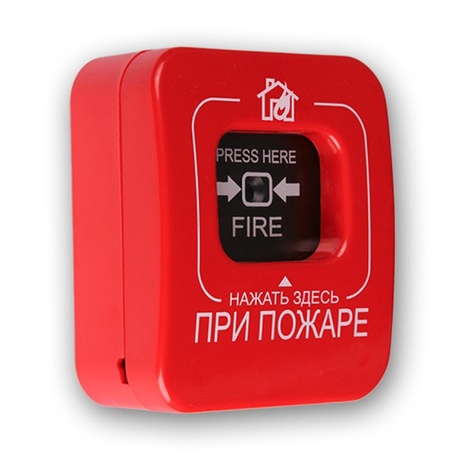
teko Astra-10 Ver.2 Installation instructions

teko

teko Astra-10 Ver.2 Installation instructions

teko Astra-322 User manual

teko

teko Astra-322 User manual

teko astra-10 Installation manual

teko

teko astra-10 Installation manual

teko Astra-R User manual

teko

teko Astra-R User manual

teko Astra-10 ver.3 User manual

teko

teko Astra-10 ver.3 User manual

teko Astra-Z-6145 User manual

teko

teko Astra-Z-6145 User manual
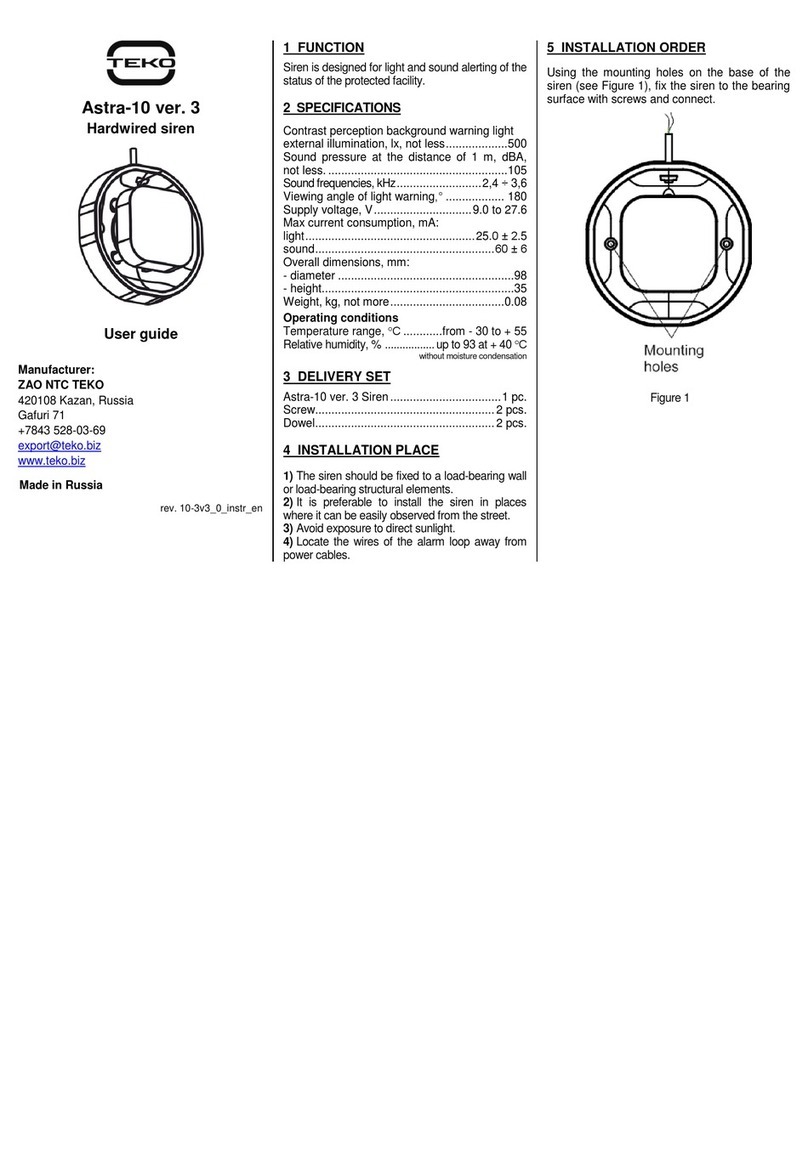
teko Astra-321 User manual

teko

teko Astra-321 User manual

teko Astra-4511 User manual

teko

teko Astra-4511 User manual

teko Astra-R Installation manual

teko

teko Astra-R Installation manual
Popular Security System manuals by other brands

Polon-Alfa 4000 Installation and maintenance manual

Polon-Alfa

Polon-Alfa 4000 Installation and maintenance manual

Nexcom NViS 14162 Series user manual

Nexcom

Nexcom NViS 14162 Series user manual

Eminent EM8670 Quick install

Eminent

Eminent EM8670 Quick install

urmet domus alpha 1060 INSTALLATION AND USE BOOKLET

urmet domus

urmet domus alpha 1060 INSTALLATION AND USE BOOKLET

SmartPool YardGuard YG03 manual

SmartPool

SmartPool YardGuard YG03 manual

DSC PC5964 Mounting instructions

DSC

DSC PC5964 Mounting instructions

Secure USAB-1 operating instructions

Secure

Secure USAB-1 operating instructions

B&B 480 SERIES Operation & maintenance manual

B&B

B&B 480 SERIES Operation & maintenance manual

ADEMCO VISTA-20P Series Installation and setup guide

ADEMCO

ADEMCO VISTA-20P Series Installation and setup guide

Inner Range Concept 2000 user manual

Inner Range

Inner Range Concept 2000 user manual

Johnson Controls PENN Connected PC10 Install and Commissioning Guide

Johnson Controls

Johnson Controls PENN Connected PC10 Install and Commissioning Guide

Aeotec Siren Gen5 quick start guide

Aeotec

Aeotec Siren Gen5 quick start guide

Swann SW-P-MC2 Specifications

Swann

Swann SW-P-MC2 Specifications

Ecolink Siren+Chime user manual

Ecolink

Ecolink Siren+Chime user manual

EDM Solution 6+6 Wireless-AE installation manual

EDM

EDM Solution 6+6 Wireless-AE installation manual

Siren LED GSM operating manual

Siren

Siren LED GSM operating manual

Detection Systems 7090i Installation and programming manual

Detection Systems

Detection Systems 7090i Installation and programming manual

FRIEDLAND MA10 Installation and operating instructions

FRIEDLAND

FRIEDLAND MA10 Installation and operating instructions

manuals.online logo
manuals.online logoBrands
  • About & Mission
  • Contact us
  • Privacy Policy
  • Terms and Conditions

Copyright 2025 Manuals.Online. All Rights Reserved.

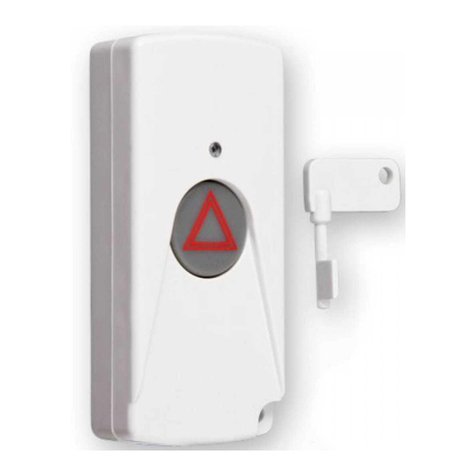
Astra-321
Electro-Contact Panic Button
User Guide
Manufacturer:
TEKO-TD
Prospekt Pobedy str. 19
420138 Kazan, Russia
+7(843) 528-03-69
[email protected]z www.teko.biz www.teko.biz/en
Made in Russia
Rev. 321-v1_2_instr_EN
1 FUNCTION
The detector is untended for manually switching
on the alarm signal by pressing the button and
transferring the alarm signal via 2-wire line.
2 SPECIFICATION
Switching voltage, V, max..............................72
Switching current, A, max .............................0.2
Overall dimensions, mm.....................87×60×30
Operating Conditions
Temperature range, °С........from - 30 up to +50
Relative air humidity, % ............up to 95 at +25 °С
Withoutmoisture condensation
3 DELIVERY SET
Delivery set includes: unlock key –2 pcs., user
guide –1 pcs.
4 OPERATION
The detector generates an alarm signal once
the detector button is pressed.
The button is mechanically locked in the
“Alarm” status by a spring.
A key is used to reset the detector to the
standby status.
5 INSTALLATION PLACE
The detector shall be mounted in a concealed,
discreet location for prompt and inconspicuous
use.
6 INSTALLATION PROCEDURE
1) Remove the
cover
2) Perform wiring
(see sec.7)
3) Install the cover
4) Perform detector
operability test
(see sec.8)
7 WIRING
Perform wiring to detector`s terminals in
accordance with control panel operating manual.
Normally closed
contacts
Normally opened
contacts
8 OPERABILITY TEST
1) Press the button.
The button shall
remain locked in
pressed position.
2) To restore the
detector to the
standby status,
turn the key.
9 WARRANTY
The operation warranty period is 2 years from the date
of operation start-up but no longer than 2 years 6
months from the date of manufacturing subject to the
requirements of Operating Manual.