1981-D03 REV.H 1/23/06 Page 6 of 12
TEC Controller Connection:
Using the Thorlabs TED Series TEC Controllers:
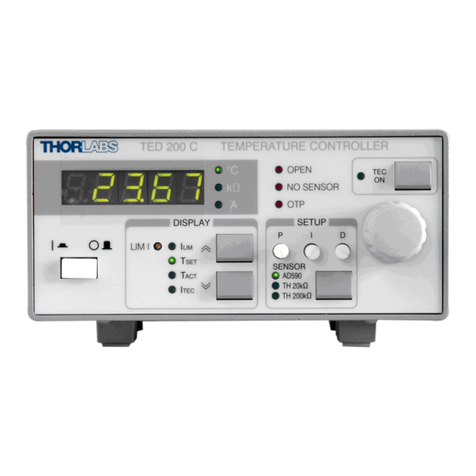
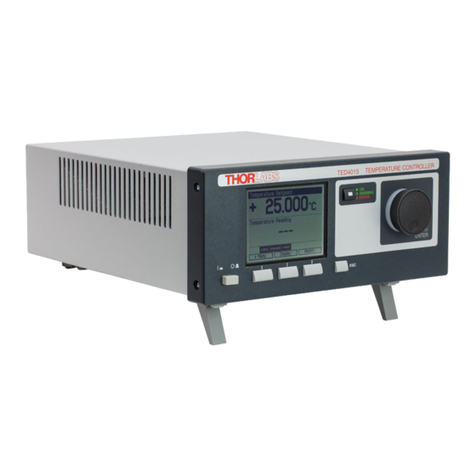
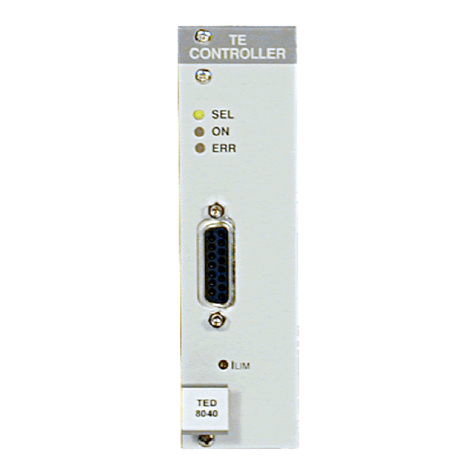
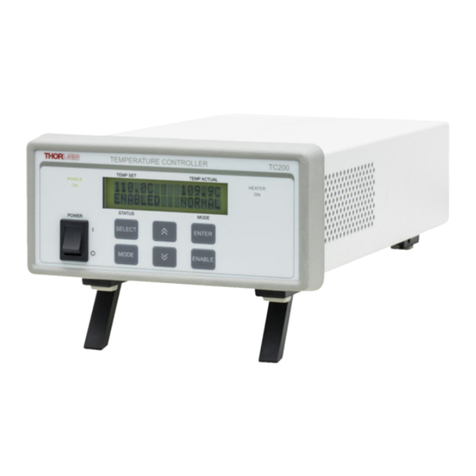
•The TCLDM9 is best used with Thorlabs TED200 or related TEC Controllers. The TED series are shipped with a
mating DB9 cable that plugs directly into the controller and laser mount. Using the cable supplied with the TED, the
controller cannot be connected incorrectly. Simply connect the cable included with the TED to the Laser Mount and to
the controller.
Using a third-party TEC controller:
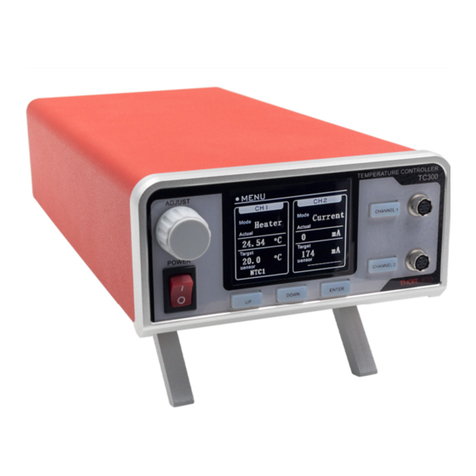
•When using a third-party controller, a custom cable will have to be made to properly interface to the laser mount.
Please refer to the table below for laser connections:
Table 3 - TEC Connector Pin Functions
TEC Interface
Pin Signal Description
4 +TEC This pin is connected to the positive terminal of the TEC element.
5 -TEC and TEC Lockout
(-) This pin is connected to the negative terminal of the TEC element, and
also is common to the cathode of the photo-relay of the TEC Lockout
circuit - refer to the Status and Interlock section of this manual.
1 TEC Lockout (+) This pin is connected to the anode of the photo-relay side of the TEC
Lockout circuit. When using Thorlabs TEDs no external circuitry is
required. To use these features with third-party controllers please refer
to the Status and Interlock section of this manual.
2 +Thermistor The 10KΩ@ 25°C NTC thermistor (provided for temperature feedback).
3 -Thermistor The thermistor return pin.
7 AD592(-) The negative terminal of the AD592 temperature transducer. When
using Thorlabs TEDs no external circuitry is required. To use this device
with third party controllers it must be properly biased. Refer to Analog
Devices AD592 Data for application information.
9 AD592(+) The positive terminal of the AD592
6 n.c.
8 n.c.
Mounting other Accessories:
The TCLDM9 includes a 1.035-40 threaded hole centered on the laser for mounting Thorlabs SM1-series optics mounts.
This is most often used for mounting aspheric collimating optics available separately from Thorlabs.
Also included are four 4-40 tapped holes mounted on 30mm centers for attaching Thorlabs cage assembly products.
Using the combination of the SM1 threaded mount and the cage assemblies’ products, a wide variety of optical systems
can be easily assembled form off-the-shelf products. In one such example, Thorlabs successfully built an external cavity
grating tunable laser used for atomic spectroscopy experiments. For more information and other examples please call
Thorlabs and an engineer will be happy to assist you.
Mounting ThorLabs Fiber Coupled Pigtailed Lasers:
Use the Pigtail Adapter clamp to hold the pigtail housing onto the TCLDM9 cold-plate. Referring to Fig. 4, first install the
pigtailed laser into the TCLDM9 socket, observing the proper polarity of the laser to the socket (the pigtail’s pin-outs are
provided with the pigtail data sheet). If installed properly the flange of the pigtail will look as shown in Fig. 4A. It may be
necessary to trim or remove the foam cold-plate insulator.
Make sure the pigtail’s laser diode leads are fully inserted into the socket and then slide the FC connector and optical fiber
of the Pigtail through the opening in the Pigtail Mounting Adapter. Draw the optical fiber through the opening and slide the
adapter over the pigtail housing, aligning the slot in the adapter with the flange on the Pigtail housing (Fig. 4B). The
mounting holes on the adapter should now be lined up with the threaded holes on the TCLDM9 cold-plate (Fig. 4C).
Secure the adapter to the cold-plate using two (2) 2-56 x 3/8” cap head screws provide with the adapter. Start each screw
into its respective mounting thread and tighten until just snug (do not over tighten), alternating between the two screws to
ensure that the adapter is tightened evenly onto the Pigtail flange.