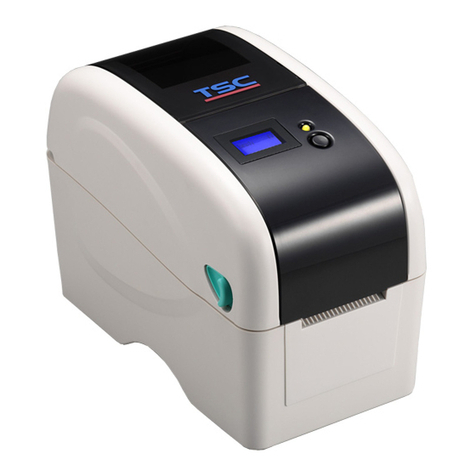
TSC TTP-245 series User manual

USER’S
MANUAL
TTP
-
245/343
THERMAL TRANSFER / DIRECT THERMAL
BAR CODE PRINTER

i
COPYRIGHT DECLARATION ..............................................................................1
COMPLIANCES................................................................................................1
1. Introduction.........................................................................................1
2. Getting Started....................................................................................1
2.1 Unpacking and Inspection............................................................1
2.2 Equipment Checklist.....................................................................1
2.3 Printer Parts...................................................................................3
3. Setup....................................................................................................4
3.1 Setting Up the Printer ...................................................................4
3.2 Loading the Ribbon.......................................................................4
3.3 Loading Label Stock.....................................................................6
3.4 External Label Roll Mount Installation (Option) .........................8
3.5 Peel-off Module Installation (Option)...........................................9
3.5.1 Loading the Paper in Peel-off Mode....................................12
3.6 Cutter Module Installation (Option) ...........................................14
3.6.1 Loading Label in Cutter Mode .............................................16
3.7 Instructions to Top Cover Operation.........................................18
4. Power on Utilities..............................................................................20
4.1 Ribbon and Gap/Black Mark Sensor Calibration......................20
4.2 Gap/Black Mark Calibration;Self-test;Dump Mode..............21
4.3 Printer Initialization.....................................................................24
4.4 Black Mark Sensor Calibration ..................................................25
4.5 Gap Sensor Calibration ..............................................................25
4.6 Skip AUTO.BAS...........................................................................25
5. Maintenance......................................................................................27
5.1 Cleaning.......................................................................................27
6. Troubleshooting................................................................................28
6.1 LED Status...................................................................................28
6.2 Print Quality.................................................................................29
7. Specifications ...................................................................................30
7.1 Printer Specifications .................................................................30
7.2 Label Stock Specifications.........................................................31
7.3 Ribbon Specifications.................................................................31
8. LED and Button Operation...............................................................32
8.1 LED...............................................................................................32
8.2 Button Operation.........................................................................32
Contents

ii
Update History ......................................................................................35

1
Copyright Declaration
Information in this subject to change without notice and does not represent a
commitment on the part of Taiwan Semiconductor Company. No part of this
manual may be reproduced or transmitted in any form by any means, for any
purpose other than the purchaser’s personal use, without the expressed
written permission of Taiwan Semiconductor Company.
The TrueType font engine is developed from the “FreeType Project" by David
Turner, Robert Wilhelm, and Werner Lemberg. All other products referred on
this document are the trademark or the registered trademark of each belonged
companies.
Compliances
CE Class B:
EN55022: 1998+A1: 2000+A2: 2003
EN55024: 1998+A1: 2001+A2: 2003 IEC 61000-4 Series
EN61000-3-2: 2006 & EN61000-3-3: 1995+A1: 2001
FCC Part 15, Class B
UL, CUL
C-Tick:
CFR 47, Part 15/CISPR 22 3rd Edition: 1997, Class B
ANSI C63.4: 2003
Canadian ICES-003
TÜV-GS: EN60950: 2000
Wichtige Sicherheits-Hinweise
1. Bitte lesen Sie Diese Hinweis sorgfältig durch
2. Heben Sie diese Anleitung fűr den späteren Gebrauch auf.
3. Vor jedem Reinigen ist das Gerät vom Stromentz zu trennen.
Verwenden Sie Keine Flűssig-oder Aerosolreiniger. Am besten eignet
sich ein angefeuchtetes Tuch zur Reinigung.
4. Die Netzanschlußsteckdose soll nahe dem Gerät angebraucht und
leicht zugänglich sein.
5. Das Gerät ist vor Feuchtigkeit zu schűtzen.
6. Bei der Aufstellung des Gerätes ist auf sicheren Stand zu achten. Ein
Kippen oder Fallen könnte Beschädigungen hervorrufen.
7. Beáchten Sie beim Anschluß an das stromnetz die Anschlußwerte.

2
8. Dieses das Gerät kann bis zu einer Außentemperatur von maximal 40℃
betieben werden.

1
1. Introduction
Thank you for purchasing the TSC TTP-245/343 series of Thermal Transfer and Direct
Thermal Bar Code Printers. Although the printer takes only a small amount of space, it
delivers reliable, superior performance.
This printer provides both thermal transfer and direct thermal printing at user selectable
speed of: 2.0, 3.0, 4.0 or 5.0 ips, for TTP-245; 2.0 or 3.0 ips for TTP-343. It accepts roll
feed, die-cut, and fan-fold labels for both thermal transfer and direct thermal printing.
All common bar codes formats are available. Fonts and bar codes can be printed in 4
directions, 8 different alphanumeric bitmap fonts and a build-in true type font capability.
You will enjoy high throughput for printing labels with this printer.
2. Getting Started
2.1 Unpacking and Inspection
This printer has been specially packaged to withstand damage during shipping.
Please carefully inspect the packaging and printer upon receiving the bar code printer.
Please retain the packaging materials in case you need to reship the printer.
2.2 Equipment Checklist
One printer unit
One Windows labeling software/driver CD disk
One sample ribbon roll
One sample label roll
One label spindle (1 inch diameter core)
Two label spindle fixed tabs
Two 1.5” core adapter
One paper core for ribbon rewind spindle
Two ribbon supply/rewind spindles
One Centronics interface cable
One auto switching power supply
One power cord
One quick start guide
If any parts are missing, please contact the Customer Service Department of your

2
purchased reseller or distributor.
Options
External label roll mount
Label spindle (3-inch diameter core)
Programmable keyboard (KU-007 Plus)
Stand-alone LCD keyboard (KP-200)
Automatic cutter module
Peel off module
Internal Ethernet print server
External 802.11b/g wireless print server

3
2.3 Printer Parts
Fig. 1 Top front view
Top Cover Open Lever
LED Indicator
Feed Button
Printer Top Cover
Ribbon Access Cover
Clear Window
1 2 3 4 5
6
1. USB Interface
2. Centronics Interface
3. RS-232C DB-9 Interface
4. Power Jack
5. Power Switch
6. Rear Paper Guide
Fig. 2 Rear view

4
3. Setup
3.1 Setting Up the Printer
1. Place the printer on a flat, secure surface.
2. Make sure the power switch is off.
3. Connect the printer to the computer with the Centronics or USB cable.
4. Plug the power cord into the power supply connector at the rear of the printer,
and then plug the power cord into a properly grounded receptacle.
Fig. 3 Attach power supply to printer
3.2 Loading the Ribbon
The printer will detect if the ribbon is installed after turning on power on and it will set
printing mode to thermal transfer or direct thermal printing mode. If printer does not
detect the ribbon, the ribbon take up motor will be turned off.
Make sure both the ribbon access window and the printer top cover are closed prior to
powering up the printer.
Power Supply
Plug
Power Cable
Power Switch
USB
RS-232C
Centronics

5
Please follow the steps below to install the ribbon into printer.
1. Push down on the ribbon access window to unlatch and open the cover.
2. Place a paper core onto the ribbon rewind spindle.
3. Mount the ribbon rewind paper core on the front hubs.
4. Install a ribbon on the ribbon supply spindle.
5. Mount the ribbon supply spindle on the rear hubs.
6. Thread the ribbon leading tape downward pass the print head.
7. Attach the ribbon leader to the ribbon rewind paper core.
8. Rotate the ribbon rewind paper core until the ribbon leader is thoroughly, firmly
encompassed by the black section of the ribbon.
9. Close the ribbon access window.
Fig. 4 Ribbon installation (I)
Ribbon S
p
indle
Front Hub
Paper Core
Back Hub
Ribbon Access Cove
r
Other manuals for TTP-245 series
2
This manual suits for next models
1
Table of contents
Other TSC Printer manuals
TSC
TSC DA210 Series User manual
TSC
TSC Alpha-3R User manual
TSC
TSC MB340 Series User manual
TSC
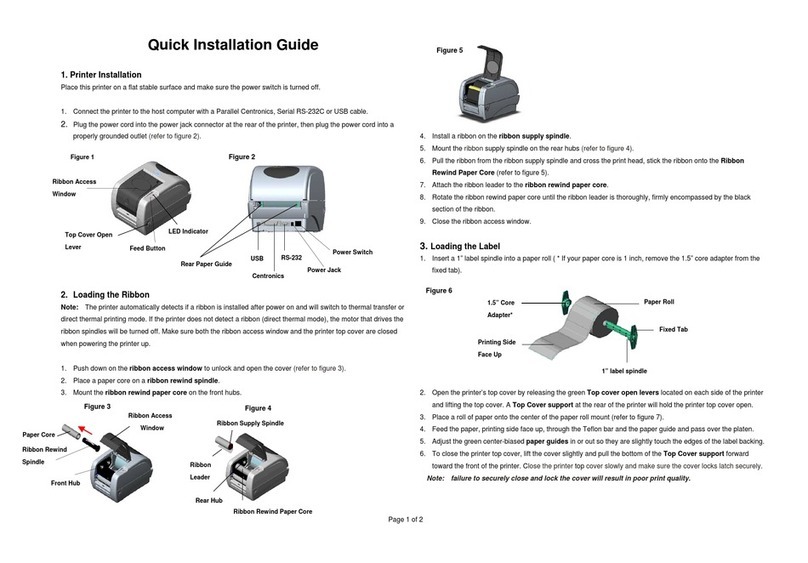
TSC TTP-245 series User manual
TSC
TSC TTP-2410MU Series User manual
TSC
TSC TTP-2410M User manual
TSC
TSC Alpha-3R User manual
TSC
TSC TDP-245 Series User manual
TSC
TSC Alpha-2R Series User manual
TSC
TSC MX240P Series User manual
TSC
TSC M 23 User manual
TSC
TSC TDM-20 User manual
TSC
TSC PEX1001 Series User manual
TSC
TSC TA300 Series User manual
TSC
TSC Alpha-3R User manual
TSC
TSC TX200 Series User manual
TSC
TSC Alpha-2R Series User manual
TSC
TSC CipherLab 1660 Safety guide
TSC
TSC PRINTRONIX AUTO ID TC200 Series User manual
TSC
TSC TTP-384M User manual