logo
Brands
  1. Home
  2. •
  3. Brands
  4. •
  5. Ubiquiti
  6. •
  7. Switch
  8. •
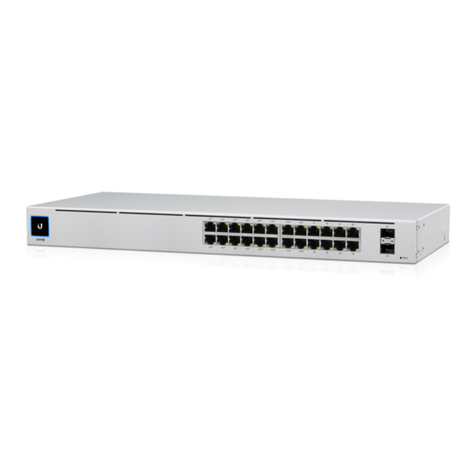
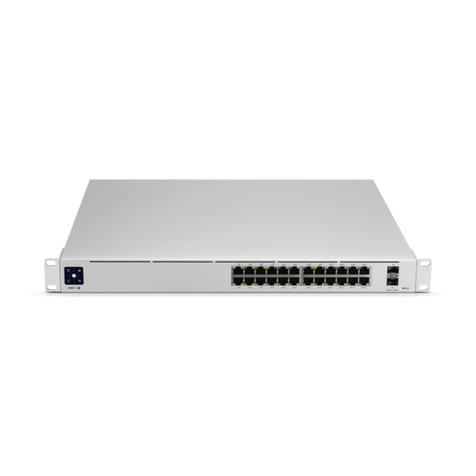
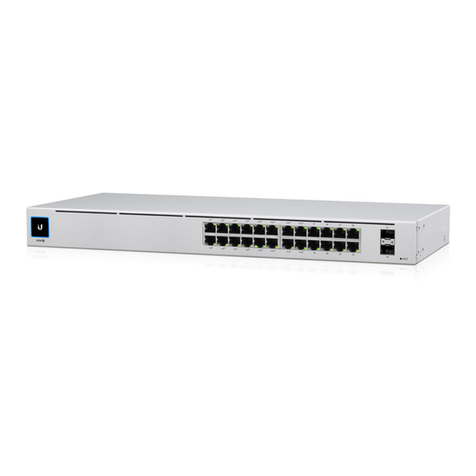
  9. Ubiquiti UniFi Switch 24 User manual

Ubiquiti UniFi Switch 24 User manual

This manual suits for next models

1

Other Ubiquiti Switch manuals

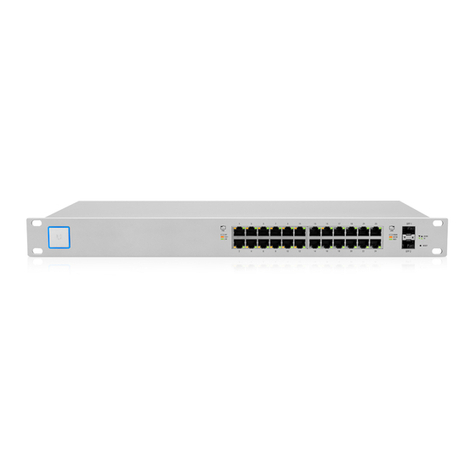
Ubiquiti USW-24 User manual

Ubiquiti

Ubiquiti USW-24 User manual

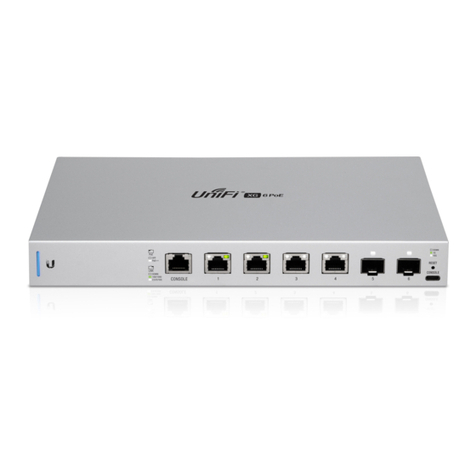
Ubiquiti US-XG-6POE User manual

Ubiquiti

Ubiquiti US-XG-6POE User manual

Ubiquiti ES-24-250W User manual

Ubiquiti

Ubiquiti ES-24-250W User manual

Ubiquiti EdgeSwitch ES-10XP Guide

Ubiquiti

Ubiquiti EdgeSwitch ES-10XP Guide

Ubiquiti EdgeSwitch 48 LITE User manual

Ubiquiti

Ubiquiti EdgeSwitch 48 LITE User manual

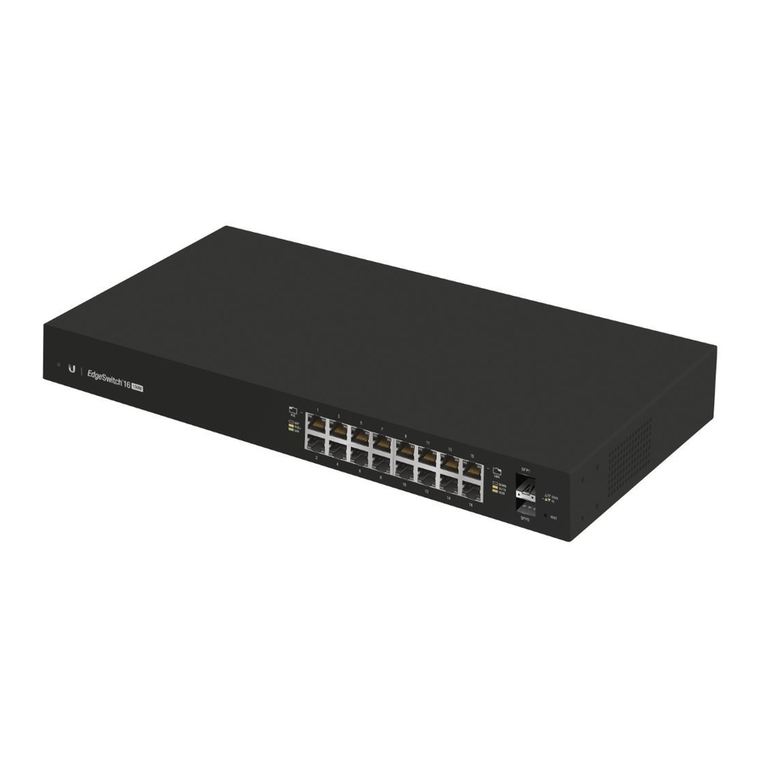
Ubiquiti EdgeSwitch ES-16-150W User manual

Ubiquiti

Ubiquiti EdgeSwitch ES-16-150W User manual

Ubiquiti UniFi USW-Pro-48-POE User manual

Ubiquiti

Ubiquiti UniFi USW-Pro-48-POE User manual

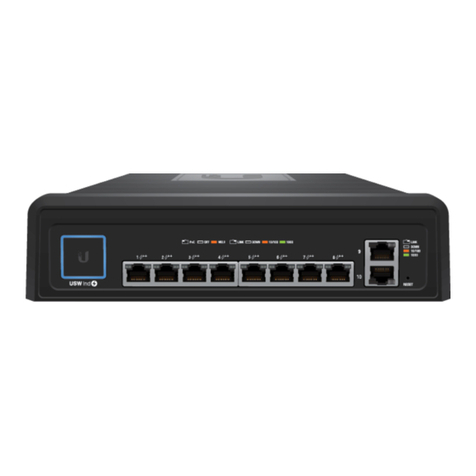
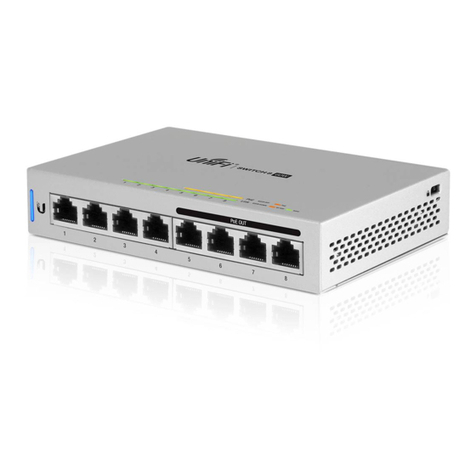
Ubiquiti UniFi SWITCH 8 60W User manual

Ubiquiti

Ubiquiti UniFi SWITCH 8 60W User manual

Ubiquiti ES-24-250W User manual

Ubiquiti

Ubiquiti ES-24-250W User manual

Ubiquiti UniFi USW-24-POE User manual

Ubiquiti

Ubiquiti UniFi USW-24-POE User manual

Ubiquiti USW-Pro-24 User manual

Ubiquiti

Ubiquiti USW-Pro-24 User manual

Ubiquiti unifi switch 8 User manual

Ubiquiti

Ubiquiti unifi switch 8 User manual

Ubiquiti USW--Pro--48 User manual

Ubiquiti

Ubiquiti USW--Pro--48 User manual

Ubiquiti ES-24-250W Instruction Manual

Ubiquiti

Ubiquiti ES-24-250W Instruction Manual

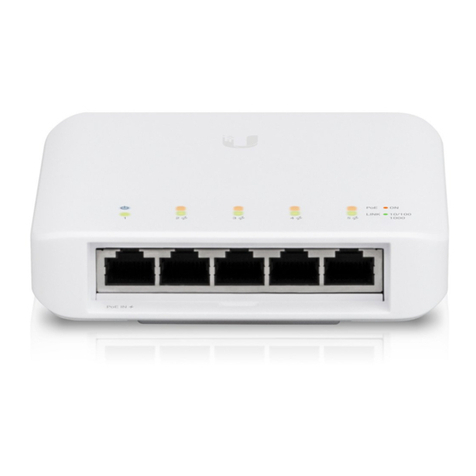
Ubiquiti USW-Flex User manual

Ubiquiti

Ubiquiti USW-Flex User manual

Ubiquiti TouchSwitch Poe TS-5-POE User manual

Ubiquiti

Ubiquiti TouchSwitch Poe TS-5-POE User manual

Ubiquiti UniFi USW-Pro-24-POE User manual

Ubiquiti

Ubiquiti UniFi USW-Pro-24-POE User manual

Ubiquiti US-XG-6POE User manual

Ubiquiti

Ubiquiti US-XG-6POE User manual

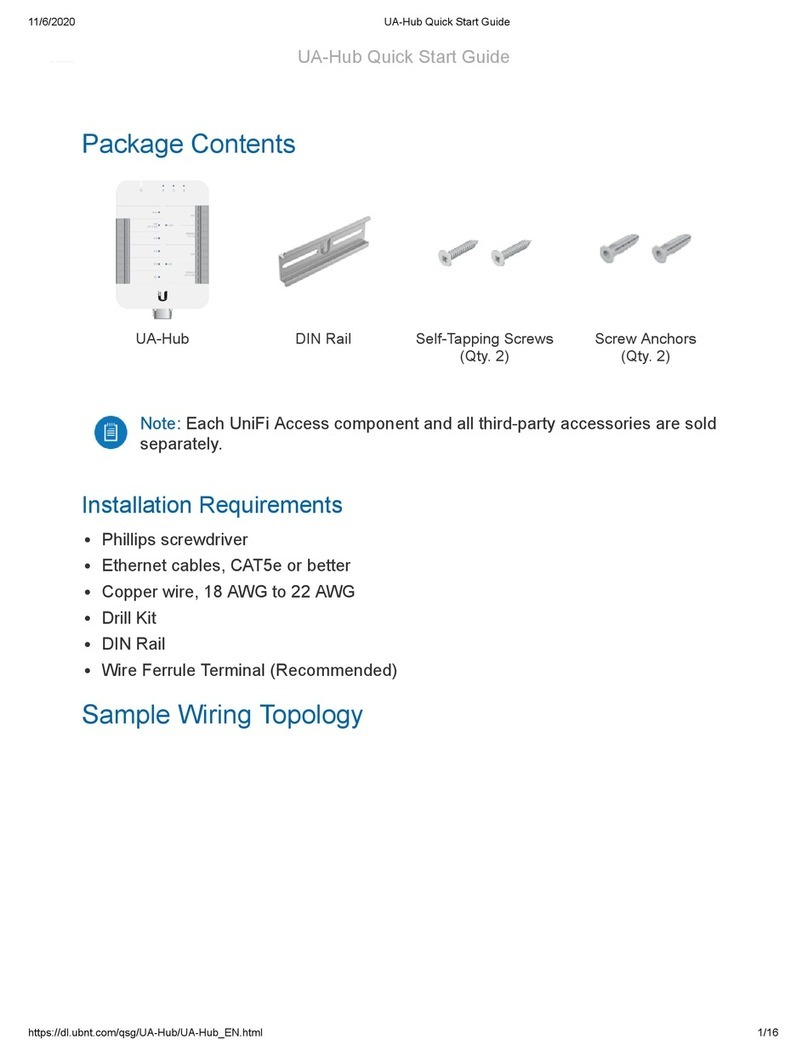
Ubiquiti UA-Hub User manual

Ubiquiti

Ubiquiti UA-Hub User manual

Ubiquiti UniFi US-24-250W User manual

Ubiquiti

Ubiquiti UniFi US-24-250W User manual
Ubiquiti TS-5-POE ToughSwitchPoE User manual

Ubiquiti

Ubiquiti TS-5-POE ToughSwitchPoE User manual

Ubiquiti UniFi US-48-500W User manual

Ubiquiti

Ubiquiti UniFi US-48-500W User manual

Ubiquiti EdgeSwitch 12 Fiber User manual

Ubiquiti

Ubiquiti EdgeSwitch 12 Fiber User manual

Ubiquiti US-XG-6POE User manual

Ubiquiti

Ubiquiti US-XG-6POE User manual
Popular Switch manuals by other brands

TRENDnet TK-401R null

TRENDnet

TRENDnet TK-401R null

TRENDnet TK-200K null

TRENDnet

TRENDnet TK-200K null

TRENDnet TE100-S8 null

TRENDnet

TRENDnet TE100-S8 null

URC Total Control MFS-8 installation manual

URC

URC Total Control MFS-8 installation manual

Azbil HPQ-D11 user manual

Azbil

Azbil HPQ-D11 user manual

Sony DFS-900M operating instructions

Sony

Sony DFS-900M operating instructions

SICK i17S operating instructions

SICK

SICK i17S operating instructions

F&F SZR-277 quick start guide

F&F

F&F SZR-277 quick start guide

Shure UAMS/BK user guide

Shure

Shure UAMS/BK user guide

Dräger X-zone Switch Off Instructions for use

Dräger

Dräger X-zone Switch Off Instructions for use

Asco Joucomatic 349 Series manual

Asco

Asco Joucomatic 349 Series manual

BT Mini Hub user guide

BT

BT Mini Hub user guide

D-Link DES-1226G manual

D-Link

D-Link DES-1226G manual

Johnson Controls FS80-C installation instructions

Johnson Controls

Johnson Controls FS80-C installation instructions

MicroNet SP1200A user manual

MicroNet

MicroNet SP1200A user manual

Ruijie RG-PF2920 Series Hardware  installation and reference guide

Ruijie

Ruijie RG-PF2920 Series Hardware installation and reference guide

Altinex DA1914SX user guide

Altinex

Altinex DA1914SX user guide

RJM MASTERMIND PBC/6X user manual

RJM

RJM MASTERMIND PBC/6X user manual

https://manuals.online logo
https://manuals.online logoBrands
  • About & Mission
  • Contact us
  • Privacy Policy
  • Terms and Conditions

Copyright 2026 Manuals.Online. All Rights Reserved.

12/11/2020 USW-24 Quick Start Guide
https://dl.ubnt.com/qsg/USW-24/USW-24_EN.html 1/13
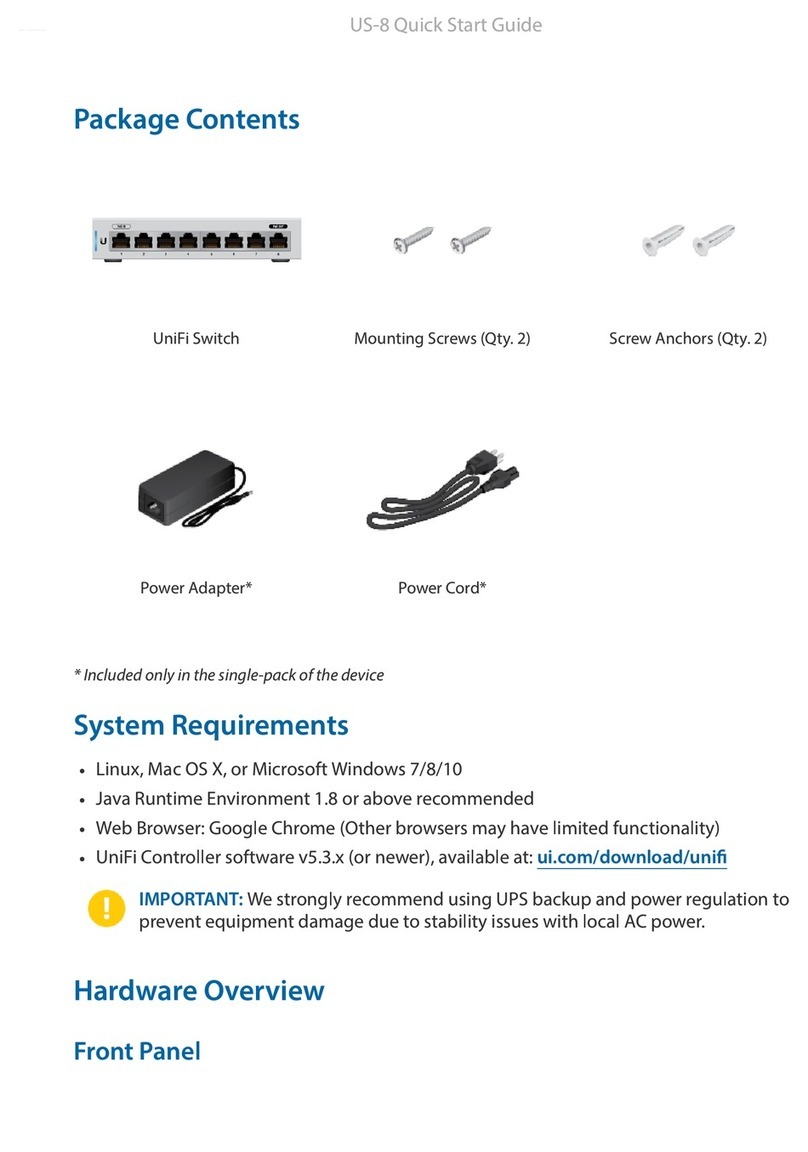
UniFi Switch Rack-Mount Brackets (Qty. 2) Bracket Screws (Qty. 8)
Mounting Screws (Qty. 4) Cage Nuts (Qty. 4) Power Cord
Package Contents
System Requirements
Linux, Mac OS X, or Microsoft Windows 7/8/10
Java Runtime Environment 1.6 (1.8 or newer recommended)
Web Browser: Google Chrome (Other browsers may have limited functionality.)
UniFi Controller software v5.12.x (or newer), available at: ui.com/download/uni
IMPORTANT: We strongly recommend using UPS backup and power
regulation to prevent equipment damage due to stability issues with local
AC power.
Hardware Overview
USW-24 Quick Start Guide
12/11/2020 USW-24 Quick Start Guide
https://dl.ubnt.com/qsg/USW-24/USW-24_EN.html 2/13
Touchscreen Display
RJ45 Speed/Link/Activity LED (Ports 1 - 24)
SFP Link/Activity LED (Ports 25 - 26)
RJ45 (Ports 1 - 24)
Bootup Animation Initializing.
Steady White Factory defaults, waiting for adoption.
Steady Blue Successfully adopted by a network and working
properly.
Location Animation This indicates that you clicked Locate in the UniFi
Controller software. The software will also display
the location of the device on the map.
Off No Link
Amber Link Established at 10/100 Mbps
Flashing Indicates Activity
Green Link Established at 1000 Mbps
Flashing Indicates Activity
Off No Link
Green Link Established at 1 Gbps
Flashing Indicates Activity
USW-24 Quick Start Guide
12/11/2020 USW-24 Quick Start Guide
https://dl.ubnt.com/qsg/USW-24/USW-24_EN.html 3/13
SFP (Ports 25 - 26)
Reset Button
Power Port
RJ45 ports support 10/100/1000 Ethernet connections.
Hot-swappable SFP ports support 1 Gbps connections.
This button serves two functions for the UniFi Switch:
Restart Press and release the Reset button quickly.
Restore to Factory Default Settings Press and hold the Reset button for more
than ve seconds.
Connect the included Power Cord to the Power port.
Installation Requirements
Phillips screwdriver
Standard-sized, 19" wide rack with a minimum of 1U height available
For indoor applications, use Category 5 (or above) UTP cabling approved for
indoor use.
For outdoor applications, shielded Category 5 (or above) cabling should be used
for all wired Ethernet connections and should be grounded through the AC
ground of the power supply.
We recommend that you protect your networks from harmful outdoor
environments and destructive ESD events with industrial-grade, shielded
Ethernet cable from Ubiquiti. For more details, visit: ui.com/toughcable
Note: Although the cabling can be located outdoors, the UniFi Switch
itself should be housed inside a protective enclosure.
Hardware Installation
1.
USW-24 Quick Start Guide
12/11/2020 USW-24 Quick Start Guide
https://dl.ubnt.com/qsg/USW-24/USW-24_EN.html 4/13
2.
OR
USW-24 Quick Start Guide
12/11/2020 USW-24 Quick Start Guide
https://dl.ubnt.com/qsg/USW-24/USW-24_EN.html 5/13
Connecting Power
USW-24 Quick Start Guide
12/11/2020 USW-24 Quick Start Guide
https://dl.ubnt.com/qsg/USW-24/USW-24_EN.html 6/13
Connecting Ethernet
Connecting SFP
1.
USW-24 Quick Start Guide
12/11/2020 USW-24 Quick Start Guide
https://dl.ubnt.com/qsg/USW-24/USW-24_EN.html 7/13
2.
3.
USW-24 Quick Start Guide
12/11/2020 USW-24 Quick Start Guide
https://dl.ubnt.com/qsg/USW-24/USW-24_EN.html 8/13
For information about compatible ber SFP modules, visit:
ubnt.link/UniFi_SFP_DAC_Compatibility
Software Installation
Download and install the latest version of the UniFi Controller software at
ui.com/download/uni and follow the on-screen instructions.
Note: If you already have UniFi Controller v5.12.x or newer installed, skip to
“Adopting the UniFi Switch”.
After you have installed the software and run the UniFi Installation Wizard, a login
screen will appear for the UniFi Controller management interface. Enter the admin
name and password that you created and click Sign In.
USW-24 Quick Start Guide
12/11/2020 USW-24 Quick Start Guide
https://dl.ubnt.com/qsg/USW-24/USW-24_EN.html 9/13
You can manage your network and view network statistics using the UniFi Controller
management interface.
To adopt the UniFi Switch, proceed to “Adopting the UniFi Switch”.
For information on conguring and using the UniFi Controller software, refer to the
User Guide on the website: ui.com/download/uni
Adopting the UniFi Switch
1. From the UniFi Controller dashboard, click Devices in the left menu bar.
2. On the Devices screen, locate the UniFi Switch in the list of devices under the
Model column. To adopt the UniFi Switch, click Adopt.
USW-24 Quick Start Guide
12/11/2020 USW-24 Quick Start Guide
https://dl.ubnt.com/qsg/USW-24/USW-24_EN.html 10/13
3. The display will turn blue to conrm that the UniFi Switch has been successfully
adopted.
Specications
USW-24
Dimensions 442.4 x 200 x 43.7 mm
(17.42 x 7.87 x 1.72")
Weight 2.70 kg (5.95 lb)
With Rackmount Brackets 2.79 kg (6.15 lb)
Interfaces
Networking (24) 10/100/1000 RJ45 Ports
(2) 1G SFP Ethernet Ports
Management Ethernet In-Band
Power Method 100-240VAC, 50/60 Hz, Universal Input
Power Supply AC/DC, Internal, 36W
Supported Voltage Range 100 to 240VAC
Max. Power Consumption 25W
LEDs
RJ45 Data Ports Speed/Link/Activity
SFP Data Ports Link/Activity
ESD/EMP Protection Air: ± 16 kV, Contact: ± 12 kV
Shock and Vibration ETSI300-019-1.4 Standard
Operating Temperature -5 to 45° C (23 to 113° F)
Operating Humidity 10 to 90% Noncondensing
USW-24 Quick Start Guide