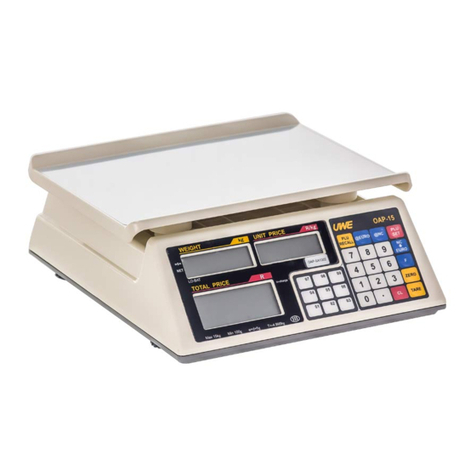
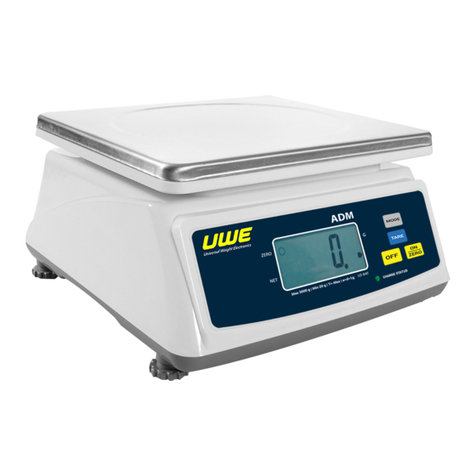
a. Remove all loads from platter
b. Turn scale on
c. Scale displays zero weight; if not, press ON/ZERO
d. Press and hold ON/ZERO. Scale displays:
-L._oFF = Function enable
-L1._on = Function disable
5.5 SET DISPLAYED VALUE TO ZERO WHEN UNLOADED
Press ON/ZERO can eliminate a positive or negative value
when scale is not at its zero. After ON/ZERO is pressed,
the ZERO INDICATOR appears.
Refer to SPECIFICATIONS for maximum zero range.
5.6 TARE OFF THE WEIGHT OF A CONTAINER
When a container is used, follow the below steps to
manually tare off the weight of container and get the
net weight.
a. Remove all loads away from platter
b. Make sure that the ZERO INDICATOR is on.
c. Place the container on the platter.
d. Press TARE.
After TARE is pressed, the TARE INDICATOR would appear.
Refer to 5.2 for weighing procedures. Weight displayed
under is the net weight of the subject matter. Refer
to SPECIFICATIONS for maximum tare range.
5.7 CLEAR THE TARE FUNCTION
a. Remove all loads from platter
b. The tare effect will be cancelled:
-Automatically if automatic tare function is
employed, or
-By pressing TARE
c. After TARE is pressed, the NET INDICATOR would
disappear
5.8 WEIGHT CHECK FUNCTION
This scale is equipped with Weight Check Function. An
audio and video signal is generated to reflect the weight
check result.
5.8.1 Setting the High, Low Weight Limits and Buzzer
Warning
a. Remove all loads from platter
b. Turn scale on
c. Make sure that ZERO INDICATOR is on; if not, press
ON/ZERO