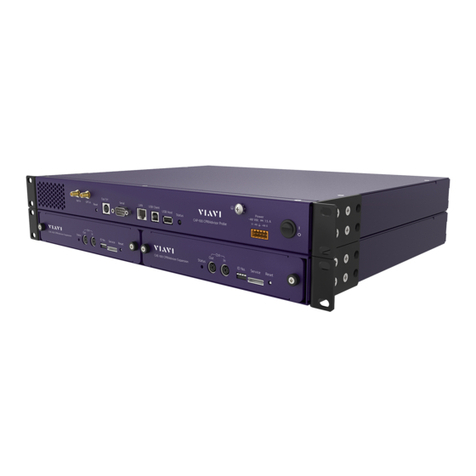
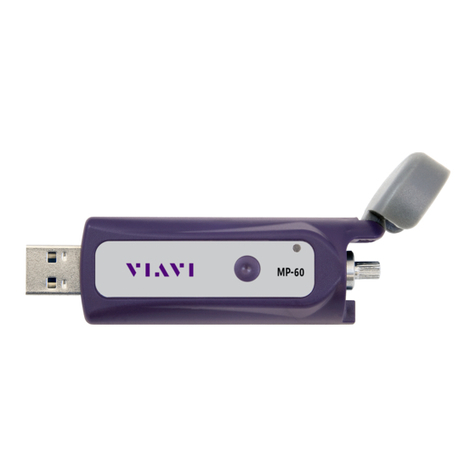
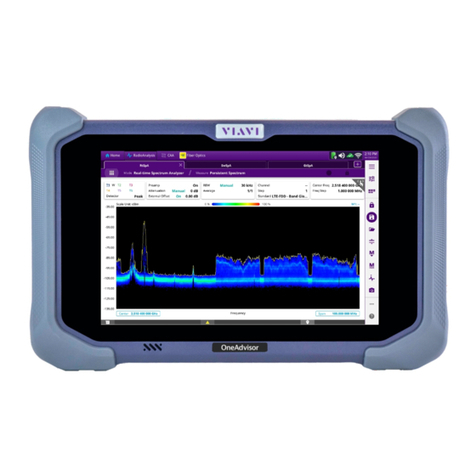
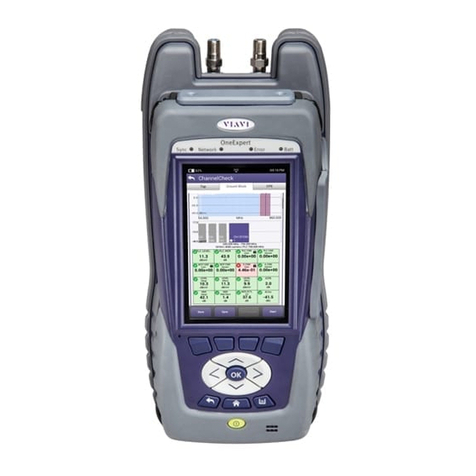
ONX-220 User's Guide
22135173, Rev. 000 June 202010
Navigating the user interface .............................................................................31
Battery status and time ...............................................................................32
Expanding a menu.........................................................................................32
Selecting a menu option..............................................................................32
Using the tray menu .....................................................................................32
Entering data................................................................................................... 33
Personalizing the user interface ........................................................................33
Shortcuts ..........................................................................................................33
Rearranging icons...........................................................................................33
Chapter 2 Utilities 35
Accessing system utilities....................................................................................36
Displaying the System Settings menu .....................................................36
Displaying the Tray menu............................................................................ 37
Setting up your instrument ................................................................................38
Configuring international settings............................................................38
Setting the date and time ...........................................................................39
Set the time ..........................................................................................39
Set the date...........................................................................................39
Specify the date format.....................................................................39
Specify the time format.....................................................................39
Change the time zone ........................................................................39
Control Time Synchronization ..........................................................39
Changing screen and power settings ...................................................... 40
Set the backlight................................................................................. 40
Set the backlight timeout ................................................................ 40
Set the power off delay.................................................................... 40
Setting the volume........................................................................................ 41
Specifying the location for saved files..................................................... 41
Specifying user information........................................................................ 41
Restoring factory defaults ..................................................................................42
Establishing network connections....................................................................42
Enabling network connectivity..................................................................42
Establishing an Ethernet connection........................................................43
IPv4 Address Mode..............................................................................43
IPv6 Address Mode............................................................................. 44
IP Dual Stack Address Modes .......................................................... 44
Establishing an RF Connection ...................................................................45
Establishing a WiFi connection...................................................................45
Adding a WiFi network profile ...................................................................45
Connecting to a WiFi network................................................................... 46
Establishing a Bluetooth connection........................................................47
Enabling Bluetooth connectivity ...............................................................47
Connecting to a Bluetooth device.............................................................47
Updating the instrument’s firmware .............................................................. 48
Contents