D-303169 KP-160 PG2 Installation Instructions 7
Note: Every 5 minutes the keyprox performs a communication test
session with the control panel (i.e. "Supervision signal) to check
the integrity and quality of the Radio link. If the keyprox does not
report a supervision signal at least once within a predefined time,
a “MISSING” trouble alert is initiated. Therefore, if you take the
keyprox out of the protected premises, switch the Supervision
OFF to avoid the trouble alert.
Define whether or not the keyprox will sound the exit and entry
beeps or whether the keyprox will sound the beeps only when the
system is armed AWAY and not when it is armed HOME.
Option settings: ON; OFF (default) and OFF @ Home.
Under trouble conditions, the panel sounder emits a series of 3
short reminder beeps once per minute. Here you determine
whether to enable or disable this reminder beeping or just disable
it at night. The “night” hours are defined in the factory but are
usually from 8 PM (20:00) until 7:00 AM.
Option settings: ON; OFF (default) and OFF @ night.
Define the volume level of the sounder.
Option settings: Medium (default); Maximum and Minimum
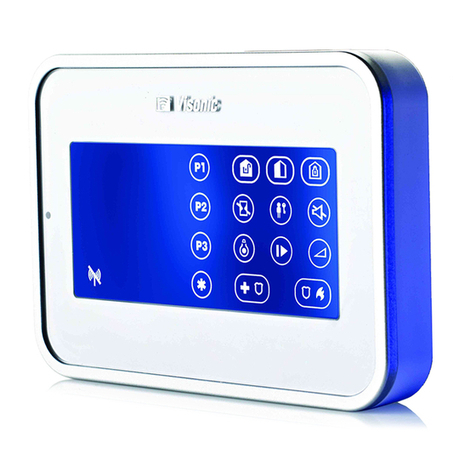
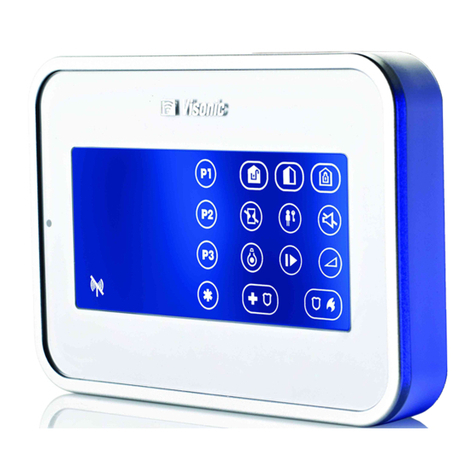
Enabling the function will turn off the display if no key is pressed
for more than several seconds.
Options settings: Disabled (default) and Enabled.
Notes:
1) When the "SCREEN SAVER" menu on the PowerMaster
control panel is configured as "refresh by key", touching the
right side of the screen on the KP-160 PG2 device will return
the device to normal display (refer to the PowerMaster
Installer Guide, section 3.5.6).
2) When the "SCREEN SAVER" menu on the PowerMaster
control panel is configured as "refresh by code", touching the
right side of the screen on the KP-160 PG2 device and then
presenting the proximity tag to the tag reader will return the
device to normal display (refer to the PowerMaster Installer
Guide, section 3.5.6).
Select the function of the (AUX) key when pressed:
Not used: No function assigned to AUX key.
Status: Control panel displays and announces* the system status.
Stop Beeps: Control panel and other devices in the system (such
as keyproxs, sirens etc.) will stop beeping during the exit delay.
Skip exit delay: Stop the exit delay immediately.
X-10 (PGM): Activate the appliance controlled by the chosen X-10
unit(s) or the device wired to the PGM output. For more details on
configuring the X-10/PGM output functions, see the corresponding
Trouble Beeps
BUTTON ()
Screen Saver
Sounder Volume
EXIT-ENTRY Beeps