ENGLISH
2. Place the bowl (11) in the process chamber.
Make sure that the outer surface of the bowl
is clean and dry, and the bowl itself is placed
evenly and is in secure contact with the sur
face of the heating element (9).
Note:
Do not use the bowl (11) for washing cereals
and do not chop products in it, this can dam
age the non-stick coating.
Make sure that there are no foreign objects,
dirt or moisture in the process chamber and
on the bottom of the bowl (11).
Wipe the outer surface and the bottom of the
bowl (11) dry before use.
In the middle of the heating element (9) there
is a temperature sensor (10). Make sure that
the movement of the sensor is not limited.
3. If you steam products, pour water into the bowl
(11) so that boiling water doesn’t reach the bot
tom of the basket (21). Put the food into the
basket (21) and place it on the bowl (11).
. Close the lid ( ) until click.
5. Insert the power cord jack into the connector
(8) and the power cord plug into the socket.
You will hear a sound signal, the display (3)
illumination will blink, and the «START» button
(1 ) will be flashing.
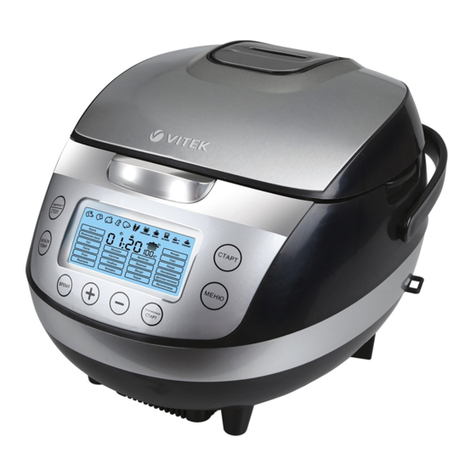
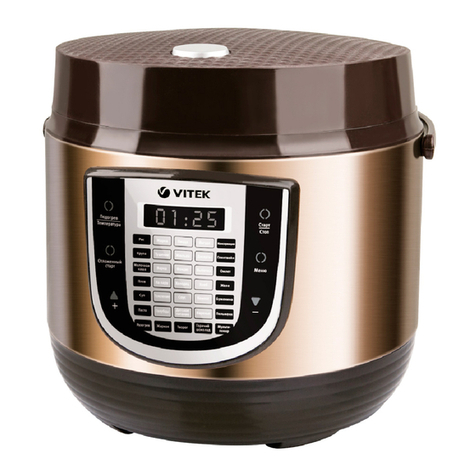
6. Select the cooking program pressing the
«MENU» button (15) consequently, the cor
responding program name will be flashing on
the display (3) and the default cooking time
will appear.
Note: Setting of the cooking time is not avail
able for the program Rice». If you have
selected this program, the symbols 8888»
will appear on the display.
The programs Fondue» and Multicook»
allow to set the heating element temper
ature. If you have selected one of these
programs, the set temperature also will be
shown on the display.
7. Press the «TIME» button (16) and then use
the buttons (17) «-/+» to set the cooking time.
Note: When selecting the program Rice»,
skip the step 7.
8. Set the delayed start function. To do this
touch the «DELAYED START» button (18), the
indicator 0 will appear on the display (3).
9. Use the buttons (17) «-/+» to set the cook
ing end time.
Note:
If you want to start cooking immediately, skip
steps 8 and 9.
7
See the list of programs with available
delayed start function in the table Cooking
programs».
10. To save the settings and switch the program
on, touch the «START» button (1 ), the dis
play will show the remaining time indication
(except for the program «Rice»).
Note:
If you didn’t confirm the program settings
with the START button (14) within 1.5-2 min
utes, there will be 15 sound signals and the
unit will be switched to standby mode (the
display illumination will go out).
The symbol u iu will be shown on the display
(3) during the cooking process (the heating
element is operating).
If you set the delayed start function and
switch the unit on, the symbol Q will appear
on the display. Once the delay time is over,
the unit will be switched to heating, and you’ll
hear a sound signal and see the symbol u !u
on the display.
11. To switch the program off, press the «STOP»
button (20).
12. Sound signals will inform you that the cooking
is finished. If the keep warm function is avail
able for the selected program, the unit will
be automatically switched to the keep warm
mode, the multicooker operation time in the
heating mode (up to 2 hours) will be shown
on the display (3).
Note: See the list of programs with available
keep warm function in the table Cooking
programs».
13. To cancel the keep warm mode, touch the
«KEEP WARM/CANCEL» button (20).
1 . Unplug the unit after you finish using it.
15. Open the lid ( ). Put on the potholders and
remove the bowl (11) taking it by the handles
(12).
Note:
Despite the unit keeps the ready dish warm
for 24 hours, it is not recommended to leave
the cooked food in the bowl for a long time,
because this may spoil the food.
Do not use the keep warm function for heat
ing up the products.
Attention!
• Never leave the operating unit unat
tended.
• To avoid scalding, be careful when open
ing the lid (4). Do not bend over the steam
valve (6) during operation of the multi
VT-4217.indd 7 24.01.2014 16:58:35